How To Upgrade The G74SX A1 Gaming Laptop
This is a short guide to show how easy it is to upgrade the G74SX A1 gaming laptop. Normally most laptops require at least a screwdriver to get into them, and even then they'll only give access to a memory upgrade. The G74 is different. It has a single large panel, which uses one big screw that can be easily undone using a key or a coin. This panel covers both memory and hard drives, so you can upgrade both via the single hatch.
[gallery include="" size="medium" link="file" template="file-gallery"]
Right let's get down to business and pop it open! (Don't worry: the business card is not a standard feature!)

See that shiny circle? Take a coin and get inside:

From here we simply pop off the panel to expose the juicy innards:

As you can see above there are four SO-DIMM DDR3 slots to fill, giving you a maximum of 16GB of memory, as well as two hard drives that can carry up to 1.5TB of storage in total (or more as 2.5in drives get ever bigger). For SSD setups, these twin slots allow freedom of customization depending on your preference: SSD speed plus large hard drive, or two SSDs in RAID.
So while the G74 is pre-dominantly designed for gamers with its angular aesthetics and Nvidia GTX 560M GPU, the massive storage capacity and upgrade freedom means it can also simply act as full desktop replacement.
Please note that in retail models you won't get mixed DIMMs like we've shown here; this is merely our in-house testing unit (hence the business card above).

For travel security the hard drives are screwed down though, but with a small Philips head screwdriver they are both easily liberated from their housing.

It's a given that a laptop this powerful won't match an Eee Pad for all-day battery, however the G74 also has a removable battery so it can be replaced whenever necessary, by just popping the catch.


If there is anything else you'd like to know about the G74, or if you own one and have upgrade mods of your own, please let us know in the forums or on our ROG Facebook page!
Author
Popular Posts
How to adjust your laptop's P-Cores and E-Cores for better performance and battery life
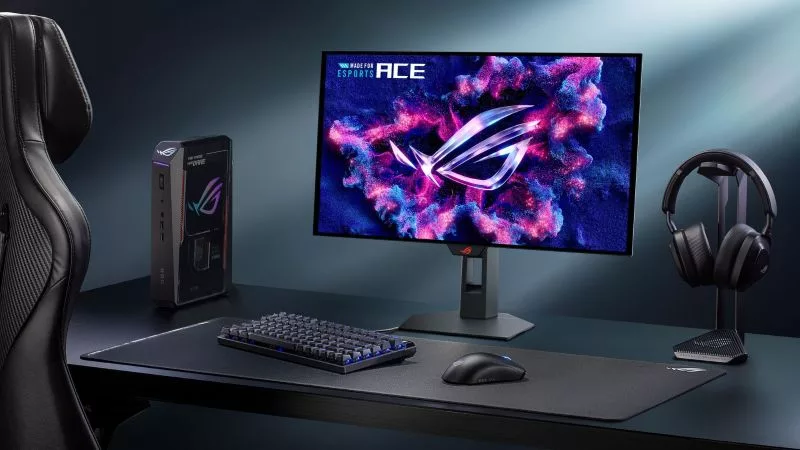
The ROG Strix OLED XG259QWPG Ace is a tournament-ready OLED designed for esports pros
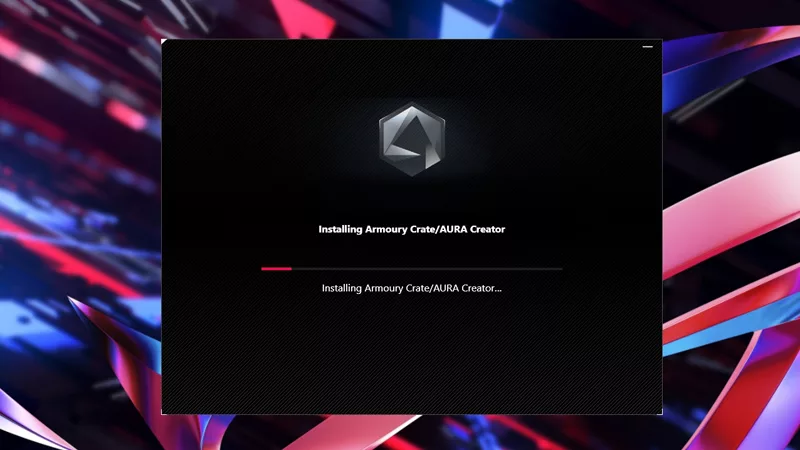
How to Cleanly Uninstall and Reinstall Armoury Crate

The ROG XREAL R1 gaming glasses let you game anywhere on a 171-inch 240Hz virtual screen
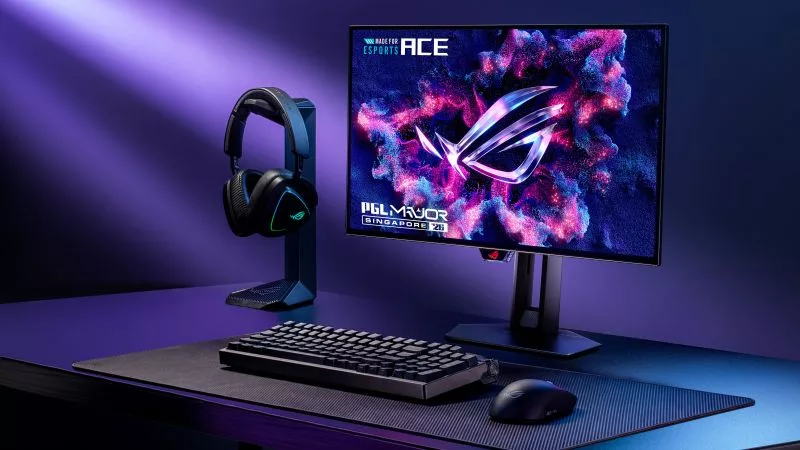
New 24.5-inch ROG monitors bring OLED panel tech to the esports arena
LATEST ARTICLES
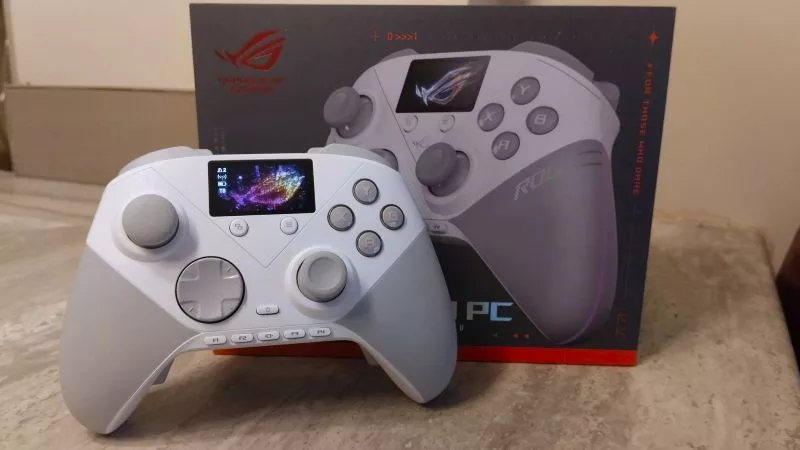
The ROG Raikiri II Pro PC gives me the controller customization I need to thrive
The ROG Raikiri II Pro PC controller has revolutionized my ability to go pro from the comfort of my couch.

The ROG Kithara just benched every other gaming headset I own
Just about everything I ask for in a premium gaming headset, the ROG Kithara does with gusto.

The ROG Raikiri II is my new go-to game controller — and I can’t put it down
I'm a PC gamer who plays on the couch — and the new ROG Raikiri II is the lynchpin of my living room battlestation.