DDR4 3000MHz Setup Guide On Rampage V Extreme
 Hitting 3GHz DDR4 is sometimes a little more difficult than just flicking the XMP switch in the BIOS, despite ASUS and ROG X99 engineers working extensively on qualification with popular memory vendors like Corsair, G.Skill, Kingston, Crucial, ADATA and more.
The overclock to 125MHz CPU base clock is not inconsiderable for a CPU, and sometimes requires a bit of luck for a quality processor, as well as tweaking a few extra BIOS settings like VCCSA to gently coax the silicon into stability.
To help guide you on your way, ROG Forum overclocker, Chino, has put together another one of his awesome memory guides on DDR4 3000MHz setup using the popular G.Skill Ripjaws-4 3GHz memory and the Rampage V Extreme. It is entirely applicable to other memory brands and ASUS X99 motherboards as well, so don't let that stop you pushing that memory clock!
Author
Popular Posts
How to adjust your laptop's P-Cores and E-Cores for better performance and battery life
The ROG Strix OLED XG259QWPG Ace is a tournament-ready OLED designed for esports pros
How to Cleanly Uninstall and Reinstall Armoury Crate

New 24.5-inch ROG monitors bring OLED panel tech to the esports arena

The ROG XREAL R1 gaming glasses let you game anywhere on a 171-inch 240Hz virtual screen
LATEST ARTICLES
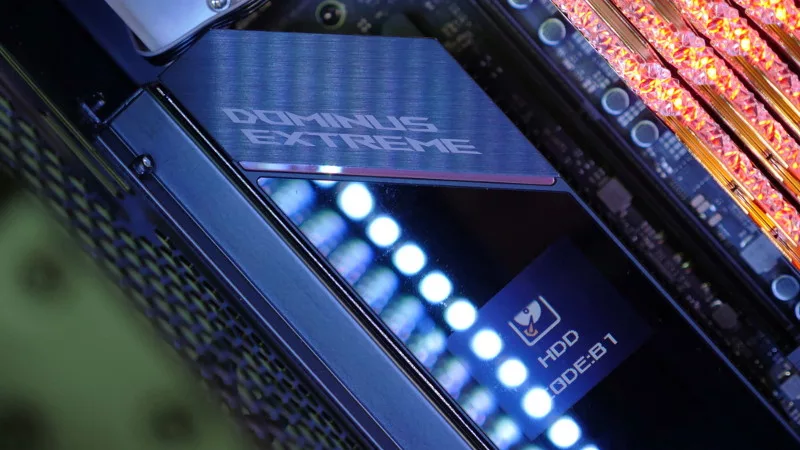
See the mammoth ROG Dominus build that takes Intel's 28-core Xeon W-3175X to the Extreme
The ROG Dominus Extreme pushes the boundaries of PC performance in our awesome CES 2019 build.
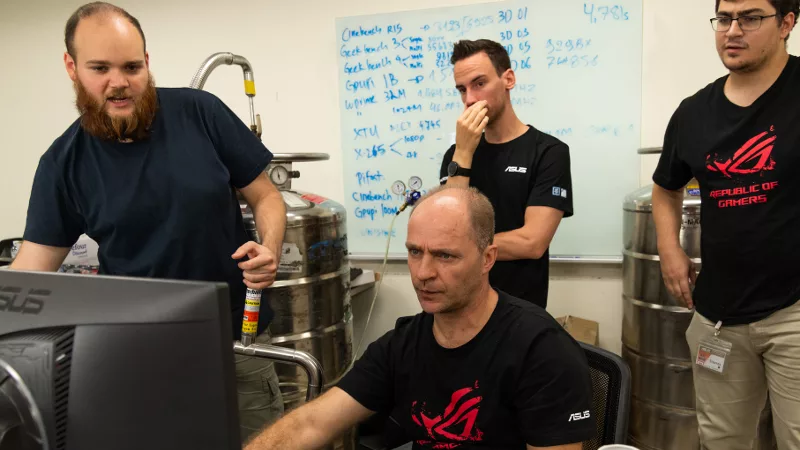
Breaking world records with the ROG Maximus XI Gene and the Intel Core i9-9900K
Tasked with pushing performance on the Z390 platform as far as possible, we invited the best overclockers to ROG HQ for a week of extreme overclocking.
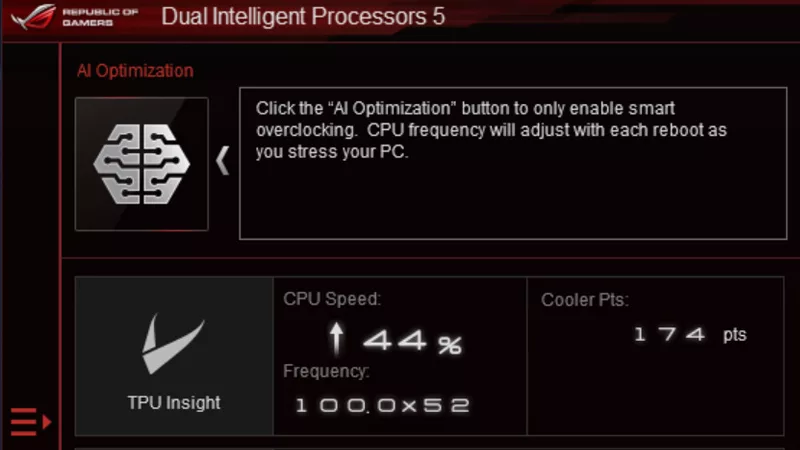
How to overclock your system using AI Overclocking
AI Overclocking one-click tuning makes its debut on Z390 motherboards and we have a quick how-to guide to get you started.