Unboxing the ROG Swift PG248Q 180Hz Gaming Monitor
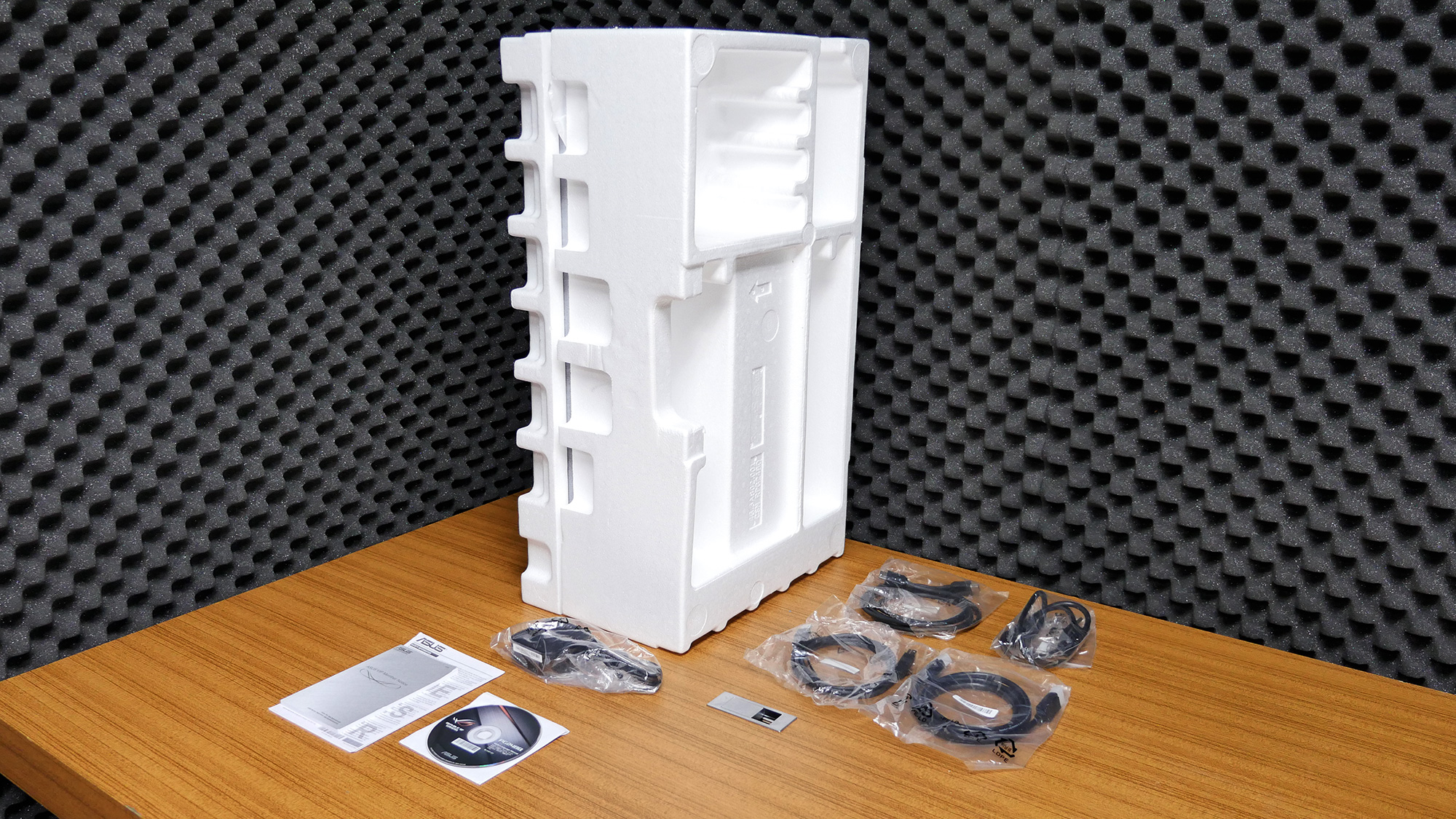
Designed for professional gaming, ROG Swift PG248Q is the official monitor for ESL ONE Cologne 2016 and The International 2016. Removal from the box was swift and easy. Find out which way and base is and put it on the table. The protective covering isn't hard to pull off so there isn't a need to rip or cut it open. All the cables you need come are included.
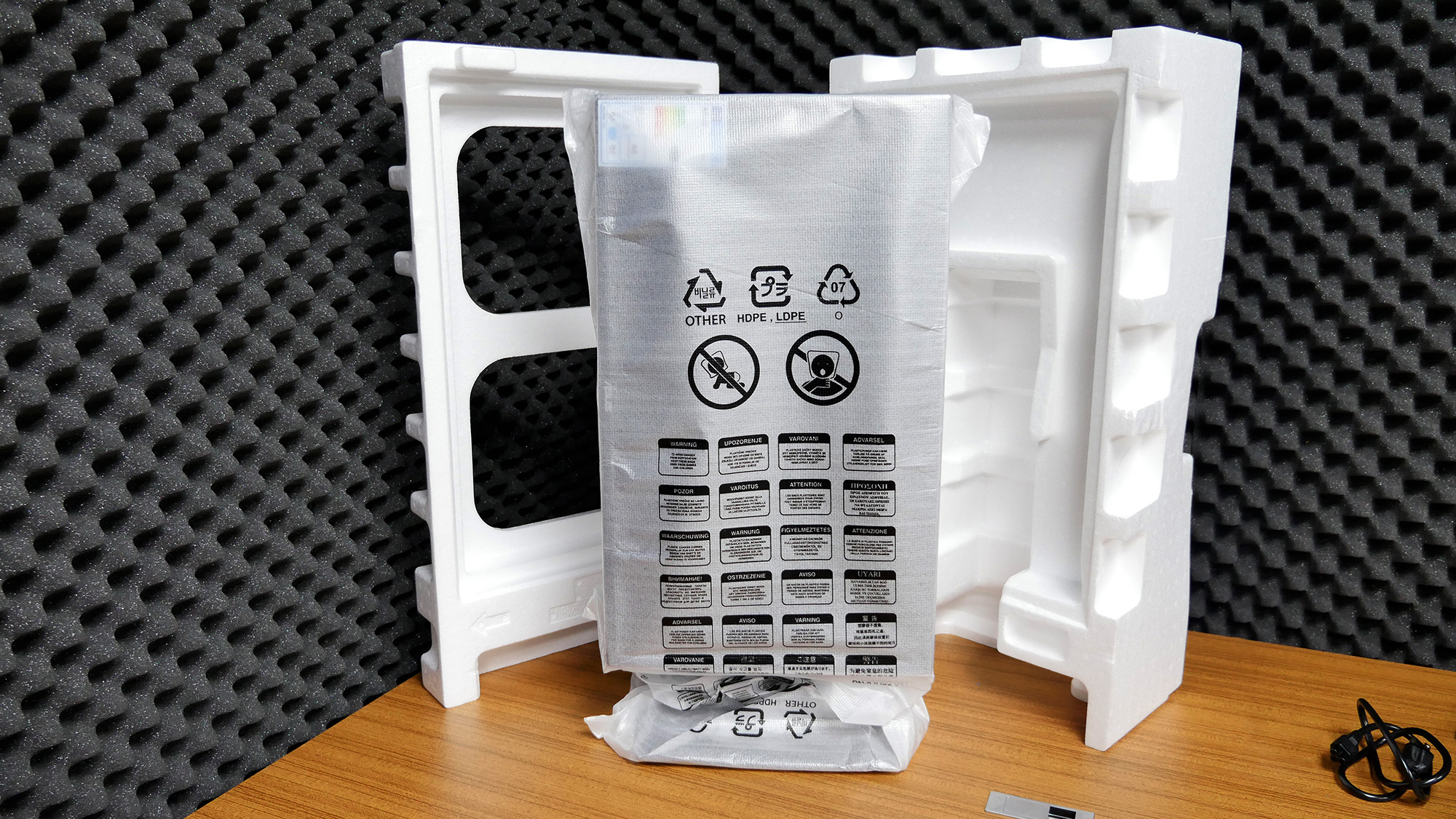
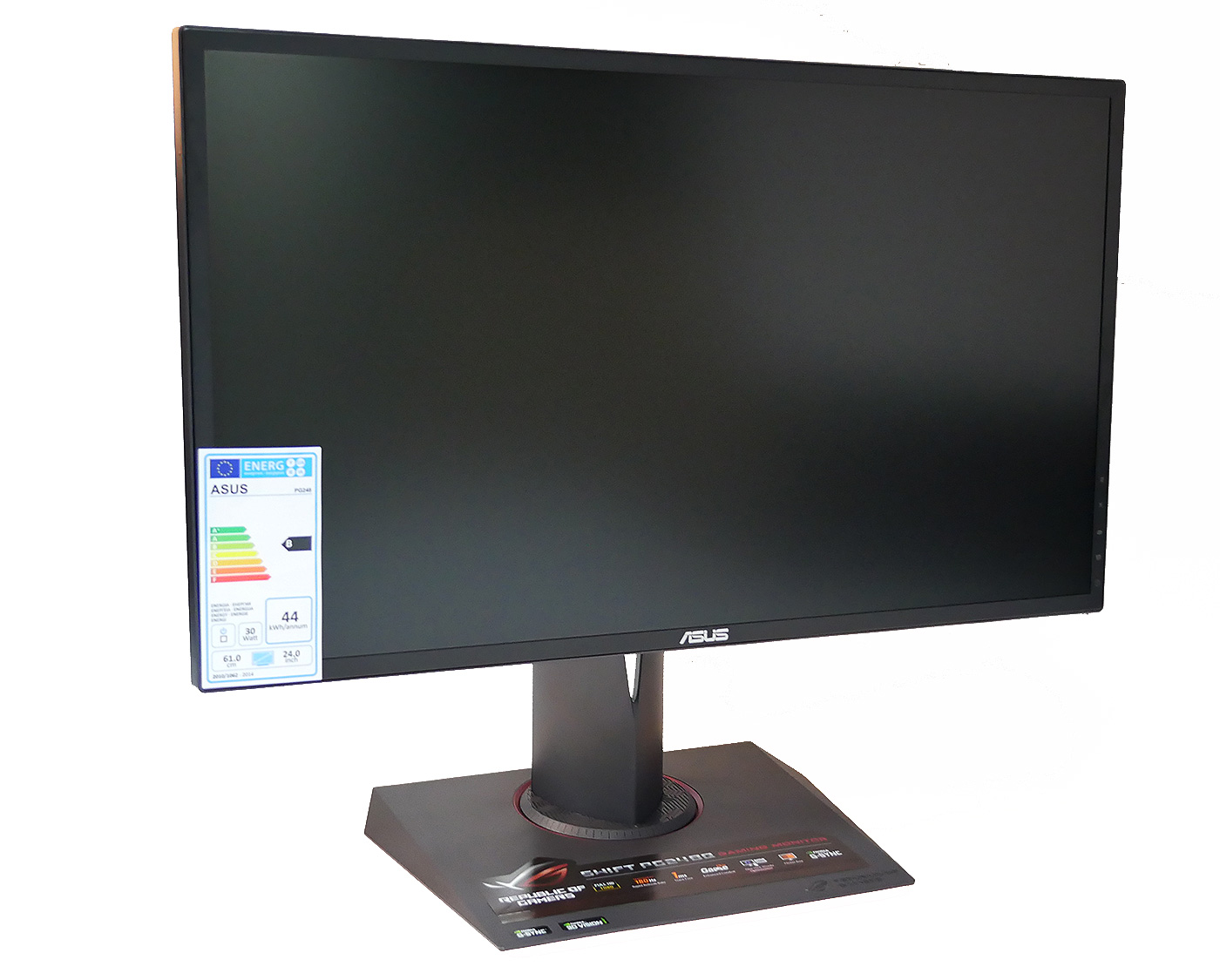
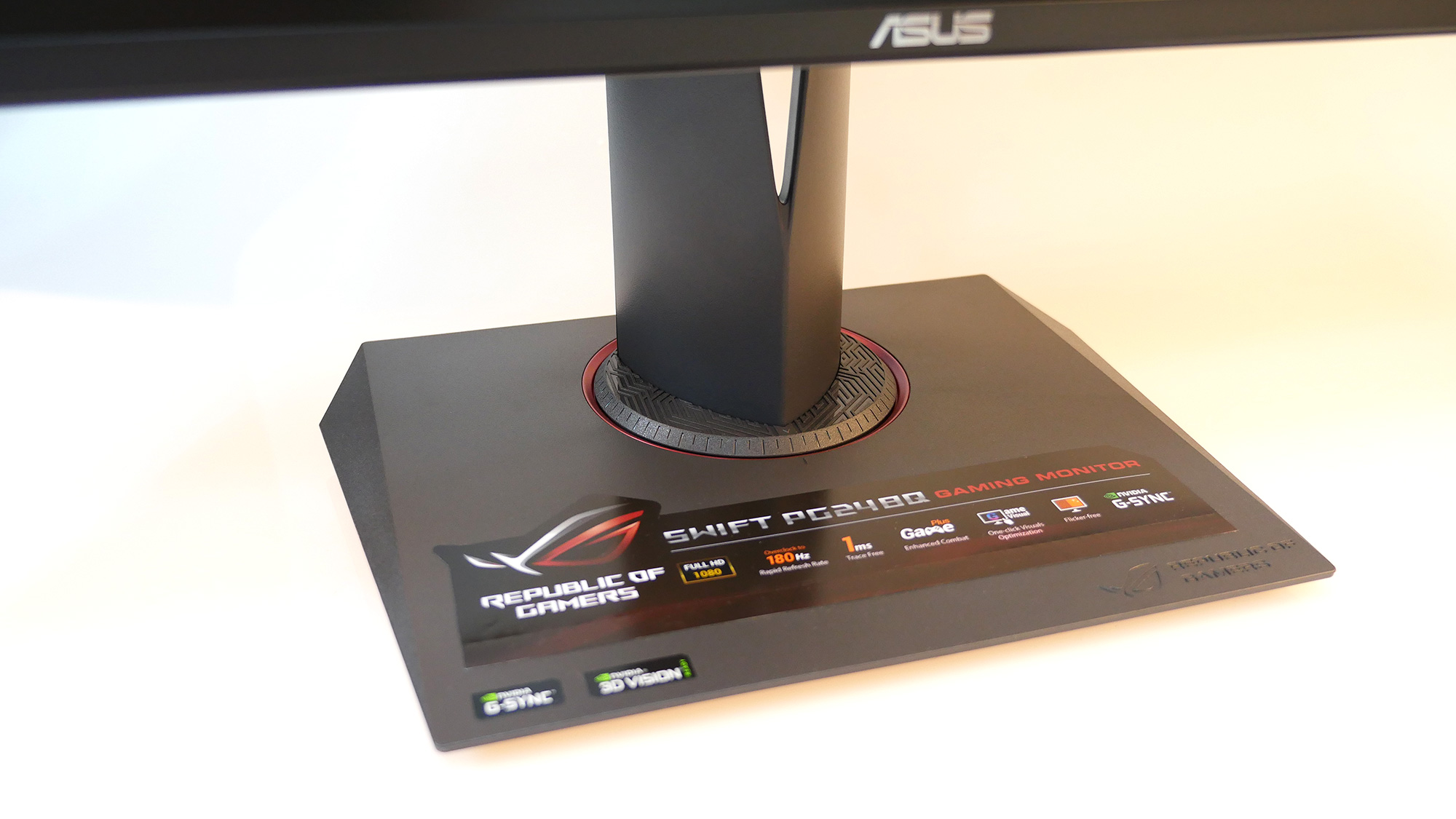
Like its big siblings, it's one good looking gaming display with the performance to match. PG248Q features an overclockable 180Hz refresh rate, 1ms response time and NVIDIA G-SYNC to eliminate smearing, tearing and motion blur. Basically, games will be running as smooth as butter. You'll be completing with friends on a gaming monitor used at the professional level.
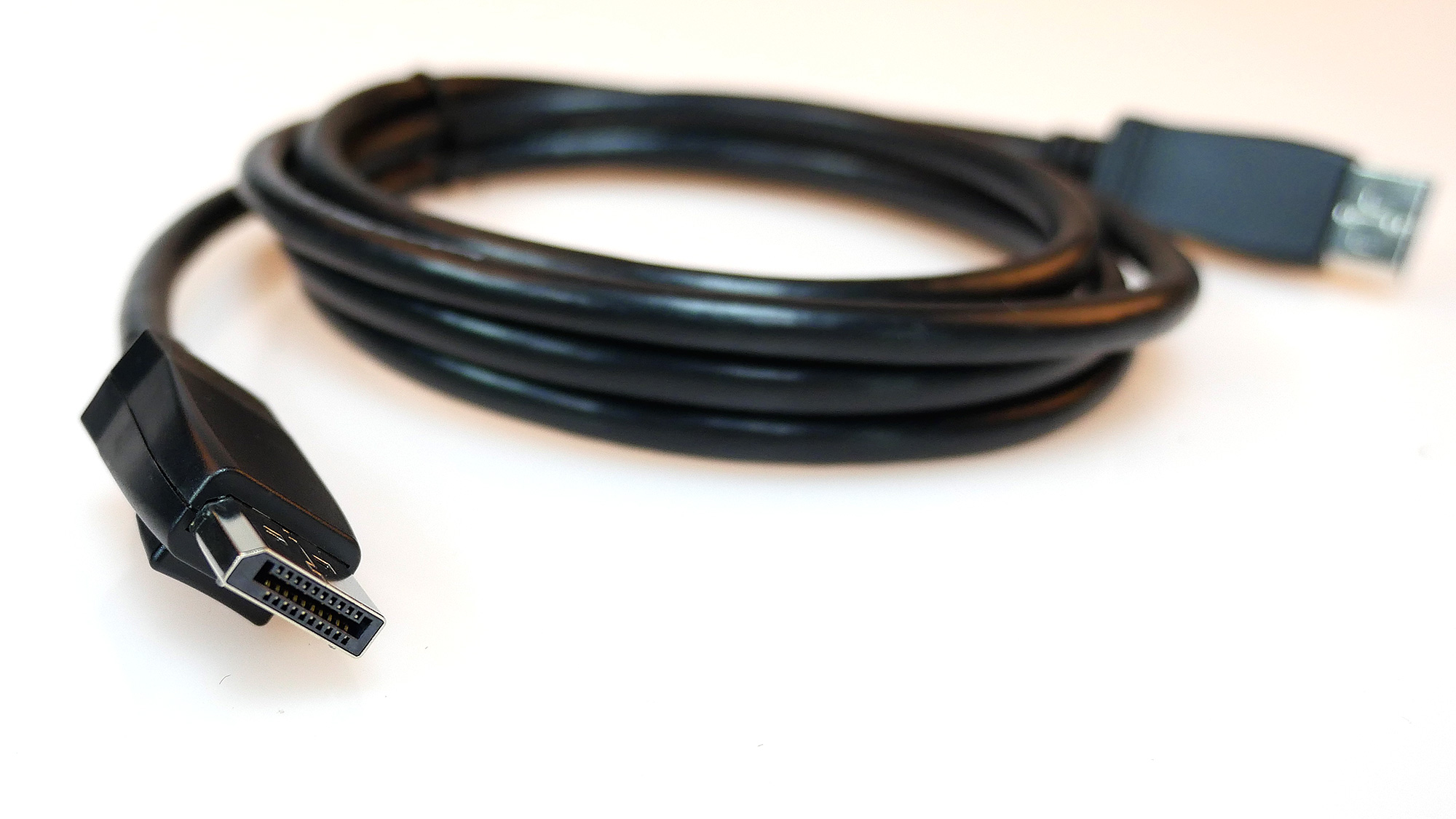
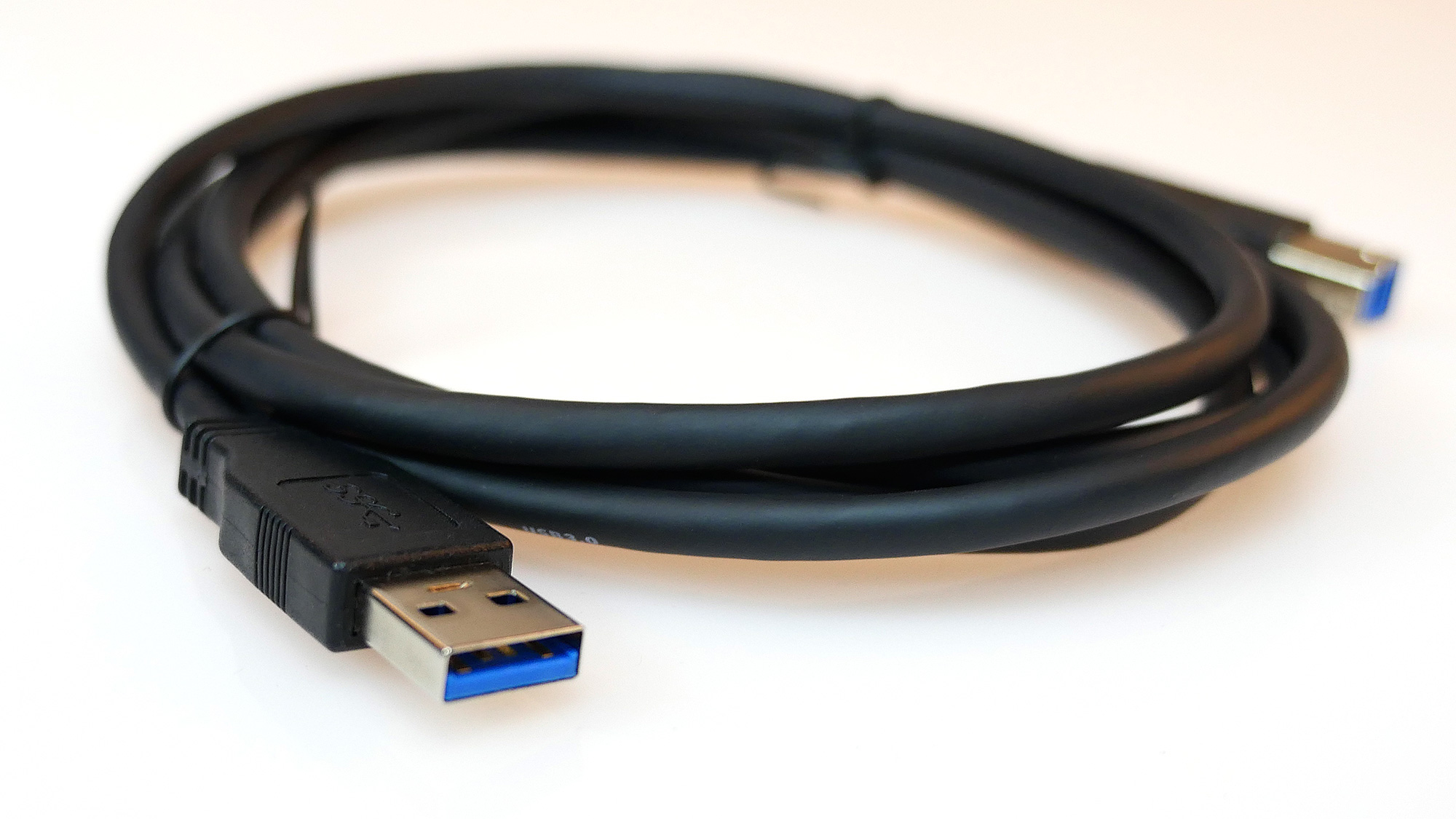
DisplayPort, HDMI and USB 3.0 (hub) cables are supplied.

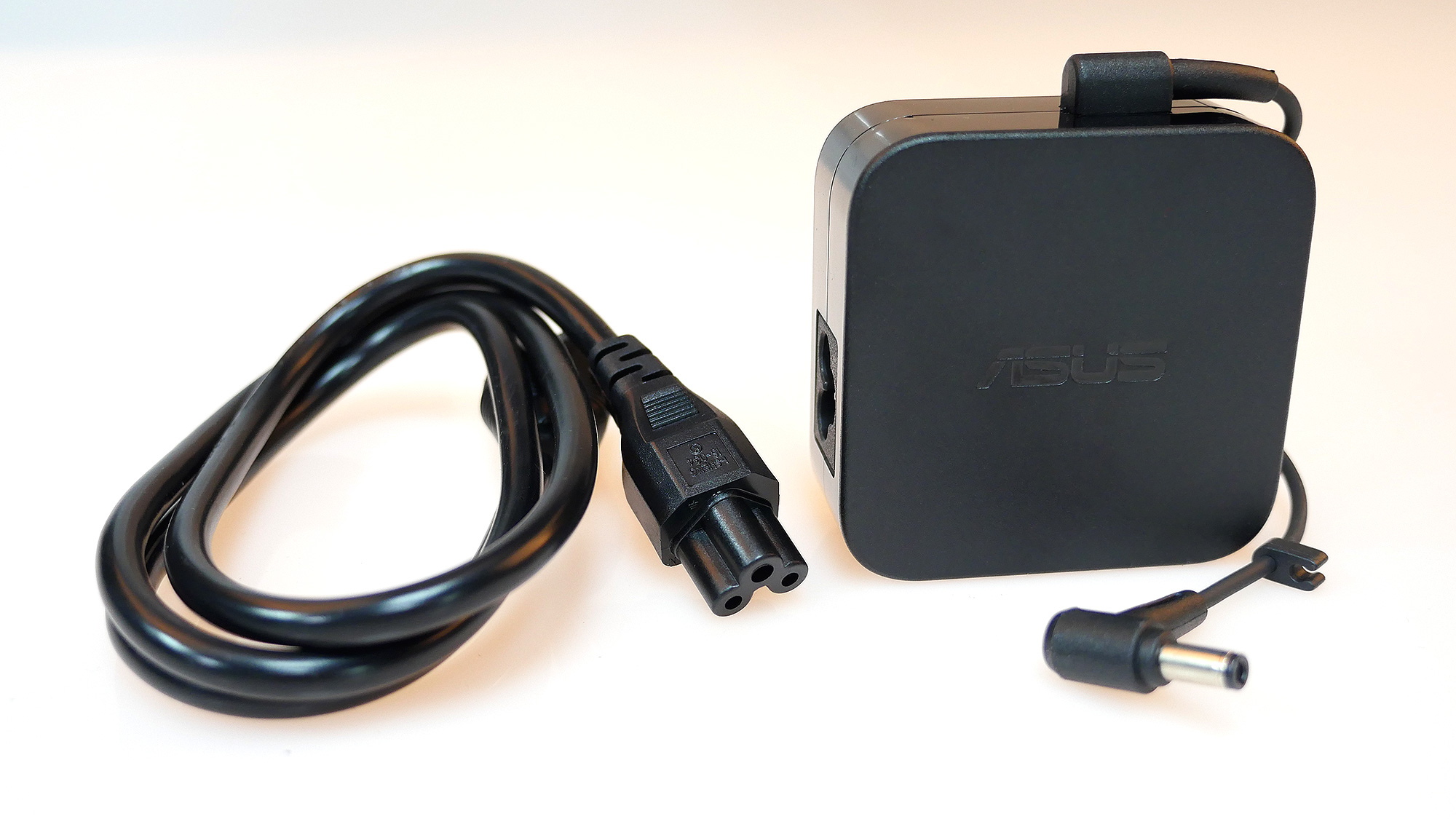
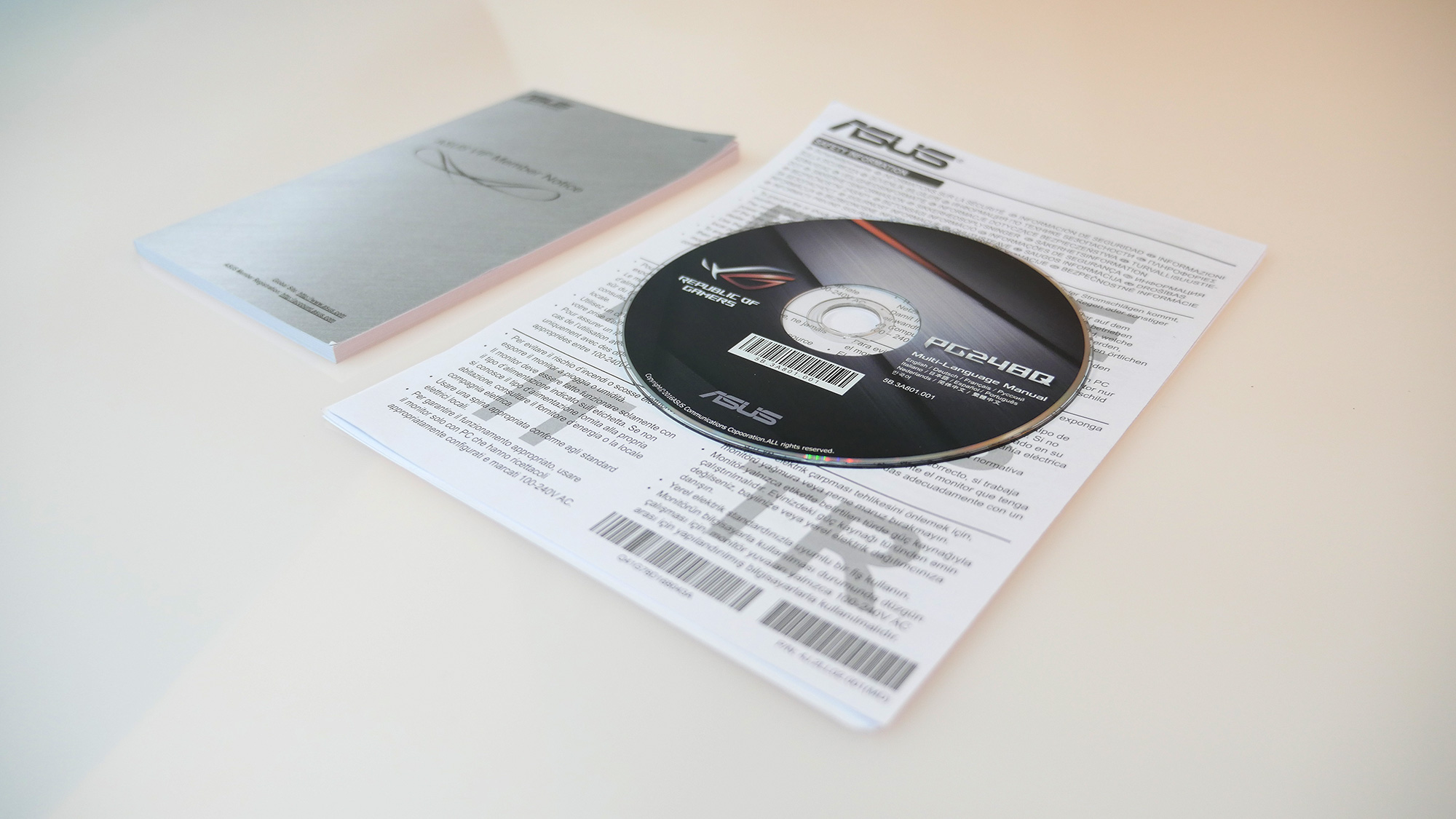
Along with the power supply, instructions and installation disc.
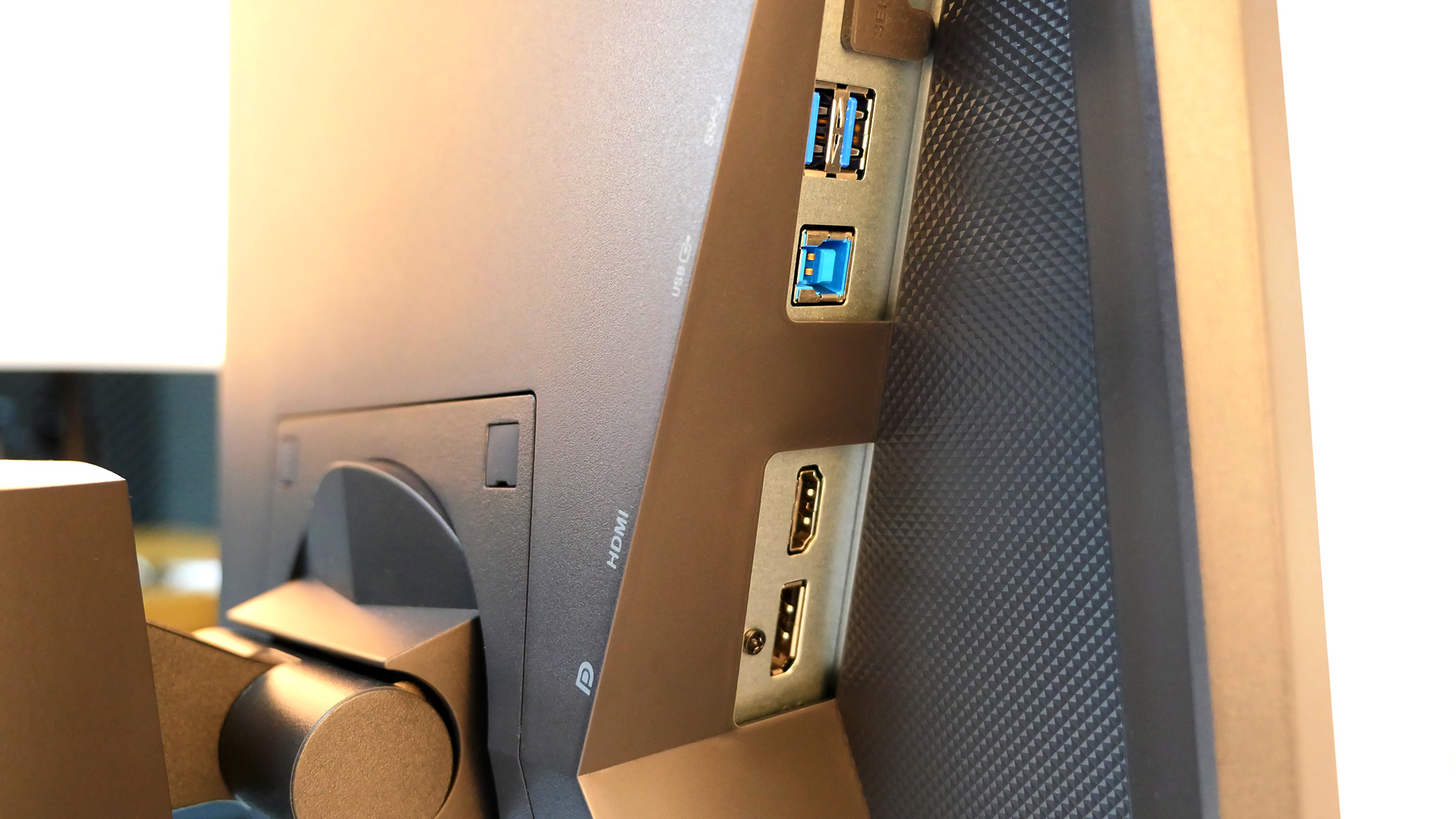
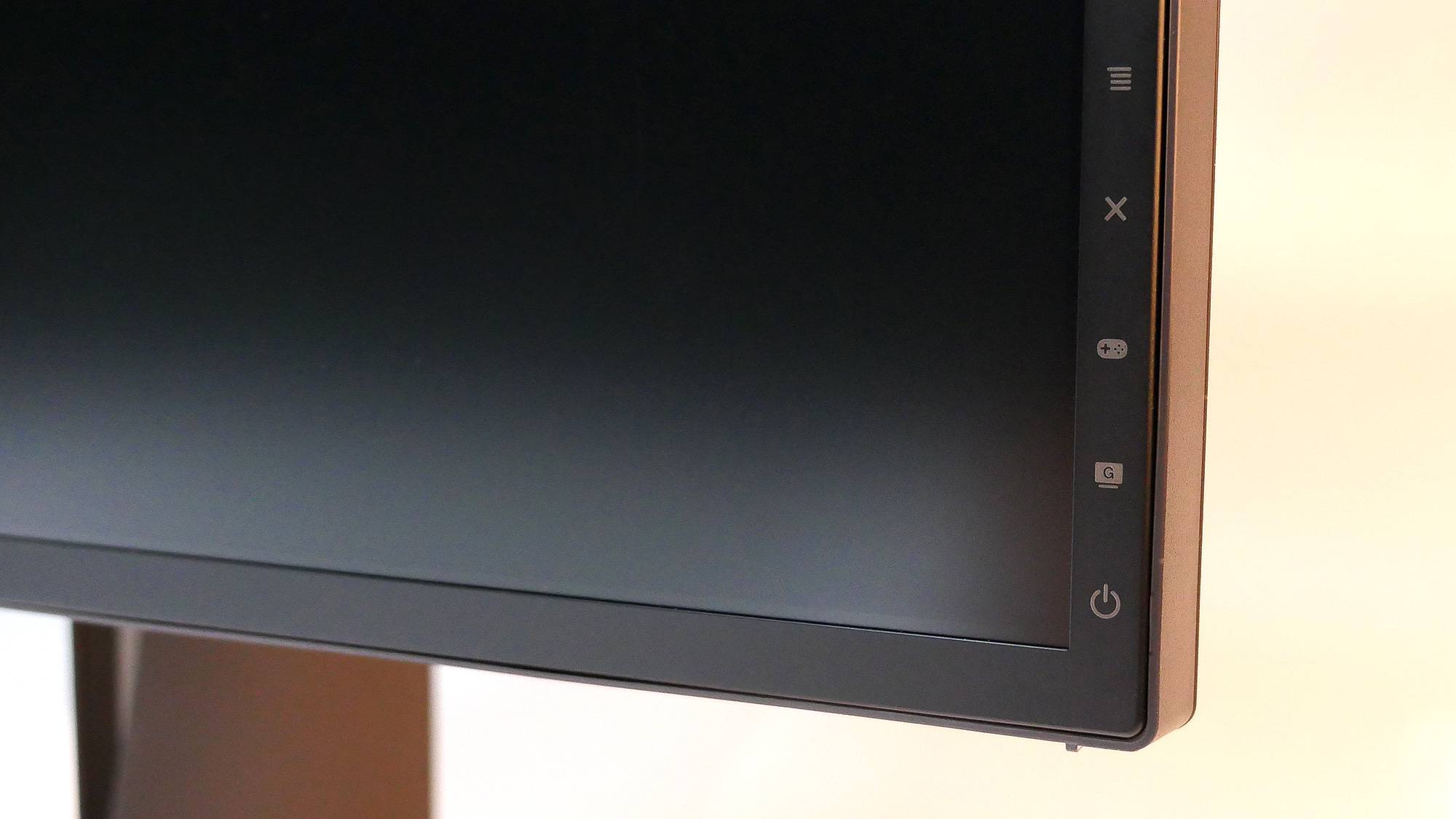
The display can be rotated to be used in landscape or portrait. At the back you'll find a DisplayPort 1.2 and an HDMI 1.4 port to connect to your PC or console. A handy USB 3.0 hub, a stereo earphone jack and monitor power.
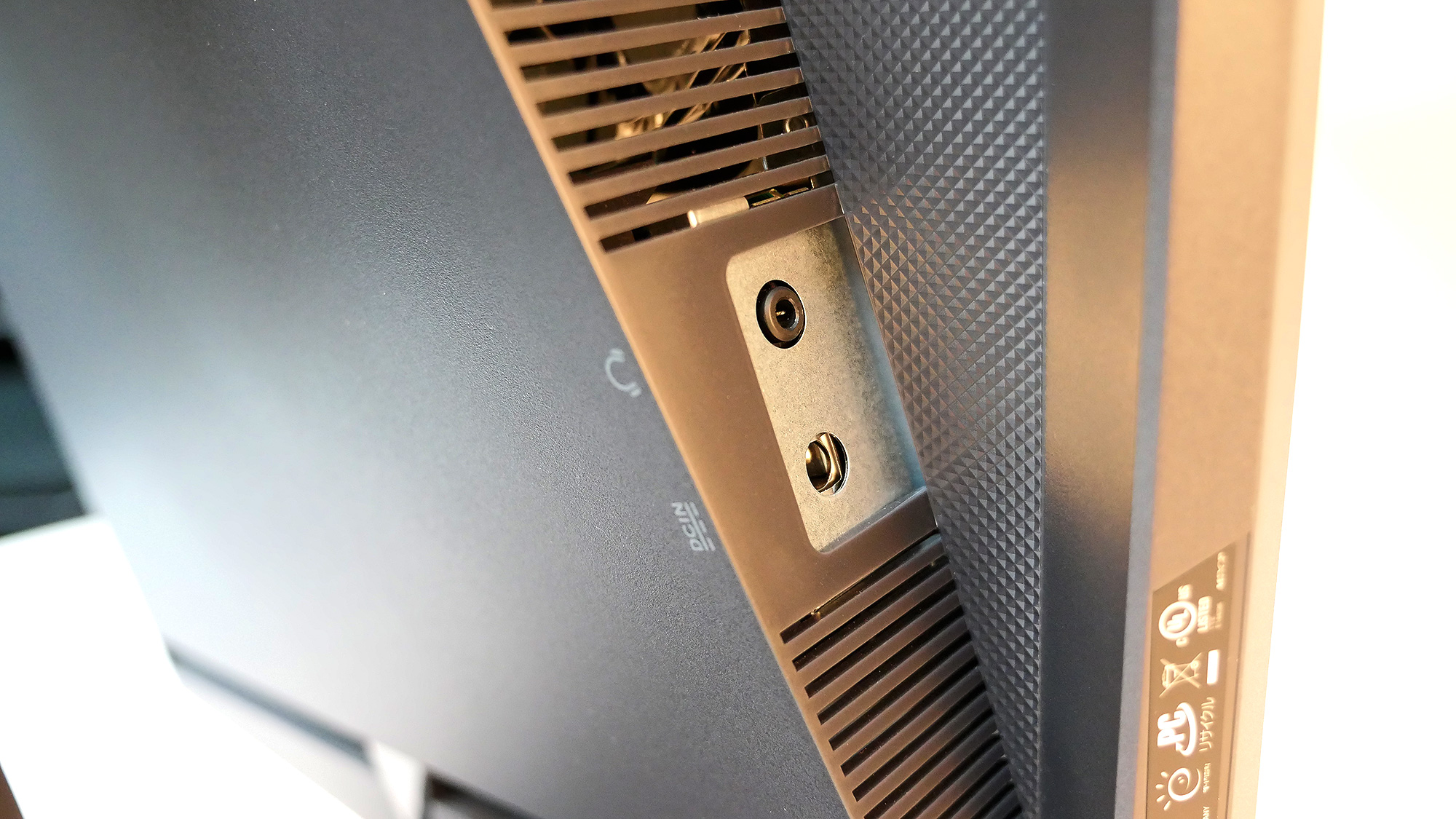
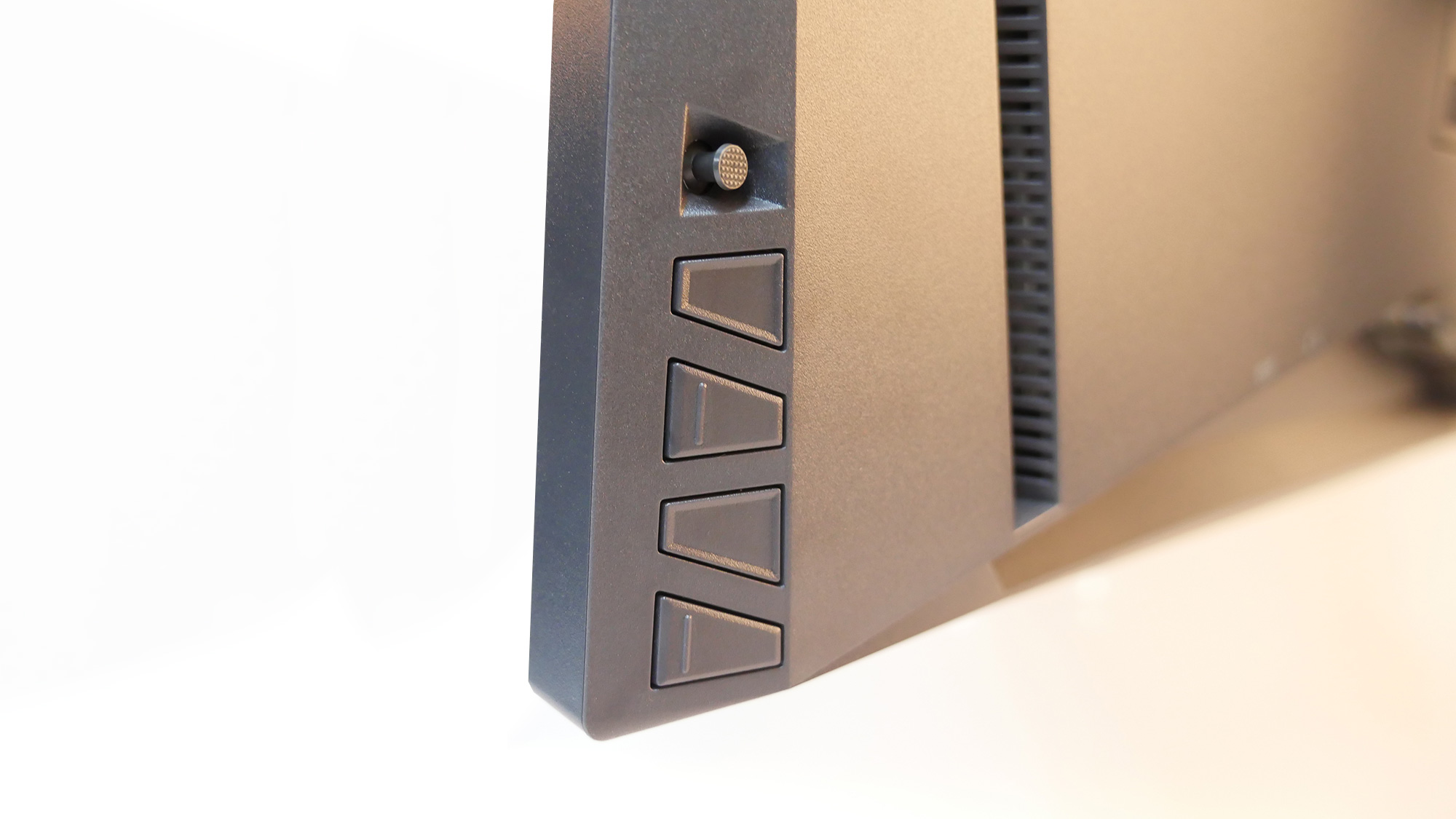
Control exclusive features easily using the buttons plus a 5-way OSD (on-screen display) joystick. Features such as GamePlus for in-game enhancements such as a crosshair overlay, onscreen timer, FPS (frames per second) counter, and a display-alignment function, and GameVisual gives you six preset display modes (Scenery, Racing, Cinema, RTS/RPG, FPS (First-Person Shooter) and sRGB) to enhance visuals for different game genres.
This 24-inch gaming display was designed to be Full-HD and has narrow-bezels for super high frame rates and is ideal for multi-display setups
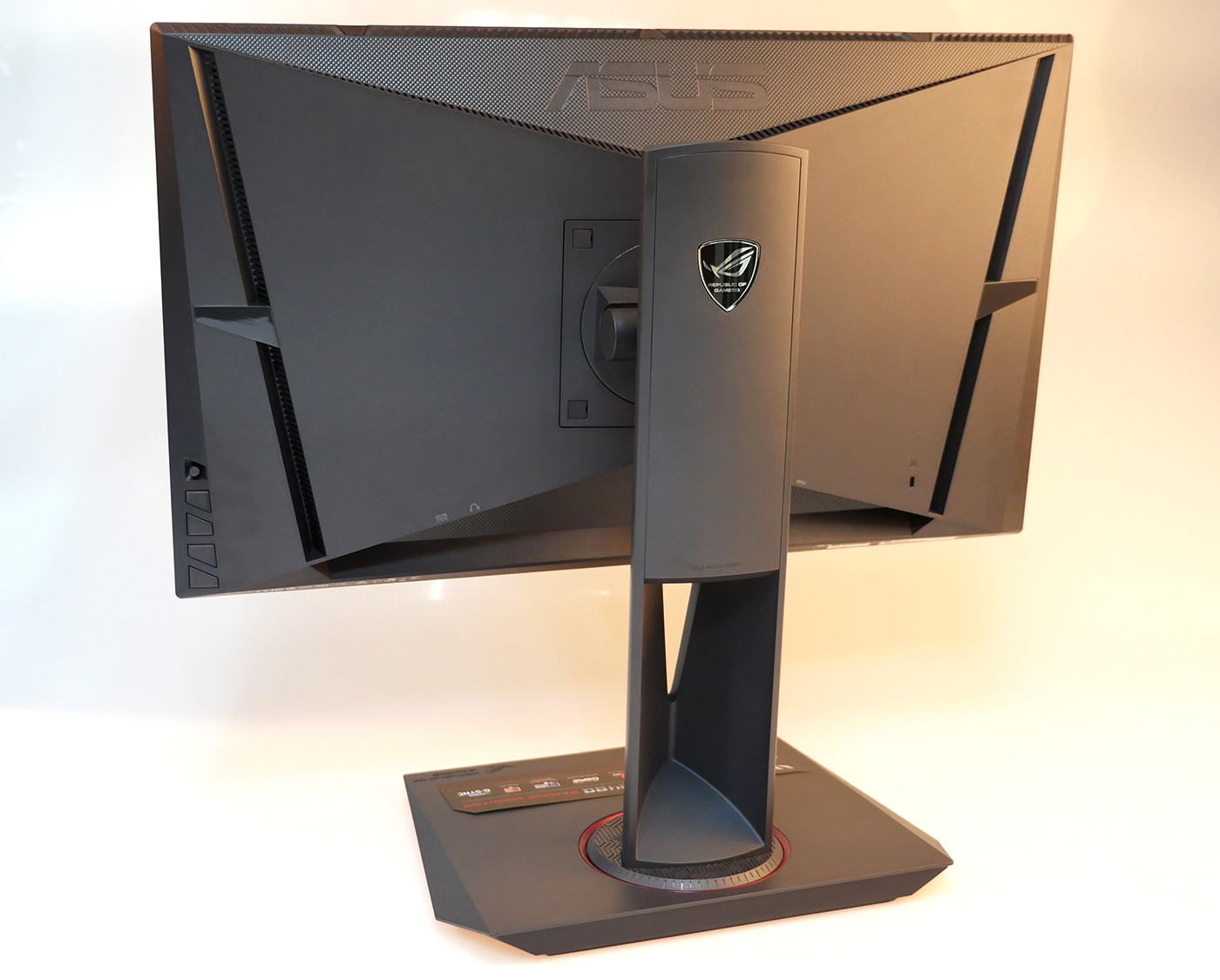
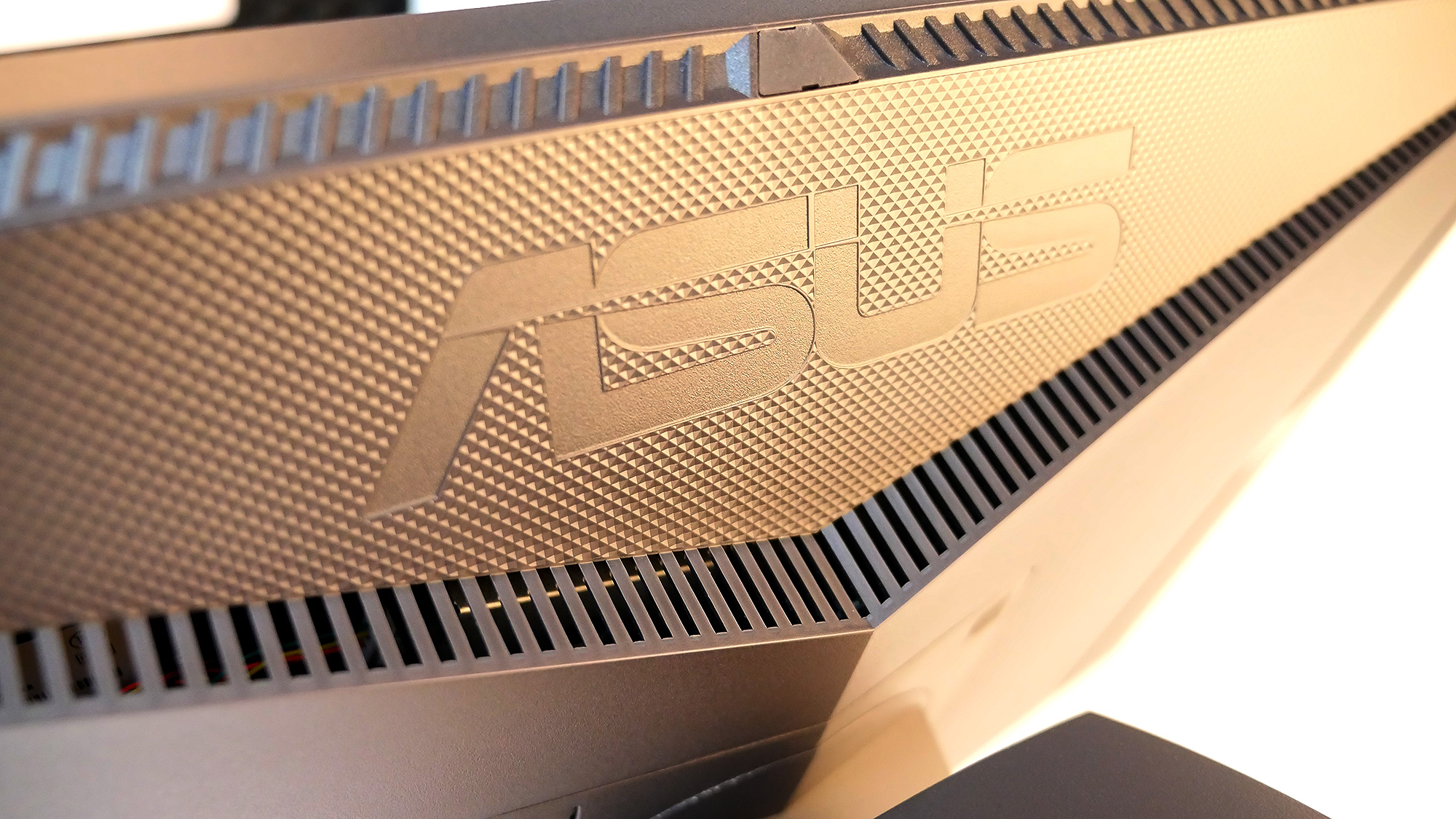
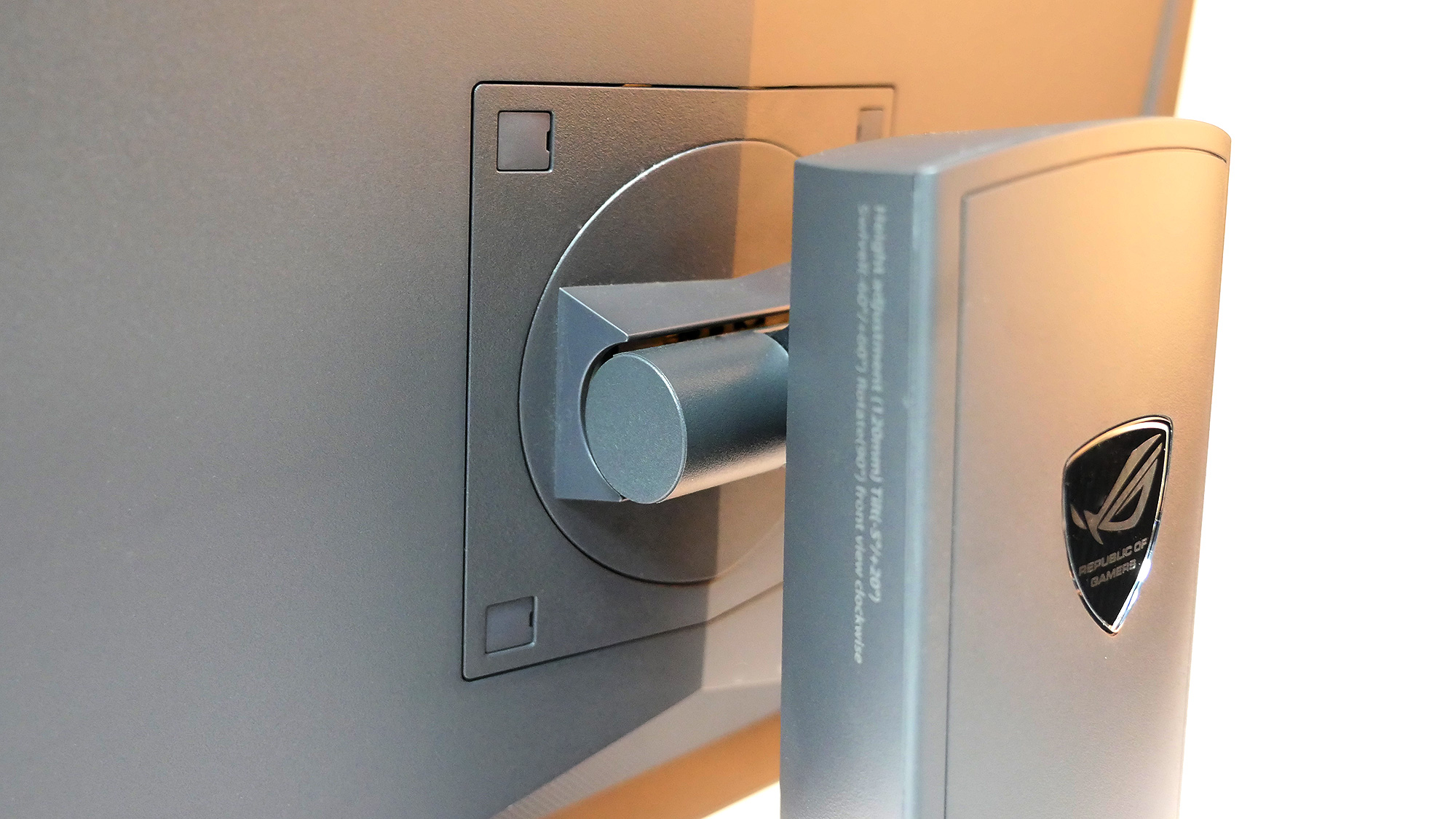
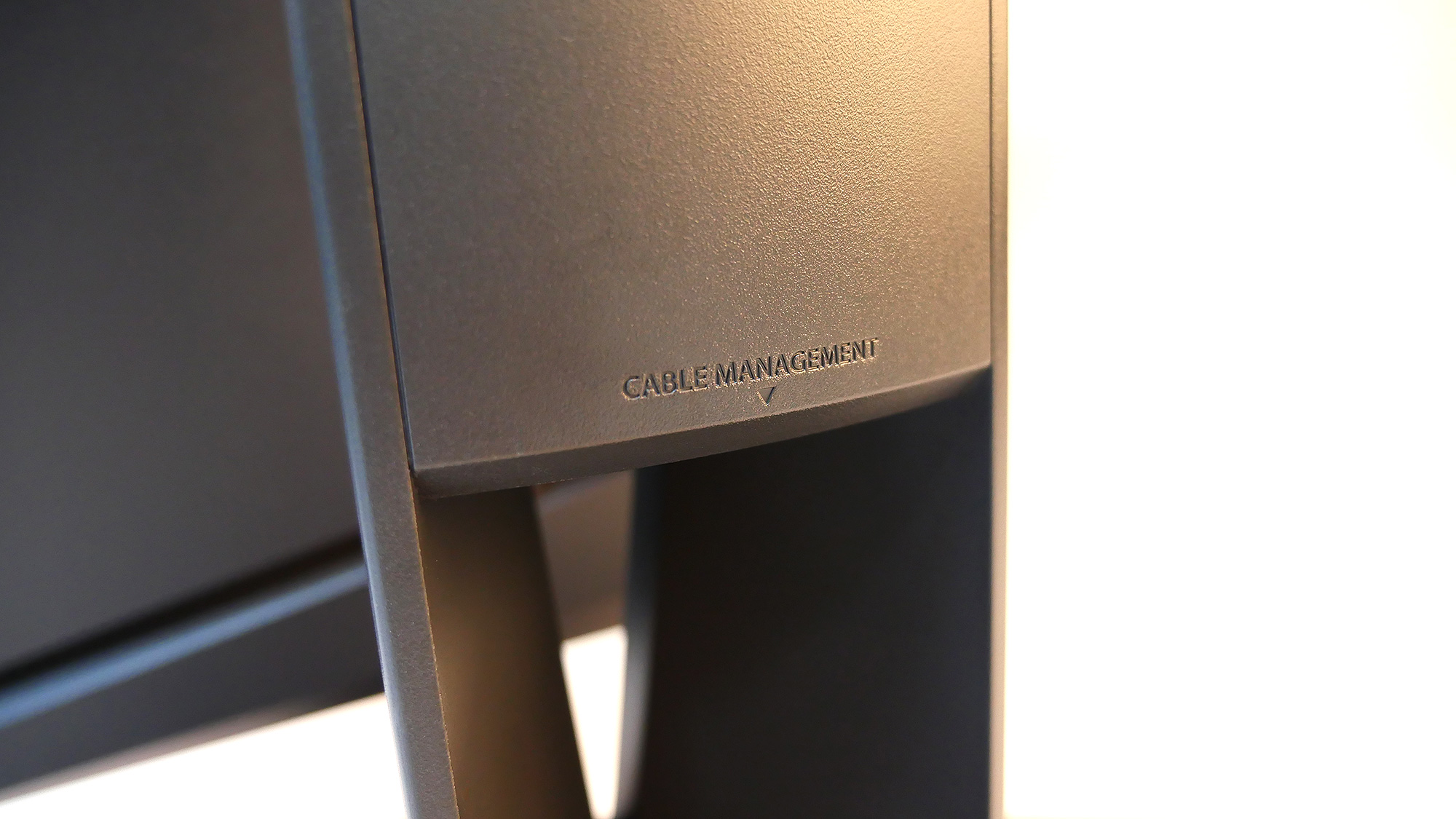
At the back there is a stylish vent for heat. This can be mounted on walls or multi-display stands easily using the VESA mount, or you can tilt, swivel, pivot and alter the height any way you like with the ROG stand, which comes with a cable-management design.
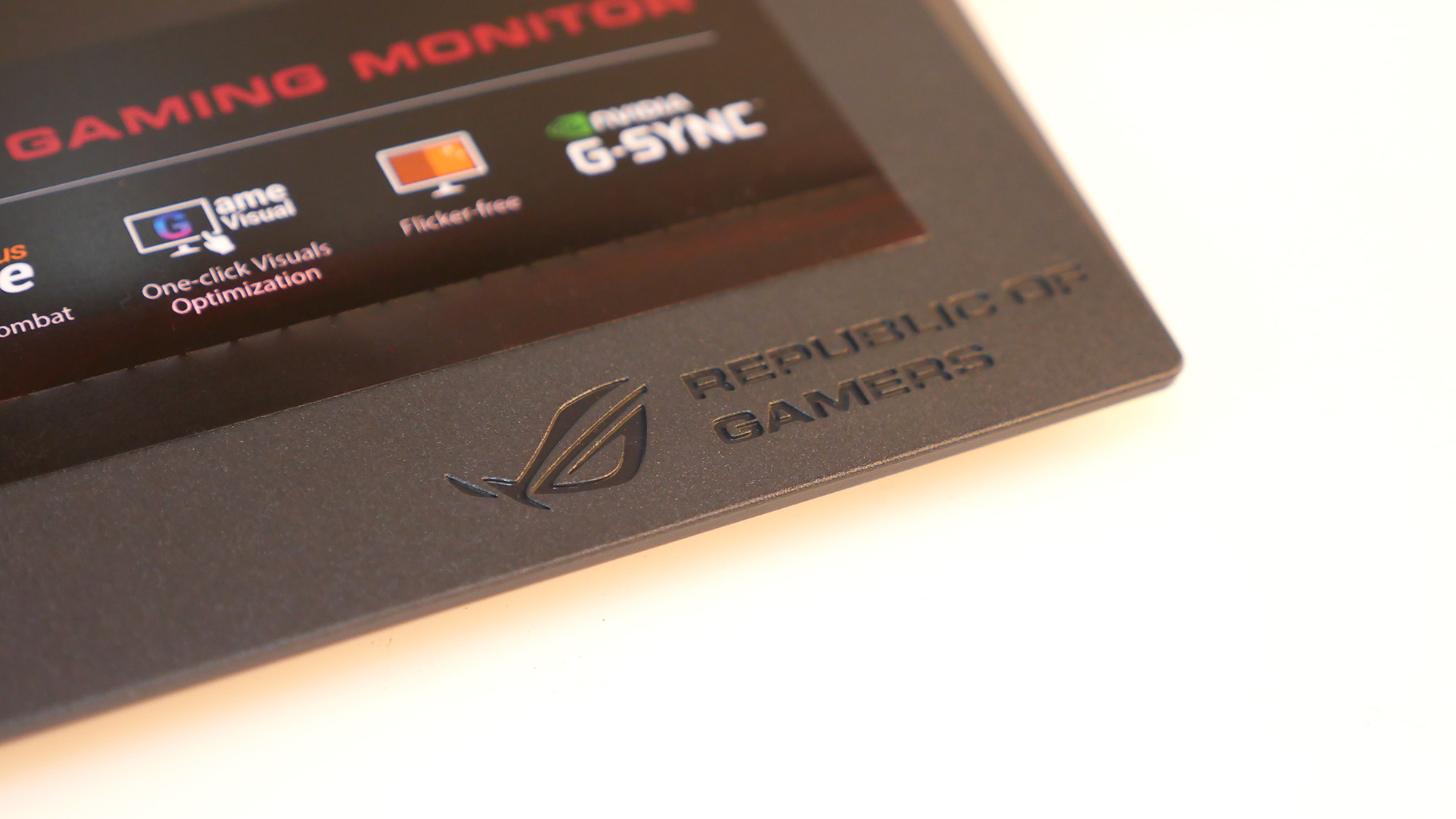
After you have read all the great stuff about what the PG248Q can do, it's time to peel off the stickers.
And fire up the fastest-paced game you can find.
If you are reading this on Flipboard, you can like and leave comments there!
Author
Popular Posts
How to adjust your laptop's P-Cores and E-Cores for better performance and battery life
The ROG Strix OLED XG259QWPG Ace is a tournament-ready OLED designed for esports pros
How to Cleanly Uninstall and Reinstall Armoury Crate

The ROG XREAL R1 gaming glasses let you game anywhere on a 171-inch 240Hz virtual screen
New 24.5-inch ROG monitors bring OLED panel tech to the esports arena
LATEST ARTICLES
Mini LED vs OLED: the ultimate HDR experiences on your ROG gaming laptop
Sunlit dorm or dark room? Compare Mini LED and OLED on HDR brightness, contrast, and response time to find your ROG gaming laptop.
The best OLED gaming monitors from ROG: Find the perfect OLED for your battlestation
For every gaming rom, there's a perfect ROG OLED gaming monitor. Come find the best one for you.
New 24.5-inch ROG monitors bring OLED panel tech to the esports arena
Esports enthusiasts, your wait is over. ROG is bringing game-changing OLED visuals to the monitor size preferred by many professionals.