Your ROG Ally just got better: Armoury Crate SE gets more button customization, Travel Mode, and Remote Play

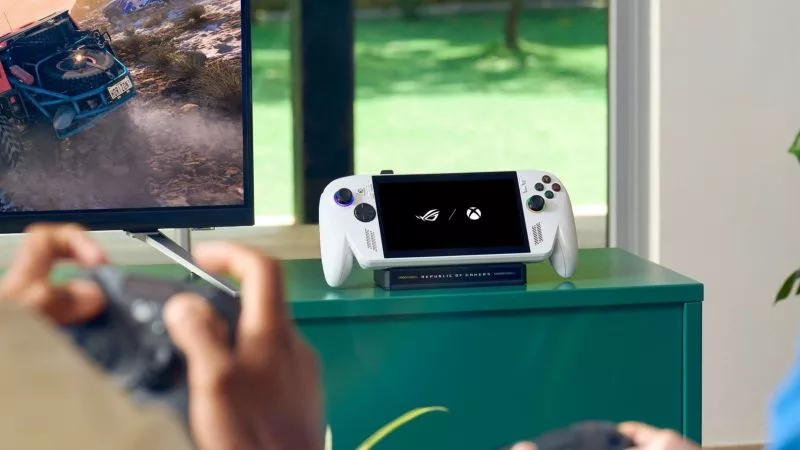
Three years after the launch of our original ROG Ally, we’re still making it better. The latest Armoury Crate SE update, launched in tandem with the ROG XBOX Ally X20 (available on-shelf now), adds a host of new features for every Ally in the family. Now you can remap the Command Center and Action/Library buttons, customize Game Profiles quicker than ever, and stream your games remotely to your ROG Ally, ROG Ally X, ROG XBOX Ally, and ROG XBOX Ally X.
Key Points:
- The latest Armoury Crate SE version 3 features improved scaling and a refined interface for easier readability and navigation across every ROG Ally and ROG XBOX Ally device.
- The Command Center, Library, and Action buttons are now remappable, letting you customize their abilities or disable them completely.
- An all-new travel mode sets charging speed to 65W for planes, trains, and other outlets with limited wattage.
- Remote Play (beta) allows you to stream games from your PC right to your Ally through Armoury Crate SE.
- A new Preview Updates menu lets you try the latest ROG Ally updates before they roll out to all users.

We’ve given Armoury Crate SE some minor adjustments, with a cleaner-looking interface and refined scaling that allows easier readability across your menu and game libraries, no matter what display it’s on. You get more information with less clutter and a consistent visual experience throughout the whole app.

But this update isn’t just cosmetic. We built in a few of your most requested updates to give you even more control over your handheld experience. And that starts with the buttons: the Command Center, Library, and Action buttons on either side of the Ally’s screen are now fully remappable on the ROG XBOX Ally, ROG XBOX Ally X, and ROG XBOX Ally X20. Just head to Settings > Shortcuts & Key Binding in the latest version of Armoury Crate and tab down to Button Actions. You can choose from a host of different actions when you single press and long press each button to fit how you use your handheld.
If you’re on the original ROG Ally or ROG Ally X, you’ll instead see a new Xbox Experience option in this menu, which lets you choose between the original button mappings or the new mappings used on the ROG XBOX Ally series.

Since the first ROG Ally, we’ve included the ability to customize Game Profiles for each of the games in your library. Want one game to automatically start in Turbo Mode, while another runs in Silent Mode? You can customize those options per-game with Game Profile. Want one game to run with AFMF turned on automatically? You can do that too. Today, we’re making this feature even better: now, you can adjust the Game Profile right from Command Center. When you change settings in Command Center, you can save them to the current game’s Game Profile in a single click — no need to make those tweaks through the Library.

The ROG XBOX Ally is the perfect travel device, but some planes, trains, and other vehicles feature outlets only capable of accepting a 65W charger. If you carry a higher wattage charger with your Ally, the outlet just won’t work. ACSE’s new Travel Mode fixes that: flip this on in Settings > Power Management > Charging, and the Ally will limit its charging wattage to 65W for wider compatibility with these outlets. This feature is available on all ROG XBOX Ally models, and will automatically turn on when the device is in Airplane Mode.

You’ll also find some new Lighting Modes for the joysticks. All ROG Ally devices now have our new Immersion Lighting, which brings sound to life with dynamic lighting effects that react to your game audio in real time. The ROG XBOX Ally X20 gets another lighting mode we call Reactive Lighting, which uses the extra LEDs on the X20 to provide real-time lighting effects that respond to your controls as you play.

Finally, Armoury Crate SE now includes its own dedicated Remote Play feature, currently in beta. If you’d like to take advantage of your gaming PC’s higher performance and visual fidelity on the go, this feature gives you quick access to your PC’s library via in-home streaming, right through Armoury Crate SE. Remote Play will automatically adjust bitrate during network fluctuations for smooth playback, though you can manually customize framerate and bitrate in its settings. To get started with Remote Play, update Armoury Crate to its latest version on your PC, and enable Remote Play under the Game Library tab. Then, on your Ally, head to the Remote Play (Beta) tab of your library, log into your ROG Account, and tap Add Device. Once you enter the pairing code shown in Armoury Crate on your PC, you’re ready to go.
All of these features are available in Armoury Crate SE today, and you can grab them by opening ACSE and heading to the Update Center. Future updates will also be available in a new Preview Updates tab here — so if you want to opt in to test the latest GPU driver before it goes out to everyone, you can do so here. Just be sure to share any bug reports over on our forum!
The ROG XBOX Ally X20 is available now at asus.com as well as local retailers.
Kirjoittaja
Popular Post
How to configure your PC's RGB lighting with Aura Sync

A new benchmark: the ROG Strix SCAR 18 rewrites the rules of performance
Meet the ROG NUC 16: compact power for gaming, AI workloads, and beyond
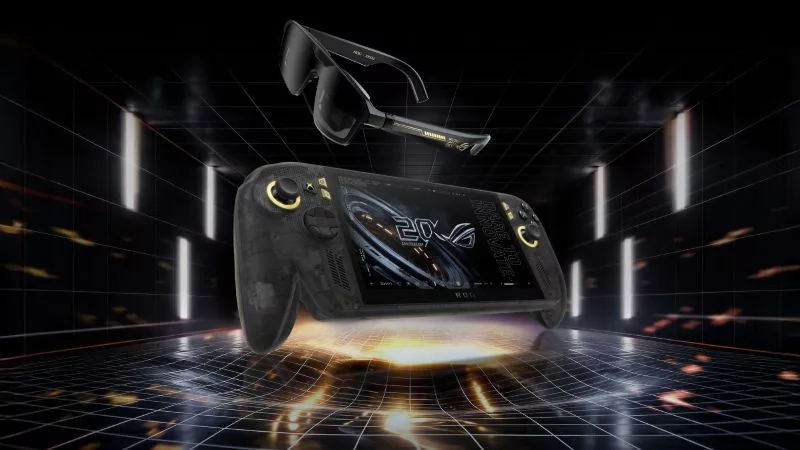
Brighter, bolder, better: The ROG XBOX Ally X20 bundles a larger OLED display with AR gaming glasses
The ROG Strix OLED XG259QWPG Ace is a tournament-ready OLED designed for esports pros
Uusimmat Artikkelit
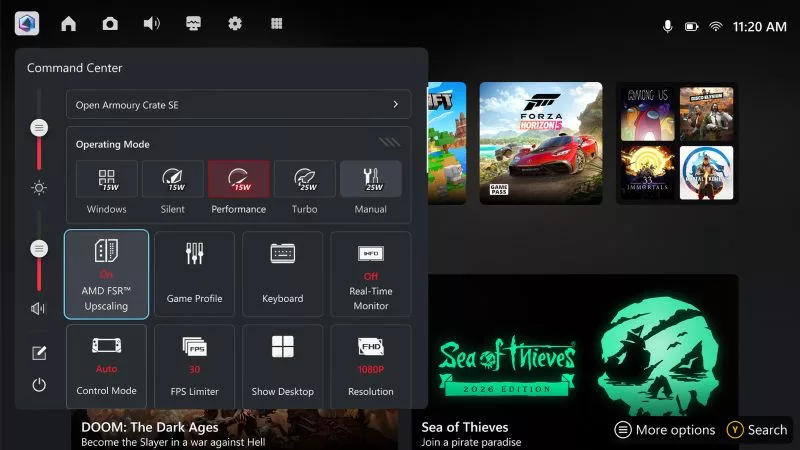
AMD FSR™ Upscaling 4.1 is coming to the ROG XBOX Ally X and X20 in preview
Enjoy better performance and enhanced image quality on the ROG XBOX Ally X with FSR™ Upscaling 4.1, coming in preview on October 23rd.
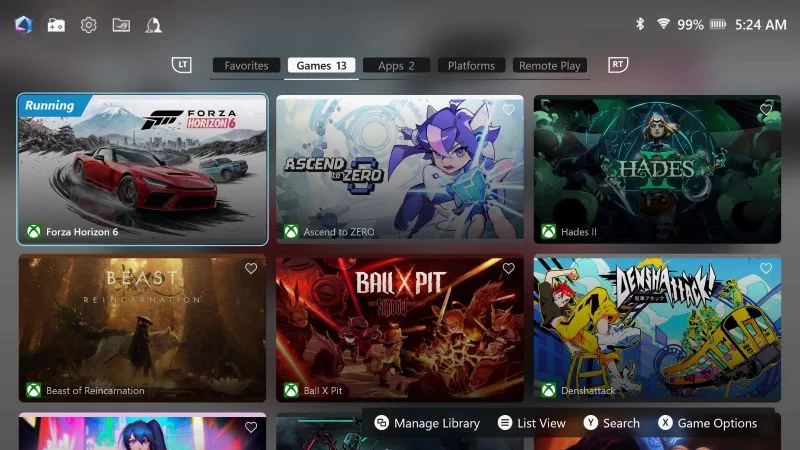
Your ROG Ally just got better: Armoury Crate SE gets more button customization, Travel Mode, and Remote Play
The new Armoury Crate SE version 3 adds enhanced button remapping, 65W Travel Mode, and Remote Play (beta) to your ROG XBOX Ally. See what’s new.
Pre-order your ROG XBOX Ally X20 today, standalone or as part of an incredible ROG 20th anniversary bundle
Pre-order the new ROG XBOX Ally X20 and ROG XREAL R1 Edition 20 Gaming AR Glasses and give your handheld gaming experience an ROG 20th anniversary glow up.