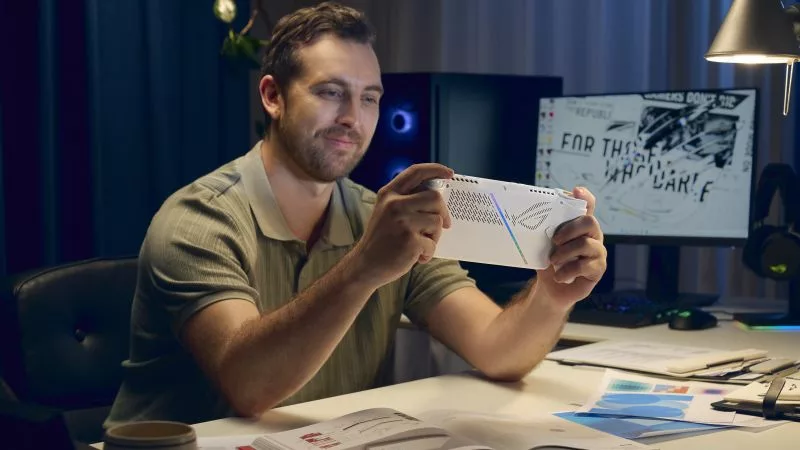
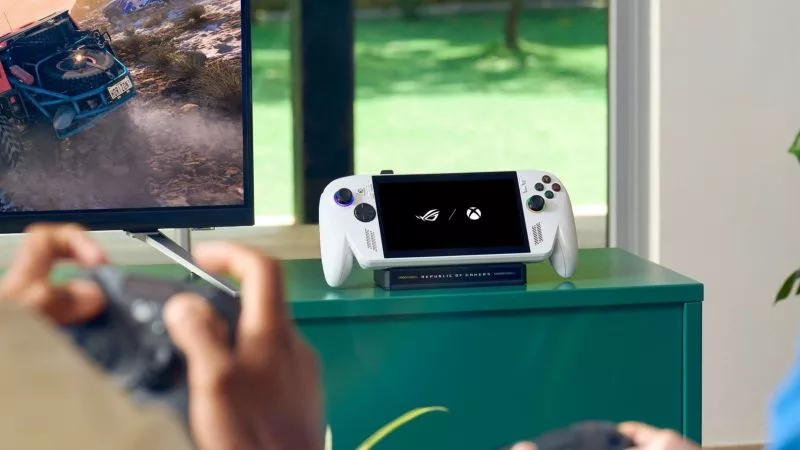
AMD FSR™ Upscaling 4.1 is coming to the ROG XBOX Ally X and X20 in preview

The ROG XBOX Ally series of handhelds lets you play all your games, anywhere you go — even the latest AAA titles. What once seemed like a pipe dream is now possible, in large part thanks to upscaling technologies like AMD FSR™. Today, we are excited to announce that a game-changing new version of AMD FSR™ is coming to the ROG XBOX Ally X and ROG XBOX Ally X20, with a preview update dropping on October 23rd. The ROG XBOX Ally will also be supported with a GPU driver update coming soon. Prepare for smoother performance with better image quality than ever.
Key Points:
- AMD FSR™ Upscaling 4.1 is now available as a preview update for the ROG XBOX Ally, ROG XBOX Ally X, and ROG XBOX Ally X20.
- AMD FSR™ “Redstone” technology brings cutting-edge, machine learning-enhanced upscaling to supported games, offering better performance while retaining better image quality than ever.
- To try it out, open Armoury Crate SE on your Ally and go to Update Center > Preview Updates to download the latest GPU driver. Note that preview updates may still contain bugs or instability; this update will roll out automatically once it exits preview state.
What Is AMD FSR™ Upscaling 4.1?
AMD FSR™ Upscaling 4.1, part of the AMD FSR “Redstone” suite of ML-powered gaming technologies, provides a leap over previous generations of the upscaling technology. Like previous iterations, it scales up lower resolution frames to match the resolution of your display — only this time, it's using neural networks and machine learning to reconstruct visuals from lower-resolution frames that match or exceed native rendering quality while delivering a substantial boost in game performance. On the ROG XBOX Ally X and X20, FSR Upscaling 4.1 runs on a new, efficient model — less than half the size of the original INT8 model — optimized to deliver high level performance on portable gaming devices powered by AMD Ryzen™ AI Z2 Extreme processors.
How to get AMD FSR™ Upscaling 4.1 on your Ally and try the preview
AMD FSR™ Upscaling 4.1 will be available on the ROG XBOX Ally X and ROG XBOX Ally X20 as a preview update on October 23rd, 2026. To try it out, you'll need to download the latest GPU driver — just open Armoury Crate SE on your Ally and head to Update Center > Preview Updates to find it. Note that this is a preview update, which means it may still contain bugs or instability, designed for those who can't live without the latest and greatest. If you prefer to keep your Ally rock-solid-stable, you can wait for this update to exit preview, at which point it will appear in the Official Updates tab of the Update Center.
Once you've installed the latest GPU update, you'll need to enable FSR™ Upscaling in the Command Center. Open the Command Center, press Y to customize the layout, and add the new FSR tile. Make sure it’s turned on, then launch a supported game, turn on FSR in its graphics settings, and you’ll experience the new ML-powered FSR™ Upscaling 4.1.
Here's what’s even more exciting: That Command Center toggle will even enable this ML-powered FSR™ Upscaling 4.1 in older games that support FSR 3.1 or newer. That means you’ll get access to AMD FSR "Redstone" technology in over 400 games. For a complete list of supported titles, see AMD's FSR supported game list.
This is AMD's most advanced upscaling technology yet, so for best results, use it whenever it's available — and don't combine it with other upscaling technologies like RSR, which is a system-level upscaler designed to be used only when FSR isn't supported by your game of choice. You can read more about FSR vs RSR here.
And of course, be sure to give us your feedback! Since this is a preview feature, we highly appreciate hearing any bug reports or issues you encounter so we can refine the official release for wide distribution.

Författare
Popular Post
The ROG Strix OLED XG259QWPG Ace is a tournament-ready OLED designed for esports pros

A new benchmark: the ROG Strix SCAR 18 rewrites the rules of performance

The ROG XREAL R1 gaming glasses let you game anywhere on a 171-inch 240Hz virtual screen
Meet the ROG NUC 16: compact power for gaming, AI workloads, and beyond
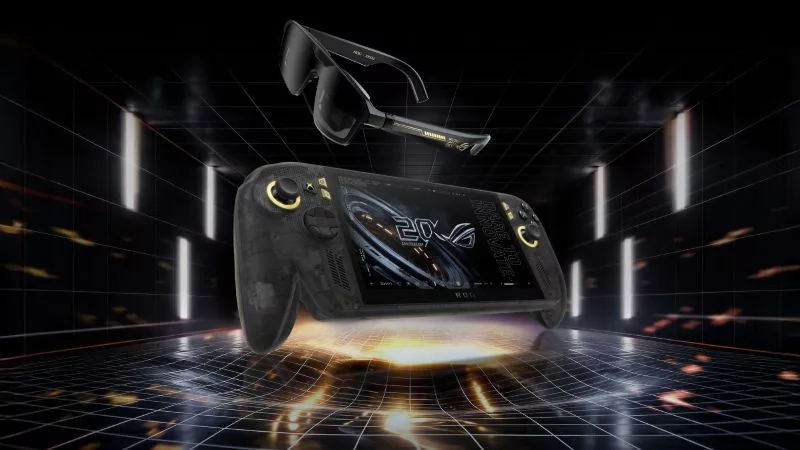
Brighter, bolder, better: The ROG XBOX Ally X20 bundles a larger OLED display with AR gaming glasses
Senaste Artiklar
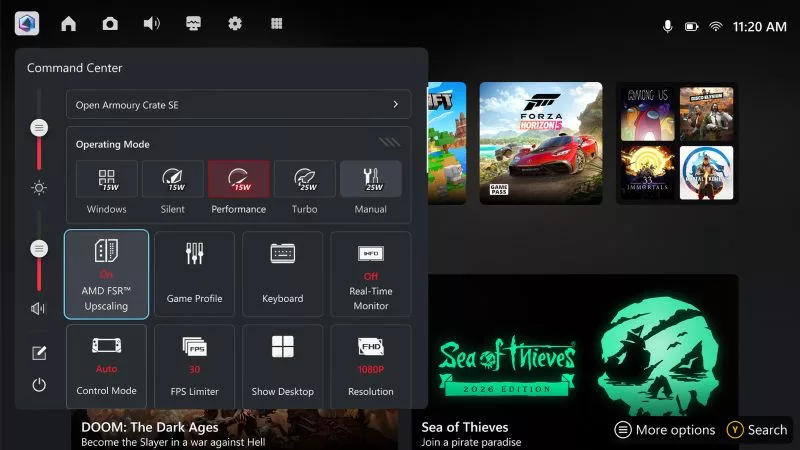
AMD FSR™ Upscaling 4.1 is coming to the ROG XBOX Ally X and X20 in preview
Enjoy better performance and enhanced image quality on the ROG XBOX Ally X with FSR™ Upscaling 4.1, coming in preview on October 23rd.
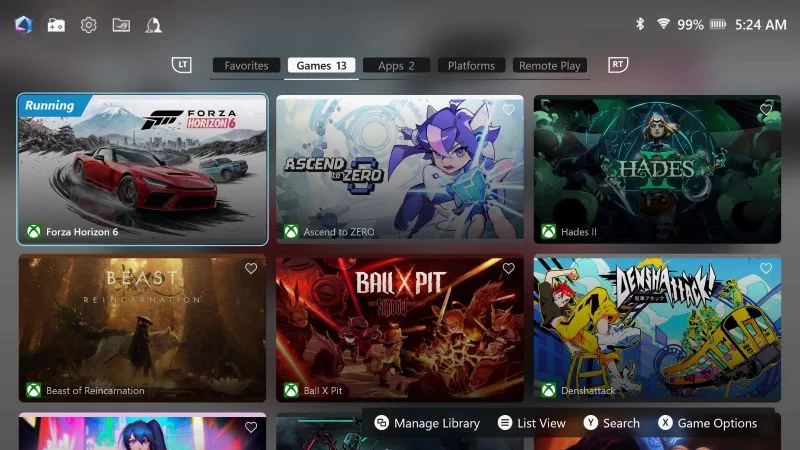
Your ROG Ally just got better: Armoury Crate SE gets more button customization, Travel Mode, and Remote Play
The new Armoury Crate SE version 3 adds enhanced button remapping, 65W Travel Mode, and Remote Play (beta) to your ROG XBOX Ally. See what’s new.
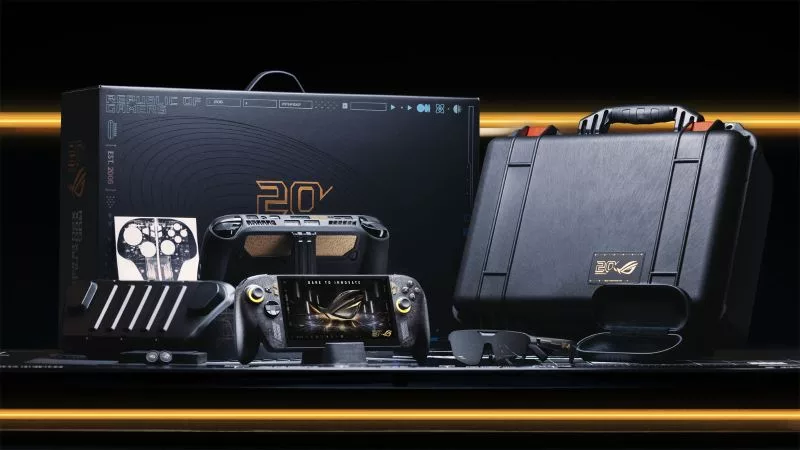
Pre-order your ROG XBOX Ally X20 today, standalone or as part of an incredible ROG 20th anniversary bundle
Pre-order the new ROG XBOX Ally X20 and ROG XREAL R1 Edition 20 Gaming AR Glasses and give your handheld gaming experience an ROG 20th anniversary glow up.