ROG Strix OLED XG32UCDS

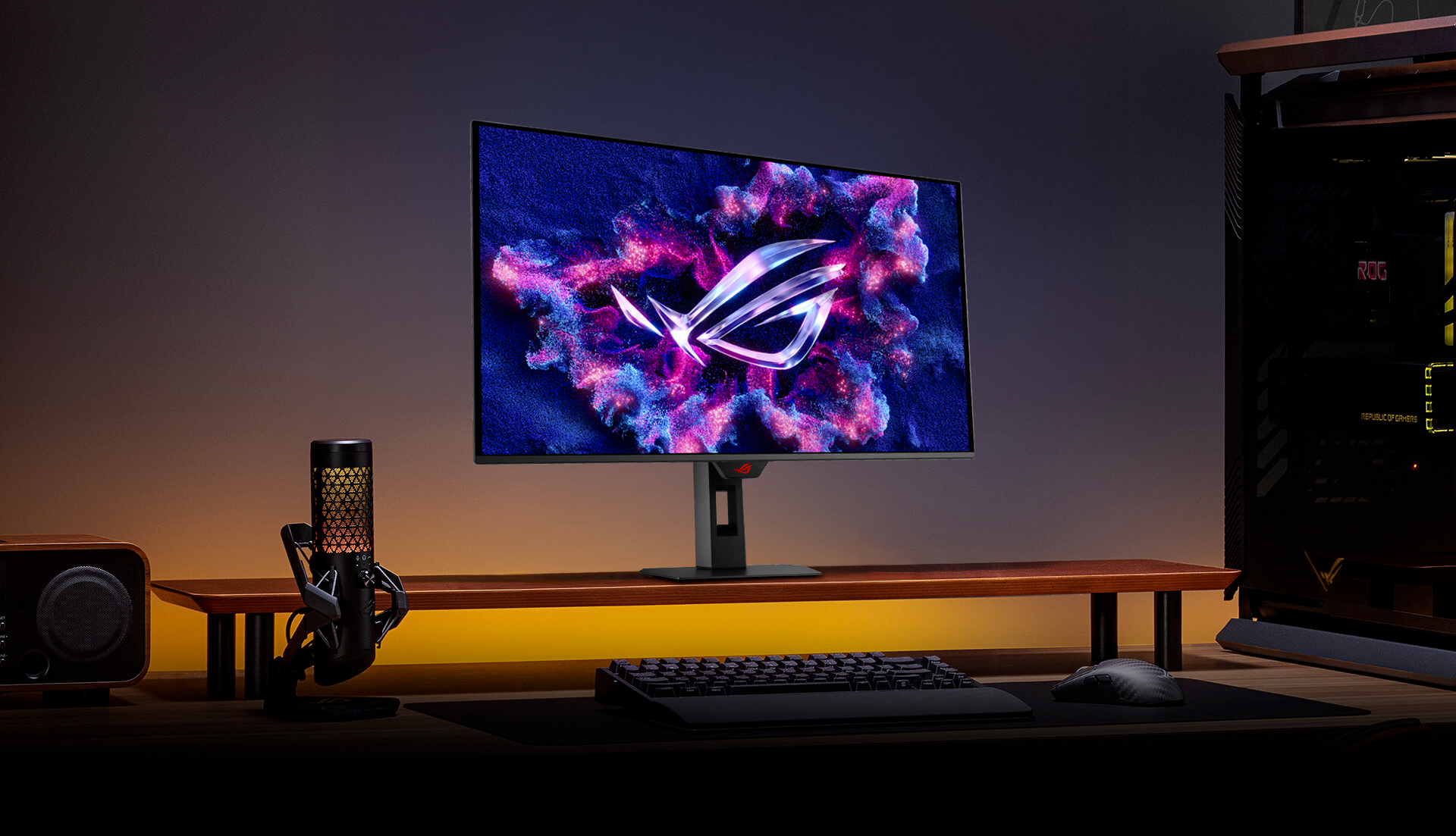
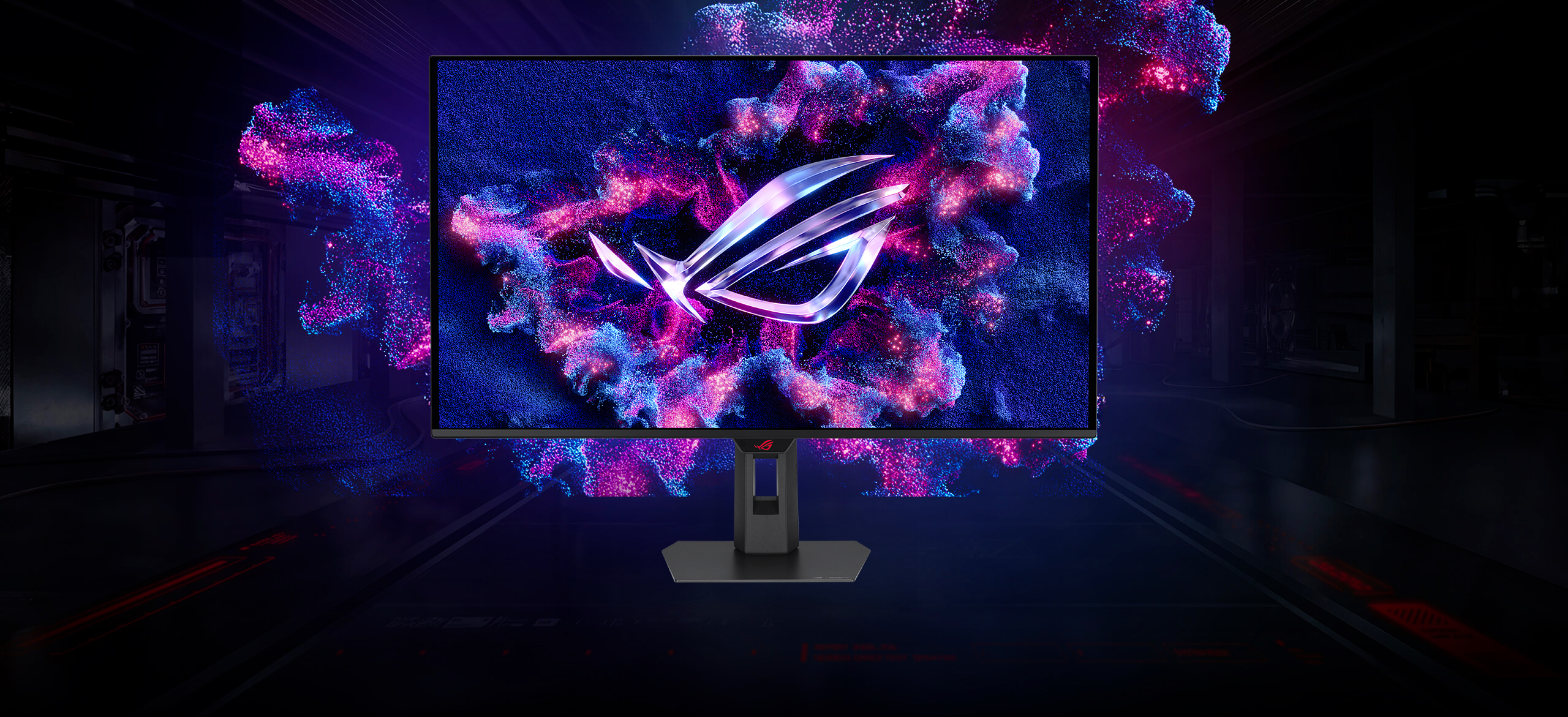
An image of ROG Strix OLED XG32UCDS
ONE FOR ALL

ROG Strix OLED XG32UCDS

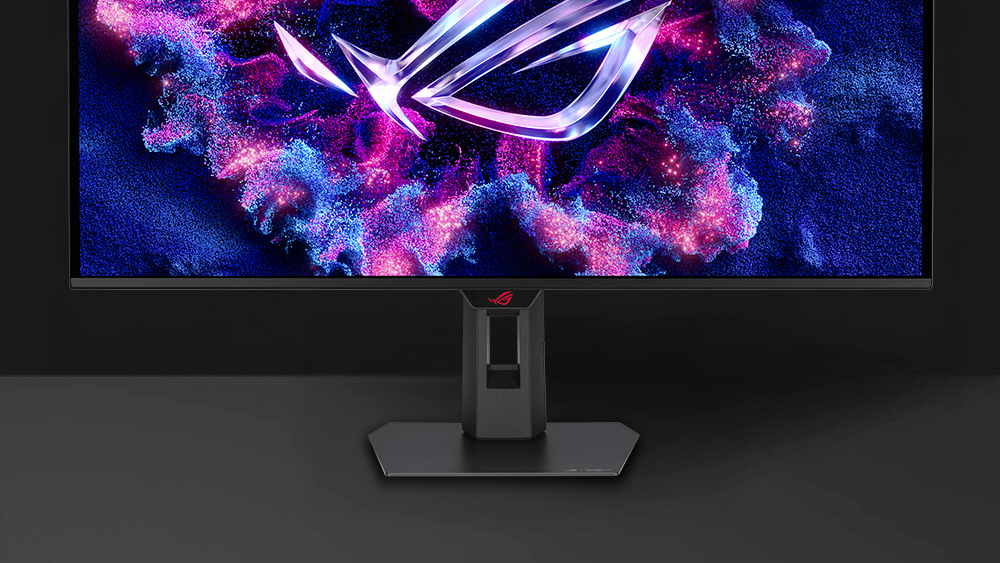
The ROG Strix OLED XG32UCDS is a 32-inch, 165Hz 4K gaming monitor. With the addition of the Neo Proximity Sensor in the new ROG OLED Care Pro suite, the monitor transitions to a black screen when no user is detected, guarding against burn-in.

  • 3RD GEN QD-OLED technology

  • TRUE

    10 BIT COLOR

    99%

    DCI-P3

    Extreme Low Motion Blur

    Incredible Motion Clarity

  • 32-inch

    4K

    165Hz

    0.03 ms

    response time

  • CUSTOM
    HEATSINK

    ASUS OLED
    Care Pro

    Neo Proximity
    Sensor

  • adjustable HDR

    DELTA E < 2

    ASPECT RATIO CONTROL

    VESA DisplayHDR™ True Black 400
  • UNIFORM BRIGHTNESS

    DISPLAYWIDGET
    CENTER

    3-year warranty

    TYPE-C PD (15 W)

XG32UCDS monitor on a screen stand with a mic in the foreground
ROG

Supersmooth Visuals

Designed for discerning gamers and professional creators, it offers a refresh rate of 165Hz and 0.03ms gray-to-gray (GTG) response time for supersharp and fluid visuals.

3RD-GEN

QD-OLED Technology

Incredible Motion Clarity

Exclusive ASUS Extreme Low Motion Blur technology reduces ghosting and motion blur.
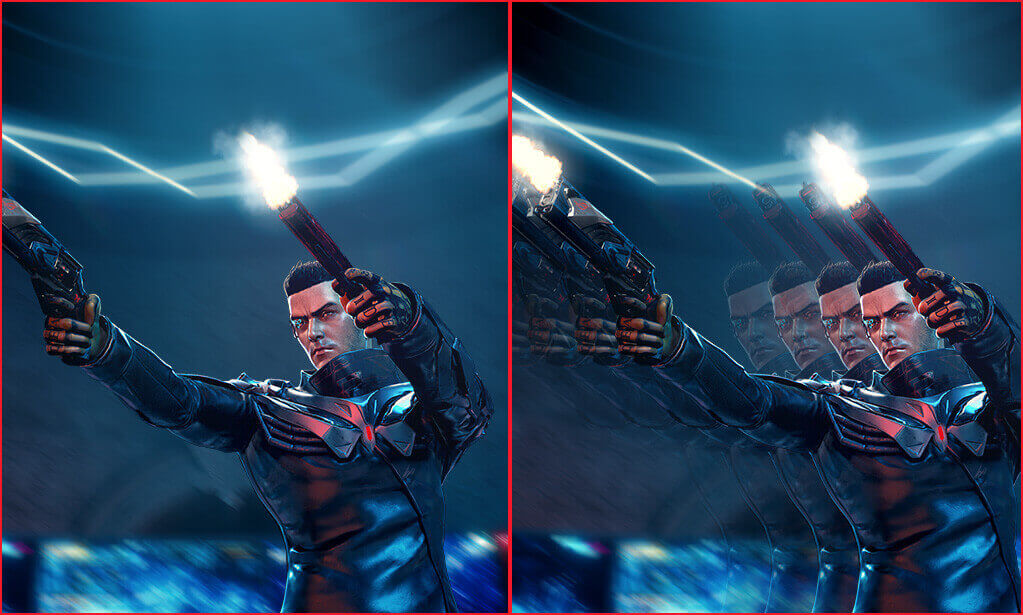
A screenshot of an in-game character firing two guns / A screengrab of an in-game character firing two guns, with the image showing considerable motion blur.

WITH ELMB

WITHOUT ELMB

Advantages of OLED technology

The latest ASUS OLED panels offer extremely high contrast ratios to deliver the darkest black hues as well as the most vivid colors, helping create immersive visuals for gaming and for creative endeavors. Plus, an astounding 0.03 ms gray-to-gray response time ensures supersmooth, low-latency visuals.

  • 1.5M :1 contrast ratio
  • 0.03 ms response time
  • 99% DCI-P3 gamut
  • Delta E < 2
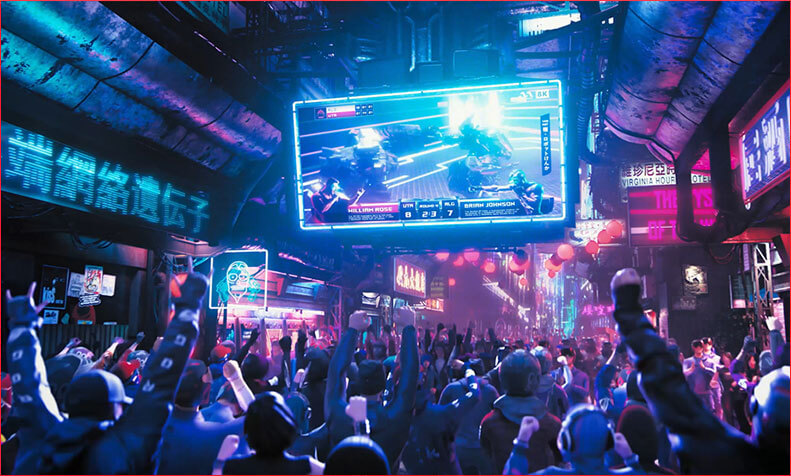
A crowd watching a live broadcast of a battle

Screen Protection

ASUS OLED CARE PRO

New ASUS OLED Care Pro technology provides a full set of customizable monitor settings to protect the OLED panel and ensure longevity. Plus, it includes the new Neo Proximity Sensor that detects your distance from the monitor and transitions to a black image when you’re away to safeguard the panel from burn-in. All settings can be easily managed via DisplayWidget Center.

Learn more

Neo Proximity Sensor

Neo Proximity Sensor

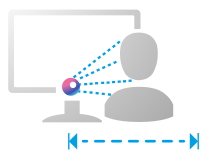
The built-in Neo Proximity Sensor precisely detects your distance from the monitor. When you step away, the monitor transitions to a black image to protect against panel burn-in, and instantly restores onscreen content when you return. Detection distance can be customized to suit personal preference, ensuring maximum convenience and protection.

*Please ensure that the monitor sensor is properly angled and cleaned by using the included microfiber cloth before activating the detection function.

Automatically Transition to Black Image

Customize Detection Distance

Pixel cleaning

The pixel cleaning reminder pop-up

Pixel cleaning

Recalibrates the screen when the monitor has been active for several hours―a process that takes just a few minutes and activates automatically when the monitor is turned off*
*Do not unplug the power cord during this time as it will interrupt the pixel-cleaning process.

SCREEN MOVE
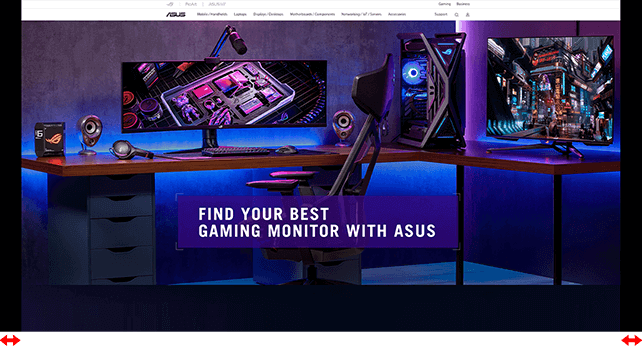
Screenshot of a web browser with black  bars on the left and right of the screen to show the effect of the OLED Care+’s Screen Move feature.

SCREEN MOVE

Pixel locations are slightly shifted periodically to help prevent burn-in, and users can choose between several movement levels.

Boundary detection
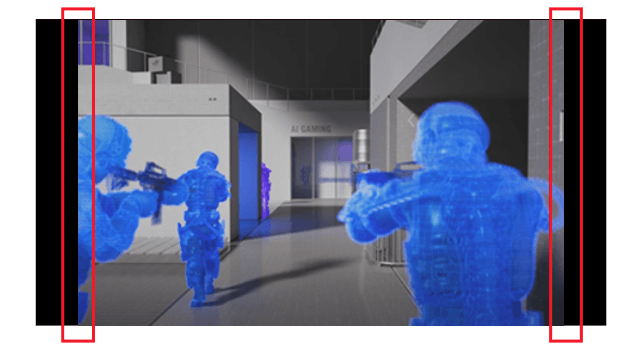
Screenshot of three soldiers with guns raised, there are black bars on the left and right of the image when the Boundary Detection feature is activated

Boundary detection

Dynamically detects the boundary of the black bars and reduces the brightness and also slightly shifts the pixel of the near borders.

SCREEN SAVER
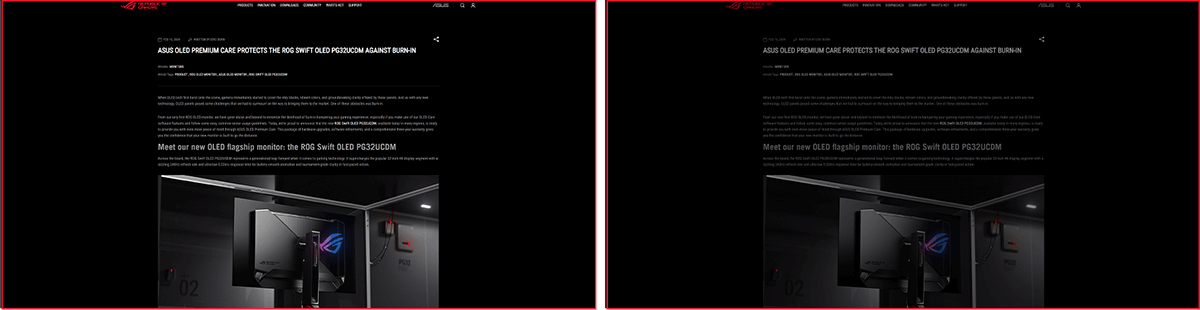
Screenshot of an ROG web article. / Screenshot of an ROG web article with the screen dimmed.

SCREEN SAVER OFF

SCREEN SAVER ON

SCREEN SAVER

Automatically dims the screen after two minutes of inactivity.

Logo brightness adjustment

The screenshot of the desktop with five apps. / The screenshot of the desktop with the five app icons dimmed.

Adjust Logo Brightness OFF

Adjust Logo Brightness ON

Logo brightness adjustment

Automatically detects static onscreen logos and reduces their brightness to correct for potential picture-quality issue.

Taskbar detection
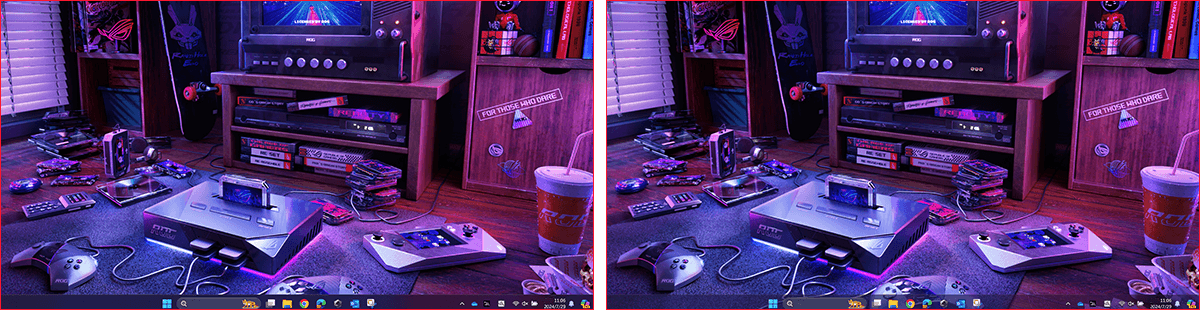
Comparison image showing two screenshots of deskto. The taskbar on left image is noraml; while the taskbar on the right comes with a transparent effect.

Taskbar detection OFF

Taskbar detection ON

Taskbar detection

Dynamically detects the taskbar and reduces brightness around it to avoid burn-in.

Outer dimming control

Image of fireworks against a dark sky. / Image of fireworks against a dark sky, with the center of the fireworks dimmed.

Outer dimming control OFF

Outer dimming control ON

Outer dimming control

Automatically identifies and adjusts the brightest areas of the screen to reduce the risk of burn-in.

Global dimming control

The night view of modern city. /  The night view of a cityscape with the dimming effect enabled on some brighter spots of the image.

Global dimming control OFF

Global dimming control ON

Global dimming control

Dynamically adjusts the overall brightness of the display to reduce the risk of burn-in.

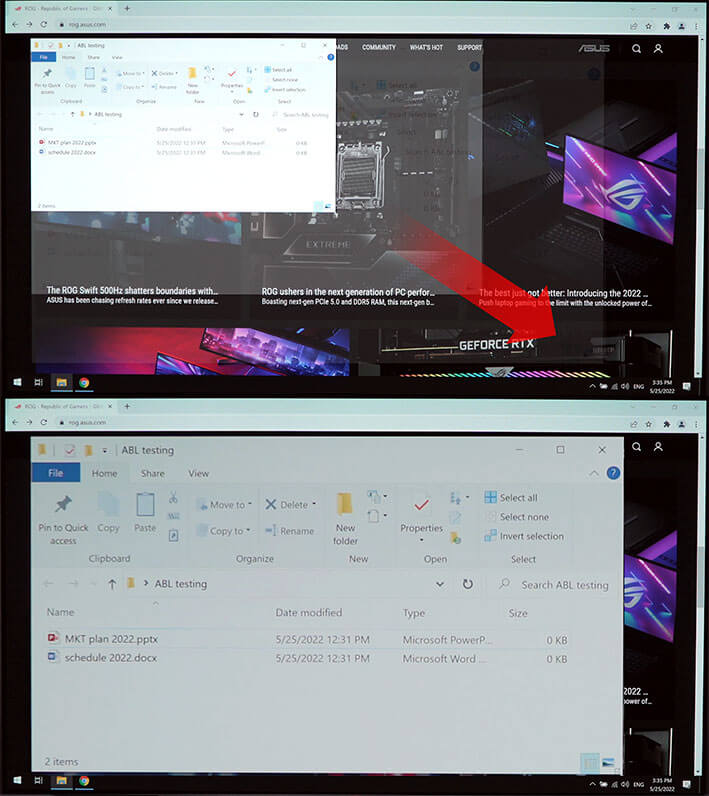
Target mode
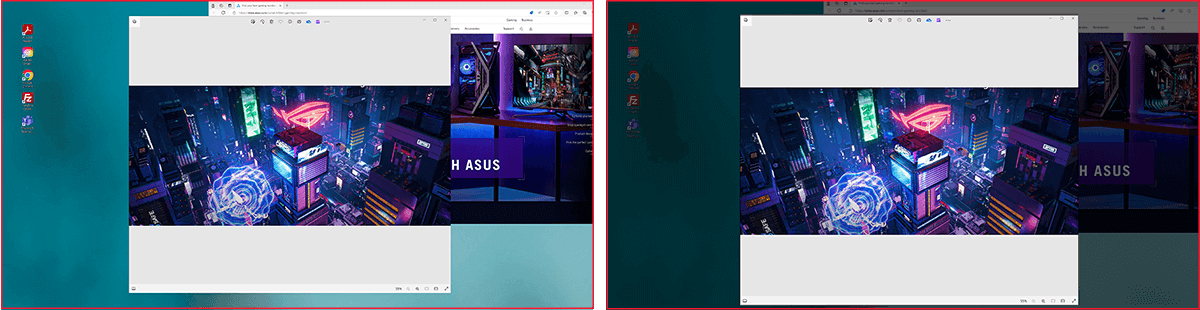
The screenshot of the desktop with two open windows. / The screenshot of the desktop with two open windows, with the top window on normal brightness, and the other window dimmed.

Target Mode OFF

Target Mode ON

Target mode

Dims the entire screen, except for a selected pinned window, which maintains its current brightness setting.

Built to Last

Worry-free OLED Monitor

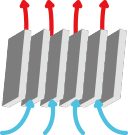
ROG OLED monitors are engineered to deliver stunning visuals for years to come. An innovative custom heatsink and a unique internal airflow improve cooling and reduce the risk of burn-in.

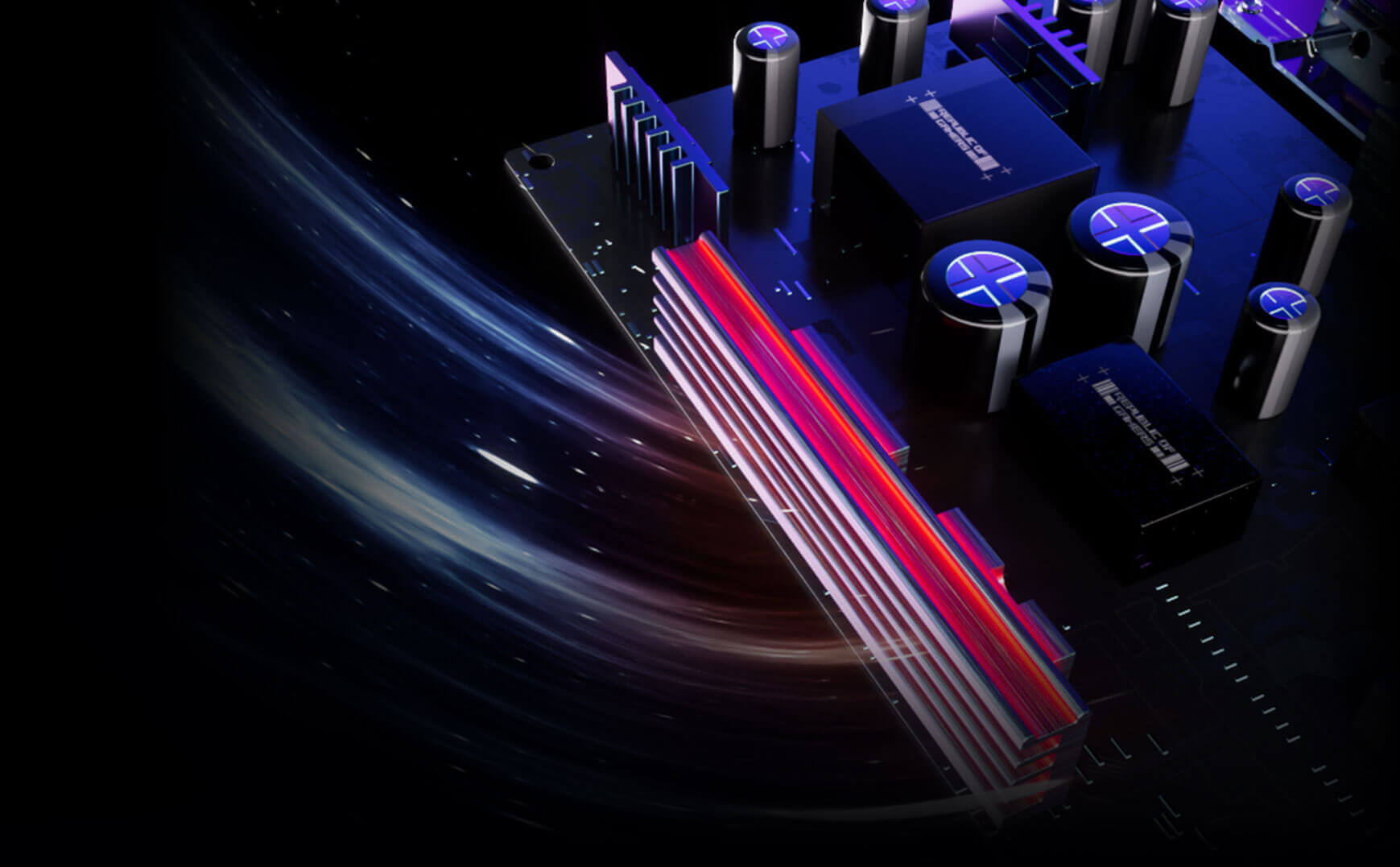
3 year warranty icon
Image showing airflow through the monitor 3 year warranty icon

YOUR MONITOR, YOUR WAY

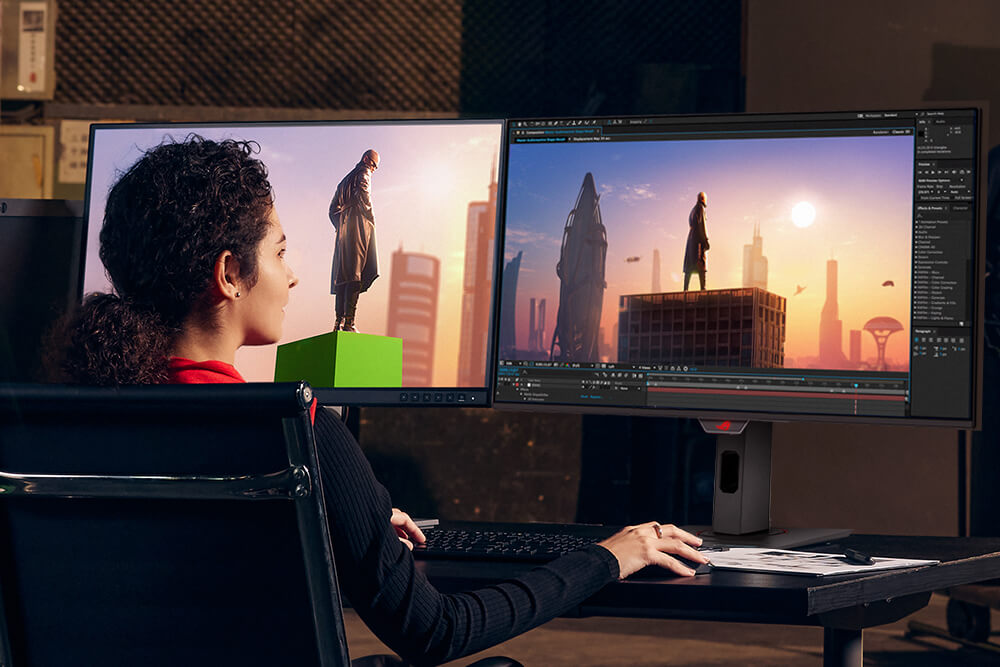
The XG32UCDS monitor is a versatile powerhouse designed to excel in gaming, streaming, and content creation. Its high refresh rate, low response time, and vivid colors deliver a seamless, immersive experience. The wide viewing angles and built-in tripod socket make it perfect for streaming, while its exceptional color accuracy and wide color gamut ensure professional-grade content creation.

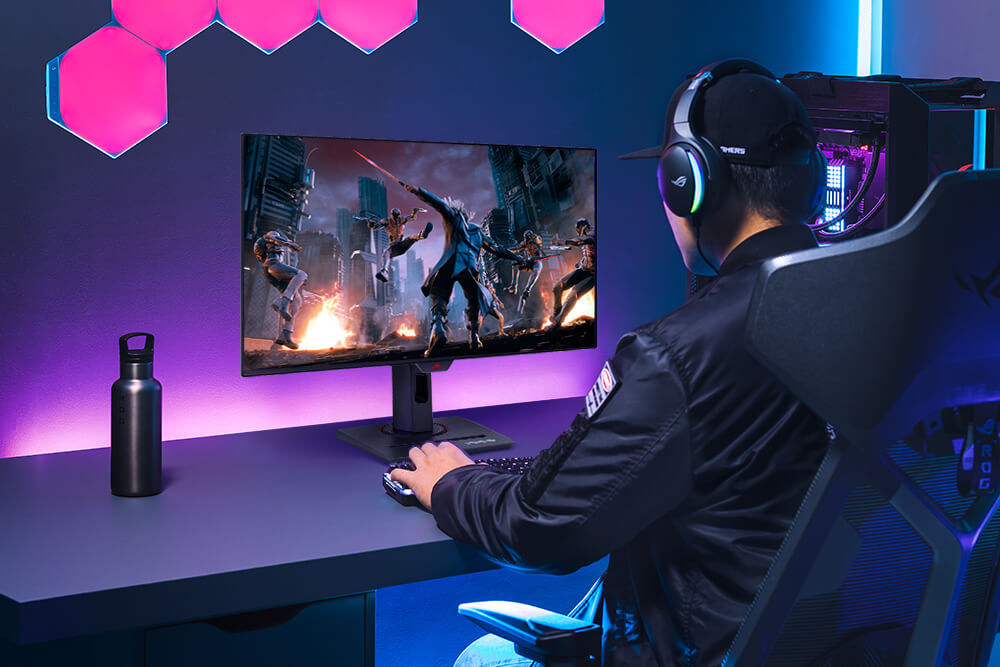
  • A gamer playing on a gaming setup featuring a monitor and PC, a thermos can be seen on the desk as well.

    Gaming

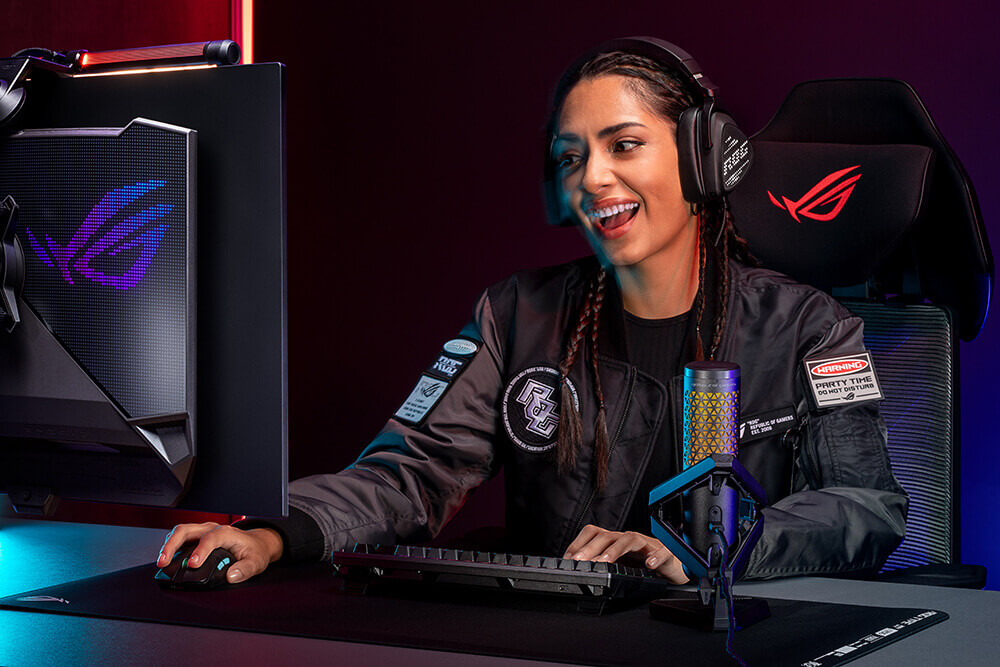
  • Smiling female gamer wearing a headset and gaming on a PC.

    Streaming

  • Woman editing a photo on a dual-monitor setup

    Content creation

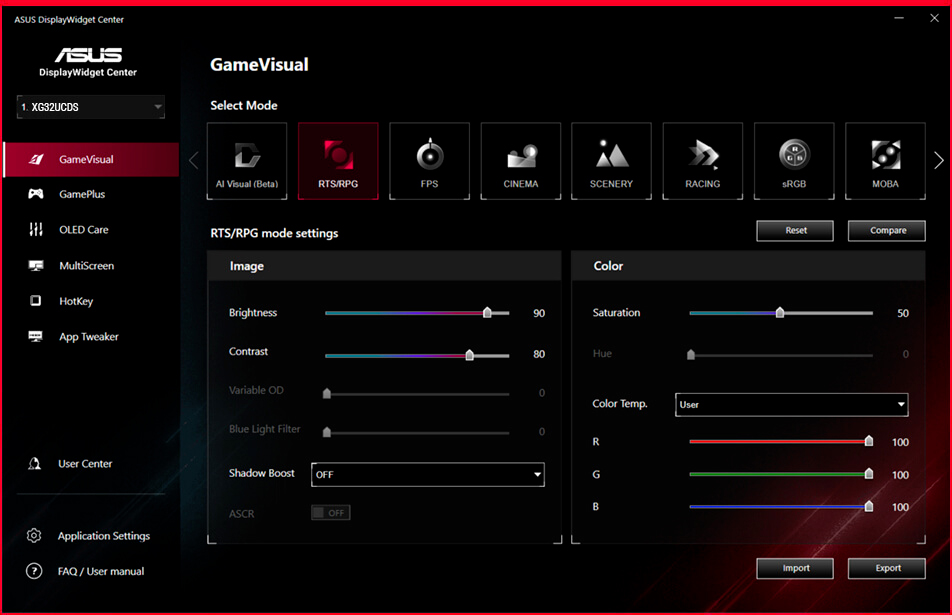
DisplayWidget Center

Take your monitor to the next level with DisplayWidget Center, a powerful monitor management software designed to help you optimize, personalize, and fully utilize your display via a mouse — so there’s no need to access the OSD menu. Additionally, DisplayWidget Center notifies you of the latest firmware updates and includes a direct update option. You can also import or export display configurations for sharing.

  • Customizable
    monitor settings

  • Auto Firmware
    Update Notification

  • Multiscreen
    Control

  • OLED
    Protection

Screenshot of the new ASUS DisplayWidget Center UI showing system settings, OLED functions, and more.

ROG GAMING AI TECHNOLOGY

The ROG AI Assistant technology includes AI Visual, Dynamic Crosshair, and Dynamic Shadow Boost, leveraging AI technology to help you practice more effectively to improve your gaming experience.

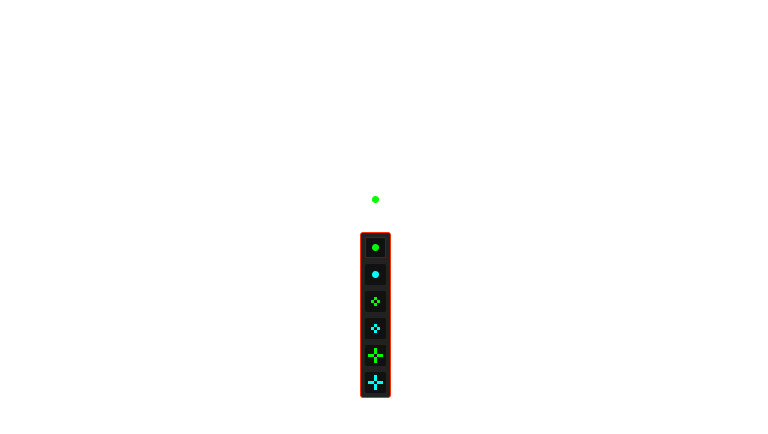
Dynamic Crosshair

Automatically changes the crosshair to a color that contrasts with the background, so it stands out for more accurate aim.
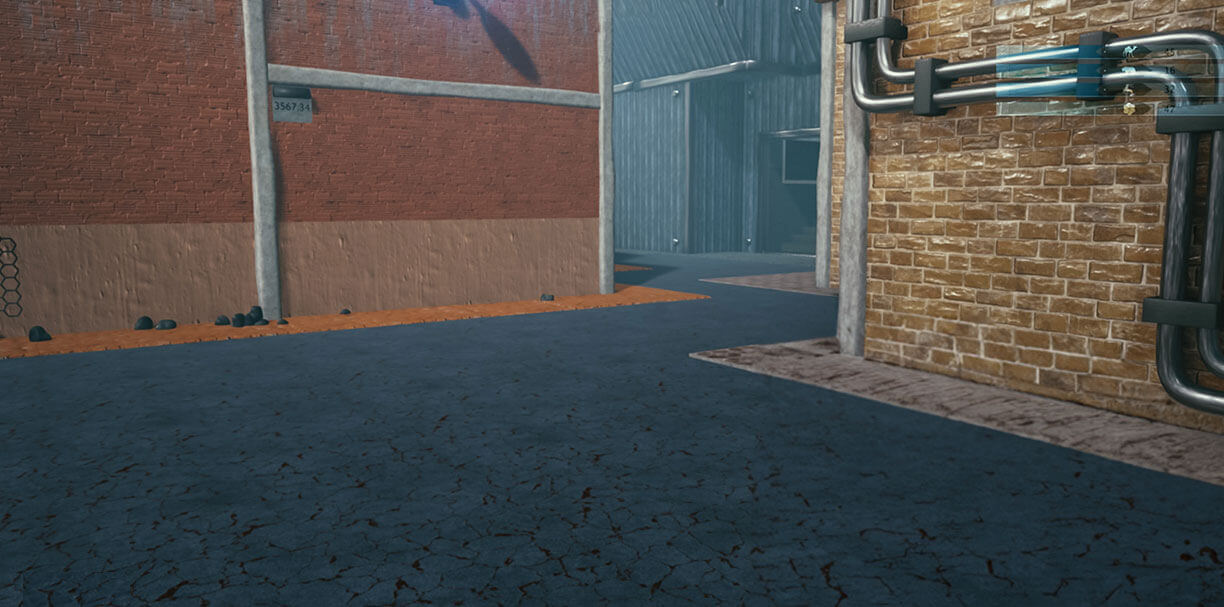
The crosshair color changes from green to red when Dynamic Crosshair is activated

Dynamic Shadow Boost

Automatically enhances dark areas of the scene to make it easier to spot enemies hiding in dim areas of the map.


Screenshot of an FPS game

AI Visual

Automatically detects what’s onscreen and adjusts to provide the best default or user-preset monitor settings through DisplayWidget Center.

*Images/videos may be simulated and dramatized for illustrative purposes.

USER-FRIENDLY

Uniform brightness

When activated, the ROG-exclusive Uniform Brightness* setting within the OSD menu decreases peak brightness to keep levels consistent for better viewing—even when changing the size of bright white windows. It also makes marathon gaming sessions much more comfortable on the eyes.

WITH uniform brightness setting
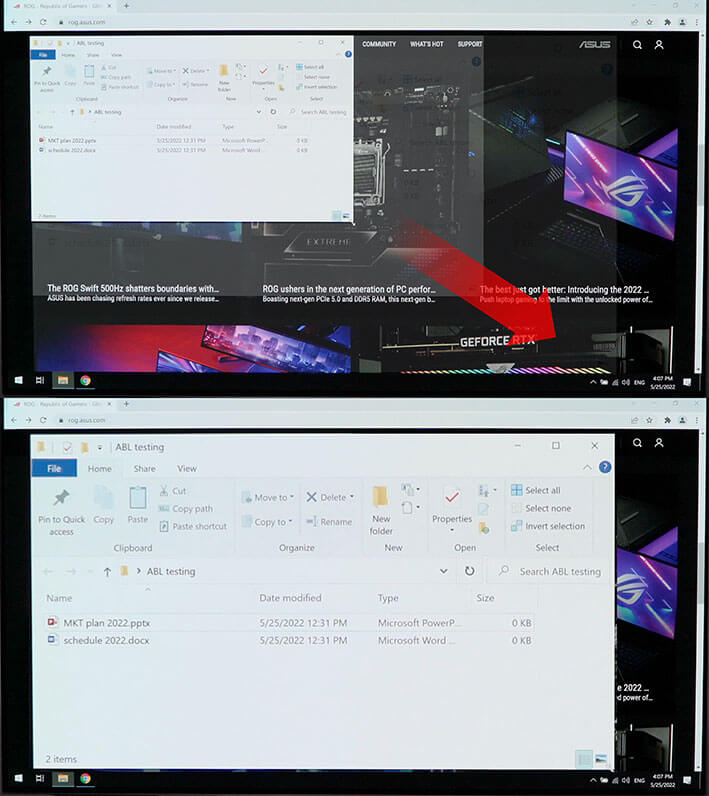
Comparison images showing a white window being enlarged in the first image, with the second image showing no change in display brightness

WITHOUT uniform brightness setting

Comparison images showing a white window being enlarged in the first image, with the second image showing a dimmer display.
*When the monitor is in sRGB mode

Aspect Ratio Control

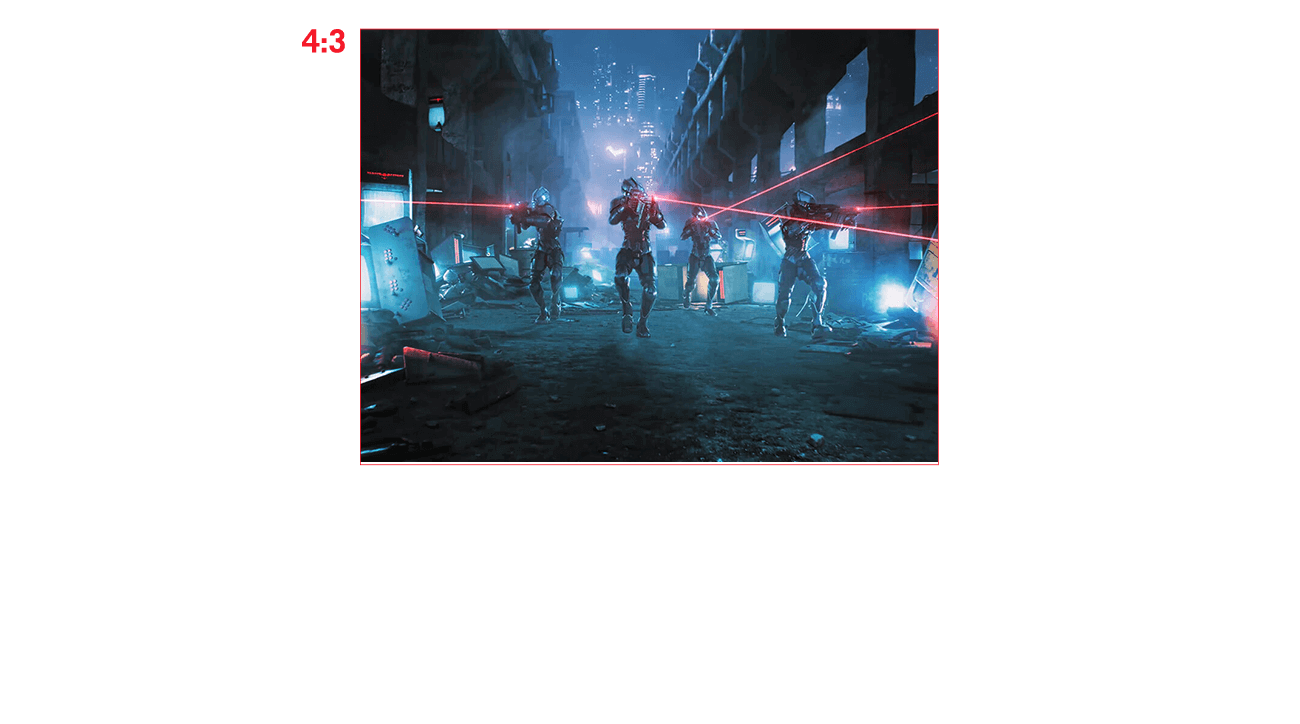
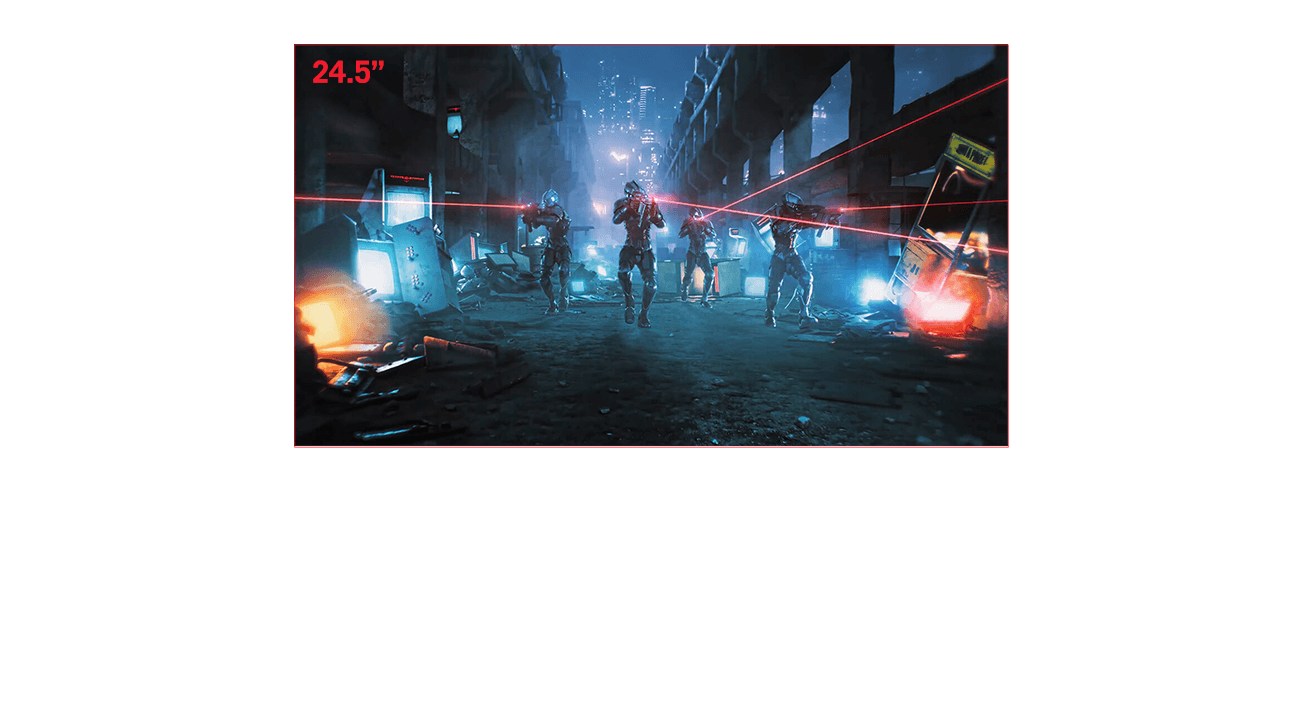
For competitive gamers who are more familiar with lower resolution, the XG32UCDS can display a 4:3 aspect image in 1280 x 960 or 1024 x 768 resolutions. Alternatively, users can play on a 24.5-inch (24.5” simulation) at 165Hz refresh rate. You can enjoy both ends between AAA game title or FPS competitive games at any time.

  • 4:3
  • 24.5”
ROG Strix OLED XG32UCDS
  • The aspect ratio can be set to show a 4:3 image.
  • The aspect ratio can be set to show a 4:3 image.

VRR

SMOOTH AND RESPONSIVE

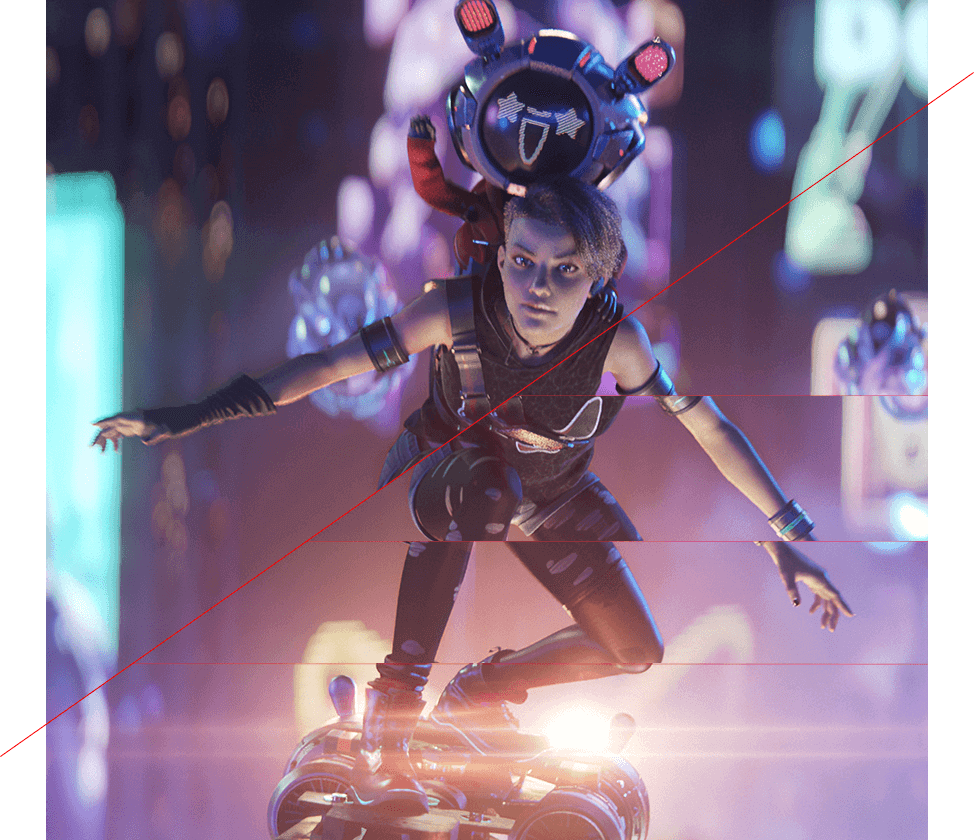
The monitor features AMD FreeSync™ Premium Pro technology and NVIDIA® G-SYNC® compatibility*, ensuring supersmooth, tear-free visuals with low latency.


*Please check the respective official webpage for the latest compatible list.

Image of two characters riding a flying hoverboard, with one character’s body showing some screen tearing when VRR technology is off.

VRR ON

VRR OFF

In-game enhancements

GAMEPLUS

The ASUS-exclusive integrated GamePlus hotkey offers in-game enhancements. Co-developed with input from pro gamers, GamePlus enables you to practice and improve gaming skills with the ROG Gaming AI technology-enhanced Dynamic Crosshair.
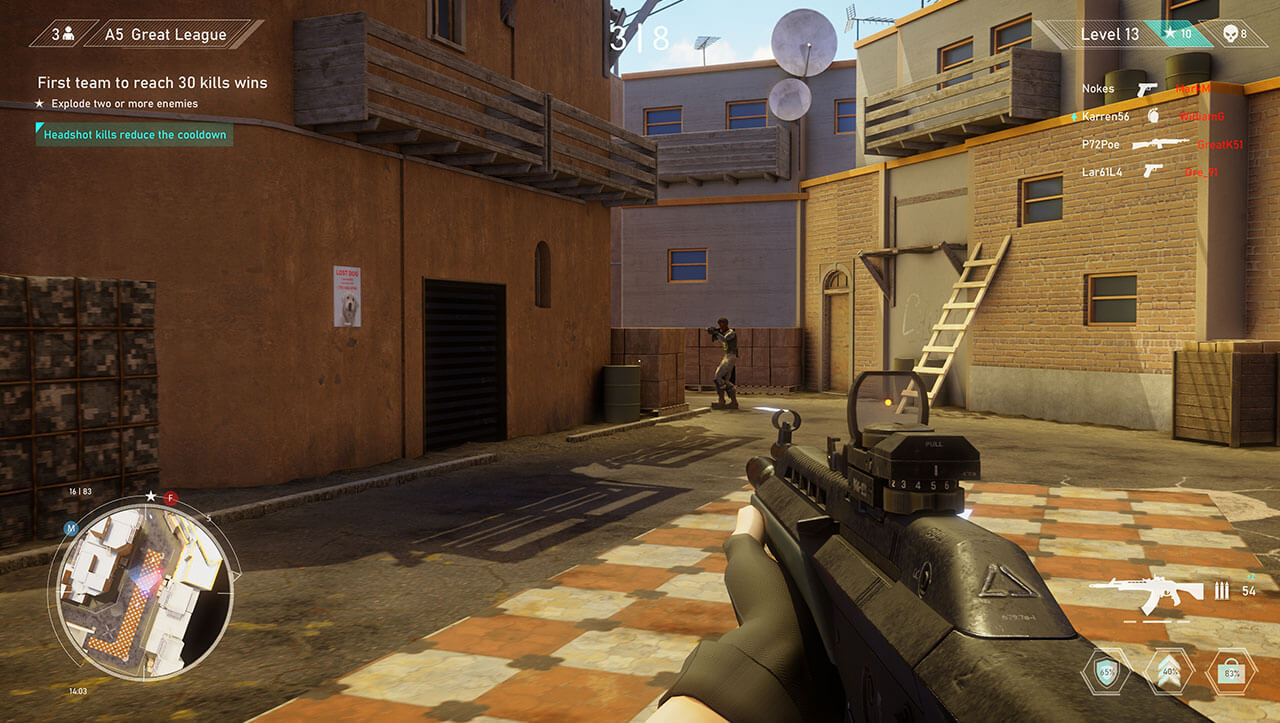

The various functions of GamePlus
  • “The FPS game scene; the Stopwatch overlay can be seen on the upper-left corner of the screen
  • A crosshair overlay in the middle of the screen
  • The FPS game scene; the Timer overlay can be seen on the upper-left corner of the screen
  • The FPS game scene; the FPS counter overlay can be seen on the upper-right corner of the screen
  • The FPS game scene; with the display alignment feature activated
  • The Sniper feature zooms in on the head of the soldier in the middle of the screen
  • Stopwatch

  • Crosshair

  • Timer

  • FPS Counter

  • Display Alignment

  • Sniper

GAMEVISUAL

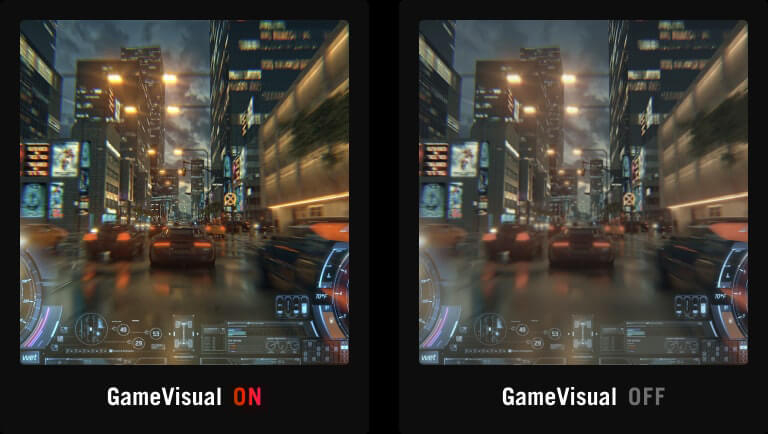
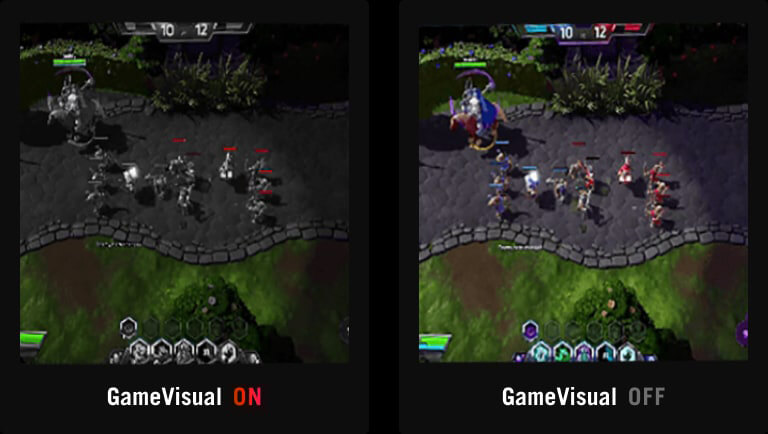
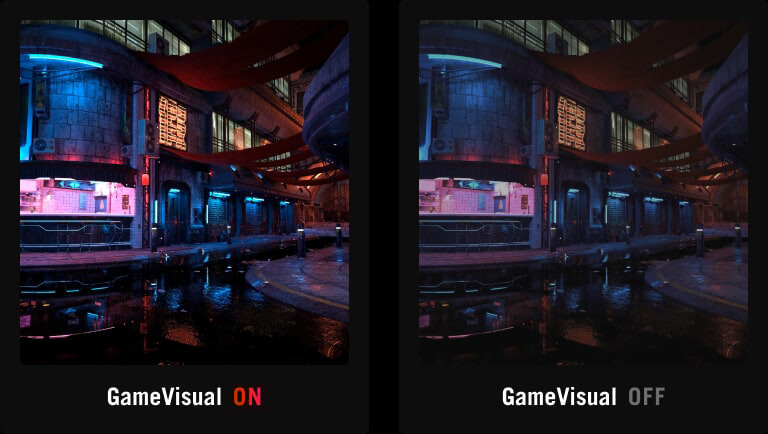
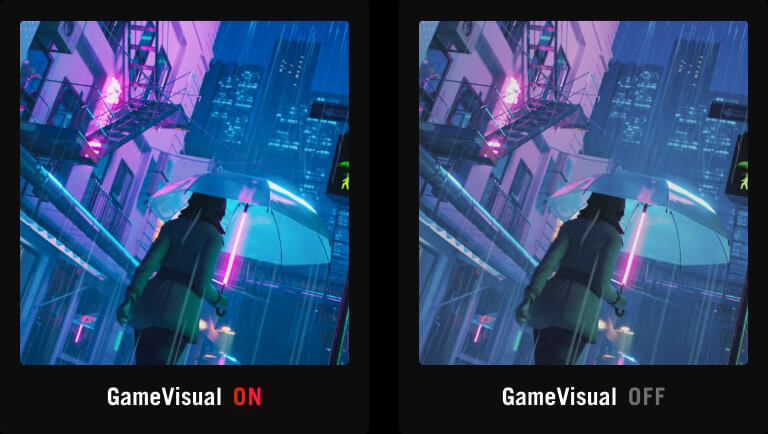
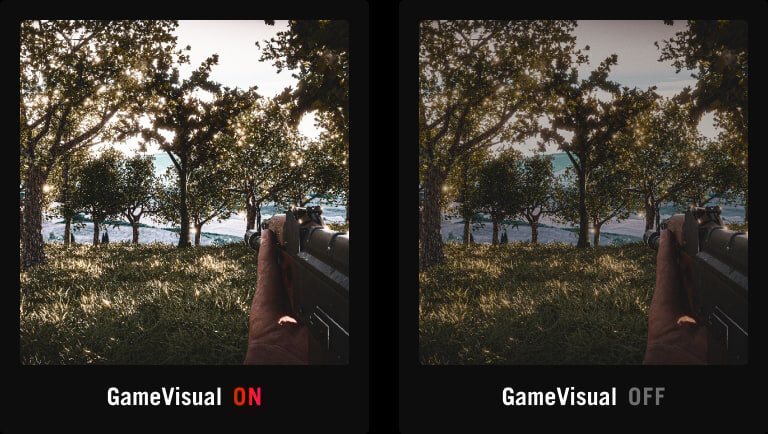
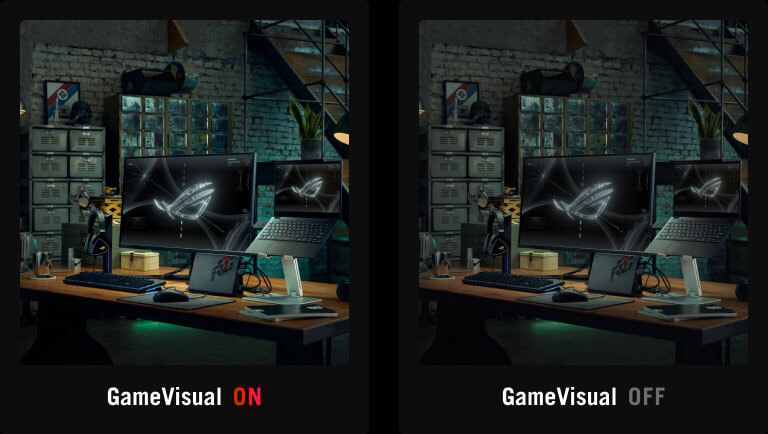
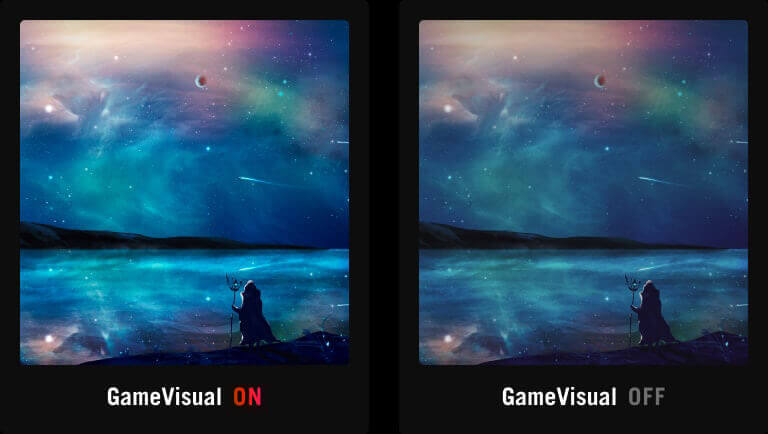
ASUS GameVisual technology offers seven pre-set display modes to optimize visuals for different types of content. This unique feature can be easily accessed using a hotkey or via the OSD settings menu.

  • Racing

  • MOBA

  • Cinema

  • RTS/RPG

  • FPS mode

  • sRGB Cal.

  • Scenery

  • Screenshot of a racing game with a vibrant city backdrop / Screenshot of a racing game, showing a dull city backdrop
  • Screenshot of a MOBA game, only the opponent's health bar is colored, with other onscreen elements in black and white. / Screenshot of a MOBA game
  • A vibrant cityscape at night / A city scene at night with less vibrant colors
  • Vibrant screenshot of a woman holding an umbrella while walking down the street at night / Identical screenshot of the previous image, with less vivid colors
  • Vibrant screenshot of an FPS game / Identical screenshot of an FPS game, showing less vivid colors
  • A vibrant rendering of a room with an ROG gaming setup in the foreground /  Identical rendering of the room with an ROG gaming setup in the foreground, with less vivid colors
  • Vibrant image of a person standing on the beach against a beautiful night sky / Identical image of a person standing on the beach against a beautiful night sky, with less vivid color
  • Racing

  • MOBA

  • Cinema

  • RTS/RPG

  • FPS mode

  • sRGB

  • Scenery

FLICKER-FREE TECHNOLOGY

TÜV Rheinland-certified ASUS Flicker-Free technology eliminates flicker, ensuring comfortable viewing experiences. This technology helps minimize eyestrain and other potential issues typically associated with extended hours of viewing.

Monitor with ASUS Flicker Free technology.

WITH FLICKER-FREE TECHNOLOGY

Monitor without ASUS Flicker Free technology.

WITHOUT FLICKER-FREE TECHNOLOGY

LOW BLUE LIGHT TECHNOLOGY

The new hardware-based ASUS Low Blue Light technology reduces potentially harmful high-energy blue-light emissions while offering color performance that’s better than monitors with software-based filtering solutions.

Monitor with hardware-based ASUS Low Blue Light reduces harmful blue light emissions.

LOW BLUE LIGHT

Monitor without hardware-based ASUS Low Blue Light will have visuals with a yellowish tinge.

CONVENTIONAL BLUE LIGHT FILTER

Rich Connectivity

Extensive connectivity options such as DisplayPort™ 1.4 with Display Stream Compression (DSC), HDMI® 2.1 and USB-C with 15-watt Power Delivery for a wide array of multimedia devices.
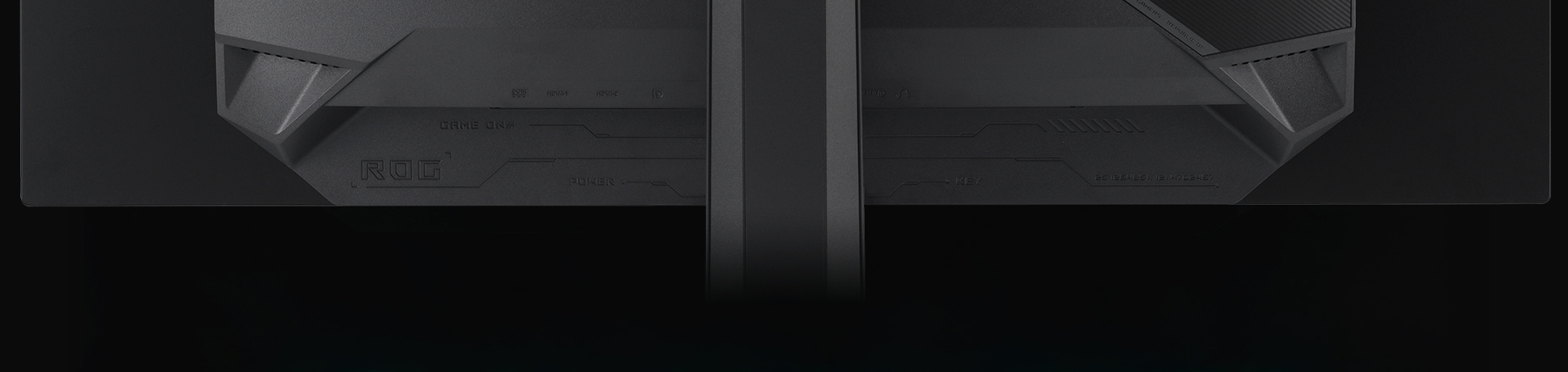

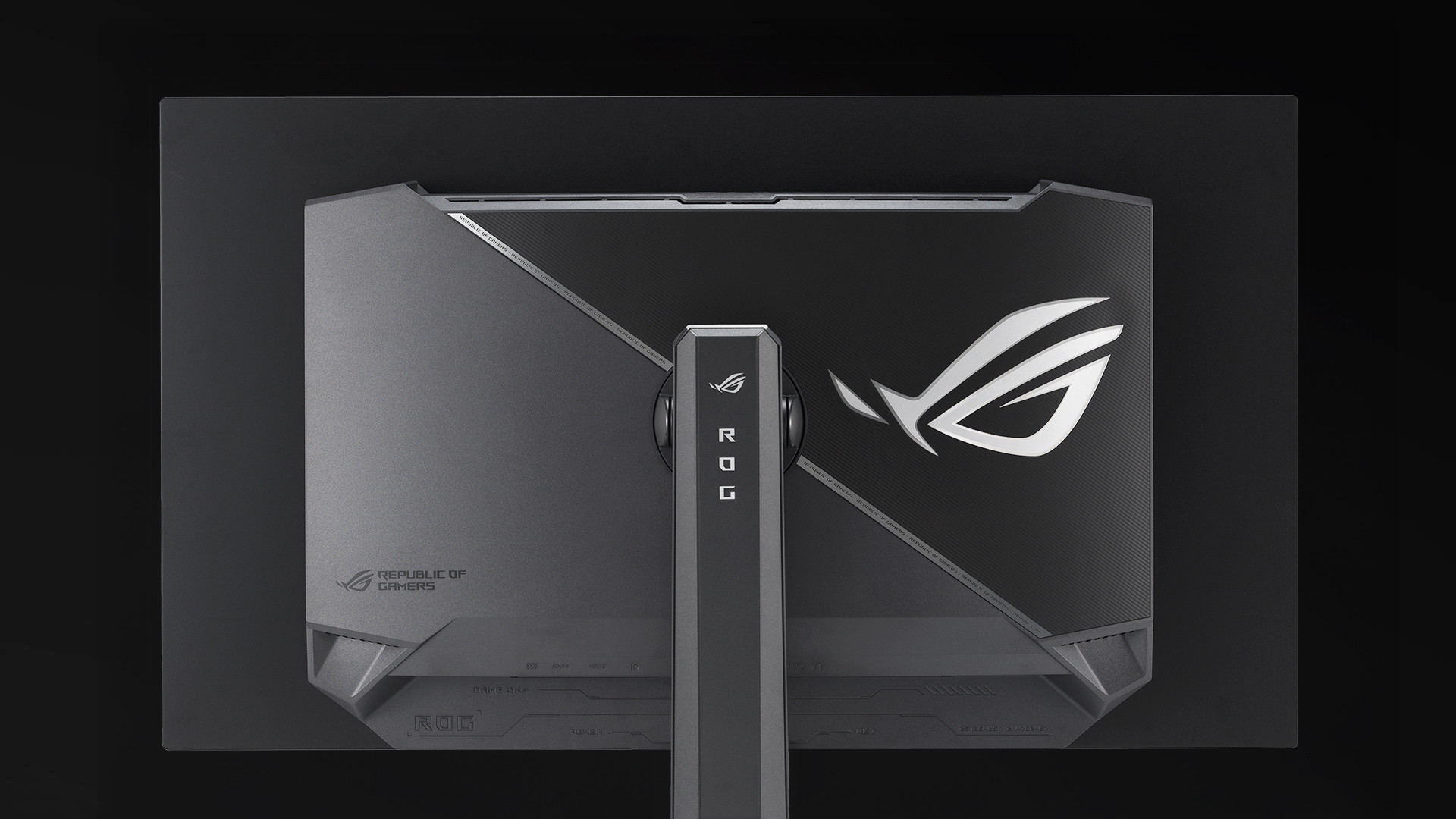
The rear panel of the XG32UCDS features DisplayPort 1.4, HDMI 2.1, and a USB hub.
  • DisplayPort™ 1.4 (DSC)

  • HDMI® 2.1

  • USB-C (15W PD)

Enhance Gaming with 4K on Consoles and the ROG Ally X Handheld*

Enjoy truly immersive 4K** gaming with sharper imagery and clearer text on PlayStation 5, Xbox Series X, Nintendo Switch 2 and ROG Ally X. In addition, Auto Low Latency Mode kicks in automatically for ultra-responsive control the moment gameplay starts.

  • HDMI 2.1 VRR 4K@120Hz: Ultra-smooth visuals on PS5 and Xbox Series X
  • USB-C: Seamless video and power delivery to ROG Ally X handheld
  • Auto Low Latency Mode: Instant control and unparalleled responsiveness

Disclaimer:
*Support ROG Xbox Ally X(2025) and ROG Ally X(2024).
**Frame rates are capped at 60fps for 4K output when connected to Nintendo Switch 2.
***Image for reference only.
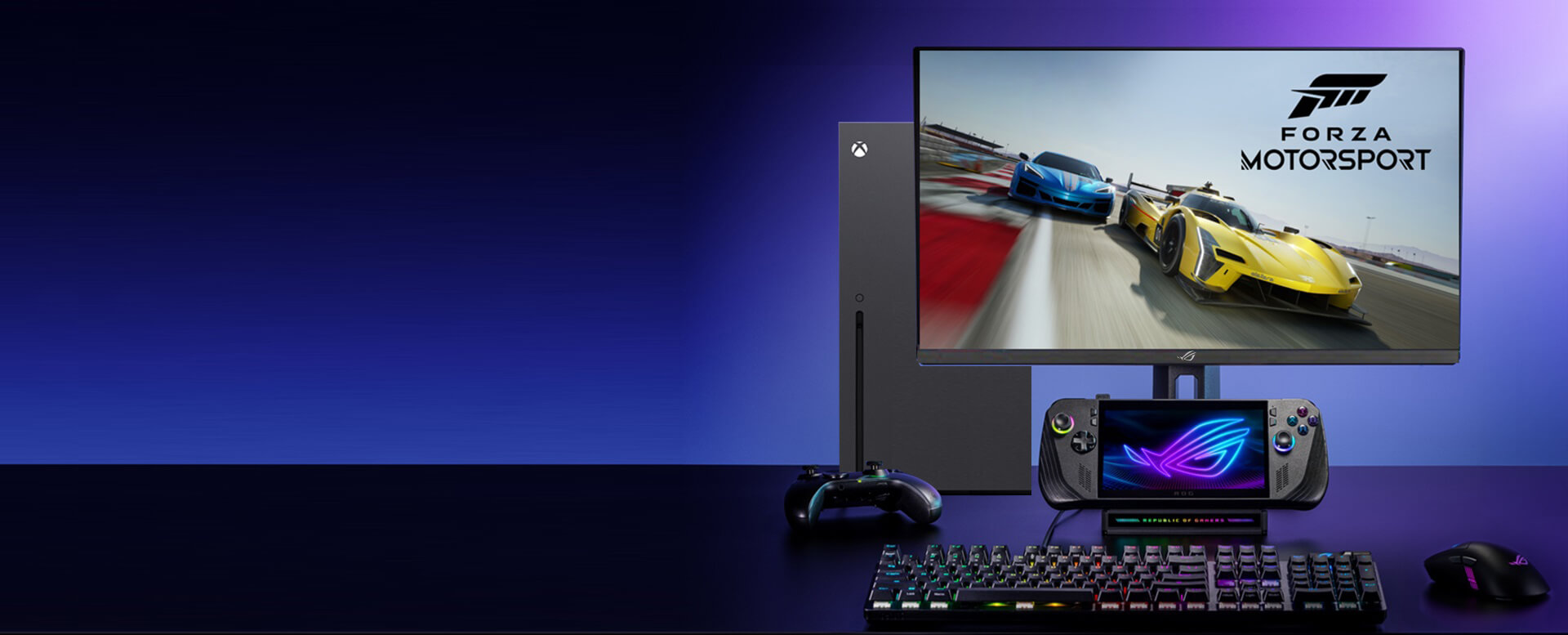
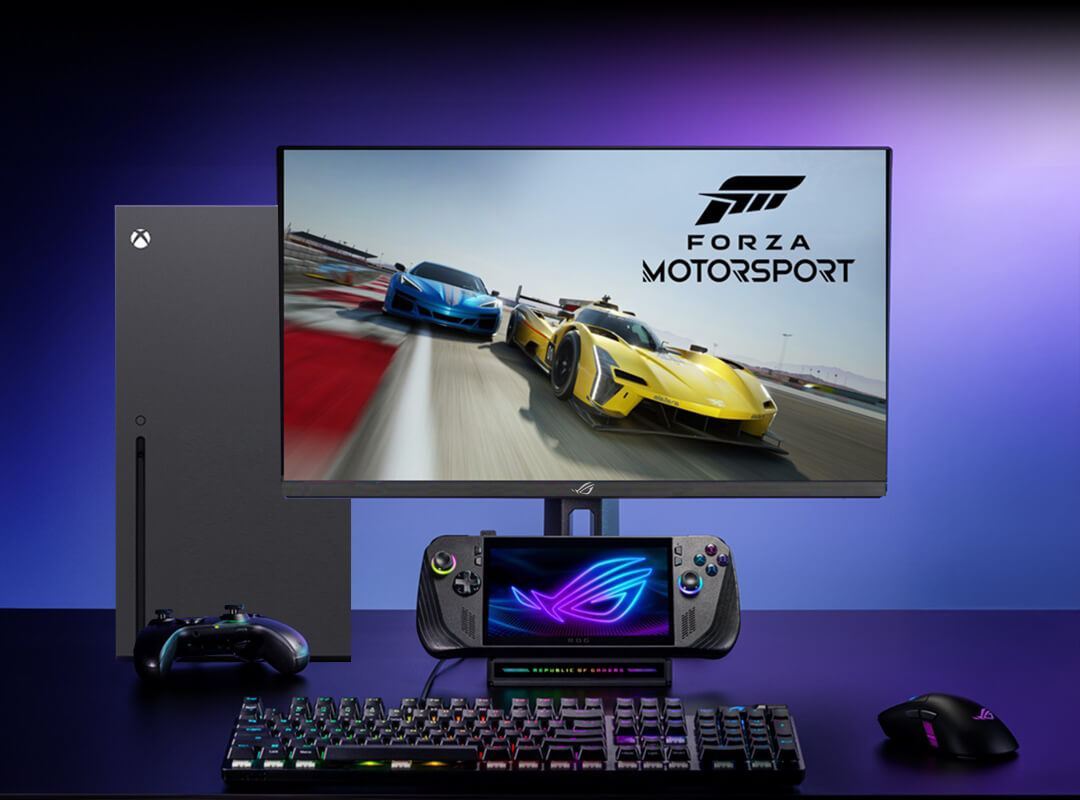
A ROG monitor connected to ROG Ally X Handheld and Xbox for enhanced 4K gaming on consoles, complete with a keyboard, controller, and Forza Motorsport on display. A ROG monitor connected to ROG Ally X Handheld and Xbox for enhanced 4K gaming on consoles, complete with a keyboard, controller, and Forza Motorsport on display.

Ergonomic stand

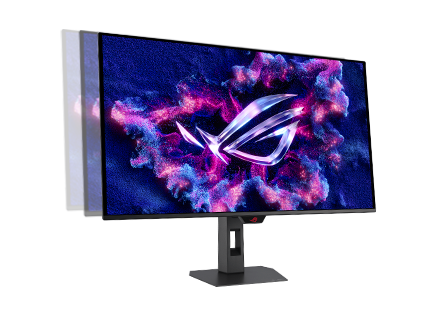
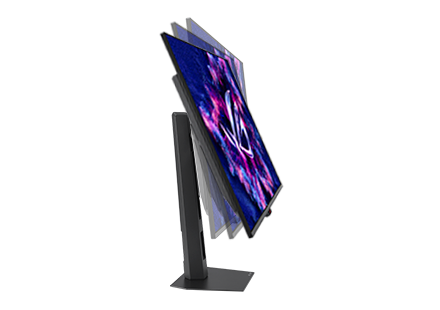
The specially designed stand offers tilt, swivel and height adjustments for the ideal viewing position. The display is also VESA wall-mount-compatible.

  • The height of the XG32UCDS can be adjusted

    [ 0-110MM ]

    HEIGHT ADJUSTMENT

  • The XG32UCDS offers swivel adjustments.

    [ -25°~ +25° ]

    SWIVEL

  • The XG32UCDS offers tilt adjustments.

    [ -5°~ +20° ]

    TILT

Find your best OLED monitor

Specs

*Peak brightness may vary due to color pre-calibration
Обзоры пользователей

Рекомендовано

ROG Strix OLED XG27UCDMG

ROG Strix OLED XG27UCDMG, игровой монитор, 26,5" / 4K, панель QD-OLED, 240 Гц, 0,03 мс (GtG), OLED Anti-Flicker 2.0, оригинальный радиатор, OLED Care Pro, датчик присутствия, G-Sync Compatible, VESA DisplayHDR 400 True Black, однородная яркость, 99% DCI-P3, 10-битная кодировка цвета, DisplayWidget Center

ROG Strix OLED XG27ACDNG

ROG Strix OLED XG27ACDNG, игровой монитор, 26,5” / 1440p, панель QD-OLED, 360 Гц, 0,03 мс, оригинальный радиатор, OLED Anti-flicker, ASUS OLED Care+, однородная яркость, G-Sync Compatible, 99% DCI-P3, DisplayWidget Center

ROG Swift OLED PG27UCDM

ROG Swift OLED PG27UCDM, игровой монитор, 26,5" / 4K, панель QD-OLED, 240 Гц, 0,03 мс (GtG), OLED Anti-Flicker 2.0, оригинальный радиатор, OLED Care Pro, датчик присутствия, G-Sync Compatible, VESA DisplayHDR 400 True Black, однородная яркость, 99% DCI-P3, 10-битная кодировка цвета, DisplayWidget Center, DisplayPort 2.1a UHBR20 (80 Гбит/с)

ROG Strix XG32UCG

ROG Strix XG32UCG Gaming Monitor – 32-inch (31.5 inch viewable) 3840x2160, dual mode (4K 160Hz/ FHD 320Hz), 0.3ms (minimum), Fast IPS, Extreme Low Motion Blur Sync, USB Type-C, G-Sync compatible (processing), DisplayWidget Center, tripod socket, HDR, Aura Sync

ROG Strix OLED XG32UCWG

ROG Strix OLED XG32UCWG gaming monitor ―32-inch (31.5-inch viewable) 4K TrueBlack Glossy™ OLED, dual mode (4K@165Hz, FHD@330Hz), 0.03ms (GTG), G-SYNC® compatible, custom heatsink, OLED Care Pro, Neo Proximity Sensor, VESA DisplayHDR™ 400 True Black, Auto KVM, USB Type-C®

Сопутствующие продукты

ROG Strix Slice Mousepad

Ультратонкий портативный коврик с нескользящим основанием и жесткой поверхностью, идеально подходящий для игровых мышей с оптическим или лазерным сенсором.

ROG Sheath BLK LTD

Коврик для мыши ROG Sheath BLK LTD: большой размер, оптимальная для игр тканевая поверхность, простроченные края, противоскользящее резиновое основание

ROG Sheath Electro Punk

Коврик для мыши ROG Sheath Electro Punk: большой размер, оптимальная для игр тканевая поверхность, простроченные края, противоскользящее резиновое основание

ROG Scabbard II

Большой геймерский коврик ROG Scabbard II: простроченные края с плоскими стежками, противоскользящее резиновое основание и защитное нанопокрытие с водо-, жиро- и пылеотталкивающими свойствами

ROG Strix Scope NX

Механическая проводная игровая клавиатура ROG Strix Scope NX: переключатели ROG NX, алюминиевая рама, синхронизируемая подсветка Aura и серебристые шляпки для клавиш WASD

ROG Scabbard II EVA Edition

Геймерский коврик ROG Scabbard II EVA Edition: дизайн в стиле вселенной «Евангелион», простроченные края с плоскими стежками, противоскользящее резиновое основание и защитное нанопокрытие с водо-, жиро- и пылеотталкивающими свойствами

ROG Hone Ace Aim Lab Edition

ROG Hone Ace Aim Lab Edition – большого размера коврик для игровой мыши, предназначенный для тренировок «Aim Lab X ROG 360». Он обладает гибридной тканевой поверхностью, обеспечивающей плавное скольжение и точное позиционирование мыши, нано-покрытием с водо-, жиро- и пылеотталкивающими свойствами, а также мягкой резиновой основой, предотвращающей скольжение по столу.

ROG Hone Ace XXL

ROG Hone Ace XXL – большой коврик для игровой мыши. Он обладает гибридной тканевой поверхностью, обеспечивающей точное позиционирование мыши, нанопокрытием с водо-, жиро- и пылеотталкивающими свойствами, а также мягкой резиновой основой, предотвращающей скольжение по столу.

Product has High-Definition Multimedia Interface

Disclaimer

  • Термины HDMI, HDMI High-Definition Multimedia Interface, фирменный стиль HDMI и логотип HDMI являются товарными знаками или зарегистрированными товарными знаками компании HDMI Licensing Administrator, Inc.
  • Продукты, сертифицированные Федеральной комиссией по связи и Министерством промышленности Канады, будут распространяться в США и Канаде. Информацию о них можно получить на соответствующих региональных сайтах ASUS.
  • Технические характеристики могут быть изменены без предварительного уведомления. Точную информацию о них вы можете получить у продавца. Доступность продуктов зависит от региона.
  • Технические характеристики зависят от конкретной модели продукта - см. страницу спецификаций. Все изображения служат лишь для целей иллюстрации.
  • Цвет печатной платы и версии приложенных программ могут быть изменены без предварительного уведомления.
  • Упомянутые выше названия продуктов являются торговыми марками соответствующих компаний.
  • Все заявления о производительности основываются на теоретических значениях, если явно не указано иное. Реальные значения производительности могут отличаться.
  • Действительная скорость передачи данных по интерфейсу USB 3.0, 3.1, 3.2 и/или Type-C будет меняться в зависимости от множества различных факторов, связанных с конфигурацией компьютерной системы.