



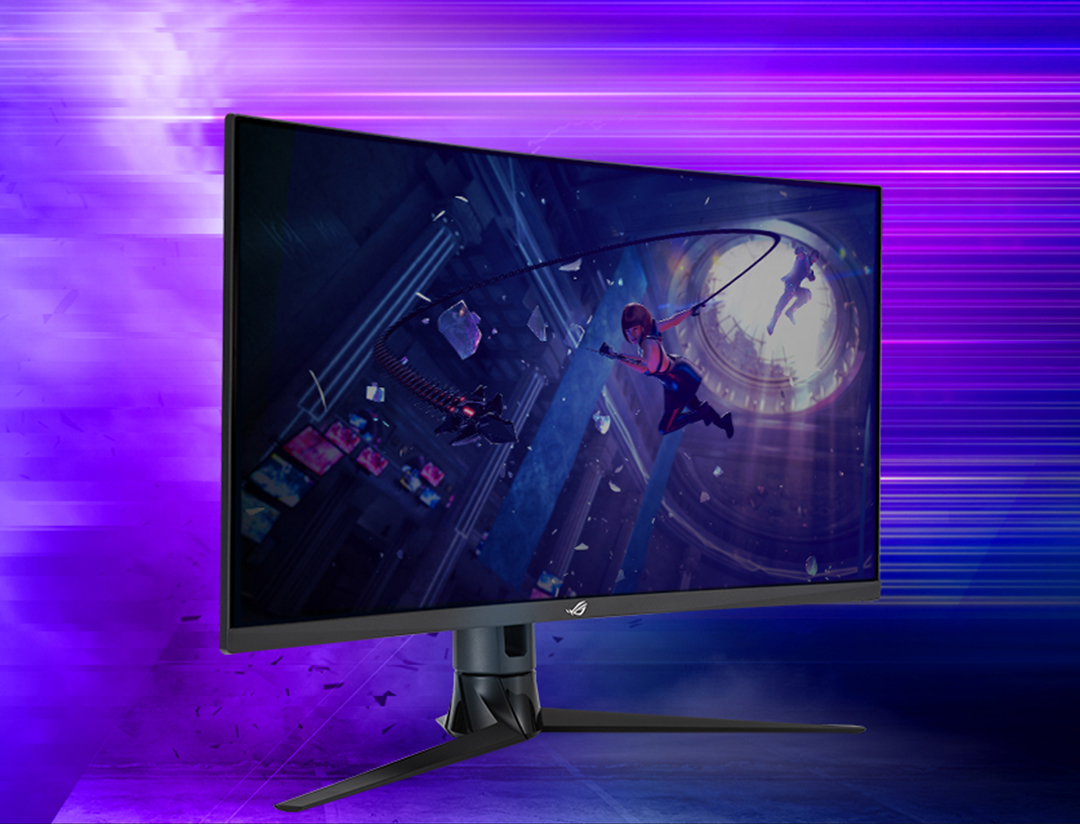
ROG STRIX XG32VC
THE CURVE TO VICTORY

Highly detailed visuals and contrast
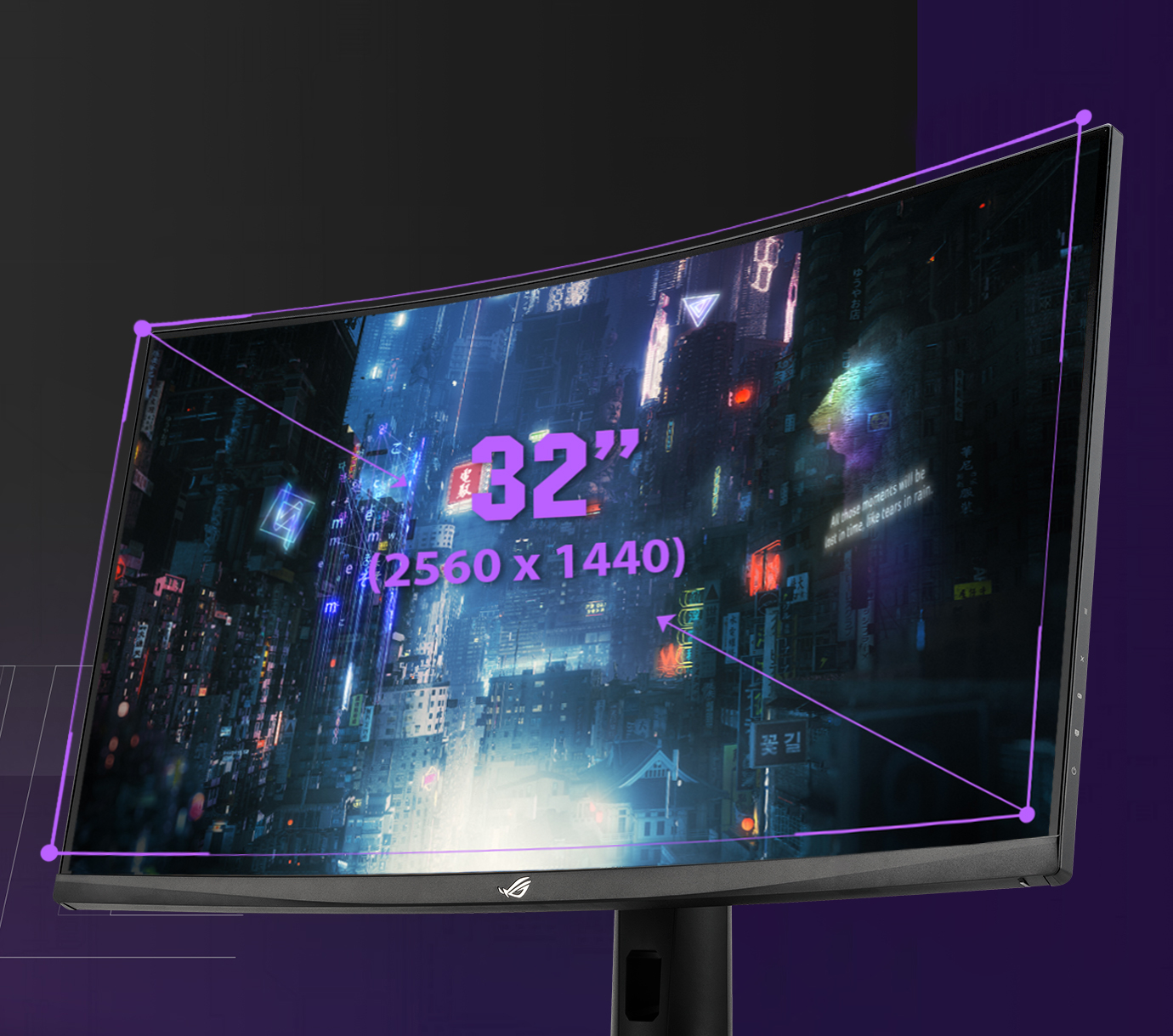
Features WQHD (2560 x 1440) curved panel that delivers up to 77% more onscreen desktop space than standard Full HD (1920 x 1080) displays. Also, delivers an astounding 3,000:1 contrast ratio.
ASUS-exclusive Extreme Low Motion Blur Technology
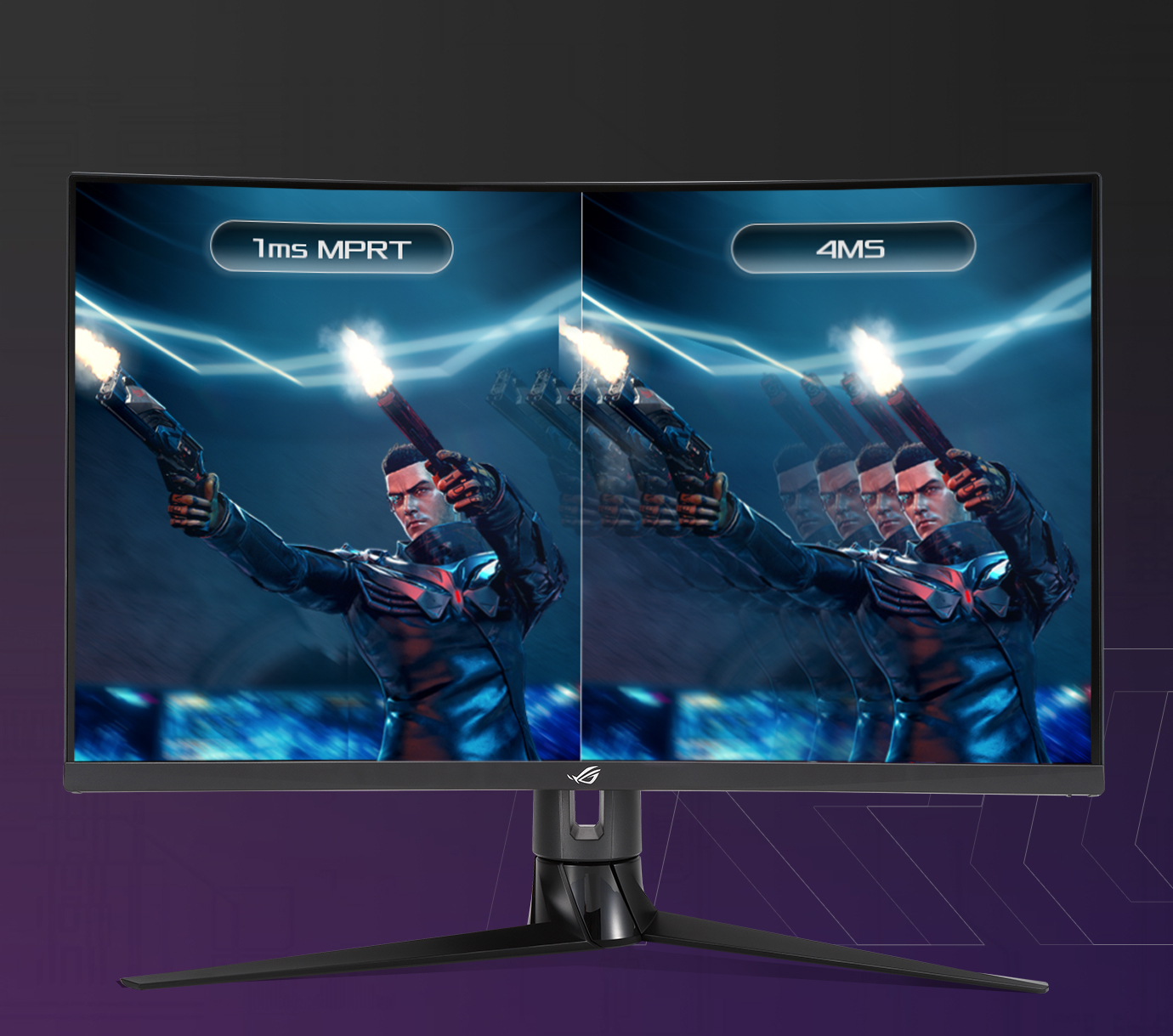
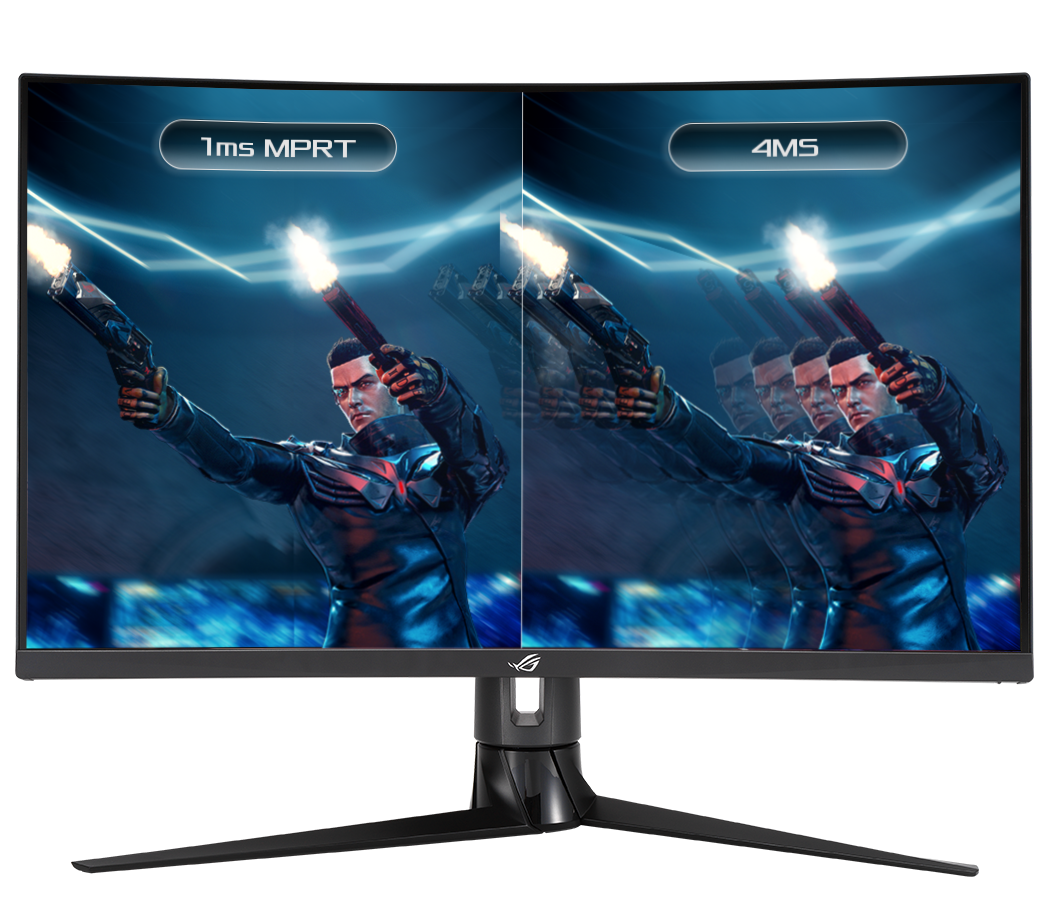
ROG Strix XG32VC features ASUS Extreme Low Motion Blur technology, which achieves 1ms MPRT to eliminate smearing and motion blur, and makes objects in motion look sharper, so gameplay is more fluid and responsive.
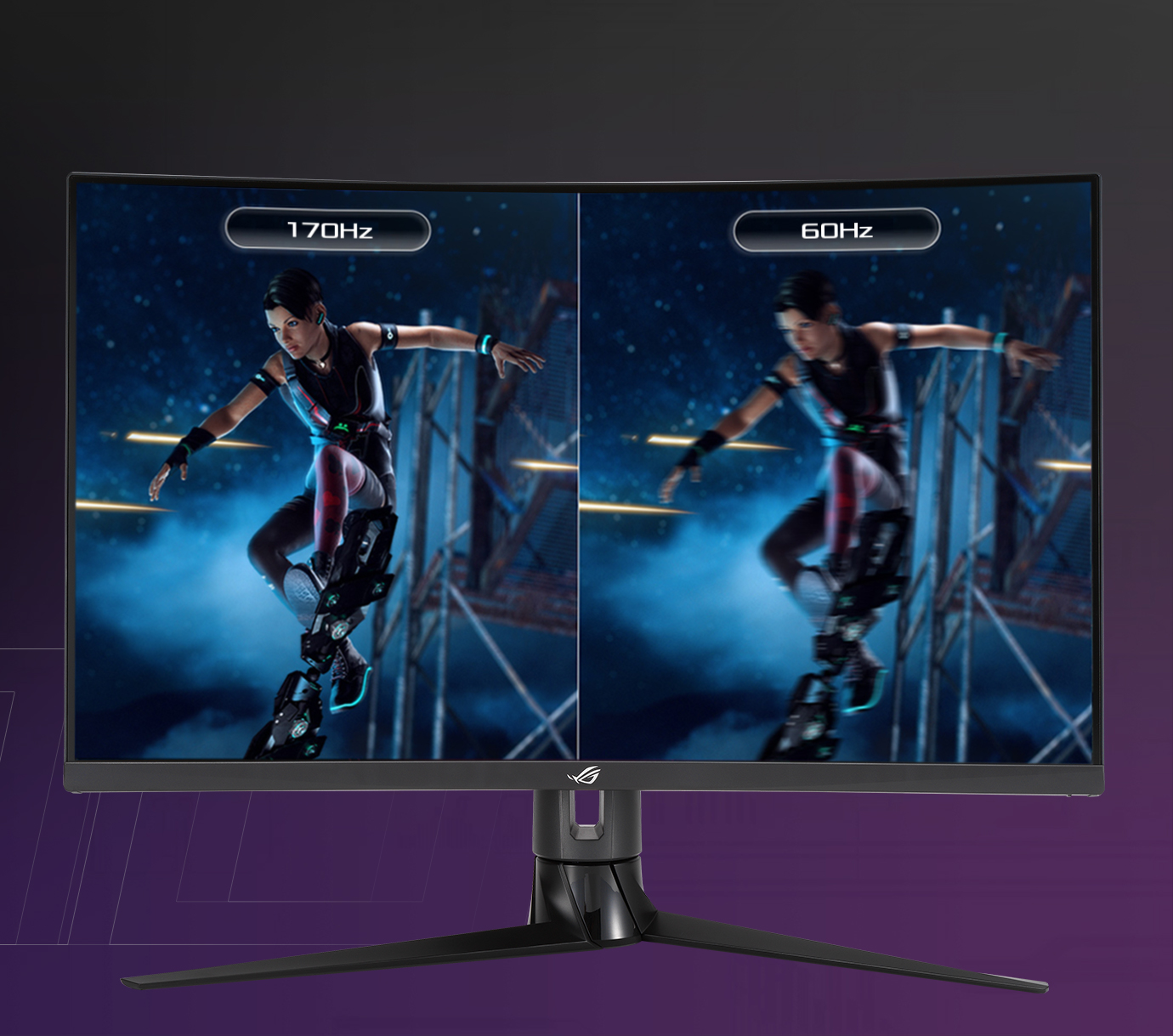
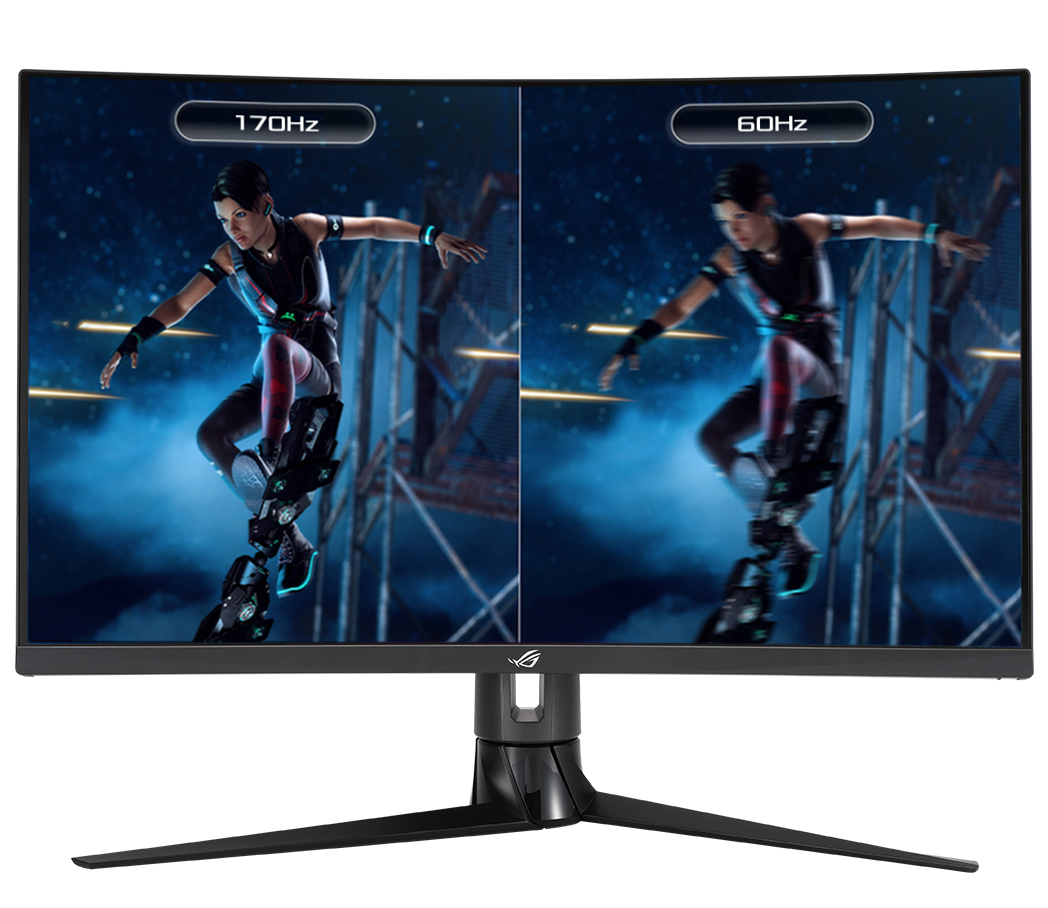
INCREDIBLY FAST 170HZ REFRESH RATE
You'll experience amazingly -fluid gaming visuals, giving you the upper hand in first-person shooters, racing, real-time strategy and sports titles.
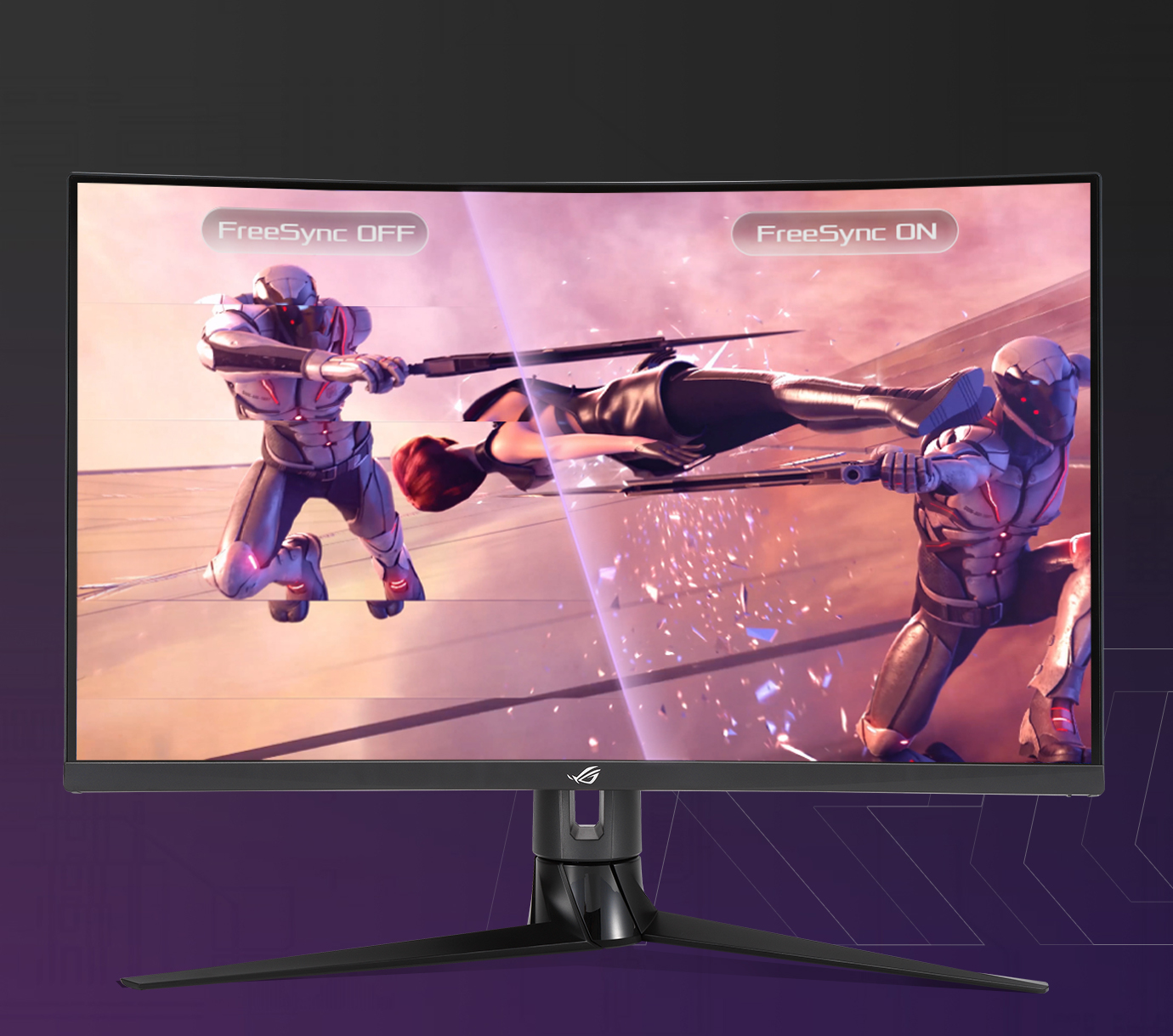
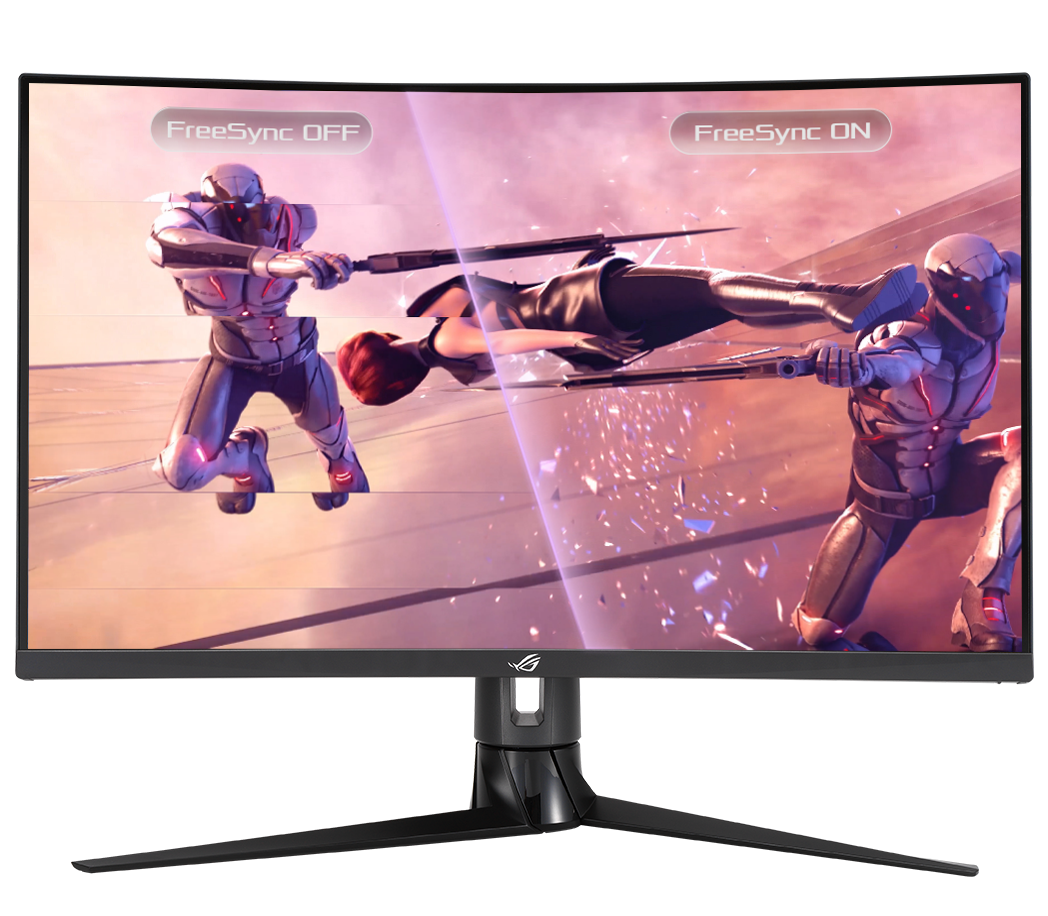
AMD FreeSync™ Premium Pro Technology
AMD FreeSync™ Premium Pro Technology provides the true HDR gaming experience: a combination of smooth gaming at peak performance, and exceptional high dynamic range visuals while still maintaining low latency.
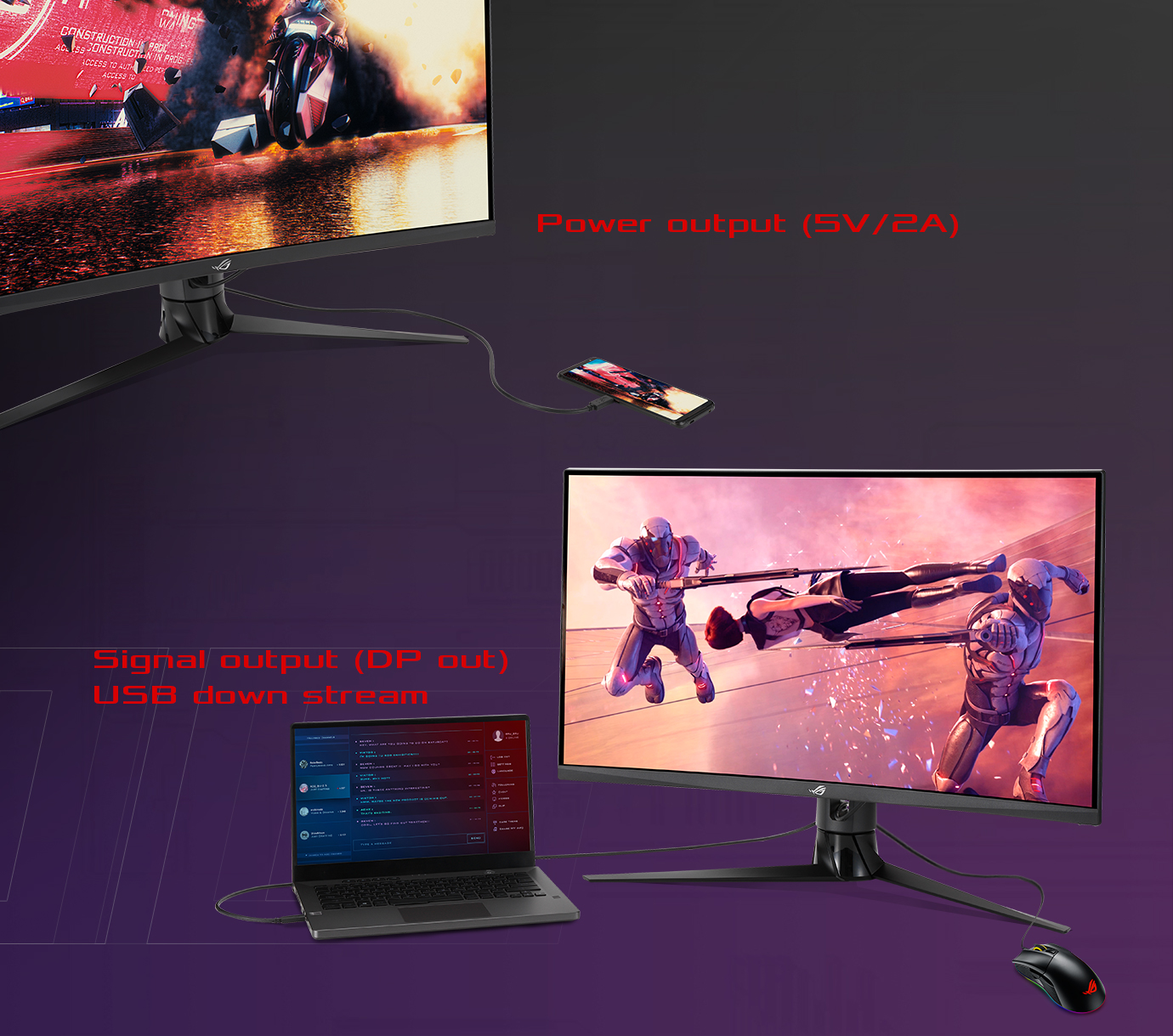
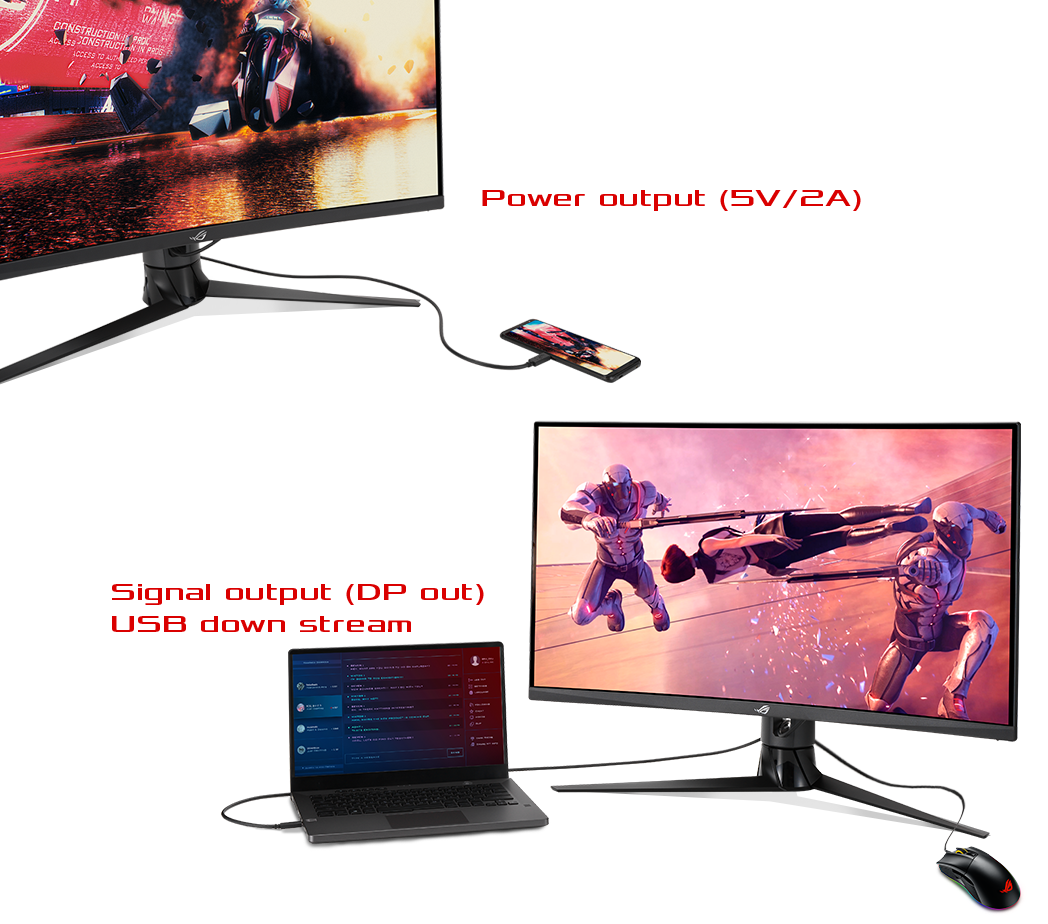
USB Type-C hub
It supports video transmission in DisplayPort signal; can serve as a USB hub, meaning that you can connect your device to your wired peripherals with clutter-free set-up. It can also use to charge your mobile device. The reversible USB Type-C™ connector design makes connecting any device effortless and quick.
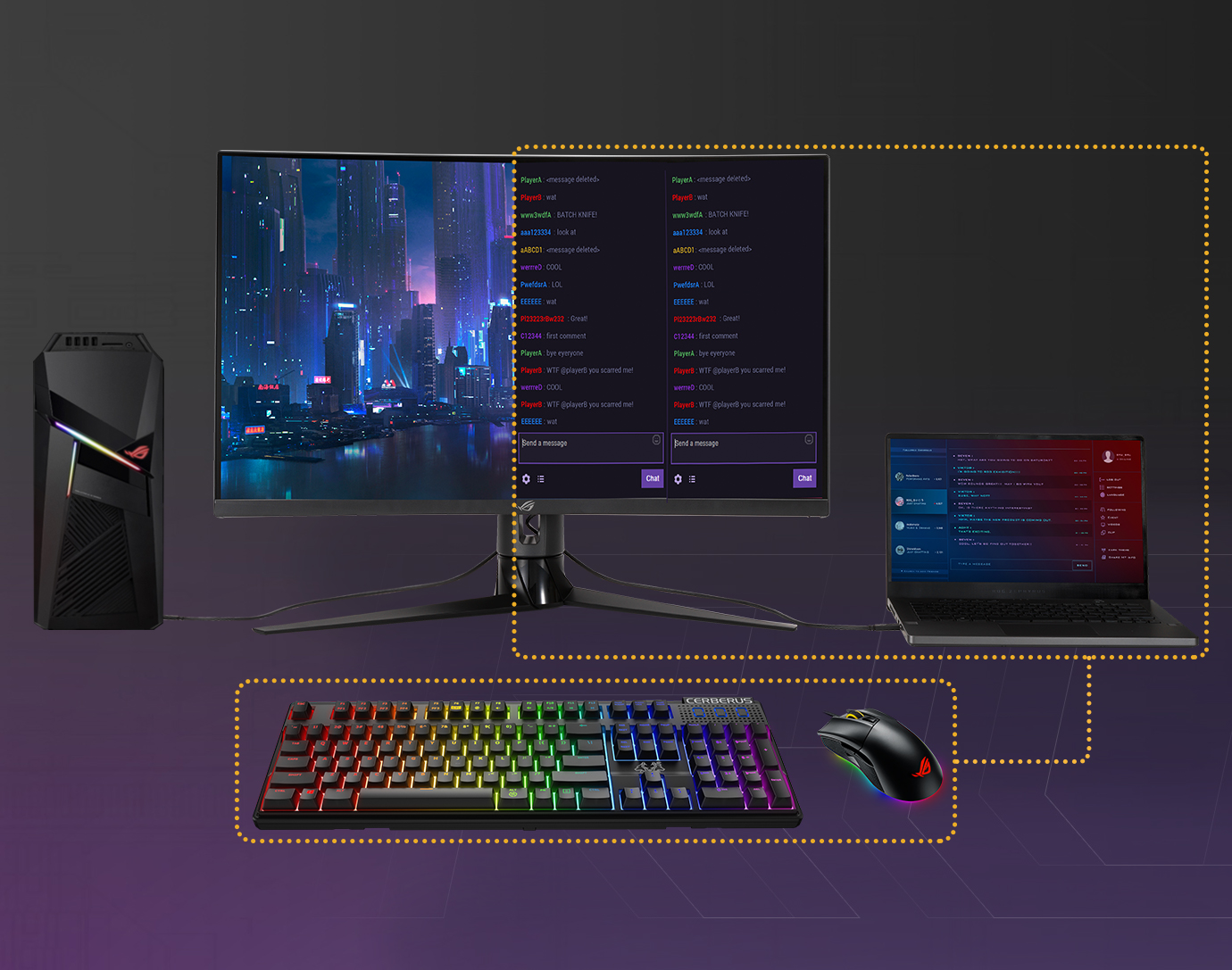
KVM switch support
When two devices are connected to the monitor, the KVM switch lets you control them both using just one keyboard and mouse. This saves the desk space and it's more intuitive!
HDR
HIGH DYNAMIC RANGE (HDR) WITH DISPLAYHDR™ 400
HDR technology supports across a range of luminance to deliver a wider color range and higher contrast than traditional monitors. The brightest whites and the darkest blacks bring out details like never before. Also, it can get peack brightness of 400 nits to meet the requirement for DisplayHDR™ 400 certification.

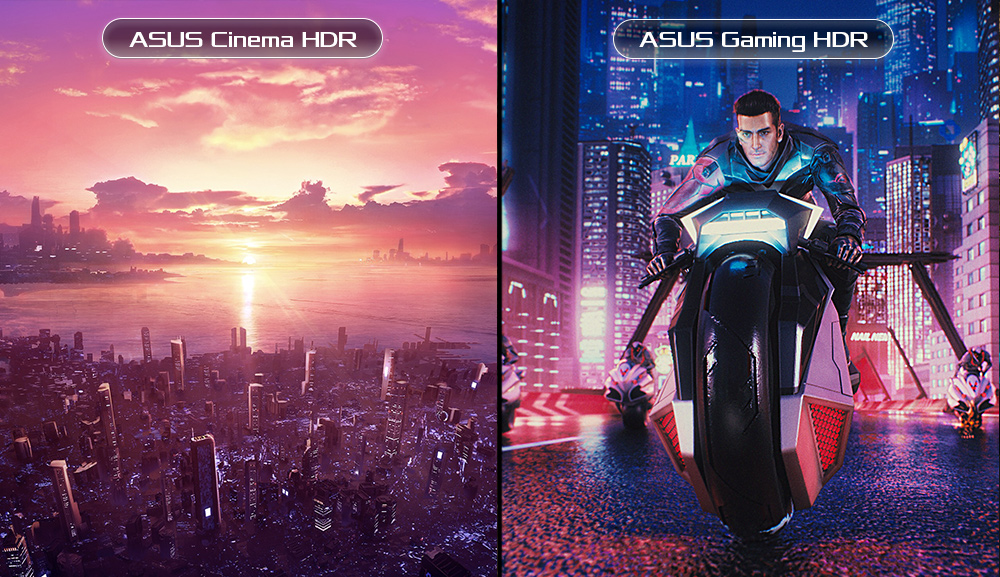
Multi HDR Mode
Now you can choose from multiple HDR modes to adjust monitor HDR performance based on the current viewing scenario.
In−game enhancements
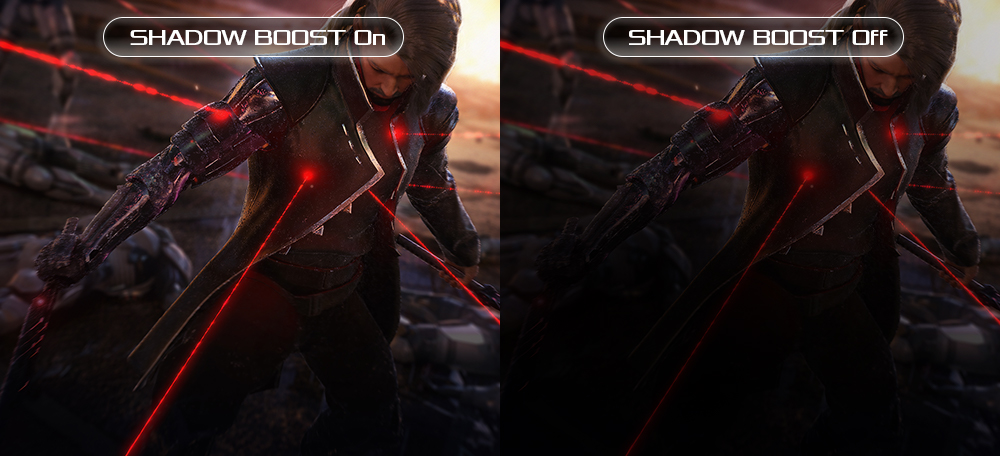
Shadow Boost
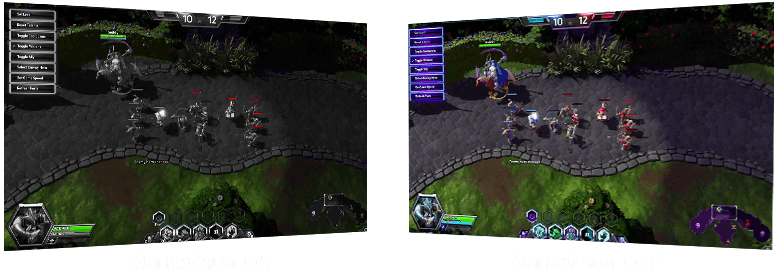
ASUS Shadow Boost technology clarifies dark areas of the game world without overexposing brighter areas — improving overall viewing while also making it easier to spot enemies hidden in dark areas of the map.
GamePlus
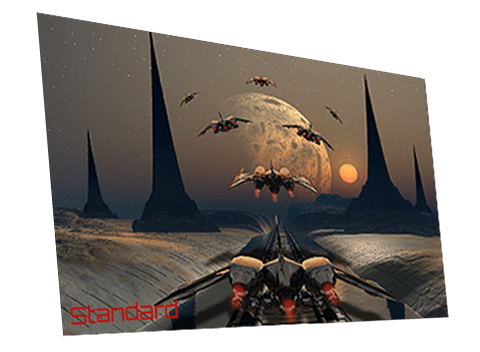
ASUS GameVisual Technology has seven pre-set display modes to optimize visuals for different types of content. This unique feature can be easily accessed through a hotkey or the on-screen display settings menu.

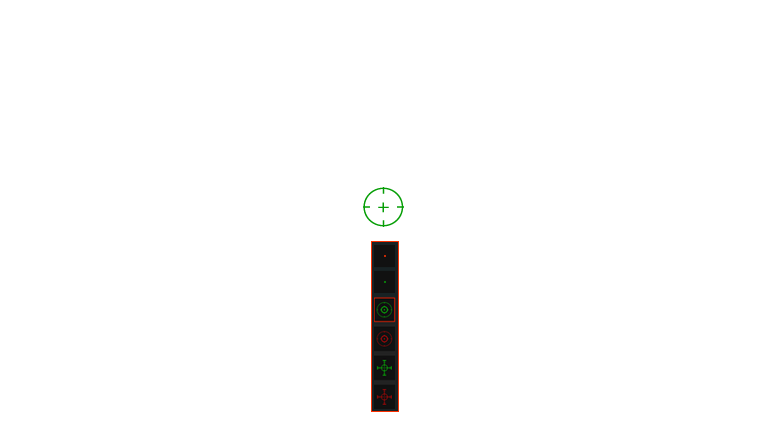

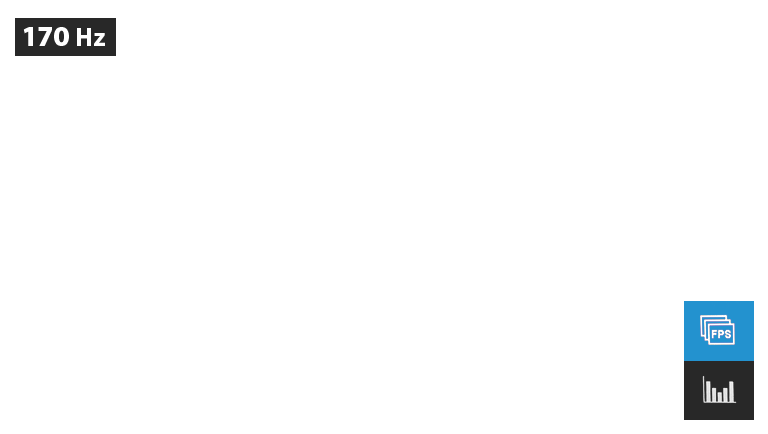





GameVisual
The ASUS-exclusive, integrated GamePlus hotkey offers in-game enhancements that help you get more out of your game. This function is co-developed with input from pro gamers, allowing them to practice and improve their gaming skills.
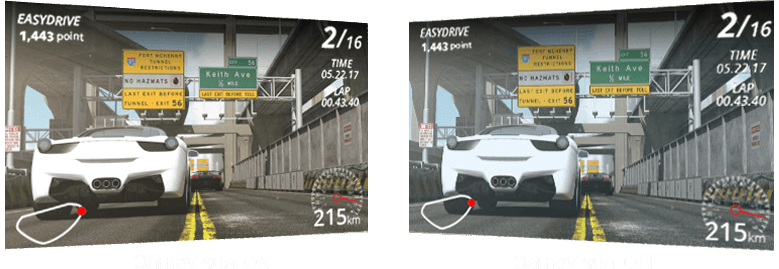





Reduces input lag, making it ideal for racing games when Adaptive-Sync technology is on.
Enhances the color of opponent health/mana bars so you know when to strike.
Cools and saturates colors for more immersive movies.
Enhances color saturation and contrast sharpness to give you better, brighter colors and detailed visuals for real-time strategy (RTS) or RPG games.
High contrast brightens up darker areas and shadows onscreen to help gamers spot hidden enemies.
Perfect for surfing the web or editing photos.
Provide more contrast gradations makes grass greener and skies bluer so it's ideal for slide shows.
Flicker-Free technology
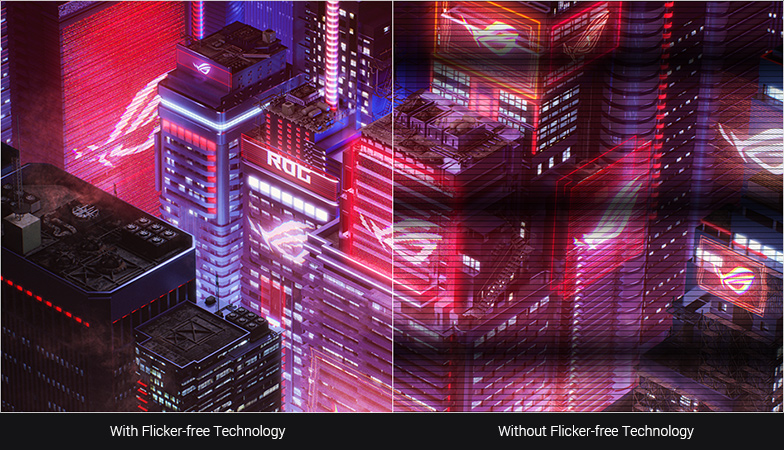
Flicker-Free technology reduces flicker to minimize eyestrain for improved comfort when you're embroiled in long gaming sessions.

Ultra-Low Blue Light technology
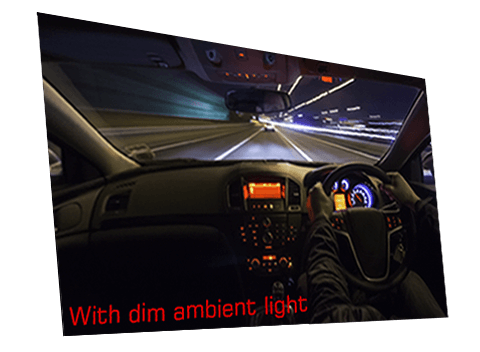
ASUS Ultra-Low Blue Light technology reduces the amount of potentially harmful blue light emitted by the display. Four different filter settings are available to control the amount of blue light reduction.
Low Blue Light Level









Engineering
Rich connectivity
Extensive connectivity options, including, I/O: DisplayPort1.2, HDMI (v2.0) and USB Type-C support a wide array of multimedia devices.
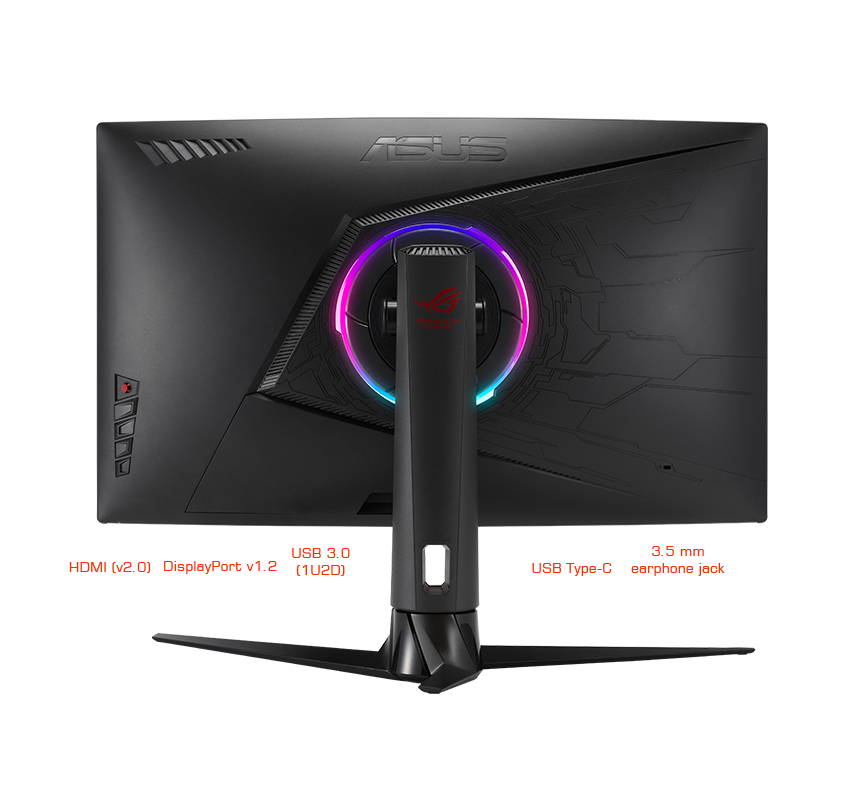
Ergonomic design
With an ergonomically-designed stand, it provides tilt, swivel, and height adjustments so you can easily find your ideal viewing position. The display is also VESA-compatible for wall mounting.
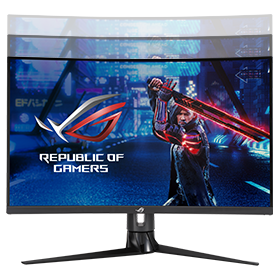
Height adjustment (0~100mm)
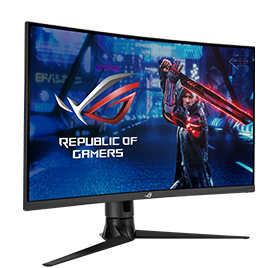
Swivel (+25°~-25°)
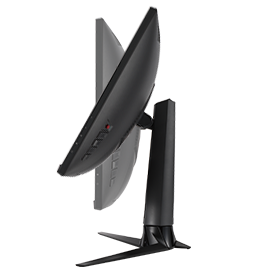
Tilt(+20° ~ -5°)
FAQ
-
The choice depends on your primary game genre.
- For Competitive Players (FPS): Refresh Rate is the priority. High refresh rate monitors provide fast and smooth visuals for increased responsiveness and motion clariy. That all adds up to a measurable advantage in games like Valorant or Counter-Strike 2.
- For Immersion Players (AAA): Resolution is key. 4K (3840 x 2160) is now the baseline for cinematic experiences, offering extreme detail for titles like Cyberpunk 2077 or the latest Unreal Engine 5 releases.
- The "Sweet Spot": 1440p at 240Hz remains the most balanced configuration for most gamers, offering sharp visuals without requiring an ultra-high-end GPU.
-
Each panel serves a specific use case based on environment and performance needs:
- OLED: OLED gaming monitors offer infinite contrast for perfect blacks and a near-instantaneous 0.03ms response time, giving you a premium visual experience in any type of game.
- IPS: Most of today’s budget-friendly gaming monitors use IPS panels, but their advantages go far beyond affordability. IPS panels are known for exceptional color consistency and viewing angles, and they’re available with very high refresh rates.
- Mini-LED: Mini-LED gaming monitors provide extreme peak brightness (1000+ nits) and localized dimming for vibrant highlights, making them a compelling pick for gamers chasing premium HDR experiences.
-
They represent different ways a screen handles light and color:
- OLED: In an OLED panel, every pixel is its own light source. This allows for "True Black" because pixels can turn completely off. This panel type is the gold standard for speed and contrast.
- IPS: An IPS panel uses liquid crystals aligned in rows to produce consistent color. This panel type is trusted for excellent color accuracy and wide viewing angles. These characteristics make it perfect if you’re sharing the screen or doing creative work alongside gaming.
- VA: VA panels use crystals aligned vertically to block light more effectively. This allows VA panels to offer better native contrast than IPS types thanks to deeper blacks. However, these panels aren’t always preferred for fast-paced gaming due to a “dark smearing” effect.
-
The "best" size is determined by your viewing distance, resolution, and the type of games you play. The most competitive esports gamers tend to prefer smaller 24-inch or 25-inch monitors that allow them to keep the entire screen in the center of their field of vision. This makes sure that they don’t miss a thing on the minimap or in the periphery of their vision.
Larger 32-inch monitors provide a cinematic experience that pairs well for lavish AAA spectacles, role-playing games, and immersive sims. They’re perfect for 4K and dual-mode setups where you want a large canvas for cinematic immersion. Ultrawide and super-ultrawide monitors extend horizontally to fill more of the periphery of your vision. They’re often preferred by racing sim enthusiasts, but also cater to multitaskers and gamers who prioritize immersion.
The “sweet spot” for most gamers is a 27-inch monitor size. Big enough to feel immersive yet compact enough to keep all the action in the center of your field of view, 27-inch monitors offer a great experience in any game. Many gamers find that 1440p 27-inch monitors offer a compelling balance of detail and pixel density. Since most mainstream graphics cards can produce very high FPS at this resolution, it’s a great fit for most gamers’ setups, too.
-
Absolutely—if the hardware supports it. HDR (High Dynamic Range) expands the range between the brightest whites and darkest blacks, allowing for looming shadows and dazzling highlights that make every frame feel more true to life.
- DisplayHDR 400: This is the entry point for the ratings system, and it indicates that a monitor provides a welcome boost in brightness, contrast, and color performance over comparable standard monitors.
- DisplayHDR 600/1000: A monitor with one of these ratings delivers what many would call the "Real HDR" experience, requiring local dimming zones for high-contrast impact.
- DisplayHDR True Black (400/500/600): This group of ratings is exclusive to OLED panels, giving gamers an easy tool for comparing the performance of different OLED gaming monitors. These ratings better account for the incredible depth of black levels on OLED panels rather than focusing on raw brightness.
-
ELMB (Extreme Low Motion Blur) is ASUS’s proprietary strobing technology that eliminates motion blur for "CRT-like" clarity. ELMB works at a fixed refresh rate (e.g., exactly 144Hz), and is best used with game settings that allow for a very stable FPS. ELMB Sync is the evolution of the technology. It allows ELMB strobing to work simultaneously with Variable Refresh Rate technologies like G-SYNC and FreeSync. This gives you the best of both worlds by eliminating screen tearing and minimizing motion blur, even as your frame rate fluctuates naturally over time.
-
"Overdrive" is a technique exclusive to LCD gaming monitors that pushes pixels to change colors faster to reduce motion blur. However, a fixed overdrive setting that looks great at 240 FPS might cause "overshoot" (disturbing halos around moving objects) if your frame rate drops to 60 FPS.
Variable Overdrive is an advanced form of the technique that intelligently adjusts the overdrive level in real-time, ensuring that you get reduced blur without distracting visual artifacts, even as your frame rate fluctuates. Found in many ROG and TUF Gaming monitors from ASUS, Variable Overdrive gives you clear images with zero ghosting or overshoot.
-
Yes. Both PS5 and Xbox Series X/S support VRR via HDMI 2.1. This eliminates screen tearing and stuttering, making games feel smoother even if the frame rate isn't perfectly stable. All ASUS and ROG HDMI 2.1 monitors are fully compatible.
-
Dual-Mode is a revolutionary feature that allows a single monitor to switch between two distinct performance profiles—typically a high-resolution mode and a high-refresh-rate mode. It achieves this by combining four pixels into one (pixel binning) to prioritize speed, or using every individual pixel to prioritize detail.
- The Benefit for Gamers: You get the best of both worlds. You can enjoy a cinematic, immersive experience in AAA titles (like Black Myth: Wukong or Cyberpunk 2077) and then instantly switch to a "pro-speed" mode for Competitive FPS (like Valorant or Apex Legends).
This is a massive cost and space saver. Instead of buying two different monitors, one ROG Dual-Mode monitor handles every genre perfectly.
-
ROG OLED displays are factory-calibrated to achieve a high level of color accuracy. Color accuracy is typically measured by an average delta E value, with value less than two indicating that the human generally cannot distinguish the difference between the color on the screen and the reference color. Creative professionals are the most demanding users when it comes to color accuracy, but accurate monitors also give gamers the ability to experience games just as their developers intended.
-
For the highest possible performance in 2026, the specific version and bandwidth matter.
- DisplayPort 2.1 is the current performance king. Look specifically for DP2.1a with UHBR20 support, which provides a massive 80Gbps bandwidth. This is the best fit for today’s high-end graphics cards, which support DisplayPort 2.1 output.
- HDMI 2.1 ports are preferred for console gaming (PS5/Xbox) and for high-end gaming on a TV, but the connector type is capped at 48Gbps. For this reason, gamers tend to use DisplayPort 2.1a for PC gaming and HDMI 2.1 for consoles or secondary media devices.
-
As with many choices with your gaming monitor, this depends on your environment and usage. For most gamers today, we tend to recommend a budget OLED gaming monitor since even an affordable OLED offers cutting-edge visuals with premium motion clarity, true-to-life-colors, and the panel type’s signature inky blacks. If you’re looking to buy one monitor that you’ll love for years, OLED is the clear winner in most scenarios.
That said, the older IPS technology still has a place on the desks of many gamers. If your monitor will see hours of use for productivity or coding tasks in a room with a high ambient light level, you might prefer an extra-bright IPS monitor, perhaps a model with a mini-LED backlight. IPS monitors are also available for very attainable prices, making them a common choice for budget PC gaming setups.