All-New: AURA Lighting Control and RGB Strip Headers
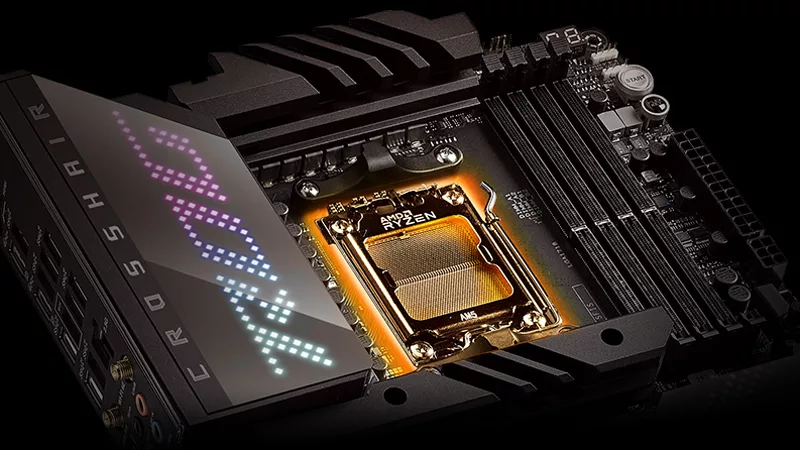
When you have spent time, effort and hard-earned cash on your dream machine, it would be a sin keep your awesome hardware in the dark where no one will ever see. ROG Maximus VIII Hero Alpha is the world's first to implement this simple yet elegant solution to make modding even easier, cleaner and the effects customizable through the AURA Lighting Control software. The possibilities for applications are endless, you can put lighting in the case, outside the case, on your battle station, in your room, on your graphics card, on your keyboard, or if you'd like, on your head - it's entirely up to you! You can also adjust the colors, brightness or other effects according to your mood, the CPU's mood, or get into the X'mas spirit.

AURA Lighting Control
Using the AURA Lighting Control software, you can control the lighting for three independent zones (the motherboard and two RGB headers), you can also opt to have all zones to be in sync (having the lighting on the PC, keyboard and speakers all in sync would be a great place to start).
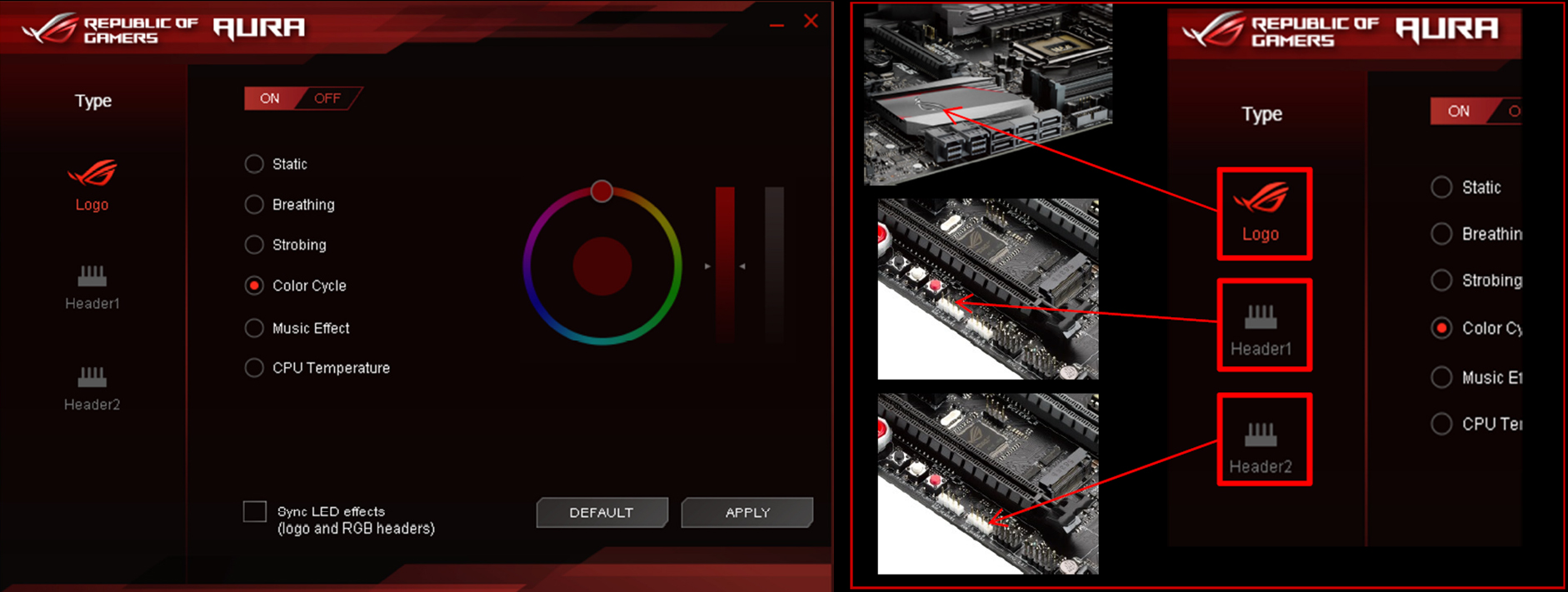
Here are six modes to choose from.

For the music effect, you can also have the lighting triggered by in-game effects such as gunfire for maximum immersion!
AURA RGB Headers
Having the RGB headers adds value to the motherboard since this means you won't need to buy the controller and/or power supply to power the lights, at the same time it's important not to overlook the fact that this solution will reduce clutter inside your case so your PC can look its absolute best.

Two extension cables are included, and the lighting strips are widely available. It's as easy as connect and stick on the strips, even a 3-year-old can do it.
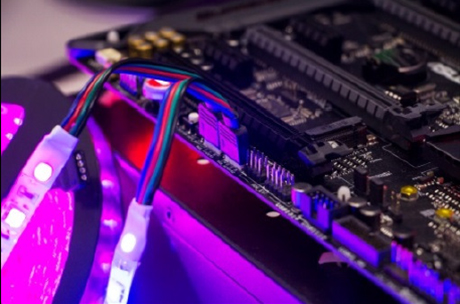
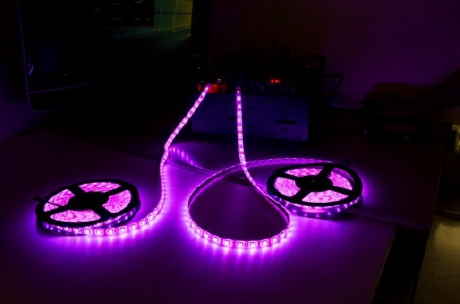
AURA RGB Strip Headers support standard 5050RGB LED strips with a maximum power rating of 12V/2A, it's best to keep the length within two meters for best brightness. If you're shopping for them online, just search for 5050 RGB LED or 5050 LED strip and there will be more than enough options to choose from.
Let there be light!