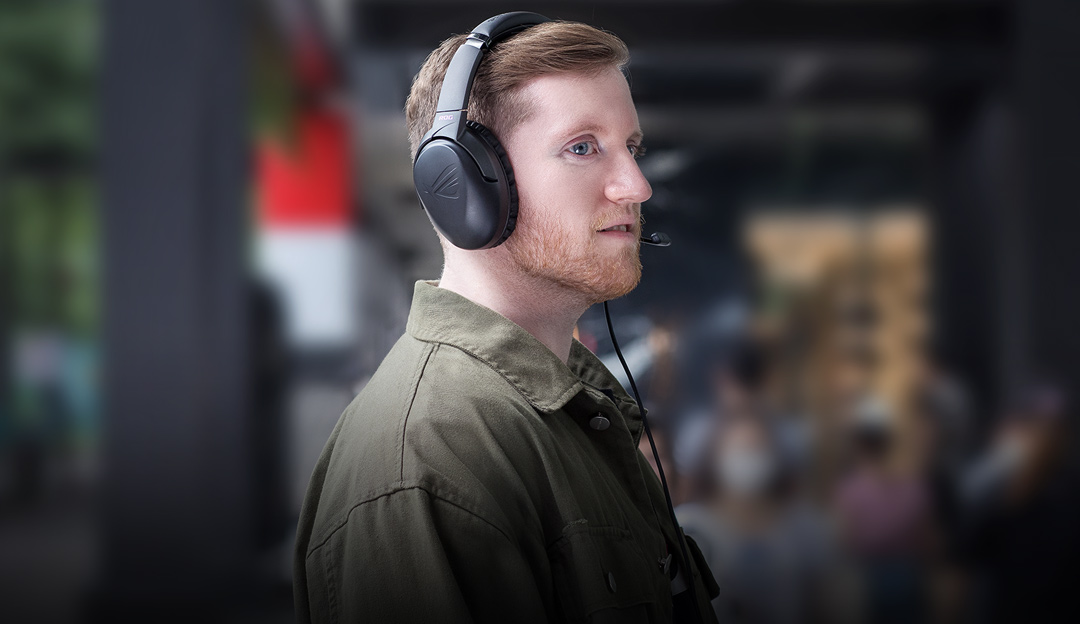
ROG Strix Go is a USB-C® gaming headset that supports all of your favorite gaming platforms – PC, Mac, mobile phones, PlayStation 4 and Nintendo Switch. Equipped with exclusive ASUS Essence drivers and airtight chambers, Strix Go delivers incredibly rich, pure sound with optimized deep bass for immersive audio experiences. It also benefits from an industry-leading, AI noise-canceling microphone that provides crystal-clear in-game voice communication, even in noisy outdoor environments. With an ergonomic, lightweight design for superb comfort and swivel-fold mechanic for quick and easy portability, Strix Go ensures you can game on, without fatigue.
Exceptional Hi-Res Audio
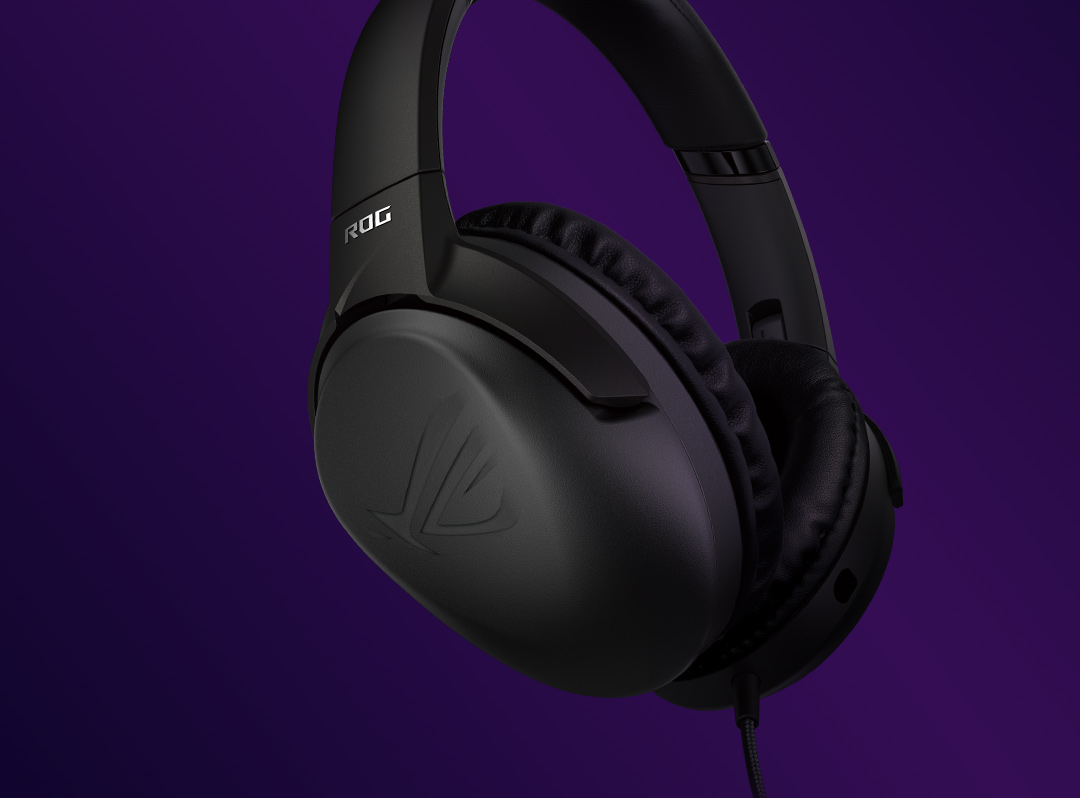
Exclusive ASUS Essence driver and airtight-chamber design
Exclusive airtight chambers and 40 mm ASUS Essence drivers deliver incredibly rich, pure sound with optimized deep bass for immersive audio experiences.
AI Noise-Canceling Microphone
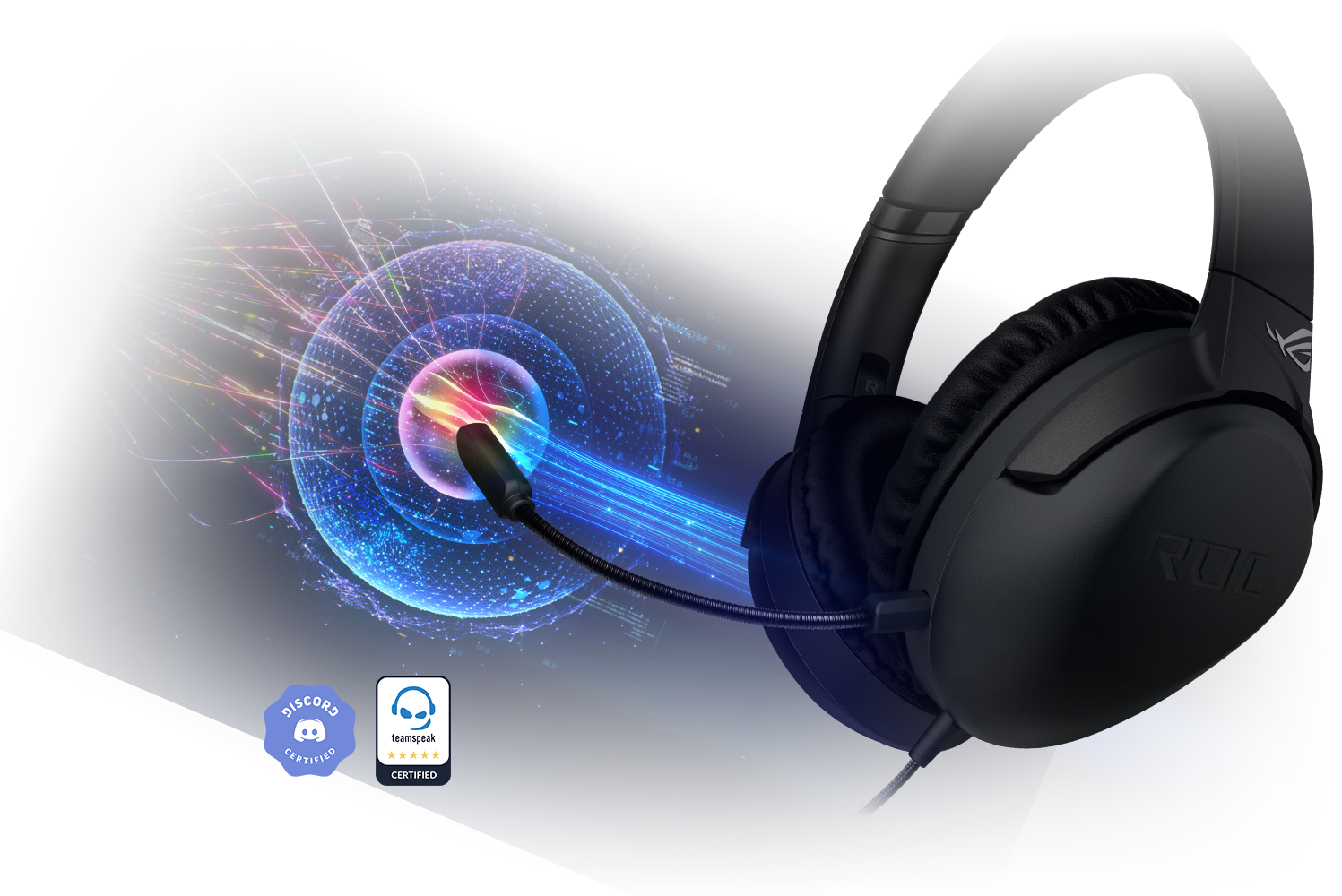
ROG Strix Go is engineered with industry-leading, AI-powered noise-canceling technology for crystal-clear in-game voice communication. The algorithm draws on a massive, deep-learning database to accurately identify and counteract environmental noises. The upshot is that everything from keyboard clatter to background human chatter is virtually eliminated – ensuring crystal-clear in-game voice communication with your teammates. This main boom mic is bidirectional, detachable, and certified by leading communication providers, including Discord and TeamSpeak.
AI Noise-Canceling Microphone technology : activated
Lightweight Comfort on the Go
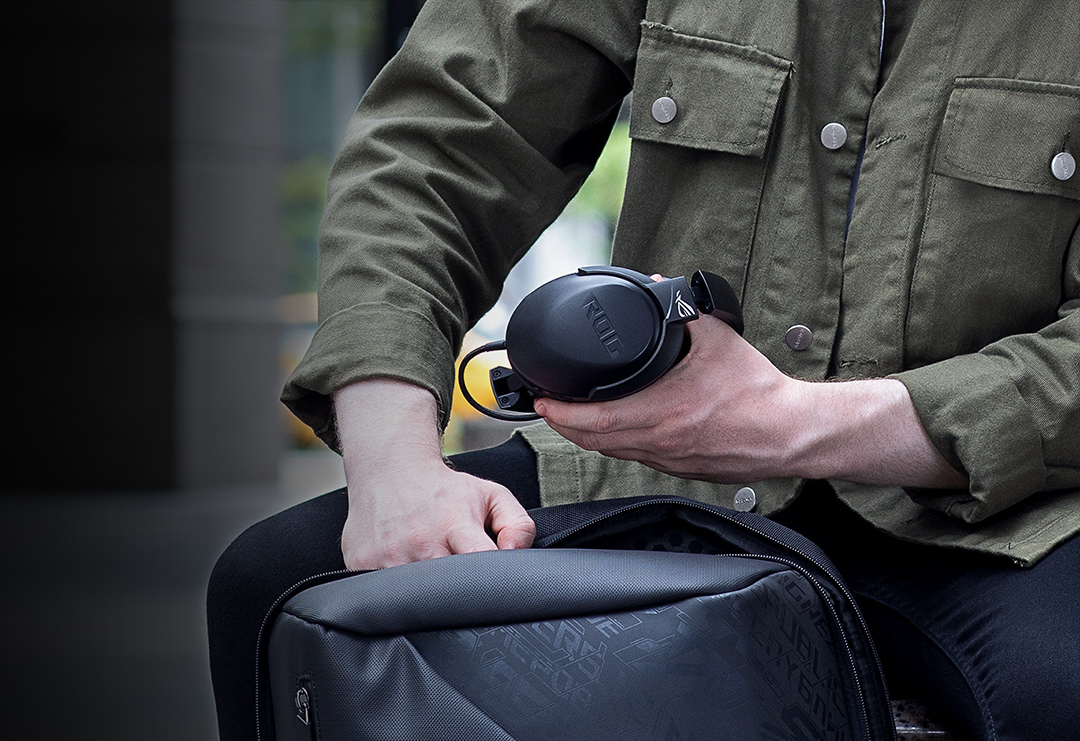
At just 262 g, the lightweight design of ROG Strix Go gives you unbeatable comfort, especially for long gaming sessions. The swivel-fold design is just perfect for on-the-go enjoyment.
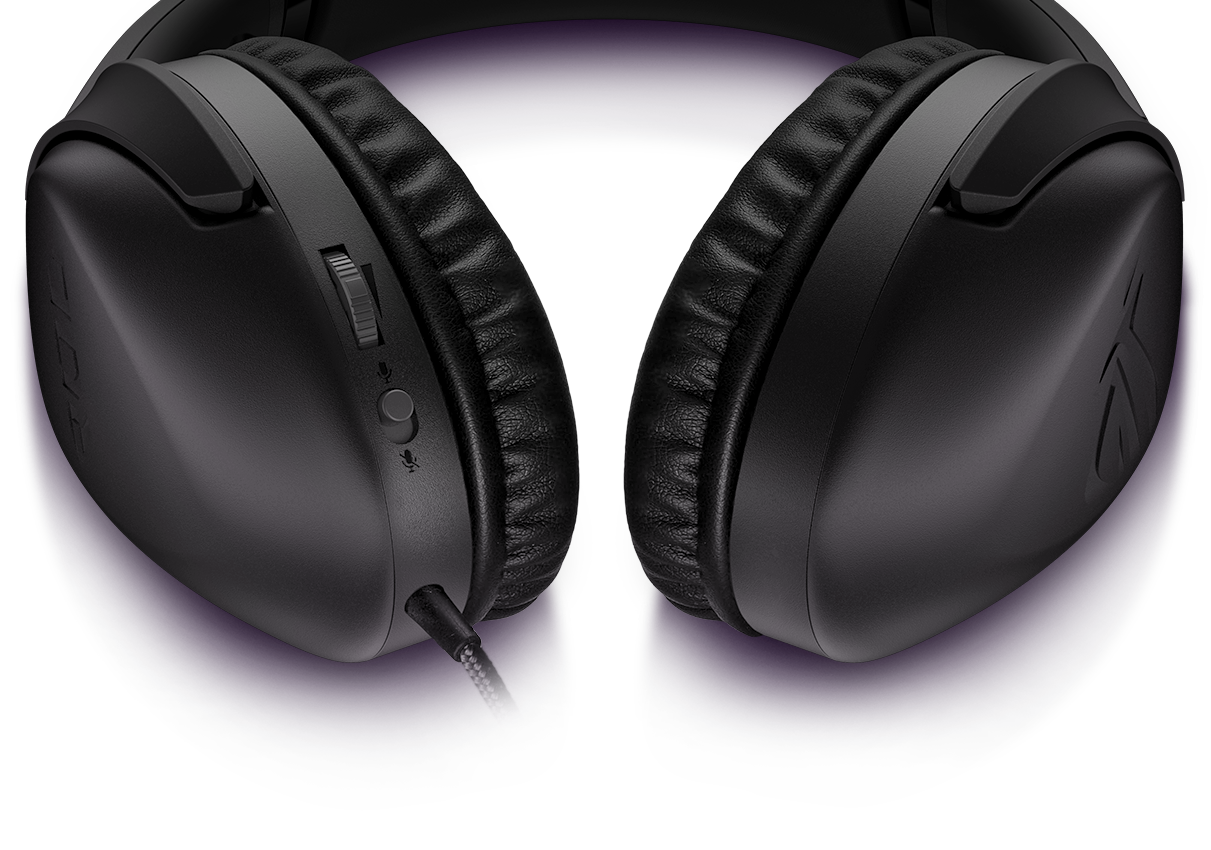
Volume adjustment Move up to increase, down to reduce
Press once for play or pause
Press twice for next track Press three times for previous track
Flip to mute or unmute microphone
Instant control at your fingertips
A volume wheel and microphone toggle on the ear cup let you make instant audio adjustments during gameplay. With intuitive controls easily within reach, you can stay focused on your game instead of your gear.
Game on every platform
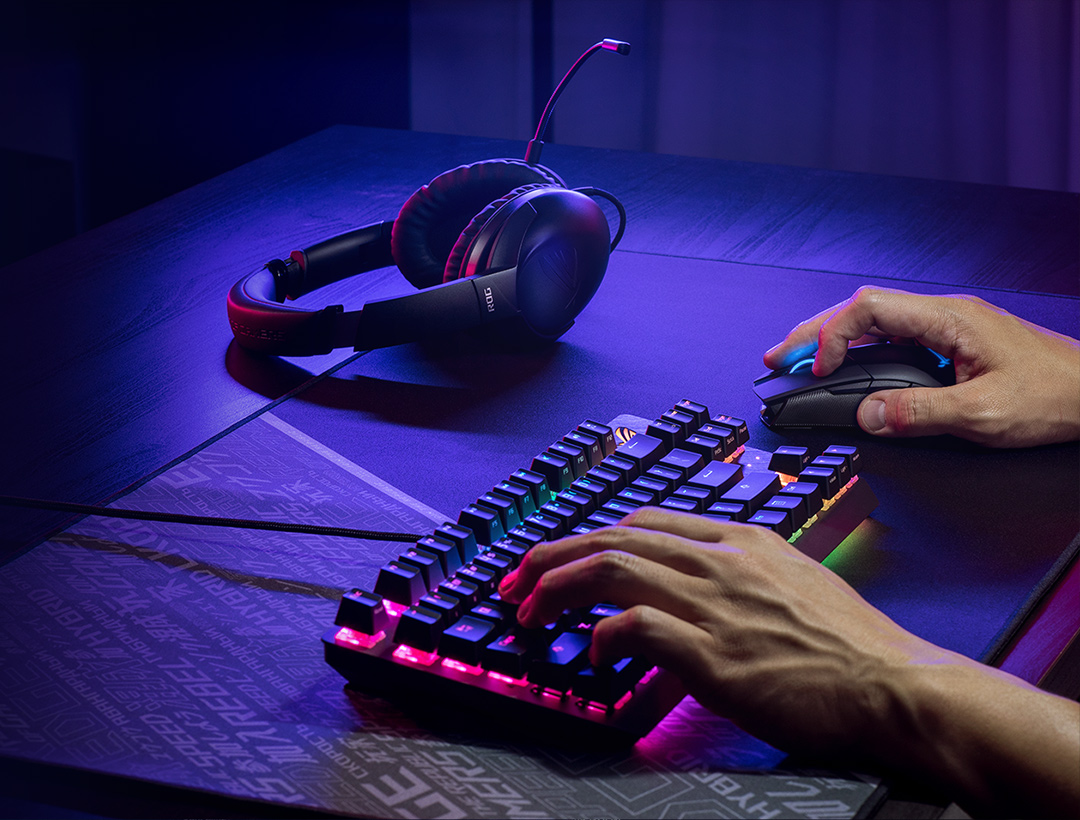
ROG Strix Go comes with a USB-C connector, letting you game on PCs, smartphones, Play Station 4* and even Nintendo Switch – without having to change headsets.
*Using included USB-C to USB 2.0 adapter cable
Armoury Crate
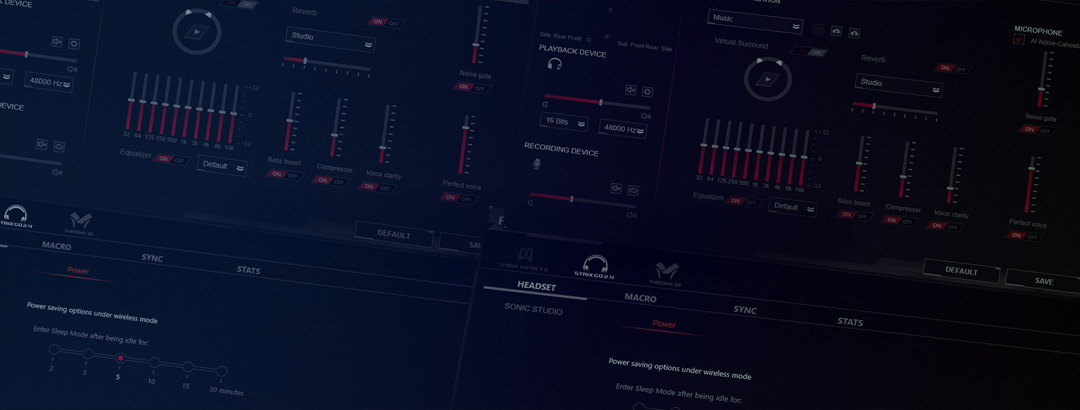
ASUS Armoury Create has extensive controls and intuitive UI let you easily tune ROG Strix Go to play your way, from EQ to level-balancing. It takes just a moment to create and apply audio profiles for different games.
Finally we have an ASUS AI-Noise Canceling Mic adapter with USB-C on a 3.5mm connection, where it will provide the best possible sound. Because of their performance, both headphones have earned Platinum award.
Products certified by the Federal Communications Commission and Industry Canada will be distributed in the United States and Canada. Please visit the ASUS USA and ASUS Canada websites for information about locally available products.
All specifications are subject to change without notice. Please check with your supplier for exact offers. Products may not be available in all markets.
Specifications and features vary by model, and all images are illustrative. Please refer to specification pages for full details.
PCB color and bundled software versions are subject to change without notice.
Brand and product names mentioned are trademarks of their respective companies.
Unless otherwise stated, all performance claims are based on theoretical performance. Actual figures may vary in real-world situations.
The actual transfer speed of USB 3.0, 3.1, 3.2, and/or Type-C will vary depending on many factors including the processing speed of the host device, file attributes and other factors related to system configuration and your operating environment.