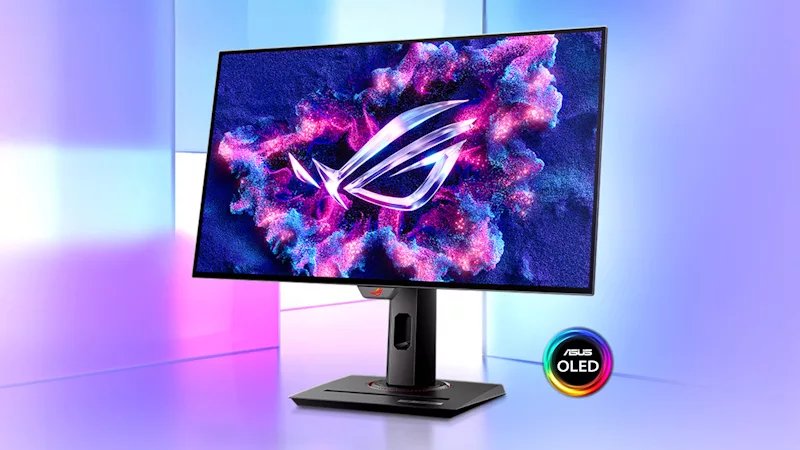
The ROG Swift OLED PG27AQDM hits the perfect sweet spot for gorgeous, high-refresh gaming
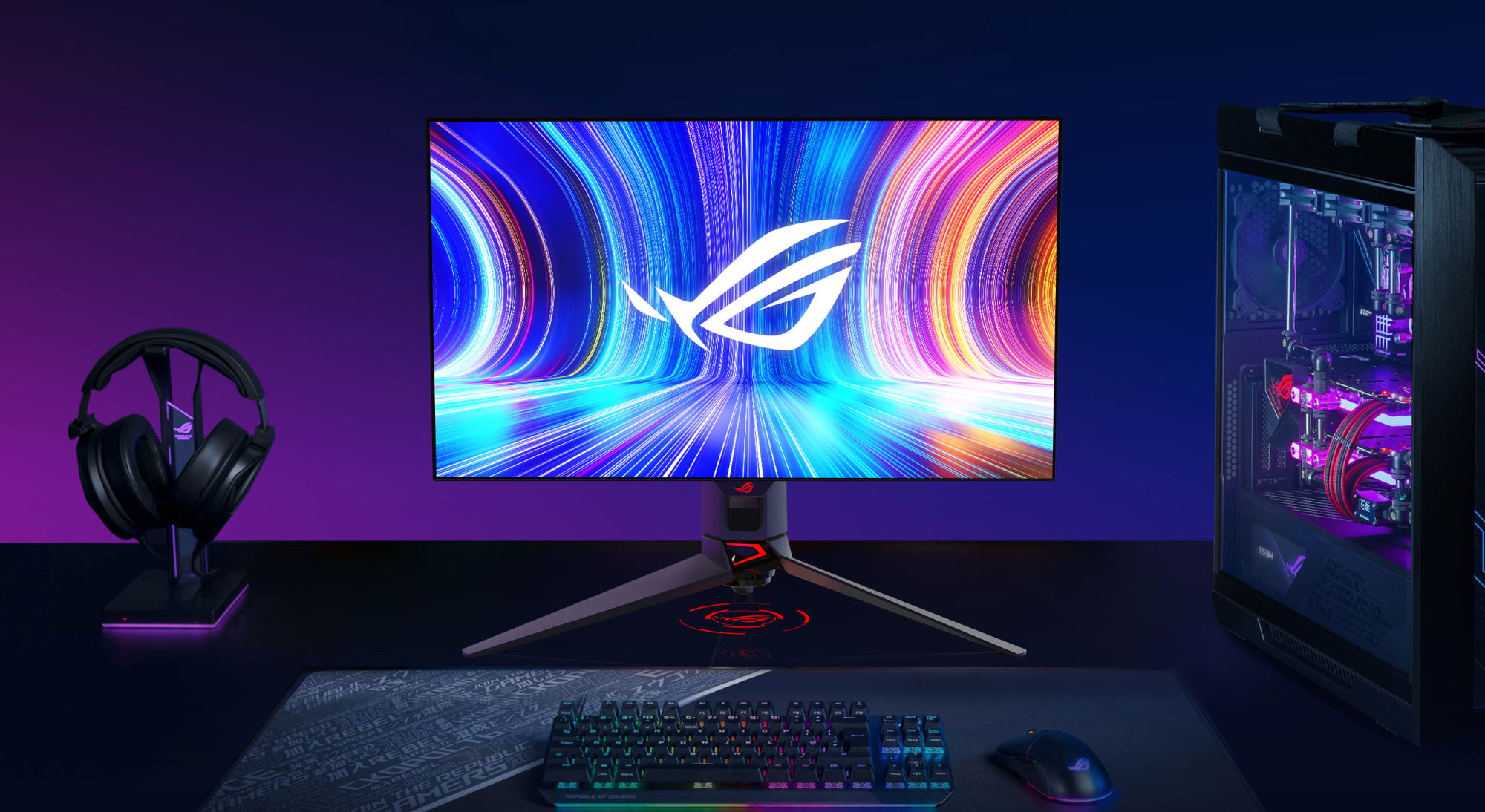
Last year, we introduced our first OLED display, a 42-inch beauty offering incredible picture quality with deep blacks and stunning HDR. But we know many gamers — especially those who love competitive multiplayer games — need something a bit smaller, with a higher refresh rate. That’s why we’re fired up to introduce the ROG Swift OLED PG27AQDM: our first 27-inch, 1440p, 240Hz OLED monitor with features that appeal to gamers of all stripes.
The 27-inch OLED panel is the star of the show here, offering pixel-perfect light control that allows for perfect black levels. This stunning contrast makes images pop right off the screen, even in SDR — though it shines even more in HDR gaming, with a peak brightness of 1000 nits on a 3% window in HDR mode and 99% coverage of the more vivid DCI-P3 color space. With a Delta E value of less than 2, colors are accurate across the board for a studio-quality experience in games, movies, and more. And with the insanely fast 0.03ms response time of OLED displays, that 240Hz refresh rate will provide clearer motion than ever before, allowing you to spot your enemy in a split-second's notice.
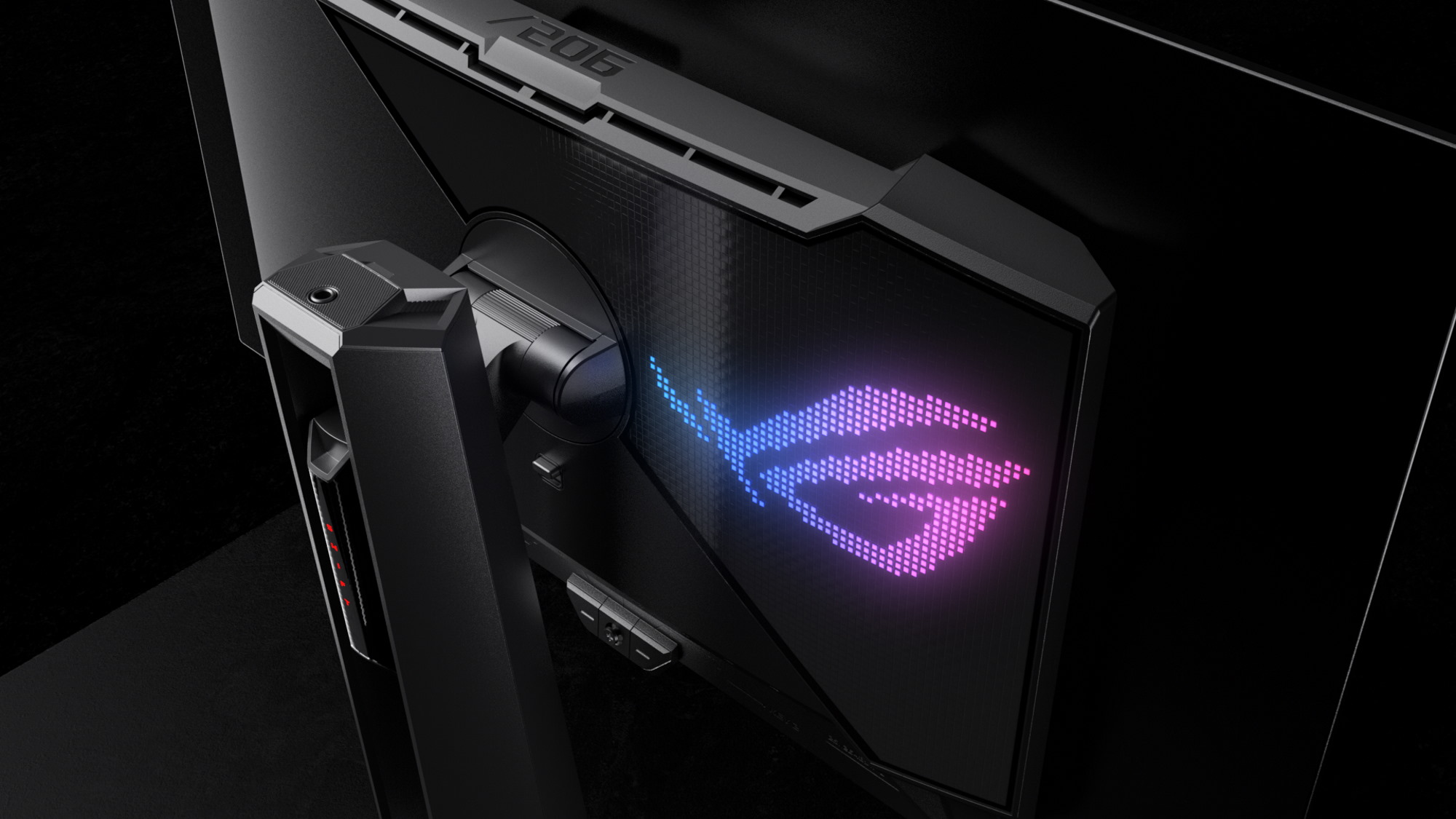
To achieve this incredible performance, we had to design an entirely new cooling system for the panel. Heat is one of the main causes of burn-in on OLED displays, so to prolong the PG27AQDM’s lifespan, we developed a custom heatsink and rearranged internal components to draw heat away from the panel. Combined with a larger air vent along the top, we were able to dissipate heat more evenly across the rear of the monitor, reducing average temperatures by 5% compared to other 27-inch OLED gaming monitors.
We also worked closely with the panel manufacturer to determine the correlation between OLED brightness, voltage level, and operational temperature. Armed with this information, we developed a smart algorithm that optimizes the voltage applied to each pixel based on the system’s temperature. This intelligent voltage optimization ensures the luminance can stay consistent across the panel, allowing for more uniform brightness, even with multiple windows open.
Finally, we know competitive gamers like to tweak their display settings for the biggest edge, so we’ve introduced a new version of our DisplayWidget Center software that allows you to change those settings with your mouse, rather than fiddling with the OSD and the monitor’s buttons. You can set a timer for the OLED protection feature as well, to fit your preferences.

No matter who you are or what you play, the ROG Swift OLED PG27AQDM is going to provide an incredible experience. For more information on pricing and availability, contact your local ASUS representative.