





















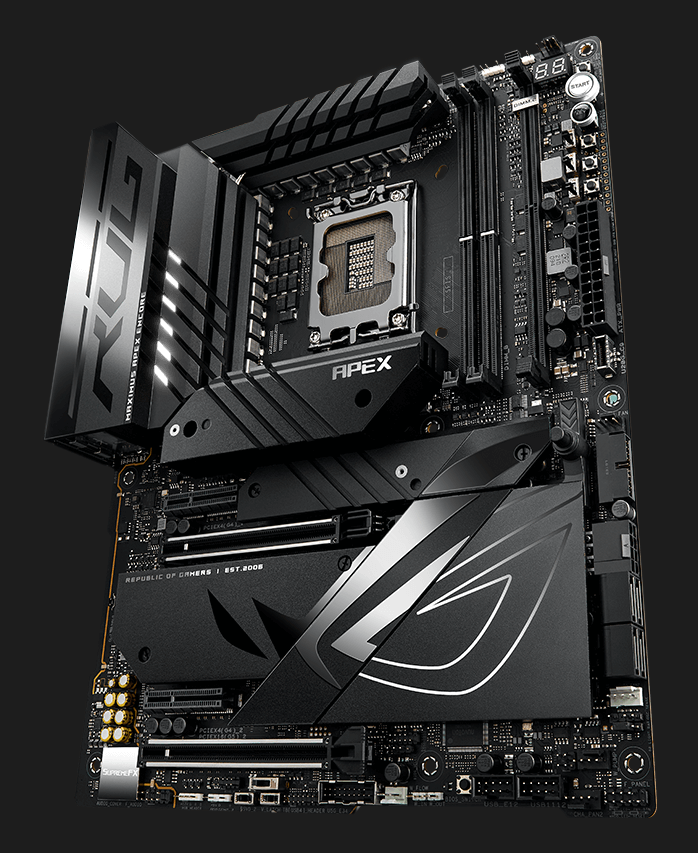









ROG Maximus Z790 Apex Encore
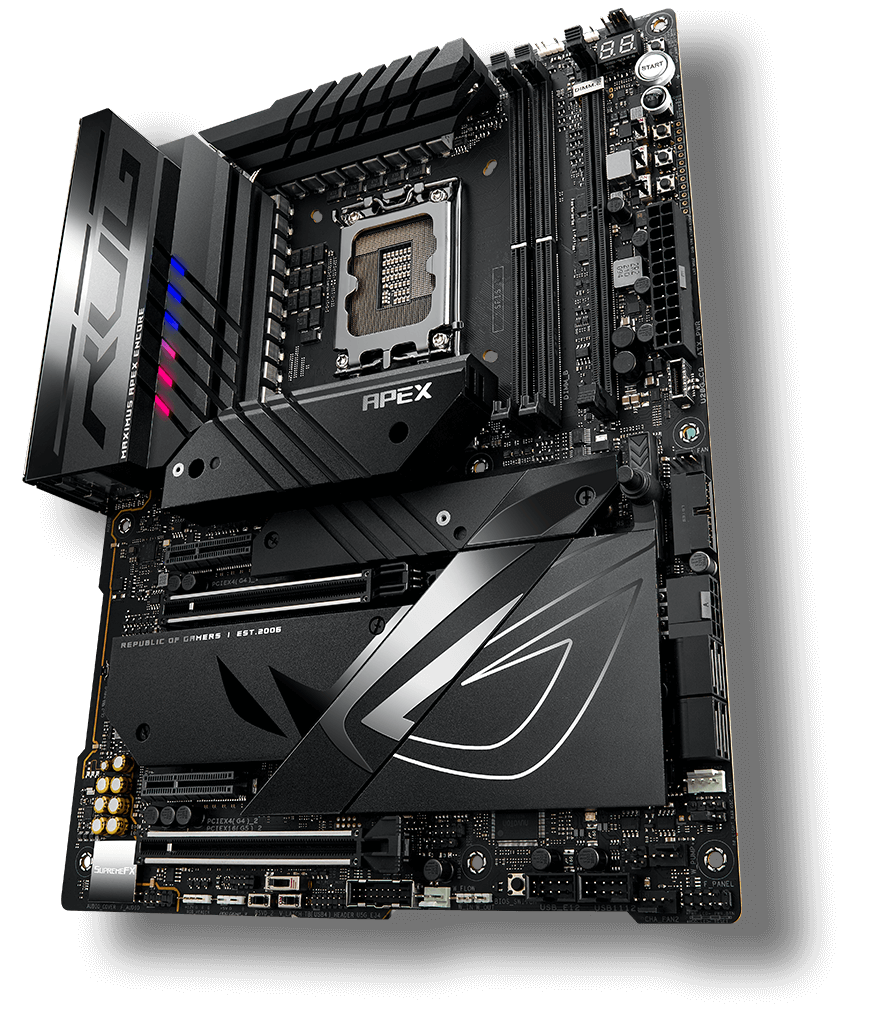
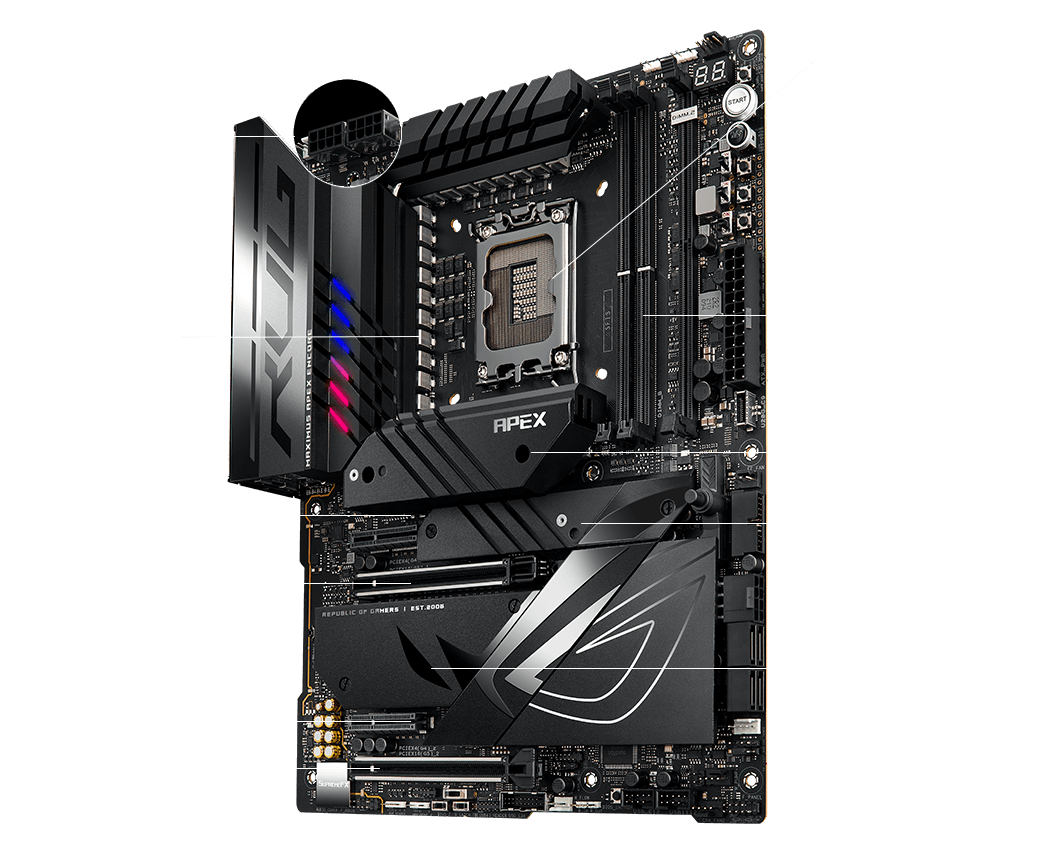
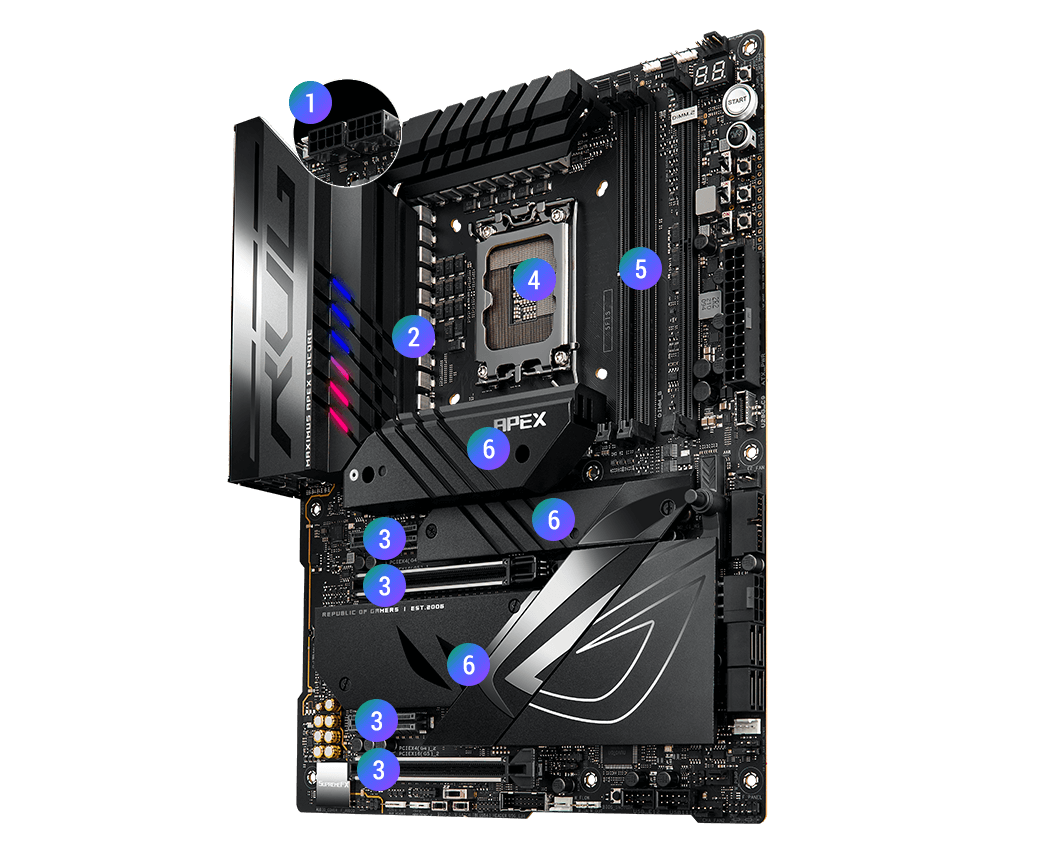
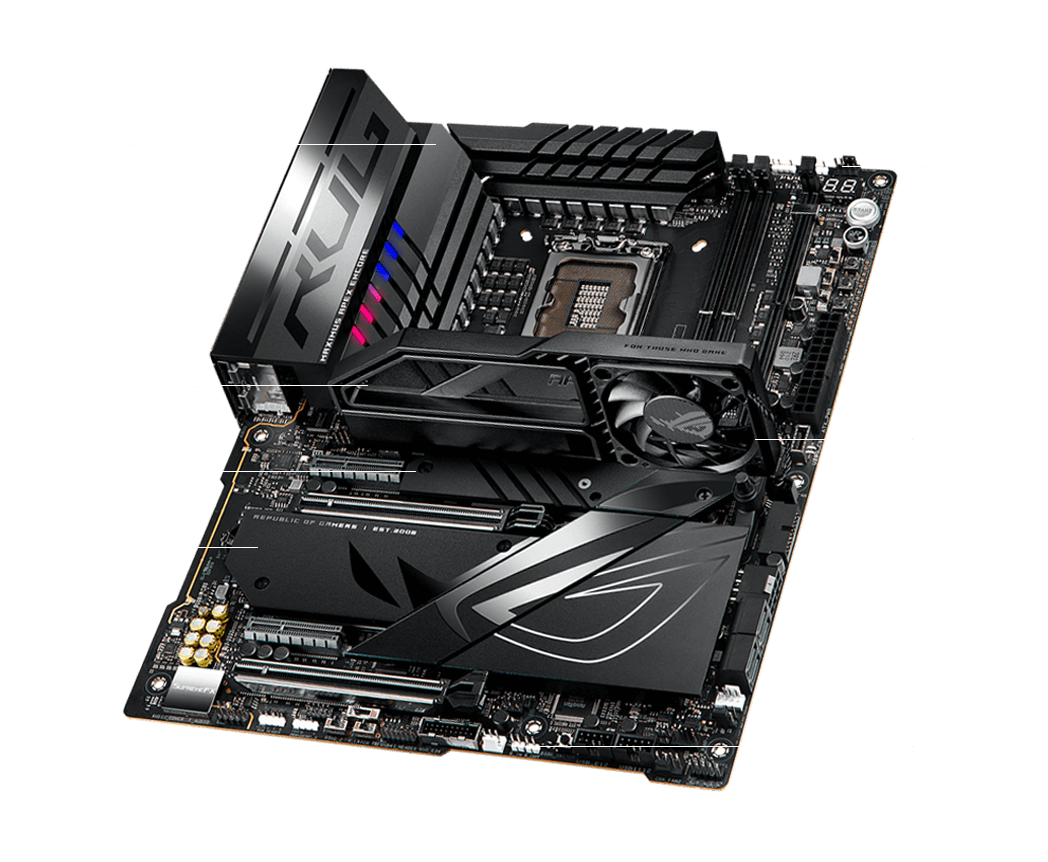
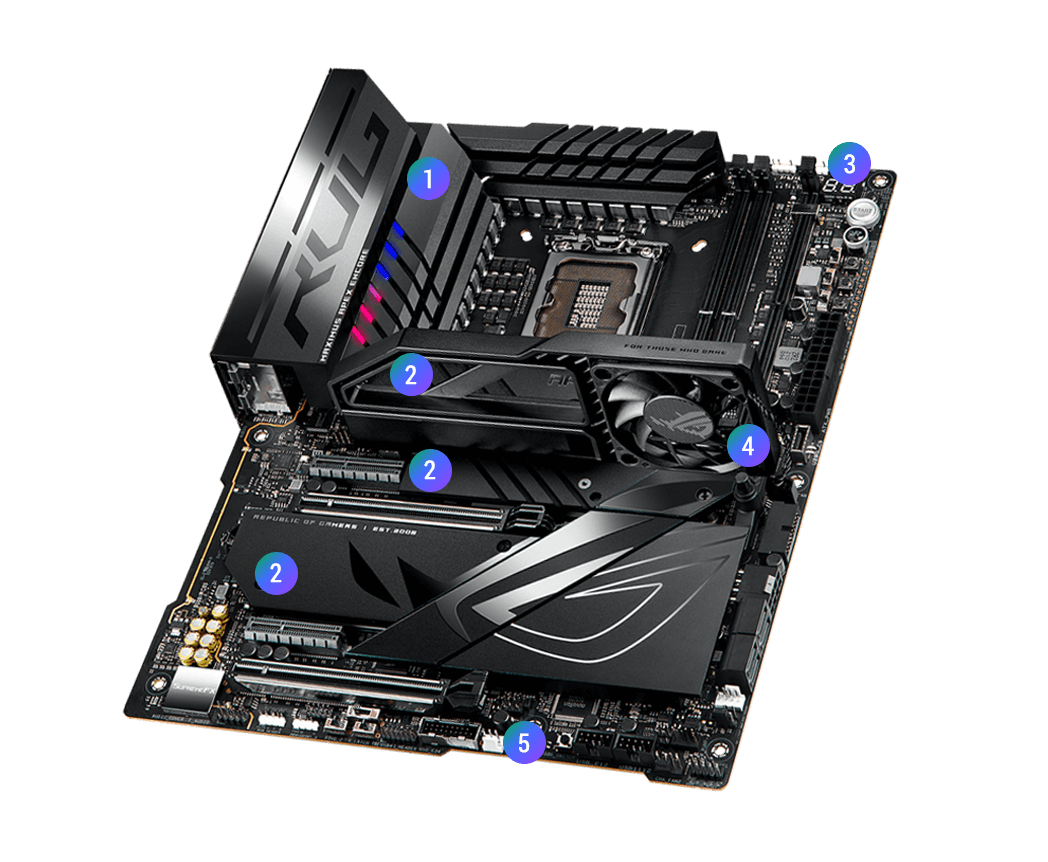
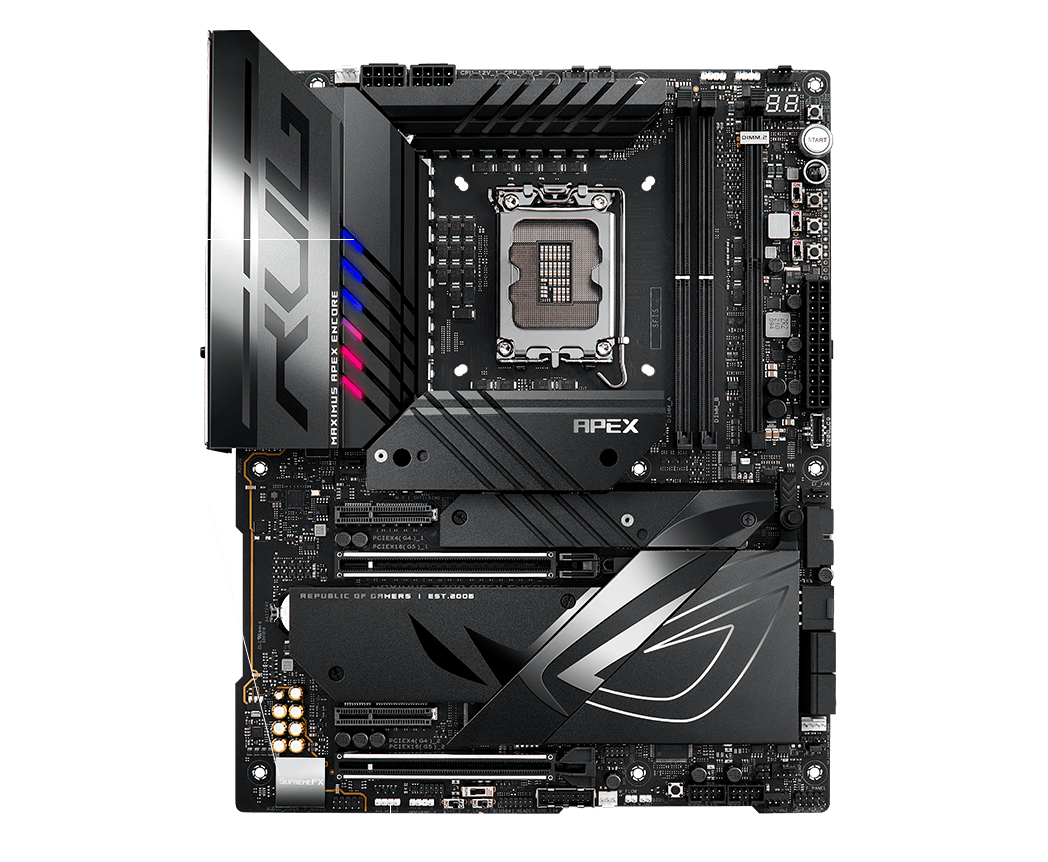
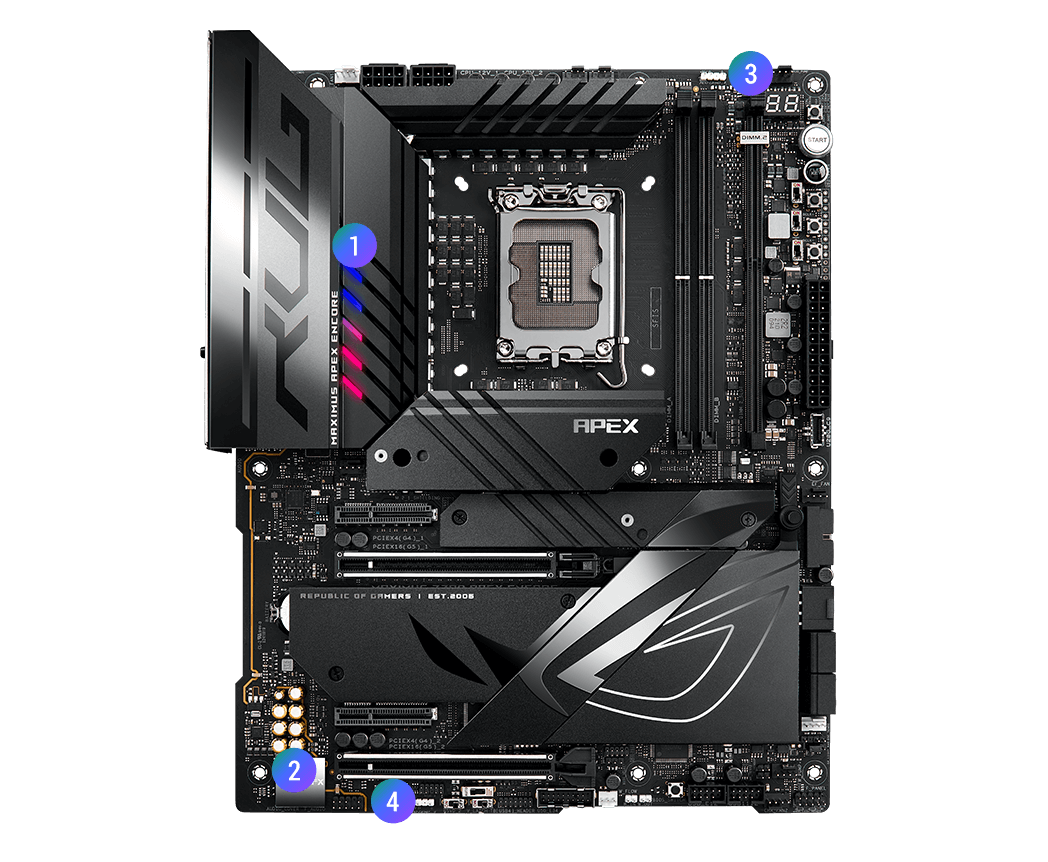
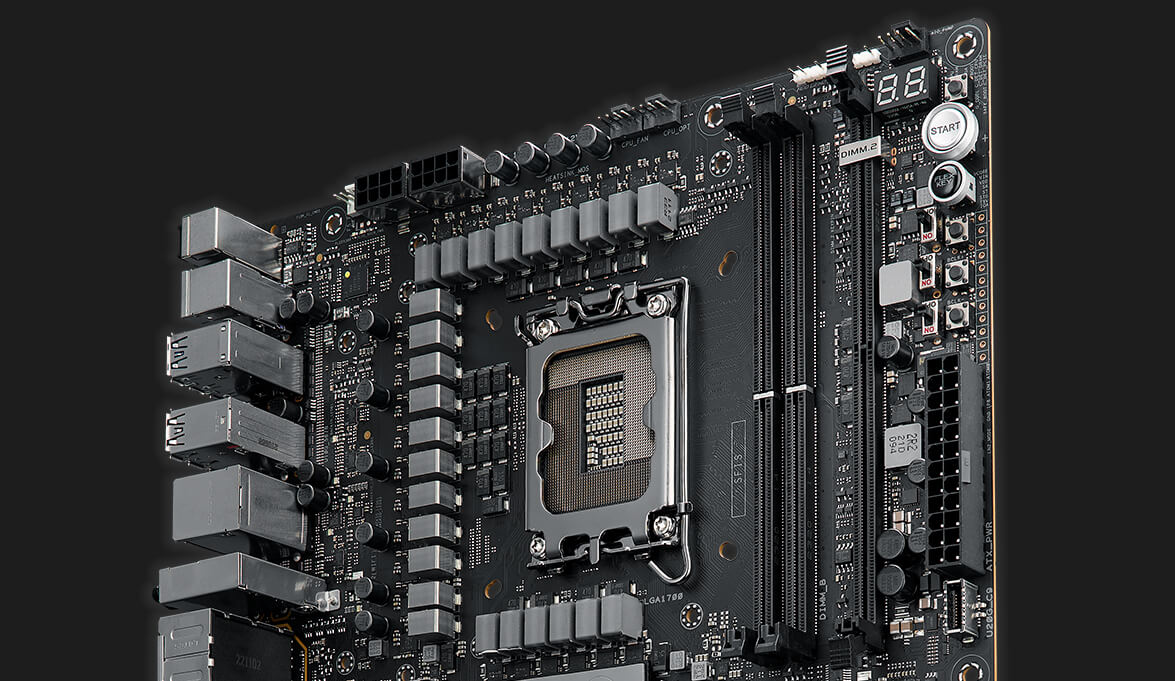
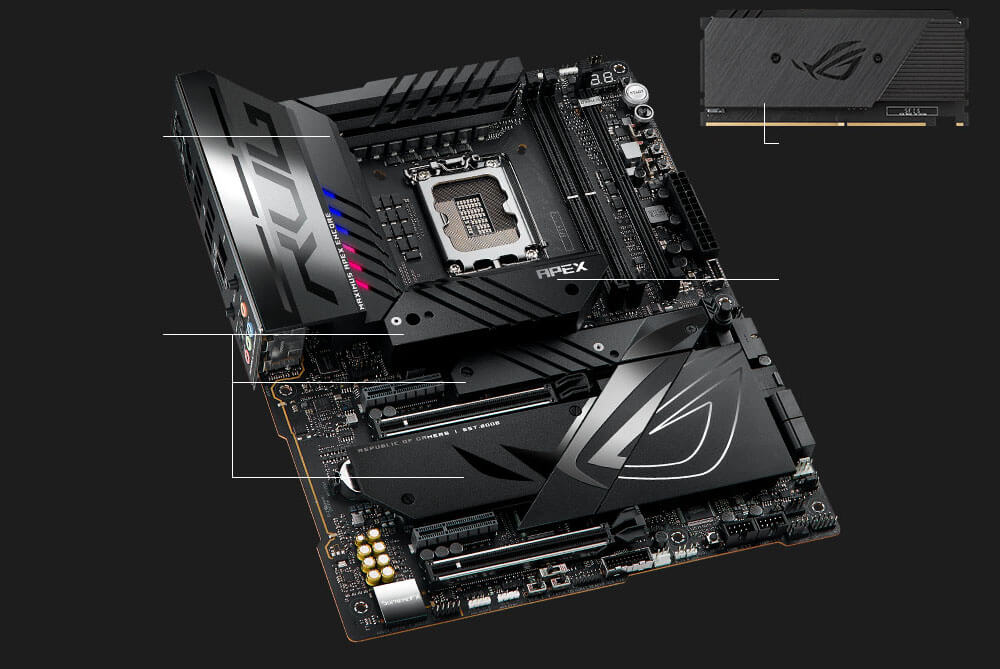
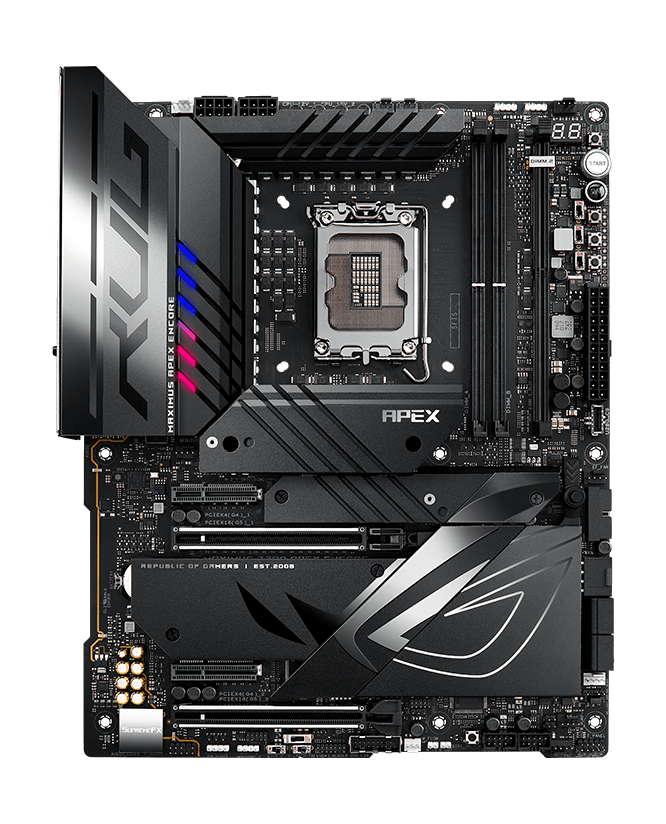
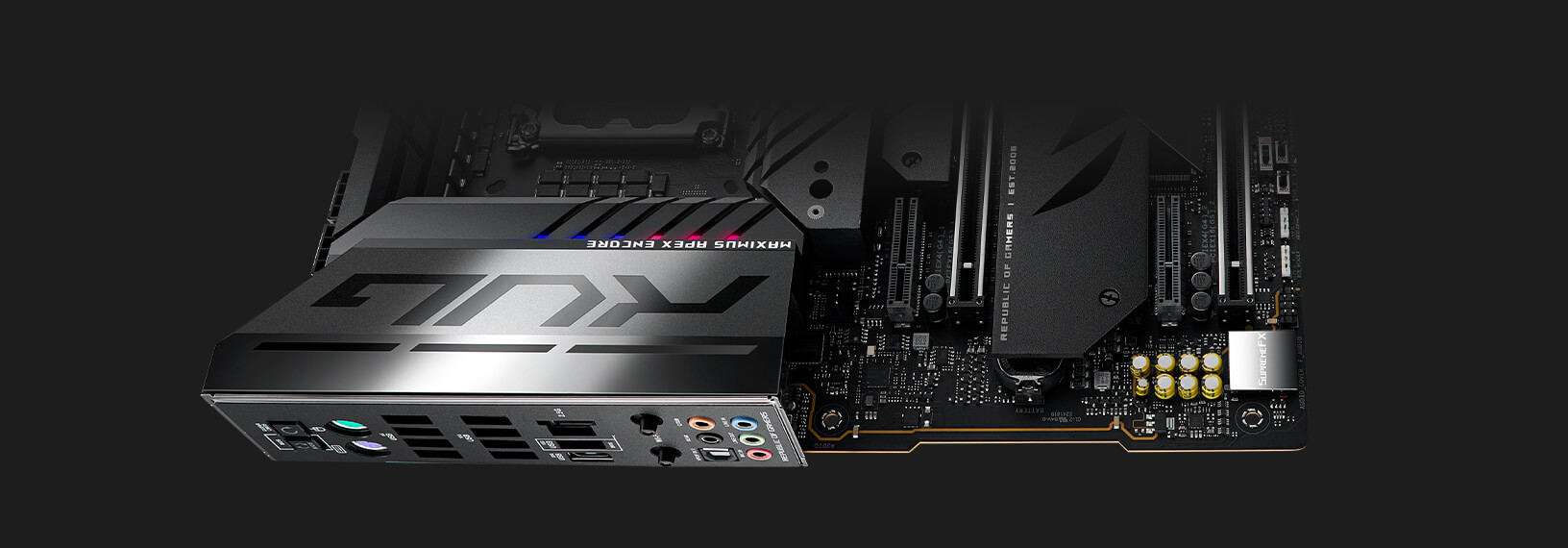
The ROG Maximus Z790 Apex Encore boasts a sleek all-black design, robust appearance, upgraded power solution and an onboard PCIe® 5.0 M.2 slot for lightning-fast storage. Meanwhile, the ROG Memory Fan Kit offers active cooling to let tinkerers push DDR5 to the limit. And support for Intel® Core™ 14th generation processors lets users set new benchmarks for the wealth of activities that demand peak performance. This motherboard is the ultimate choice for enthusiasts and overclockers seeking style and power in their gaming setup. This platform delivers the power and connectivity that advanced AI PC applications demand.
Click to check our Z790 Motherboard Guide
-
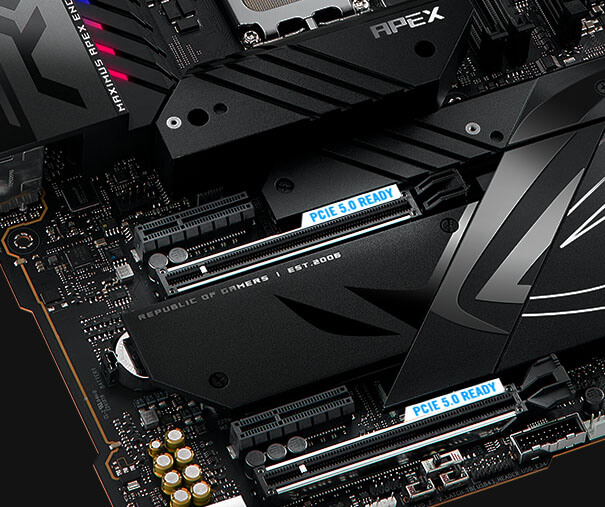
x1 onboard M.2 slot, and x2 PCIe 5.0 x16 slots
-
-
-
-
Adds x2 M.2 slots in a DIY-friendly shell
-
Effortless performance boost
-
One-click fan tuning
-
-
SPEC OVERVIEW
- Performance
- Cooling
- Gaming Immersion
- Connectivity
Extreme Power & Performance
-
DUAL PROCOOL II POWER
CONNECTORS - 24+0+2 POWER STAGES
-
EXPANSION SLOTS
・ 2 x PCIe 5.0 x16 Safeslots (x16, x8/x8)
・ 2 x PCIe 4.0 x4 Slots
-
INTEL® SOCKET LGA 1700
For 14th & 13th Gen Intel® Core™ Processors, and 12th Gen Intel® Core™, Pentium® Gold, and Celeron® Processors
-
DDR5, 2 X DIMM
・ Max. 96GB
・ Dual Channel
-
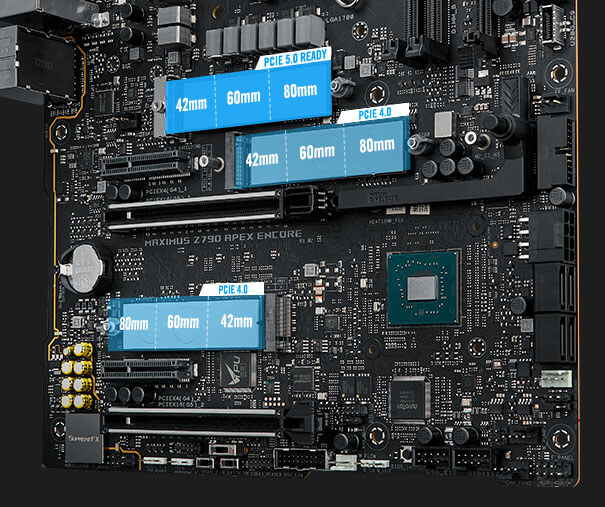
5 X M.2 SLOTS
・ 1 x M.2 2280 (PCIe 5.0 x4)
・ 1 x M.2 2280 (PCIe 4.0 x4)
・ 1 x M.2 2280 (PCIe 4.0 x4 & SATA)
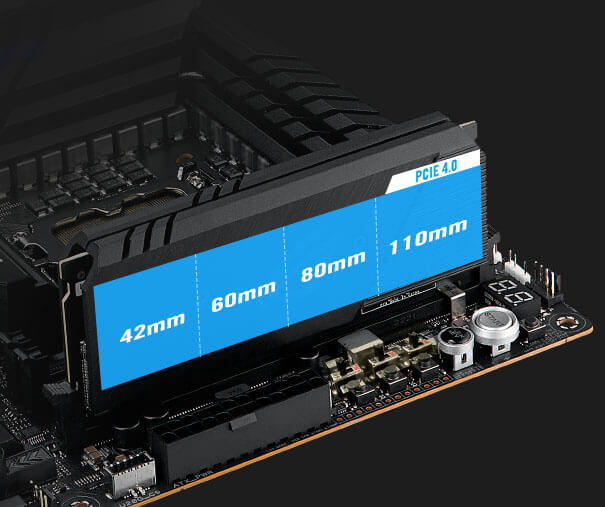
・ 2 x M.2 22110 (PCIe 4.0 x4) (via ROG DIMM.2 Card)
Comprehensive Cooling
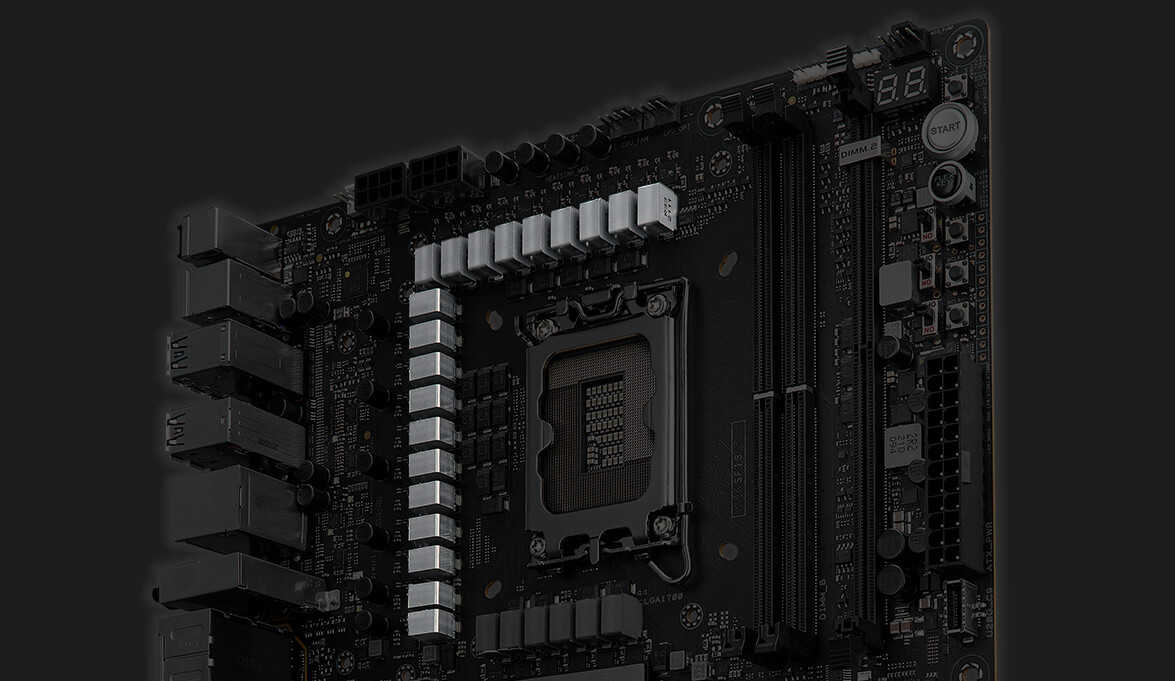
- VRM HEATSINK ARRAY
-
HEATSINKS FOR THREE M.2 SLOTS
With backplates and thermal pads
-
MULTIPLE 4-PIN PWM FAN HEADERS
ROG DIMM.2 CARD HEATSINK
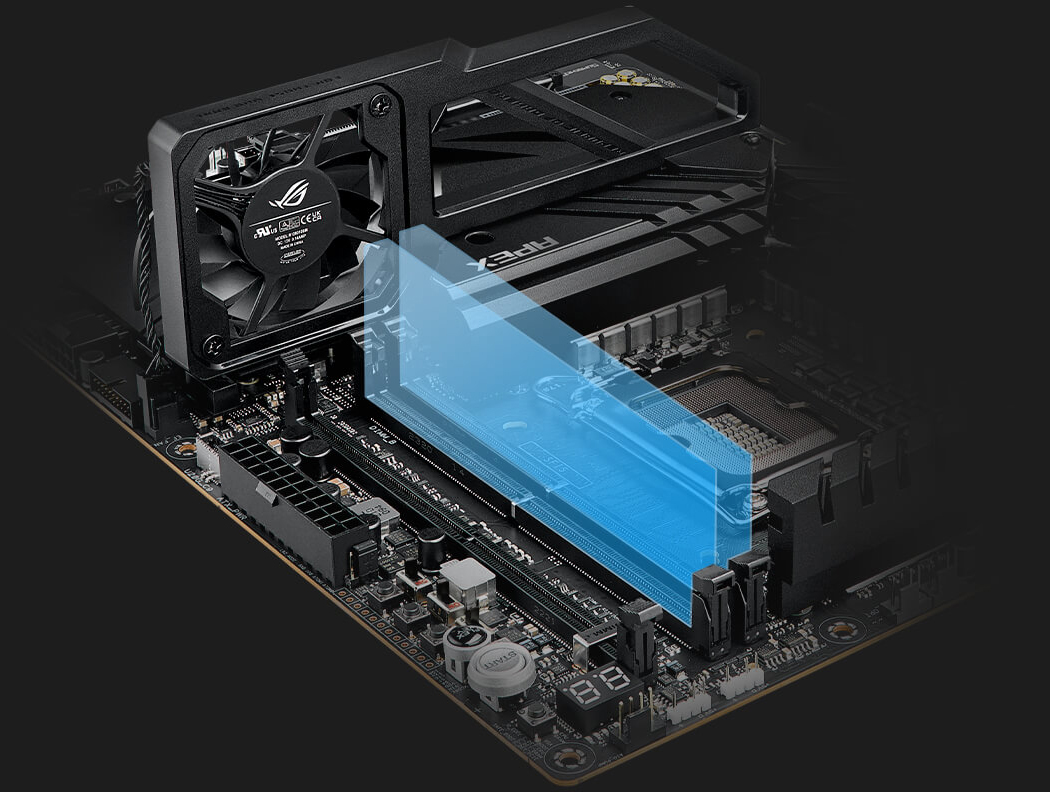
- ROG MEMORY FAN KIT
-
ROG WATER-COOLING ZONE
・ W_FLOW tachometer
・ W_IN/OUT T-sensor
Total Gaming Immersion
- AURA LIGHTING
-
SUPREMEFX ALC4080 AUDIO CODEC
・ SAVITECH SV3H712 AMP
・ 120 dB SNR stereo playback output
・ 113 dB SNR recording input
・ Gold-plated audio jacks
SONIC STUDIO DTS® SOUND UNBOUND - 3 X 3-PIN ADDRESSABLE GEN 2 RGB HEADERS
- 1 X 4-PIN AURA RGB HEADER
Full Connectivity
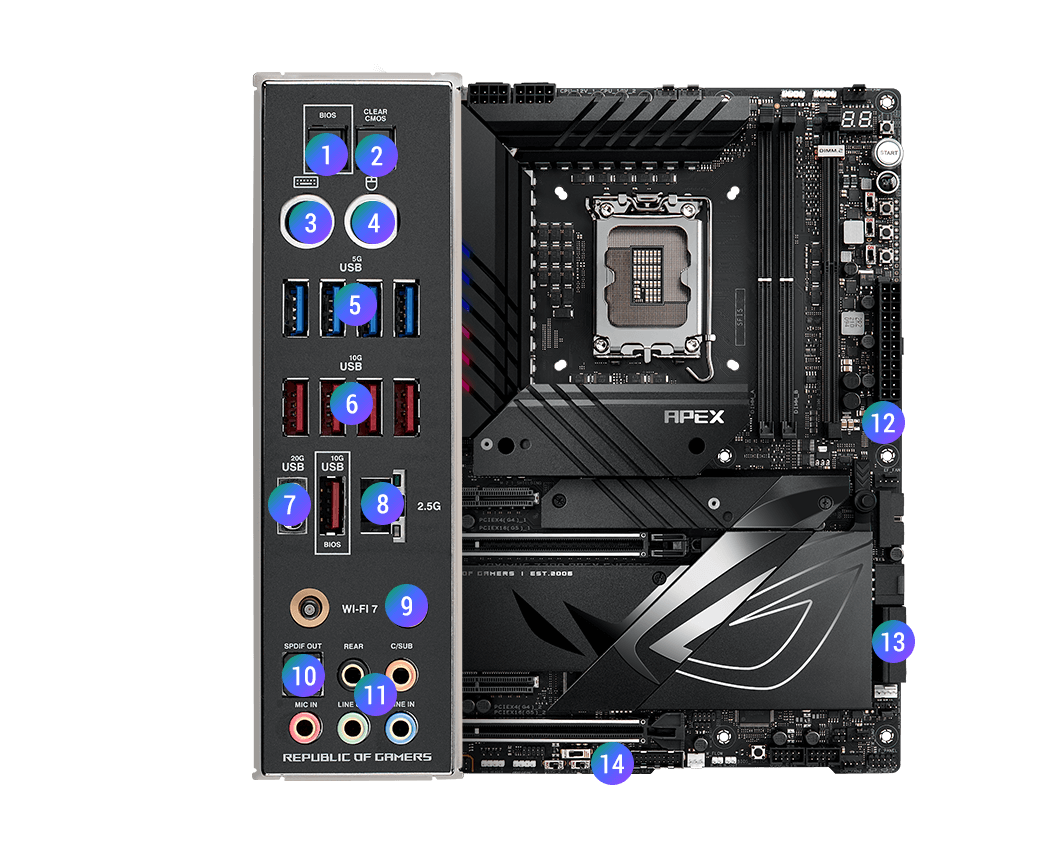
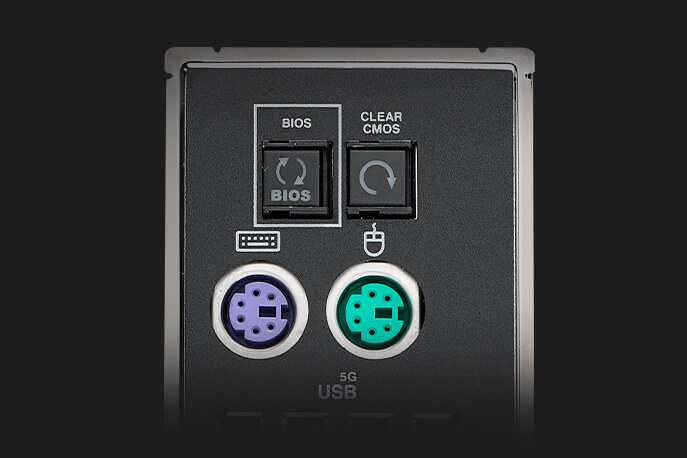
- BIOS FLASHBACK™ BUTTON
- CLEAR CMOS BUTTON
- PS/2 KEYBOARD PORT
- PS/2 MOUSE PORT
-
4 X USB 5Gbps PORTS
(4 x Type-A)
-
5 X USB 10Gbps PORTS
(5 X Type-A)
- INTEL® 2.5Gb ETHERNET PORT
-
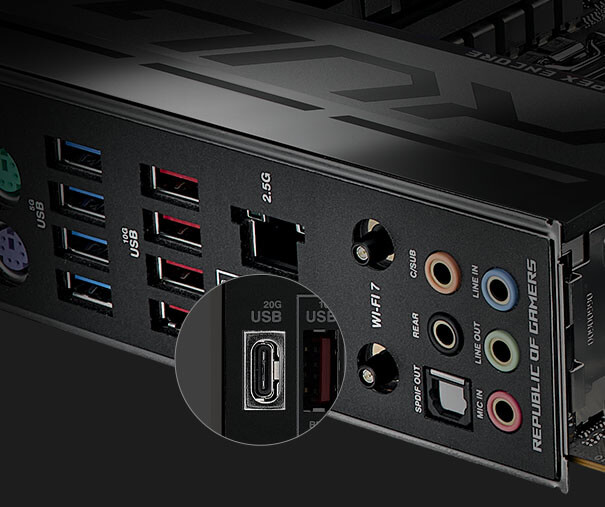
1 X USB 20Gbps PORT
(1 X USB Type-C®)
- INTEL® Wi-Fi 7
- OPTICAL S/PDIF OUT
- 5 X GOLD-PLATED AUDIO JACKS
-
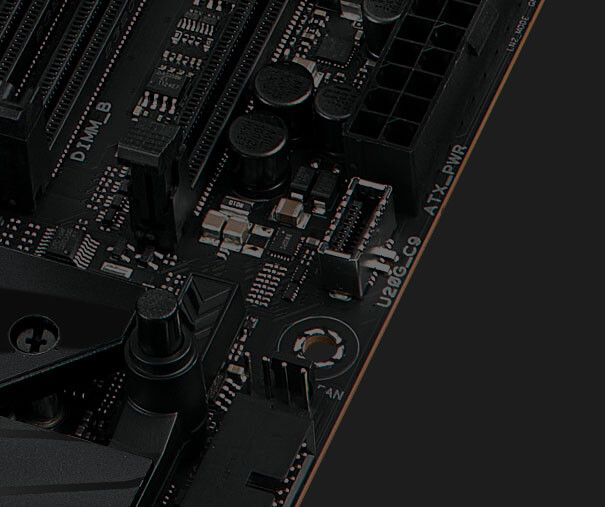
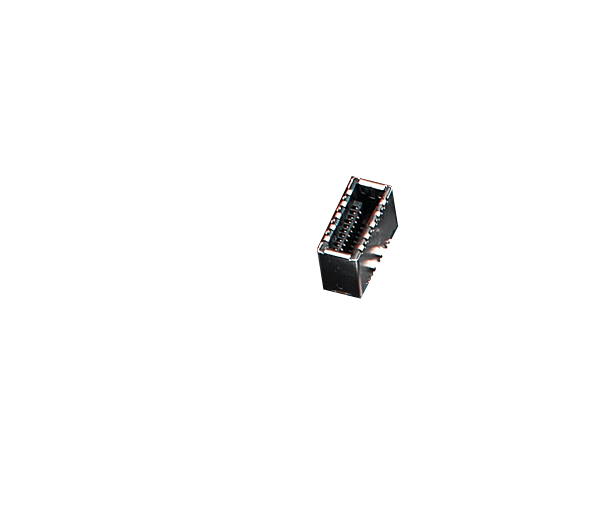
1 X USB 20Gbps
USB Type-C® front panel connector supports QC4+
- 4 X SATA 6GB/S
- 1 X THUNDERBOLT™ (USB4®) HEADER
ROG OVERCLOCKING TECHNOLOGIES
Tried and tested OC features offer extensive control over system performance for seasoned veterans and new recruits alike. Leverage onboard intelligence to automatically adapt CPU performance, or get a headstart on manual tuning and then utilize advanced tools and utilities to stay on the pulse and push boundaries.
- AI Overclocking
- Overclocker's Toolkit
- Differential Sensing
- Condensation Detection
AI OVERCLOCKING
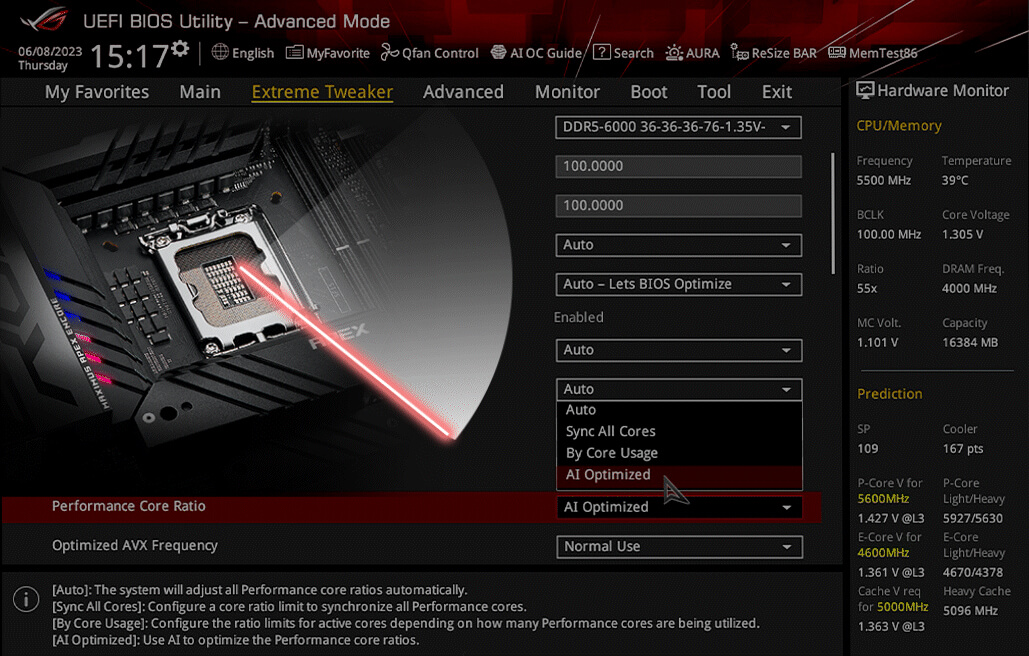
Tuning is now faster and smarter than ever before. ASUS AI Overclocking profiles the CPU and cooling to predict the optimal configuration and push the system to its limits. Predicted values can be engaged automatically or used as a launching ground for further experimentation.
OVERLOCKER'S TOOLKIT
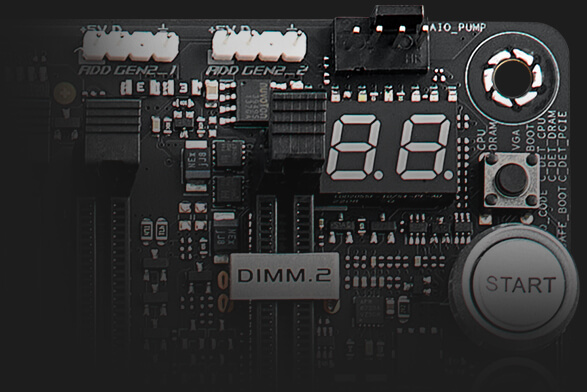
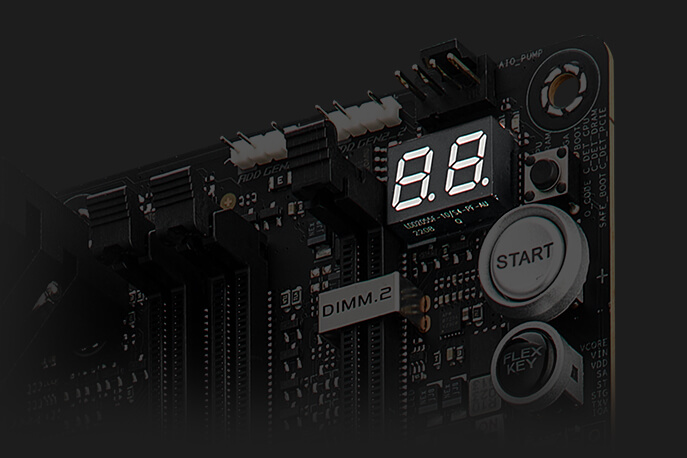
The ROG Overclocker’s Toolkit is a powerful set of hardware-level controls to enhance your overclocking experience. Some are quick and easy time savers, while others offer masterful functionality to help you smash benchmarks and break records.
-
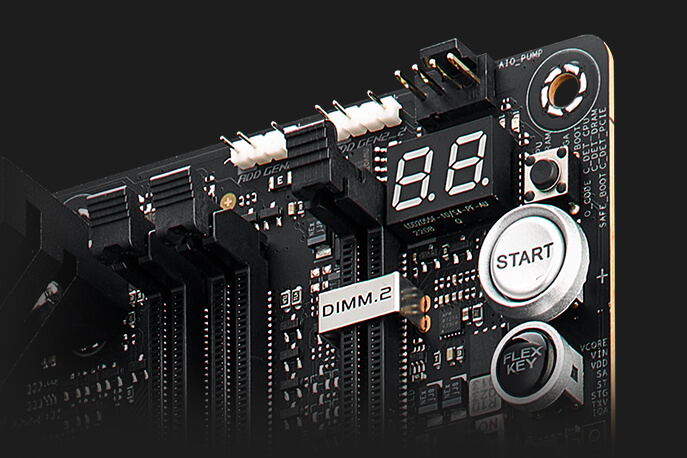
SAFE BOOT BUTTON
Instantly reset the PC and boot directly into Safe mode.
-
BCLK BUTTONS
Adjust the BCLK frequency to improve system performance.
-
PROBEIT
Includes twelve integrated measurement points for advanced tuning.
-
RETRY BUTTON
Instantly initiates a hard reset with just a press.
-
SLOW MODE SWITCH
Reduces the CPU ratio to 8X to keep the system stable during setup for extreme overclocking.
-
PAUSE SWITCH
Pause the system and fine-tune OC parameters mid-benchmark.
-
RSVD SWITCH
Helps the system boot under extreme temperatures (≤ -120°C)
-
LN2 MODE
Jumper to enable special options and functions for liquid-nitrogen (LN2) overclocking.
-
BIOS SWITCH
Switches between BIOS 1 and 2.
DIFFERENTIAL SENSING
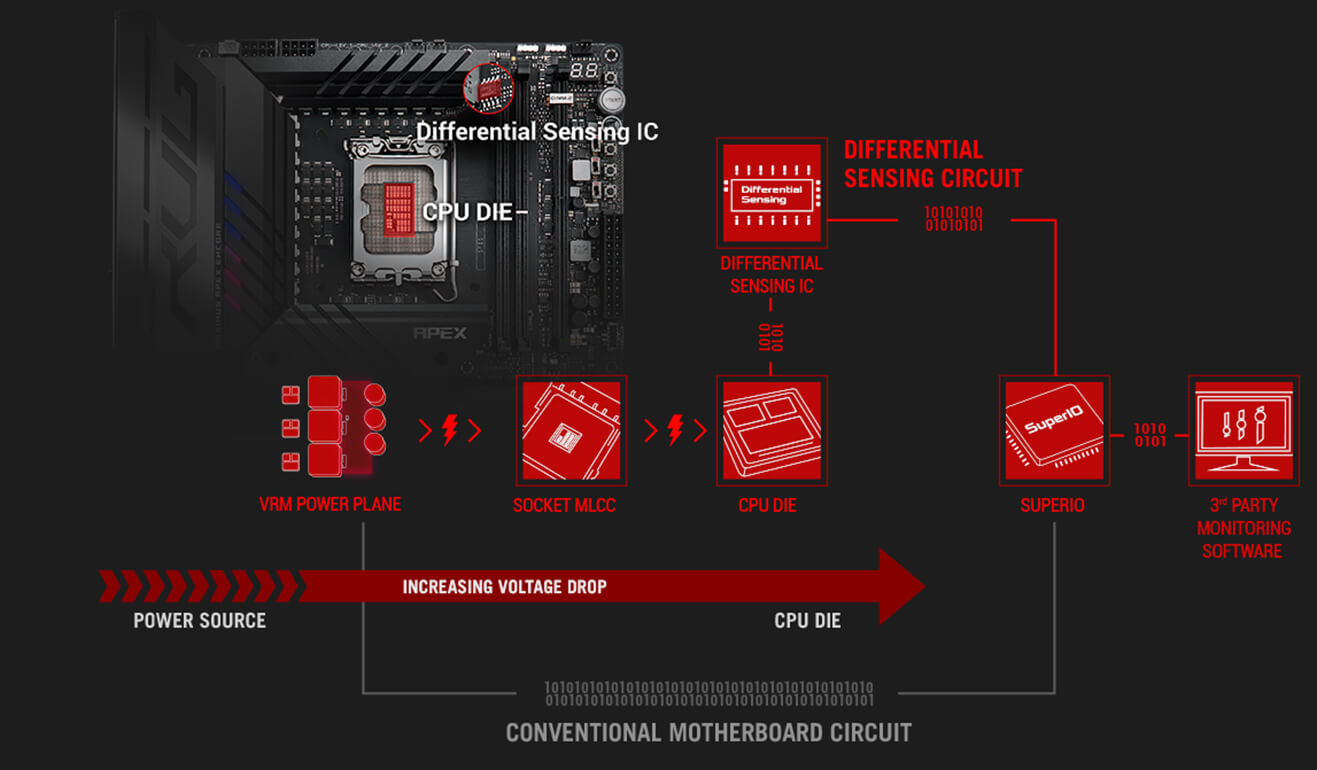
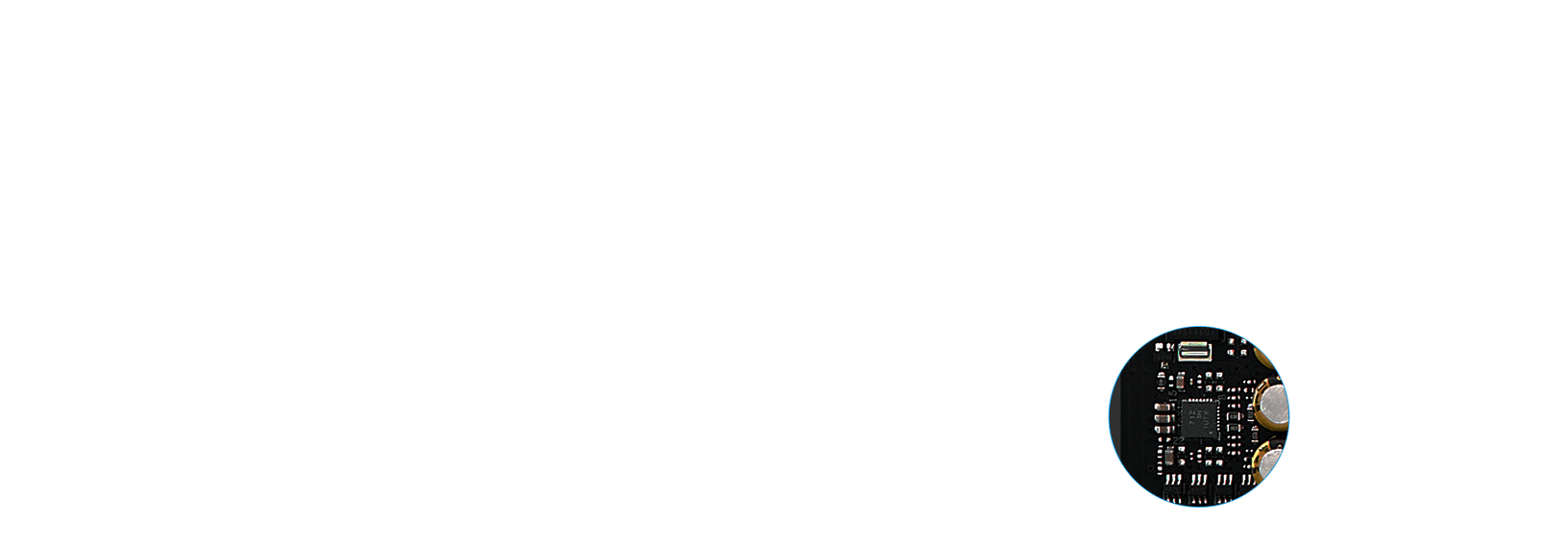
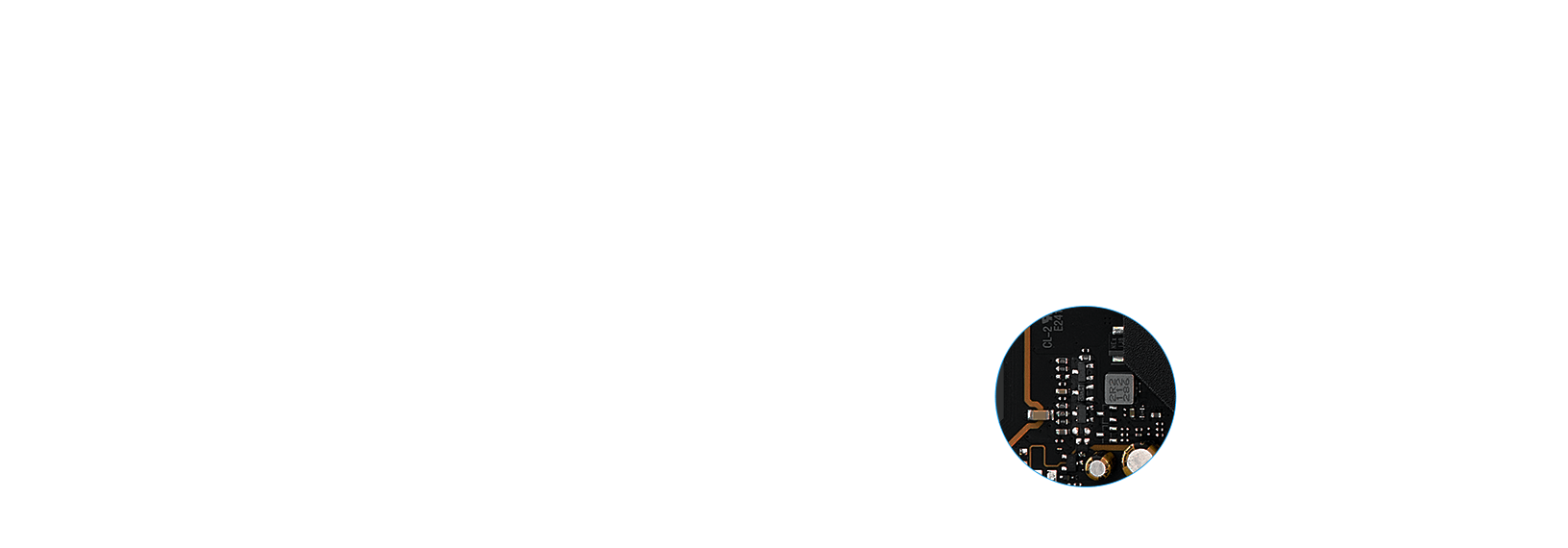
Conventional motherboards use single-ended sensing tapped from a location that isn't ideal, leading to a large disparity between the actual voltage fed to the CPU and the value reported to software. The ROG Maximus Z790 Apex Encore features a differential-sensing circuit and delicate IC that simplify overclocking and tuning by allowing you to track voltages more accurately.
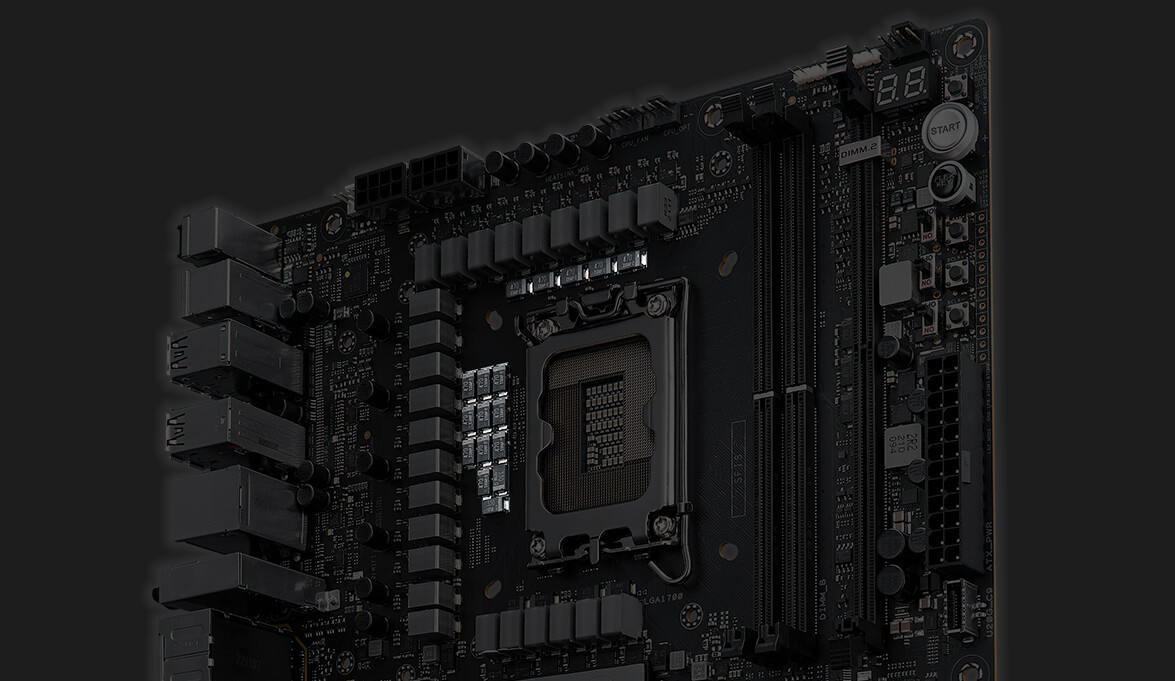
CONDENSATION DETECTION
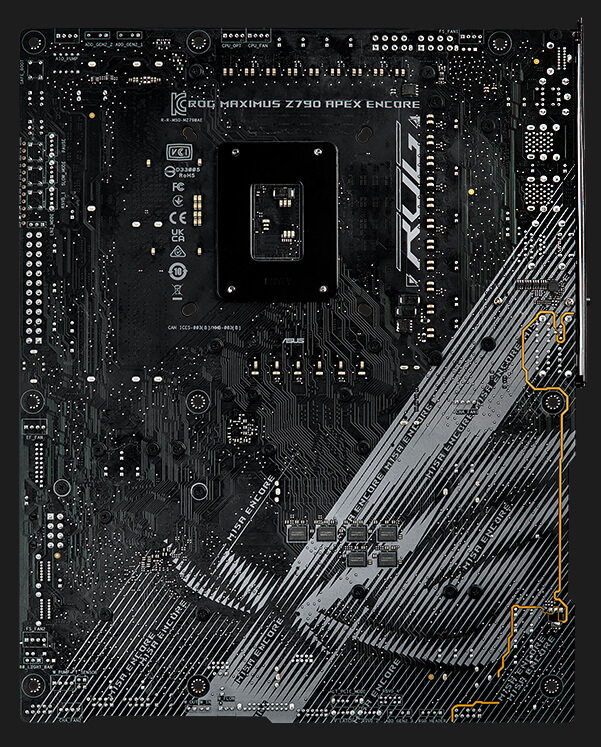
Specialized circuitry allows ROG Maximus Z790 Apex Encore to detect when condensation occurs on the back of the board. Divided into three distinct sections — CPU, DRAM, and PCIe — the feature provides a useful warning when an area may be at risk of short-circuiting.
-
CPU LED
Flashes when condensation is detected near the CPU
-
DRAM LED
Flashes when condensation is detected near the DRAM
-
PCIe LED
Flashes when condensation is detected near the PCIe slot
Teamed Power Architecture
Today's CPU architectures place incredible demands on motherboard power design by transitioning from deep power-saving modes, going from lower-power mode to full load in an instant. The latest ROG VRM architecture rises to the challenge by utilizing teamed power stages to rapidly swing current, while maintaining exemplary thermal performance.
- A brief history
- A shift in CPU demands
- Bucking the trend
- Thermal performance
- High-quality components
Teamed
Power Stage Design
Conventional
Phase-doubled Design
-
ASUS became the first manufacturer to implement phase-doublers with the A8N32-SLI Deluxe motherboard, back in 2005. The board's VRM was lauded for elegantly overcoming the power handling capabilities of components that were available at the time while also reducing voltage ripple. Those benefits led to phase-doublers becoming universally accepted in the industry, and they are still used for similar purposes today.
-
Modern CPUs pack more cores than their predecessors, and the latest instruction sets allow them to crunch computationally dense workloads at an incredible pace. In addition, they consume less power at idle and can transition between load states much more quickly. These improvements necessitate a re-evaluation of power-design priorities because phase-doublers add a propagation delay that hampers transient response.
-
Fortunately, the latest integrated power components can handle higher currents than the devices of yesteryear, making it possible to implement a simple circuit topology that isn't hamstrung by the processing lag of phase-doublers. That's why the ROG Maximus Z790 Apex Encore utilizes teamed power stages to deliver higher burst current per phase, while maintaining the thermal performance of phase-doubled designs.
-
Each VRM component serves a specific purpose. PWM controllers and phase-doublers control the circuit, and the power stages do the heavy lifting from an electrical and thermal standpoint. The power stages feature low RDSON to reduce switching and conduction losses, helping to improve overall thermal headroom.
MEMORY
Comprehensive memory tuning options are the cornerstone of ROG motherboards. With the ROG Maximus Z790 Apex Encore, you can extract all of the potential out of your DDR5 modules, regardless of if they're from an extreme-speed kit or an entry-level set that would otherwise be locked.
- DDR5 DOMINATION
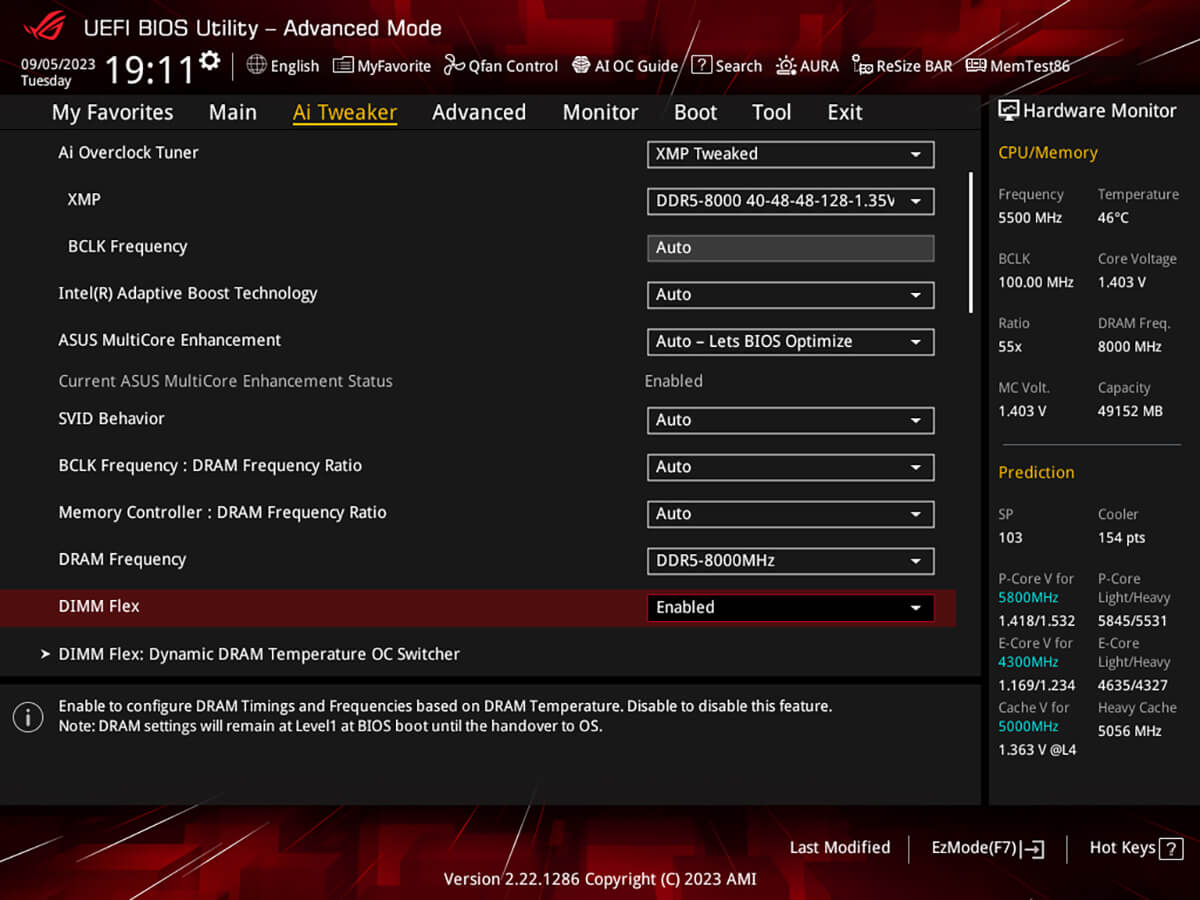
- DIMM FLEX
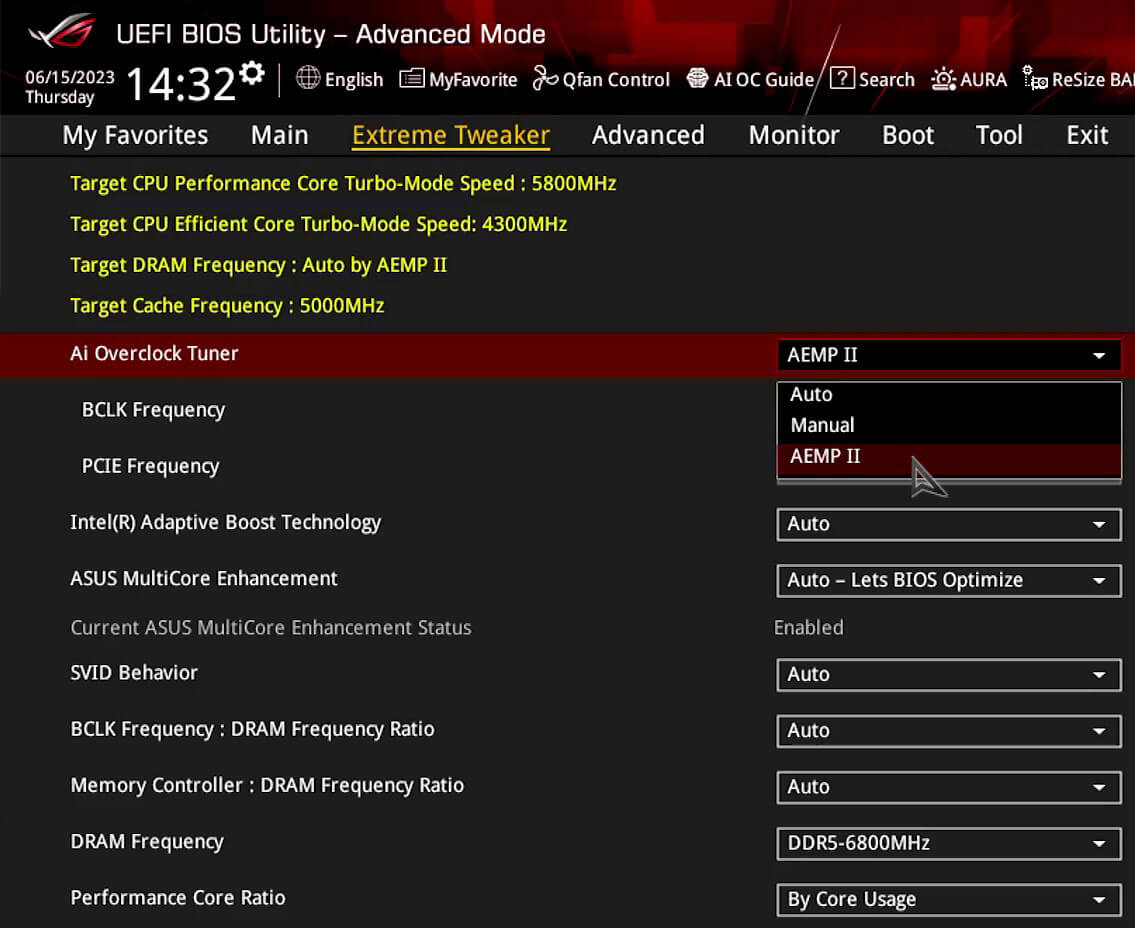
- AEMP II
DDR5 DOMINATION
ROG has a long legacy of flexing the fastest memory performance, and DDR5 is no outlier. Thanks to improved signal routing, now enthusiast-grade kits have been driven as far as 8 GT/s on the Maximus Z790 Apex Encore, and who knows how far future DIMMs can go? Seasoned veterans can test their mettle by tinkering with the extensive array of tuning options in the UEFI.
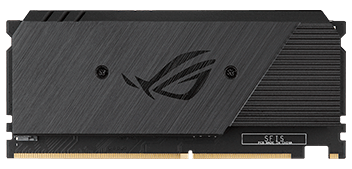
The ROG Maximus Z790 Apex Encore is also equipped with the ROG Memory Fan Kit – a cooling solution to solidify DDR5 stability and unleash memory overclocking. With the ROG Memory Fan Kit, your DDR5 modules can push the boundaries and reach overclocking speeds of 8400+ MT/s. Experience superior cooling performance and unlock the full potential of your memory with ease.
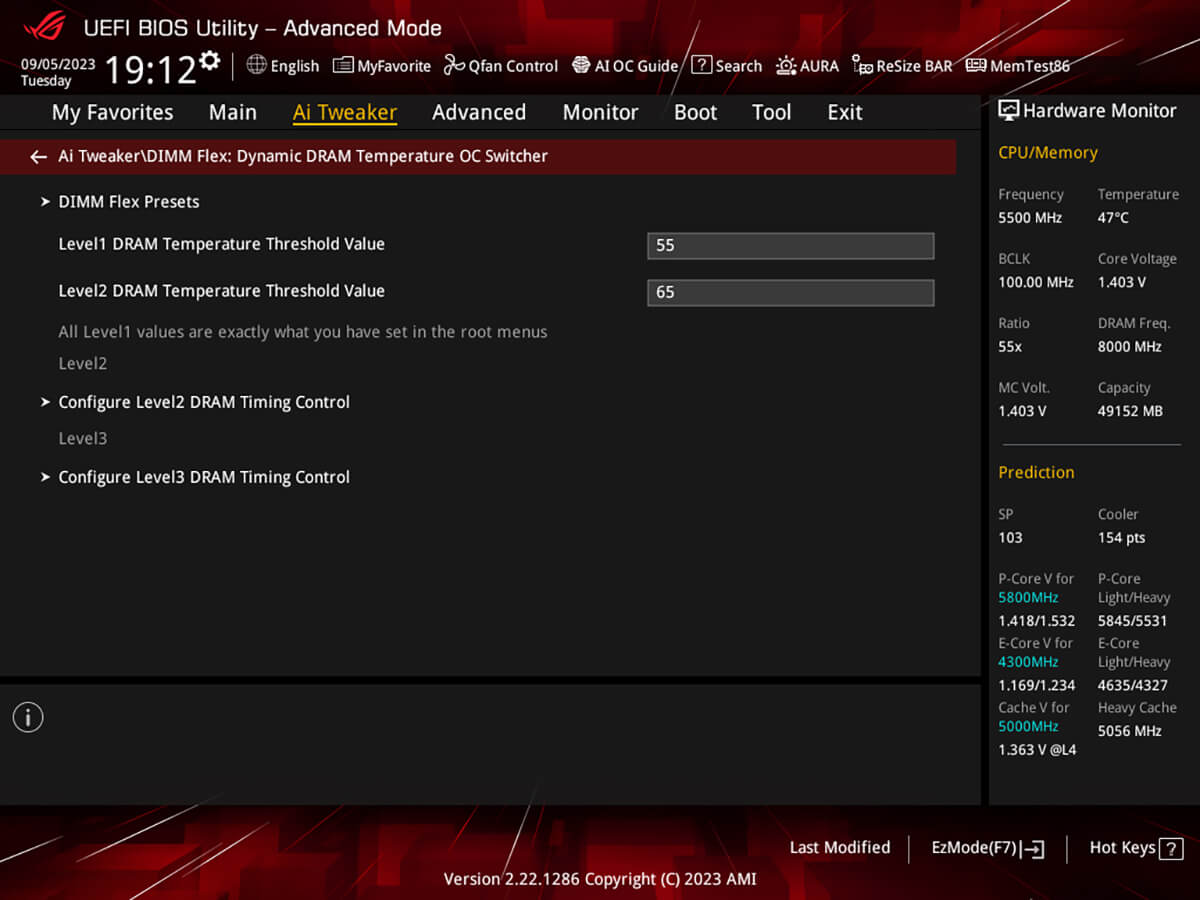
DIMM Flex provides enthusiasts with a powerful new way to overclock their DDR5 memory modules. It employs specialized circuitry that can boost performance or address potential stability issues, depending on temperature readings. When temperatures are nominal, it can use the extra headroom to increase speeds and efficiency. And when temperatures increase, it can adjust memory behavior downward to maintain stability.
››› Learn more››› DIMM Flex QVL List
Average FPS Comparison Across Games
Metro Exodus
Extreme preset 2560x1440
Counter-Strike: Global Offensive
MAX FPS preset 3840x2160
** The comparison chart is based on a test with an Intel Core i9-14900K processor, ROG Strix Z790-E Gaming WiFi II, ROG Strix GeForce RTX™ 4090 OC Edition 24GB graphics card, and G.SKILL DDR5 memory modules (model F5-7200J3646F24GX2-TZ5RK).
ASUS Enhanced Memory Profile II (AEMP II) is an exclusive firmware feature that allows users to achieve supreme memory performance and compatibility with optimized clock speeds, even when they're using PMIC-restricted memory modules that do not provide an XMP or EXPO profile. Developed through a flexible training method, AEMP II simplifies the process of fine-tuning memory settings beyond the baseline configuration, all while ensuring system stability. This applies whether you are maximizing the potential of an entry-level module or preparing a high-speed kit for ultimate performance.
AEMP II
Now, AEMP II offers even more flexibility. With the latest firmware update, AEMP II allows users to optimize the performance of a four-DIMM DDR5 RAM configuration, even with a mixture of different brands and dies. Increasing the memory capacity of your build by adding additional DIMMs has never been easier — with AEMP II, you can get optimized memory performance even when all four memory modules are not an exact match, provided that all four DIMMs have the same capacity.
Up to 60%
** The testing chart is based on a test with an Intel i9-14900K processor and 4x16GB SK Hynix DDR5-5600 non-ECC UDIMMs, model HMCG78AGBUA081N
Cooler by Design
-
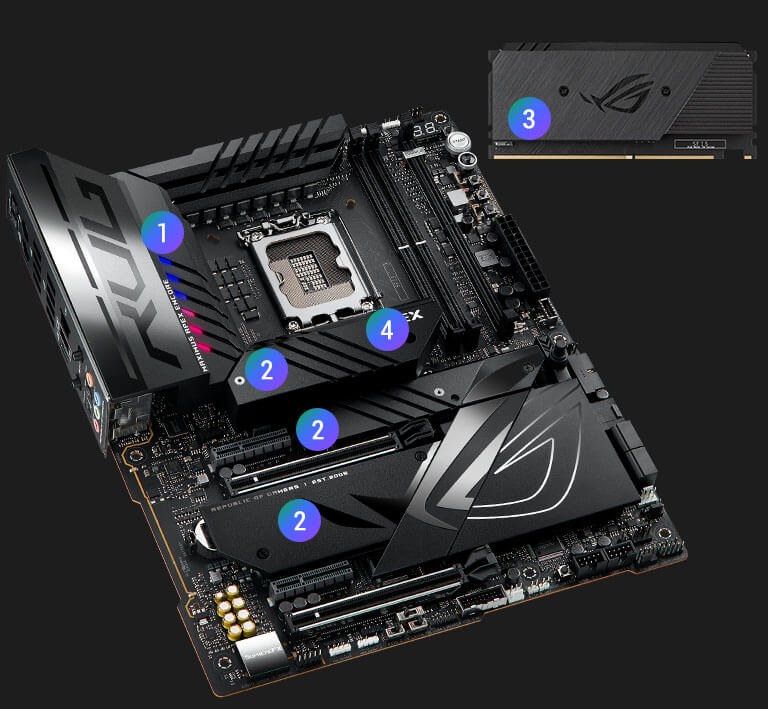
VRM HEATSINK ARRAY
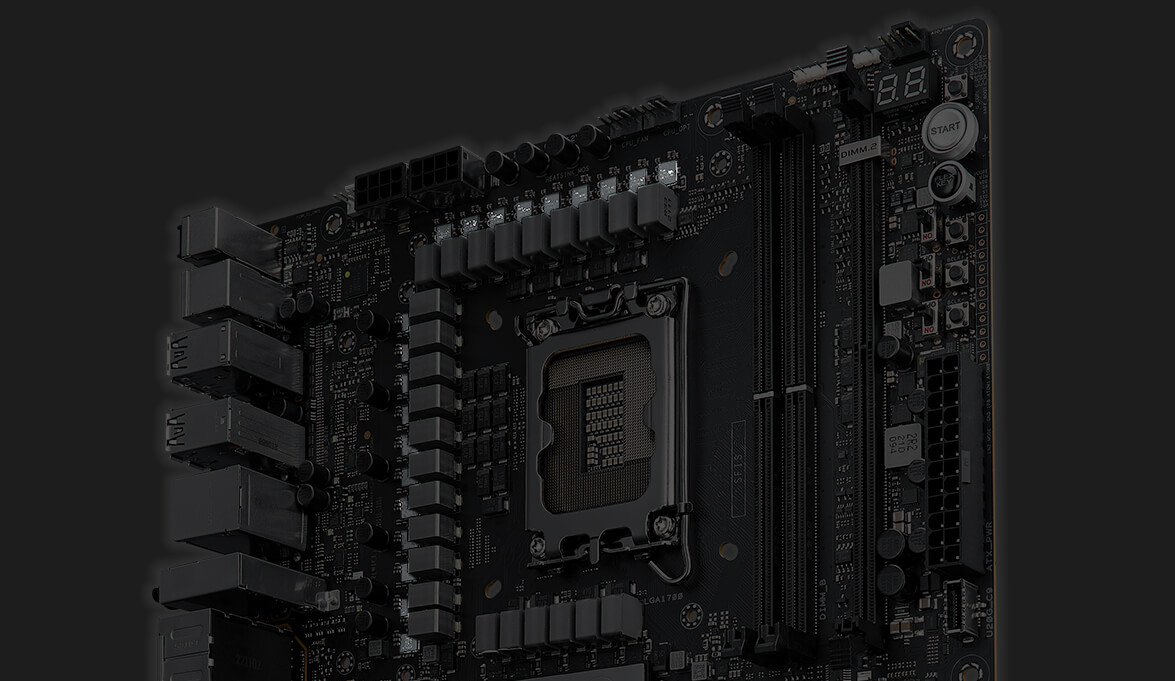
VRM heatsinks on the MOSFETs and chokes are connected by an embedded heatpipe to increase mass and surface area for dissipation.
-
M.2 HEATSINKS AND BACKPLATES
Three onboard M.2 slots are thoroughly cooled with heatsinks and backplates for maximum cooling performance.
-
ROG DIMM.2 CARD HEATSINK
Two additional M.2 slots are kept cool with the DIMM.2 card's hefty heatsinks.
-
EXTENDED VRM AND M.2 HEATSINK
An extended heatsink helps further cool the VRM along with an M.2 drive.
THERMAL MANAGEMENT
An extensive array of headers allows for precise cooling control and monitoring.
-
MULTIPLE TEMPERATURE SOURCES
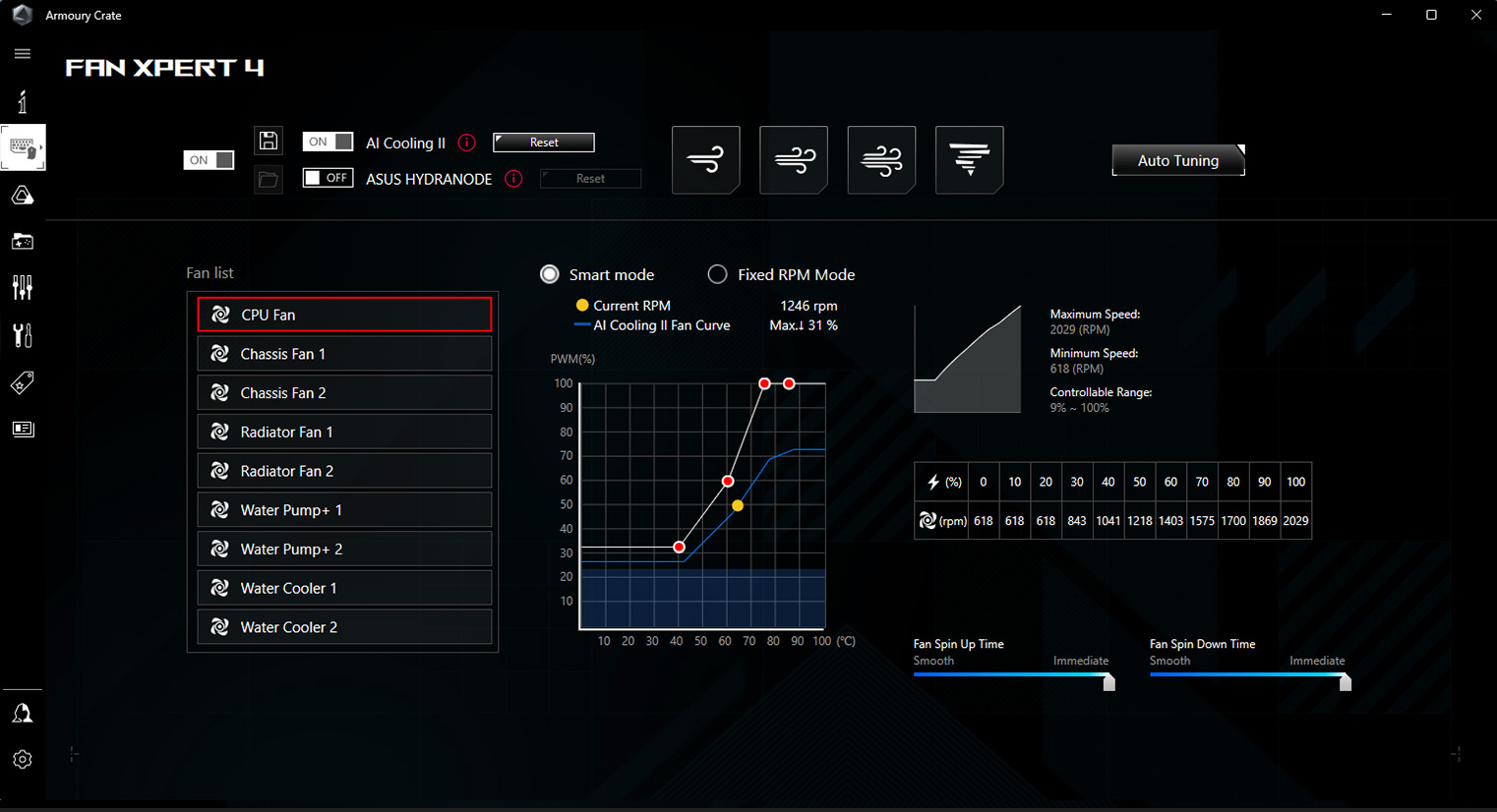
Each header can be set to monitor and react to three user-configurable thermal sensors for workload-based cooling, and all settings can be easily managed by Fan Xpert 4 or UEFI.
-
4-PIN FAN HEADERS
Every onboard header supports auto-detection of DC or PWM fans.
-
AIO PUMP HEADER
A dedicated PWM/DC header for self-contained water-cooling setups.
ROG WATER-COOLING ZONE
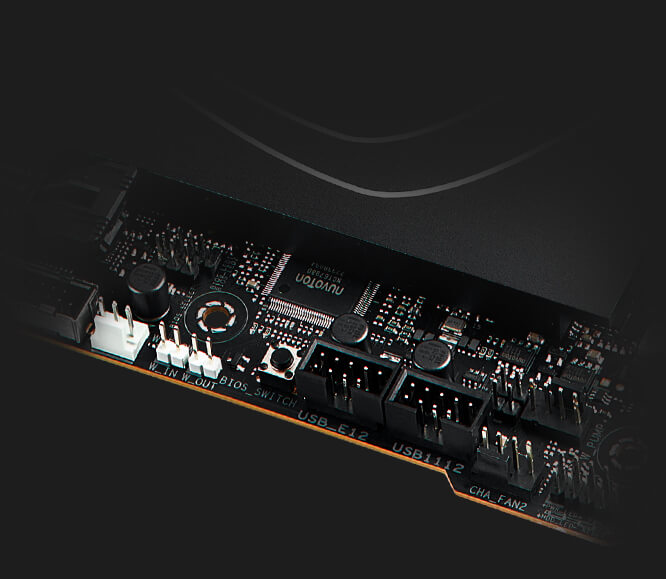
Dual water-temperature headers and a flow-rate header feed information straight into Armoury Crate, allowing you to track coolant temperatures and the flow rate of the entire loop.
-
Water pump+
A dedicated header can supply over 3 amps to a high-performance PWM or DC water pumps.
-
Water in/out
A dedicated header enables monitoring of temperatures at the input/output points of any component.
-
Water flow
A dedicated header enables constant monitoring of flow rate throughout the entire loop.
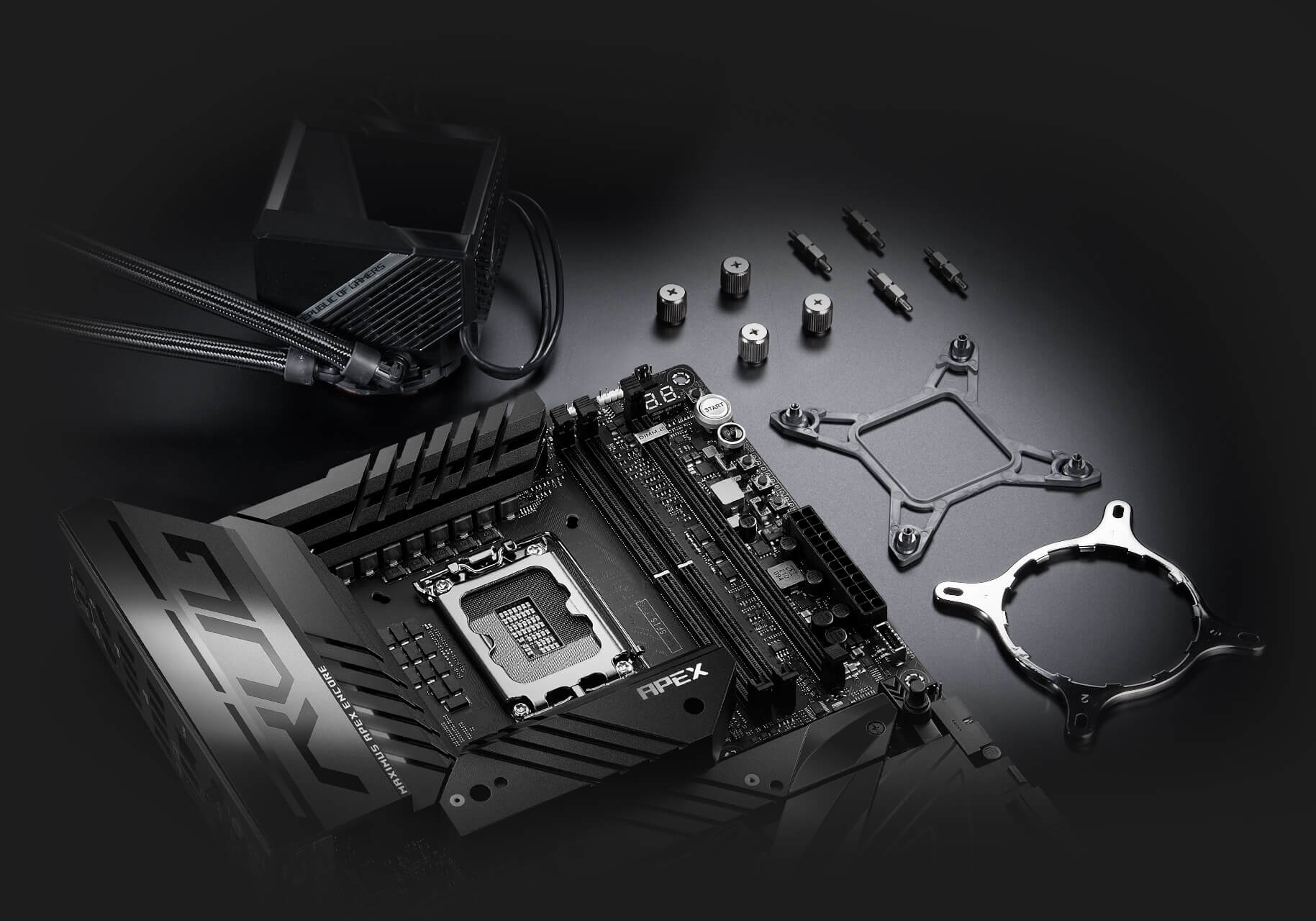
COOLER COMPATIBILITY
ASUS AIO coolers offer robust performance, high overclocking potential, bold aesthetics and customizable functionality for new Z790 motherboards, empowering you to build your dream gaming rig.
››› SEE COMPATIBLE AIO COOLERS
-
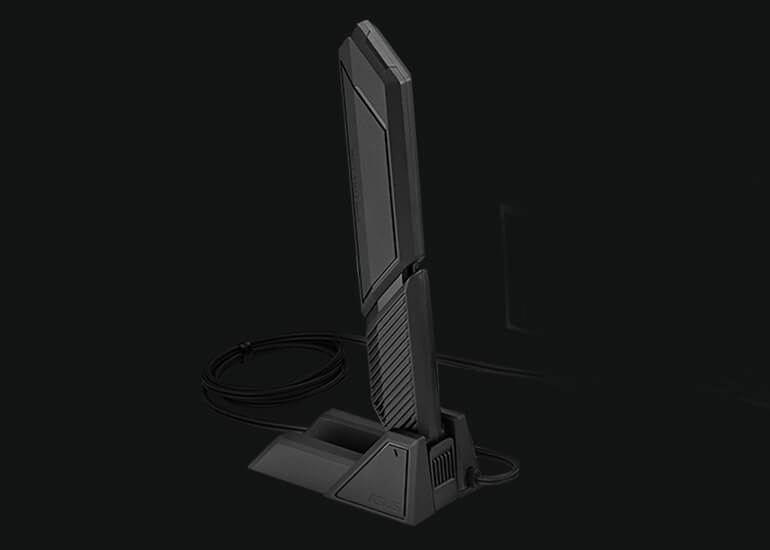
WiFi 7
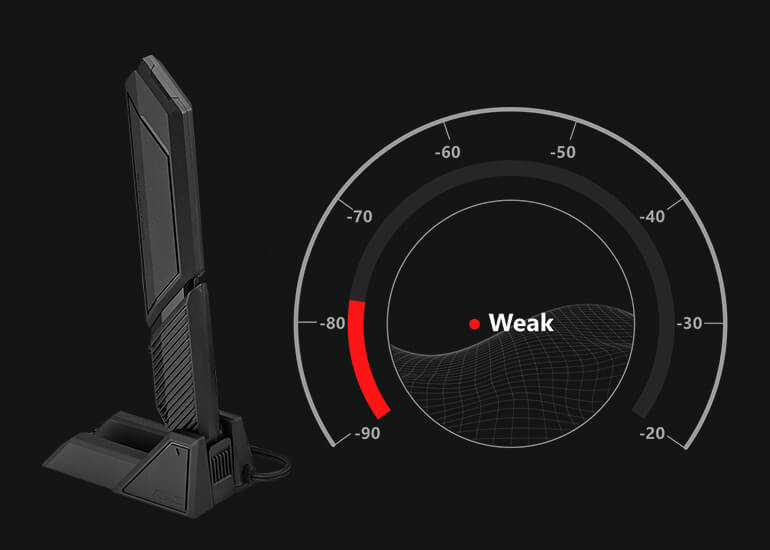
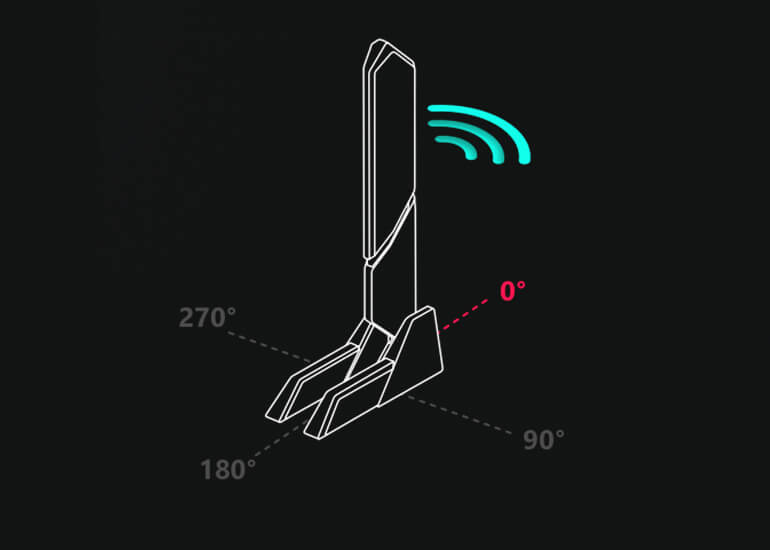
Next-gen WiFi 7* chipset introduces all-new ultrawide 320 MHz channel bandwidth in the 6 GHz band and 4096 QAM, delivering up to 2.4X ultra-fast WiFi speeds**. The revolutionary Multi-Link Operation (MLO) provides a more stable WiFi connection and lower latency, unlocking the realms of the unknown in gaming, streaming, and industrial IoT.
Learn more about Multi-link Operation (MLO) and WiFi 7 technology.
*WiFi 7 features require onboard WiFi chipset, WiFi AP, and WiFi 7-supported operating systems to support the corresponding features. The 320 Mhz in the 6 GHz band may be unavailable in some regions / countries due to regulatory restrictions. Expected support for Multi-Link Operation (MLO) will be available later this year (October 2023). Please visit the ASUS support page for more information.
**Compared to WiFi 6E -
2.5Gb ETHERNET
Low-latency gaming, speedy file transfers, and high-resolution video streaming are among the many perks of onboard Intel® 2.5 Gbps Ethernet.
PCIE 5.0
Fully embracing the new standard, the ROG Maximus Z790 Apex Encore offers abundant Gen 5 support to give unfettered bandwidth to the fastest SSDs and graphics cards available.
- STORAGE
- EXPANSION SLOTS
THREE ONBOARD M.2 SLOTS
The ROG Maximus Z790 Apex Encore features three onboard M.2 slots, one of which is PCIe 5.0-ready to offer blistering 16 GB/s speeds, while the others offer still-impressive 8 GB/s over PCIe 4.0 interfaces.
ROG DIMM.2 CARD
The ROG DIMM.2 card allows you to easily mount two M.2 drives next to the memory slots, where its large heatsinks benefit directly from chassis airflow for prime cooling performance.
EXPANSION SLOTS
Both of the x16 expansion slots have the PCIe 5.0 treatment to offer incredible speeds up to 64 GB/s for compatible devices. To bear the brunt of massive graphics cards, they are also protected with SafeSlot retention brackets, and the top slot can be released easily thanks to the PCIe Slot Q-Release button.
USB 20Gbps TYPE-C
ROG Maximus Z790 Apex Encore comes loaded with two USB 20Gbps Type-C® connectors. One is a port on the rear I/O; the other can be attached to the chassis front panel and it also features Quick Charge 4+ technology to quickly charge devices at up to 60W*.
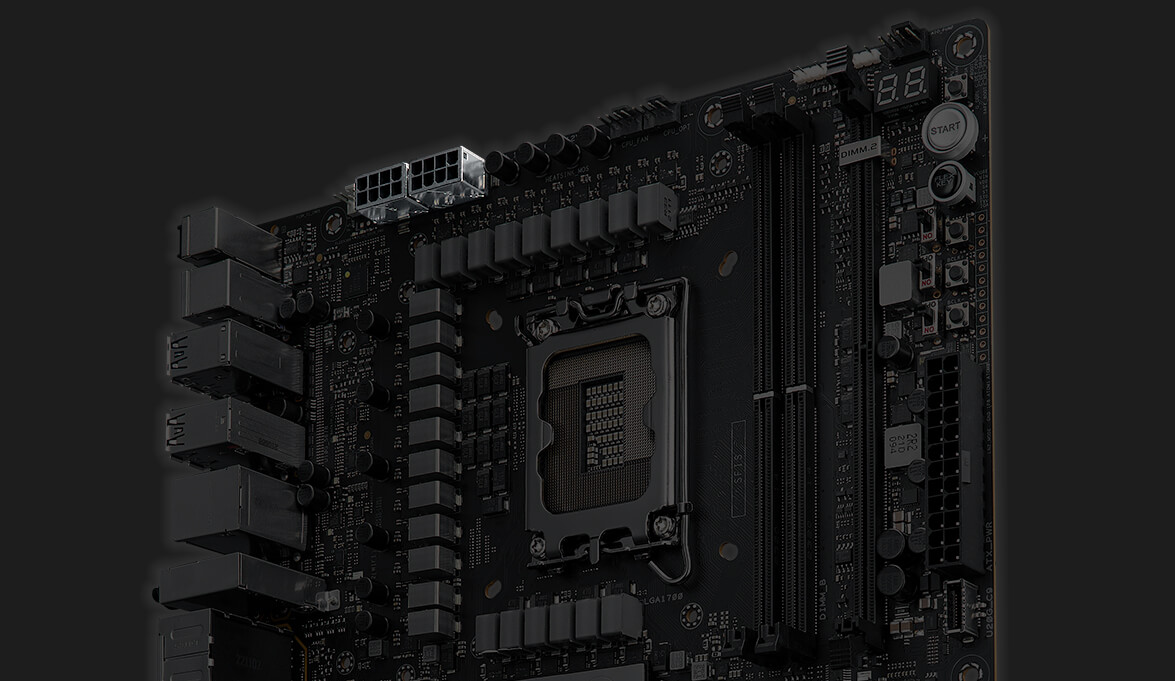
* Requires a PCIe power supply cable to be plugged into the nearby 8-pin connector.USB Wattage Watcher
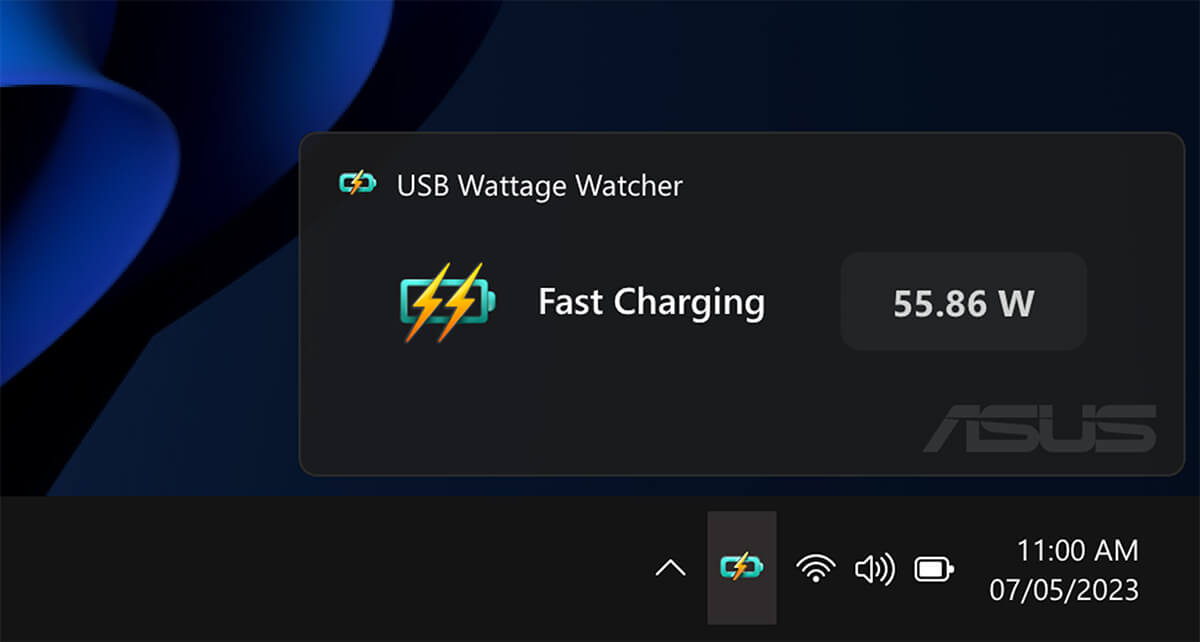
USB Wattage Watcher allows users to monitor the current wattage delivered to a device connected to the USB 20Gbps Type-C front-panel connector. With USB Wattage Watcher, users can glance at their device's charging wattage in real-time and check on their device’s Fast-Charging status.
SUPREMEFX
ROG SupremeFX is a unique blend of hardware and software that provides superior audio. The ROG Maximus Z790 Apex Encore's SupremeFX implementation features the ALC4080 codec with up to 32-bit/384 kHz playback. The front-panel output is streamed through a highly integrated Savitech amplifier that is capable of driving a wide variety of gaming headsets and high-fidelity headphones.
››› Learn more about ROG audio technology
- AUDIO LINE SHIELDING
- SAVITECH SV3H712 AMPLIFIER
- ALC4080 CODEC
- SWITCHING MOSFETS
- CAPACITORS
-
Blocks electromagnetic interference from the motherboard or add-ons to provide cleaner audio.
-
The integrated Hi-Fi Savitech amplifier holds up its end of the signal path with -89dB THD+N and a signal-to-noise ratio of 114dB, bringing pristine audio to gaming headsets and premium cans.
-
Instead of the conventional high-definition audio (HDA) interface, the ALC4080 codec uses a USB interface to deliver studio-level sound reaching up to 32-bit 384 kHz audio resolution.
-
Unique design allows the codec's impedance-sensing function to be ported with either the front or rear headphone outputs.
-
Fine-quality components that produce a warmer, natural sound with exceptional clarity and fidelity.
DIY-FRIENDLY FEATURES
- AI Cooling II
- TWO-WAY AI NOISE CANCELATION
- AI Networking
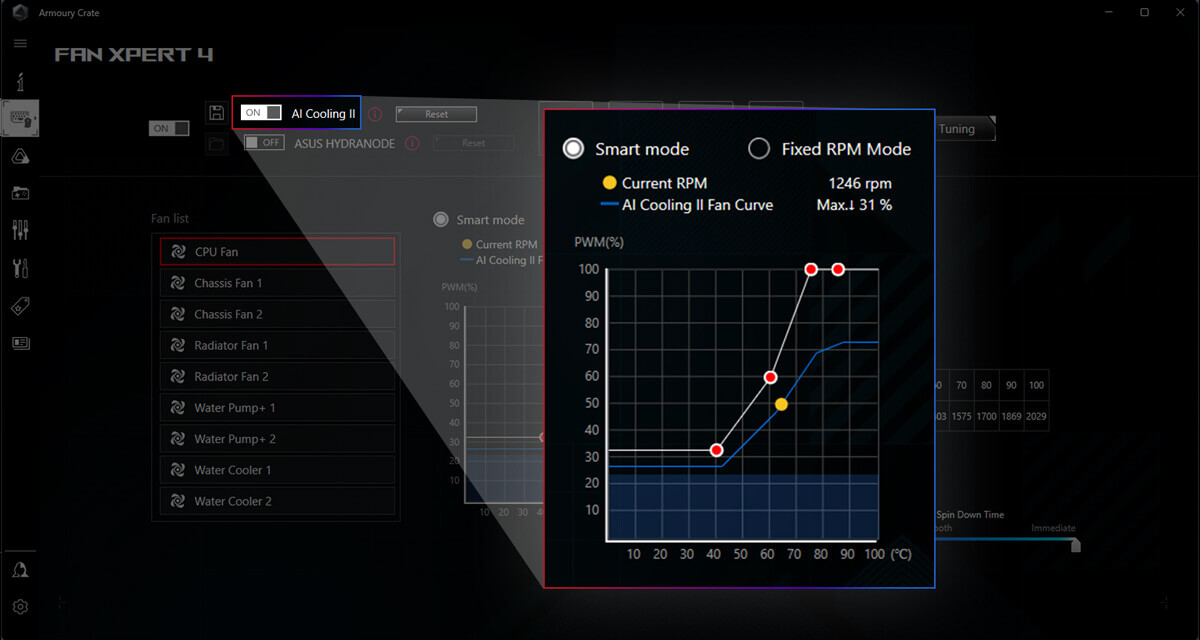
AI COOLING II
Balance the thermals and acoustics of any build with a single click. A proprietary ASUS algorithm slashes unnecessary noise while running a quick stress test, and then monitors CPU temperatures to dynamically adjust fans to optimal speeds.
TWO-WAY AI NOISE CANCELATION
This utility leverages a massive deep-learning database to reduce over 5 million types of background noise from incoming or outgoing audio, helping ensure crystal-clear communication in games or calls.
Hear the difference
AI ON
AI OFF
AI NETWORKING
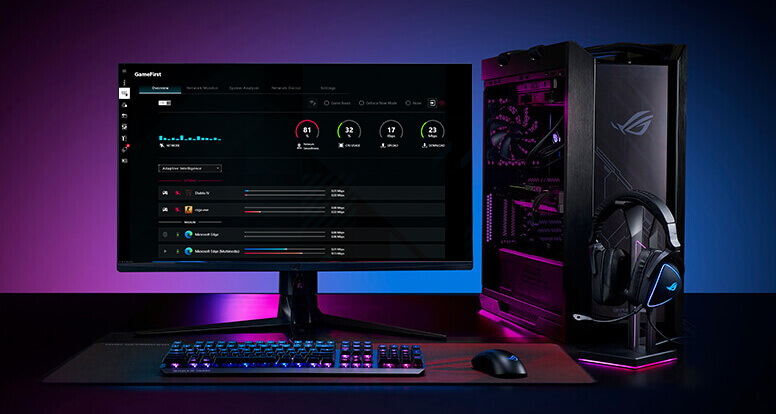
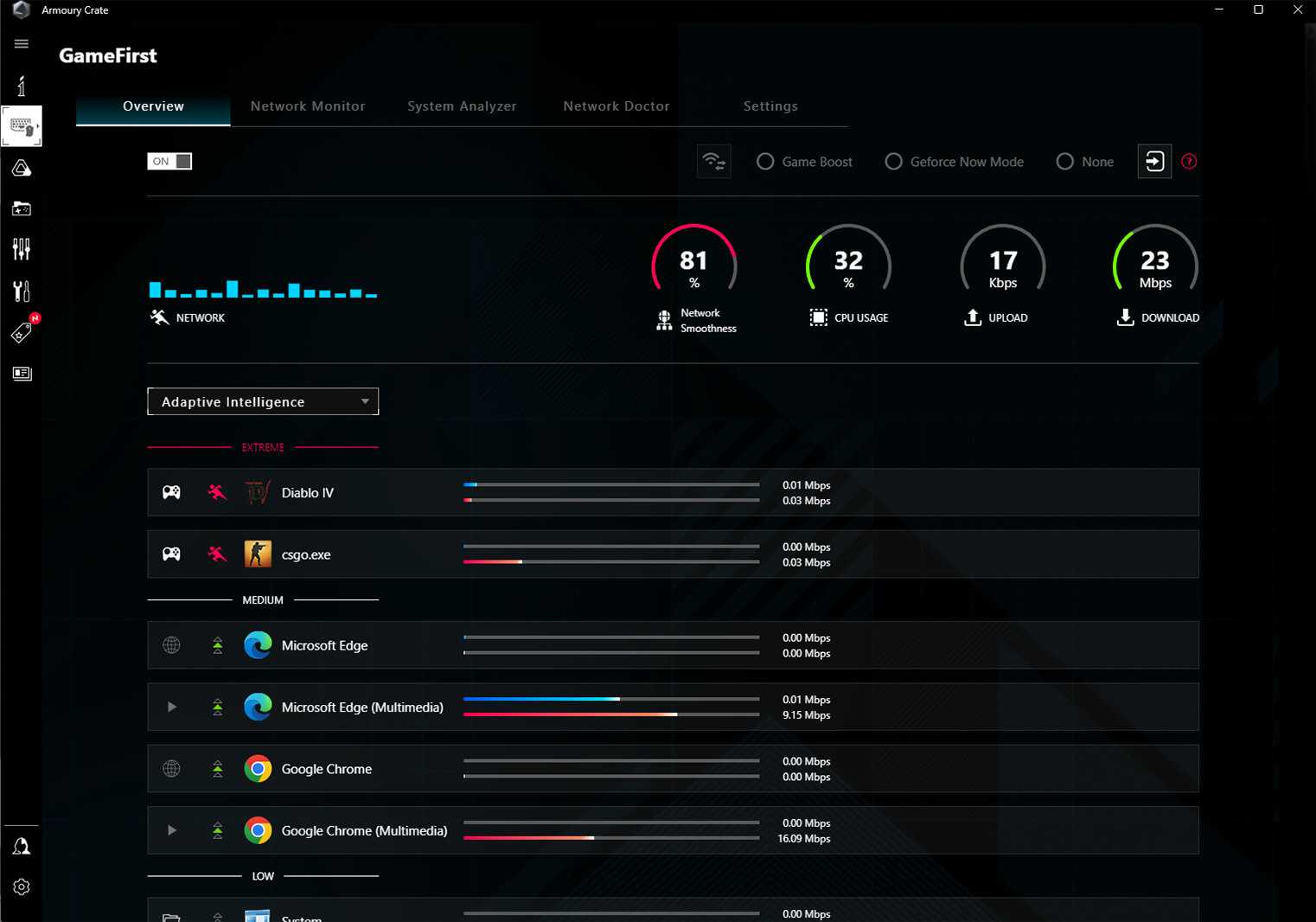
GameFirst is now integrated into Armoury Crate for an even better user experience. GameFirst optimizes networking performance by allocating bandwidth in real time, based on intelligent algorithms designed for various application customizable usage scenarios and corresponding learning algorithms. The latest update includes dedicated support for NVIDIA® GeForce NOW to ensure the lowest latency possible during intense game streaming cloud gaming sessions. To provide a better user’s experience, GameFirst is now integrated into Armoury Crate.
AI SUITE 3
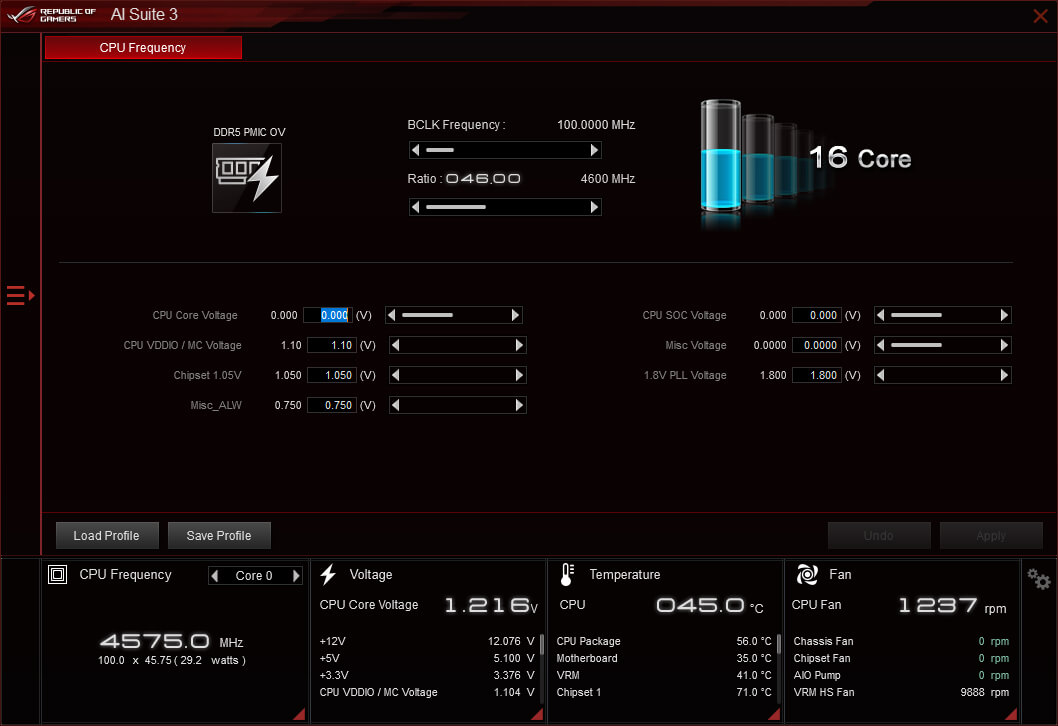
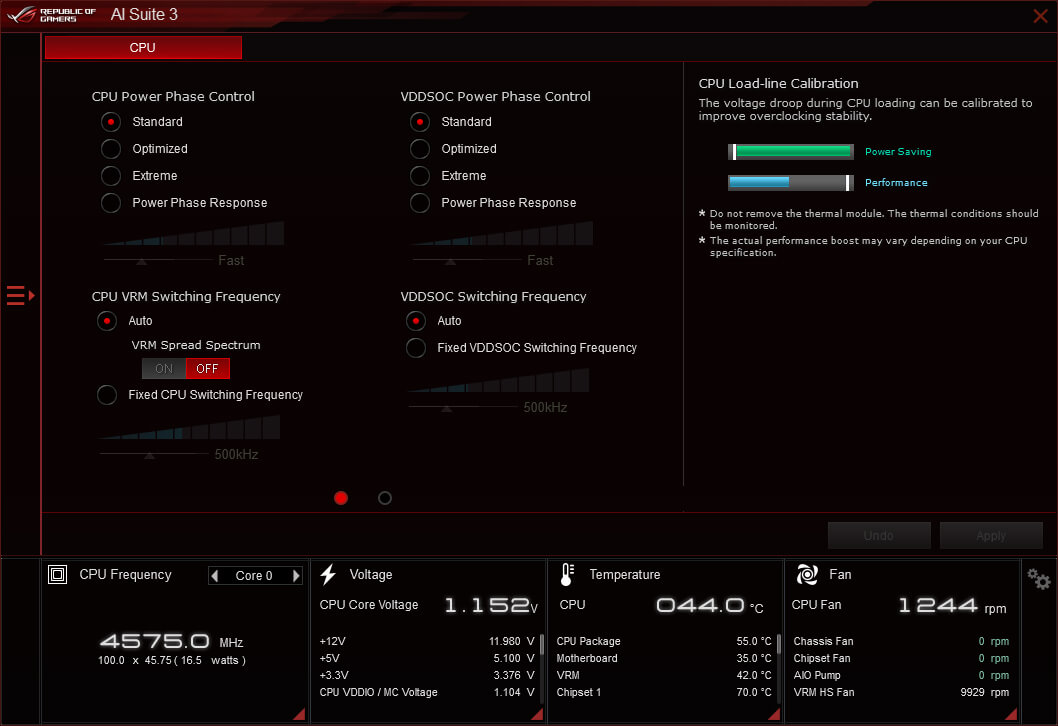
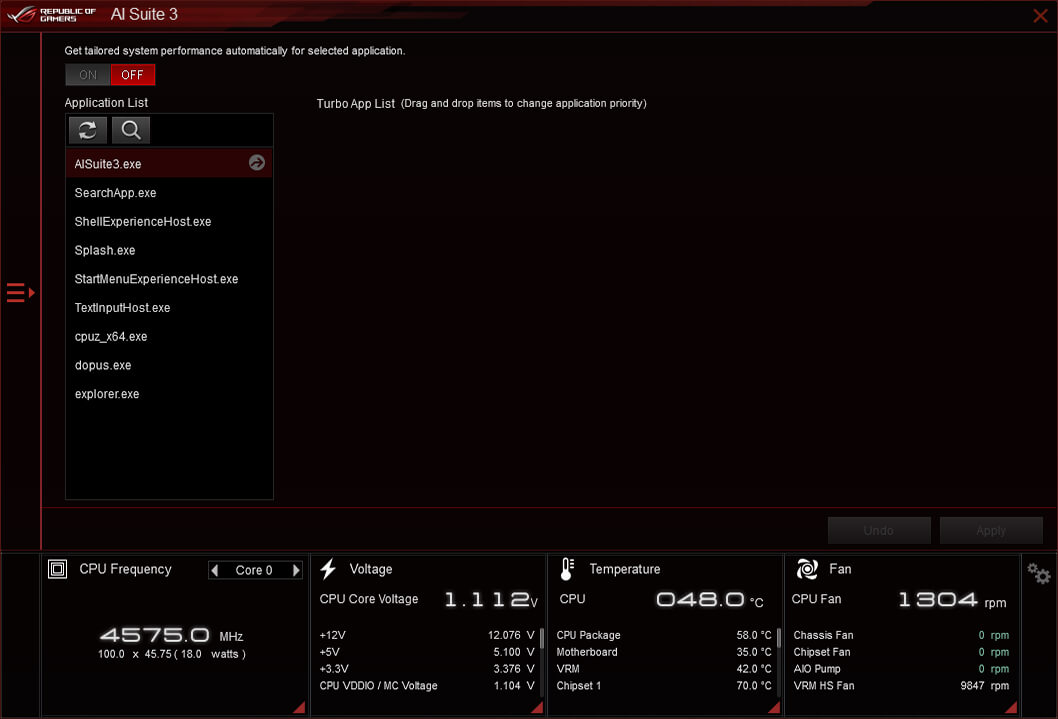
The AI Suite 3 dashboard contains a set of intuitive controls that boost CPU performance while maintaining system stability.
- TPU INSIGHT
- Digital Power Control
- Turbo Core app
TPU INSIGHT
The TurboV Processing Unit (TPU) is an intelligent onboard micro-controller that provides an array of system-tuning features, including the ability to fine-tune voltages, monitor system stats and adjust overclocking parameters.
UEFI BIOS
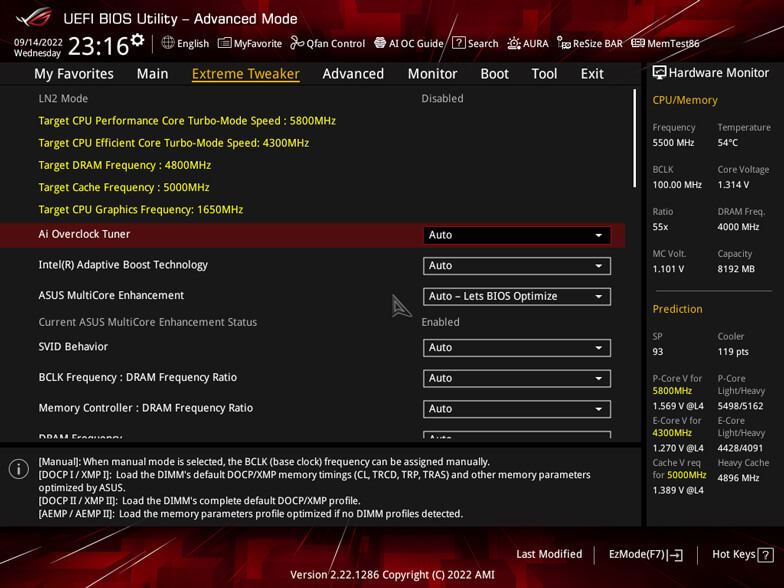
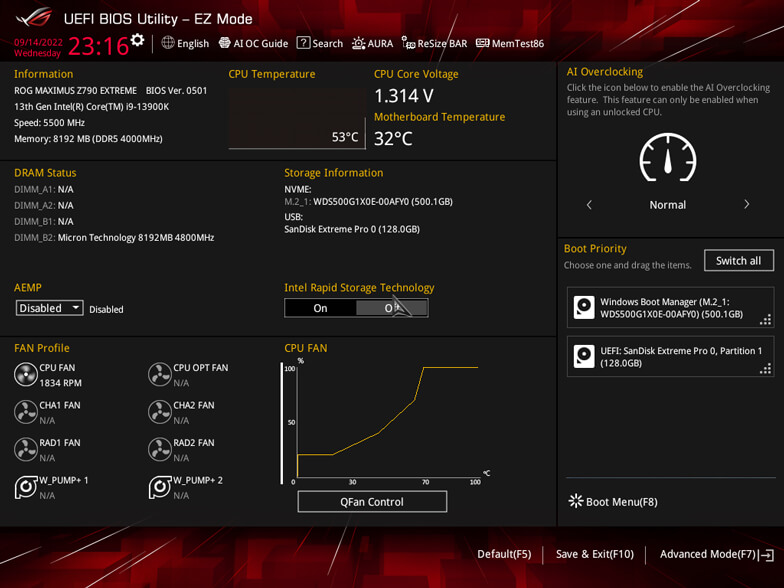
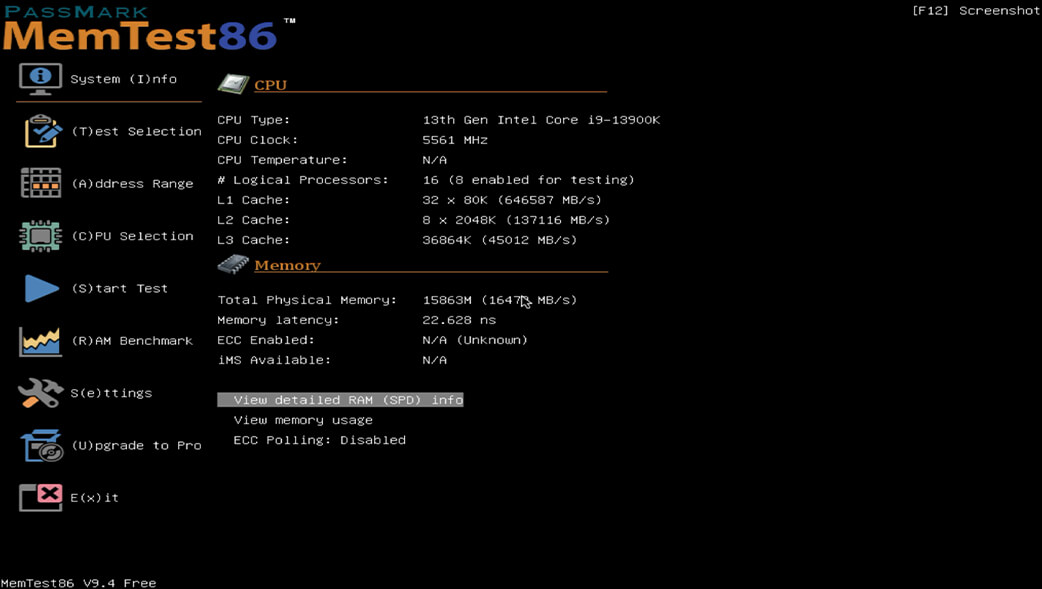
The renowned ROG UEFI (BIOS) provides everything you need to configure, tweak, and tune your rig. It offers intelligently simplified options for newcomers to PC DIY, as well as more comprehensive features for seasoned veterans.
- Advanced mode
- EZ mode
- MEMTEST86
Advanced mode
-
My Favorites
Quickly locate tuning options and add preferred tools to your favorites list.
-
EZ Flash 3
Flash the latest BIOS via the internet from within the BIOS.
-
S.M.A.R.T.
Check your storage device Self-Monitoring, Analysis, and Reporting Technology (S.M.A.R.T.) logs to gauge reliability or to identify potential failures.
-
GPU POST
Automatically detect selected ASUS graphics cards to view detailed information.
-
Secure Erase
Restore your SSDs and NVMe storage to factory settings.
-
Last Modified Log
Track the last change and save preferred profiles to a USB drive.
-
SATA Port Renaming
Rename SATA ports for easy identification.
-
ASUS User Profile
Port configuration settings between different BIOS versions or share them with friends.
-
Q-Fan Control
Configure the fan's operating speed manually or use pre-configured Standard, Silent, Turbo, or Full Speed modes. By default, system fans will automatically switch to full speed if the temperature reaches 75° C.
-
Aura On/Off mode (Stealth)
Easily enable or disable Aura RGB lighting or every onboard LED, for a more subdued aesthetic.
GROW YOUR GAMING WORLD WITH AURA SYNC
Up your game with complementary Aura Sync enhanced aesthetics, featuring preset lighting effects that can be easily synchronized across compatible ROG graphics cards, monitors, keyboards, and mice to give your setup a unified look.
Learn more about Aura Sync
- Static
- Breathing
- Strobing
- Rainbow
- Color cycle
- Starry night
- Music effect
- Smart
- Adaptive color
- Dark
ADDRESSABLE GEN 2 RGB HEADERS
The addressable Gen 2 RGB headers can be controlled with Aura software, which automatically tailors your preferred lighting effects to the number of LEDs present in the connected gear or strip. The new headers also offer backward-compatibility with existing Aura RGB components.
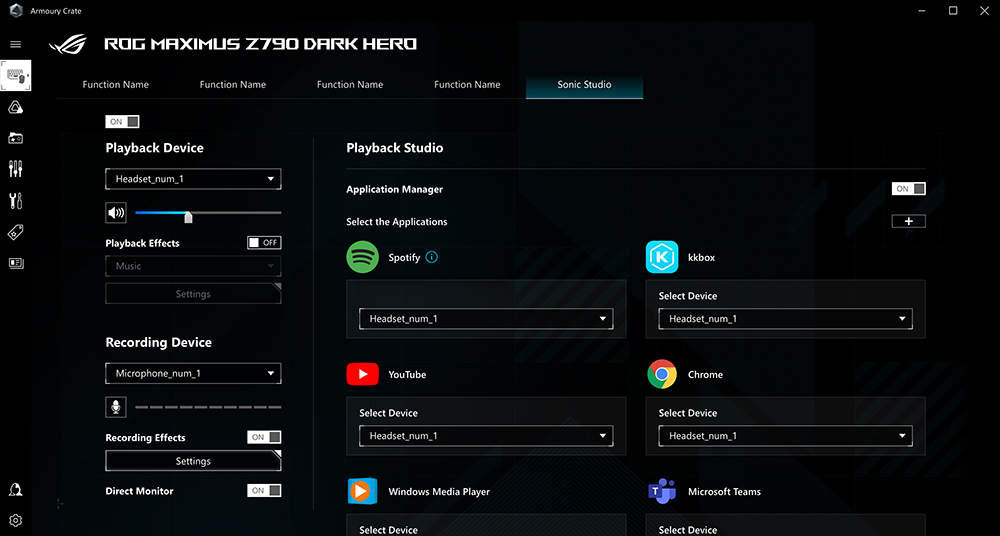
- Sonic Studio
- DTS SOUND UNBOUND
Sonic Studio
Sonic Studio supports HRTF-based (head-related transfer function*) virtual surround for headsets, casting an immersive aural landscape that draws you deeper into the action. The intuitive Sonic Studio interface also offers a range of EQ options and one-click presets, allowing you to tailor acoustics to suit personal preferences or the characteristics of your headset.
DTS SOUND UNBOUND
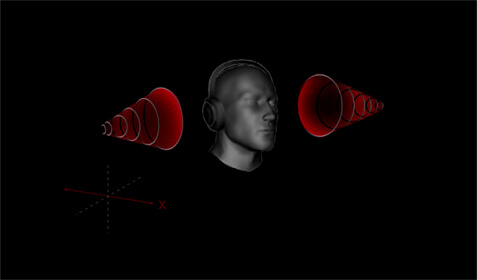
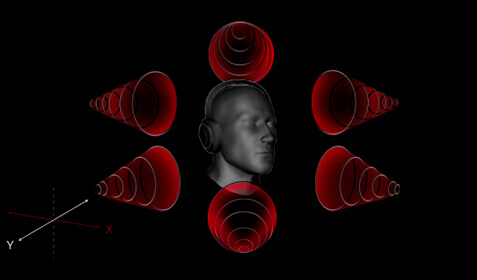
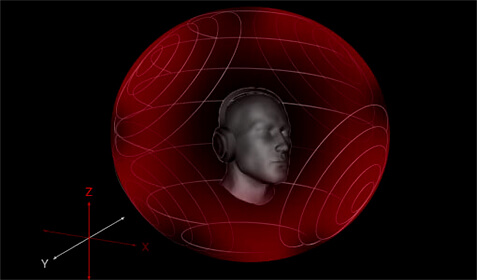
Through the pre-loaded DTS® Sound Unbound™ app, the ROG Maximus Z790 Apex Encore envelops you in rich audio, conjuring whole new levels of immersion for extraordinary gaming and entertainment experiences. By exploiting Microsoft spatial sound technology, DTS Sound Unbound creates an audial 3D space — putting you right in the middle of the soundscape, where you can sense the location and direction of every gunshot, footstep, or other sound in your virtual environment.
* DTS Sound Unbound requires in-game support. Check with developers for supported titles.
-
Stereo Sound
-
Surround Sound
-
Spatial Sound
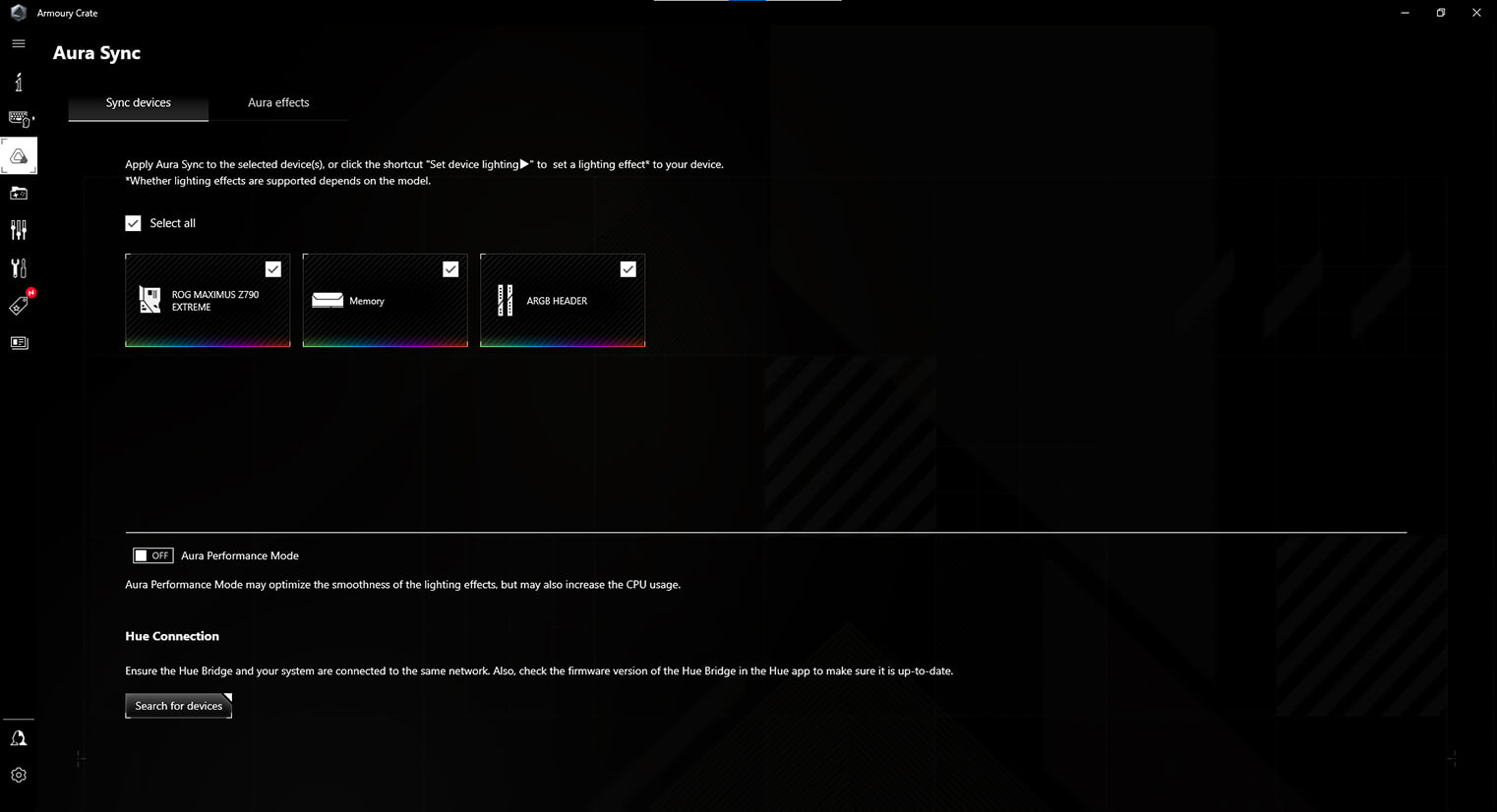
Armoury Crate
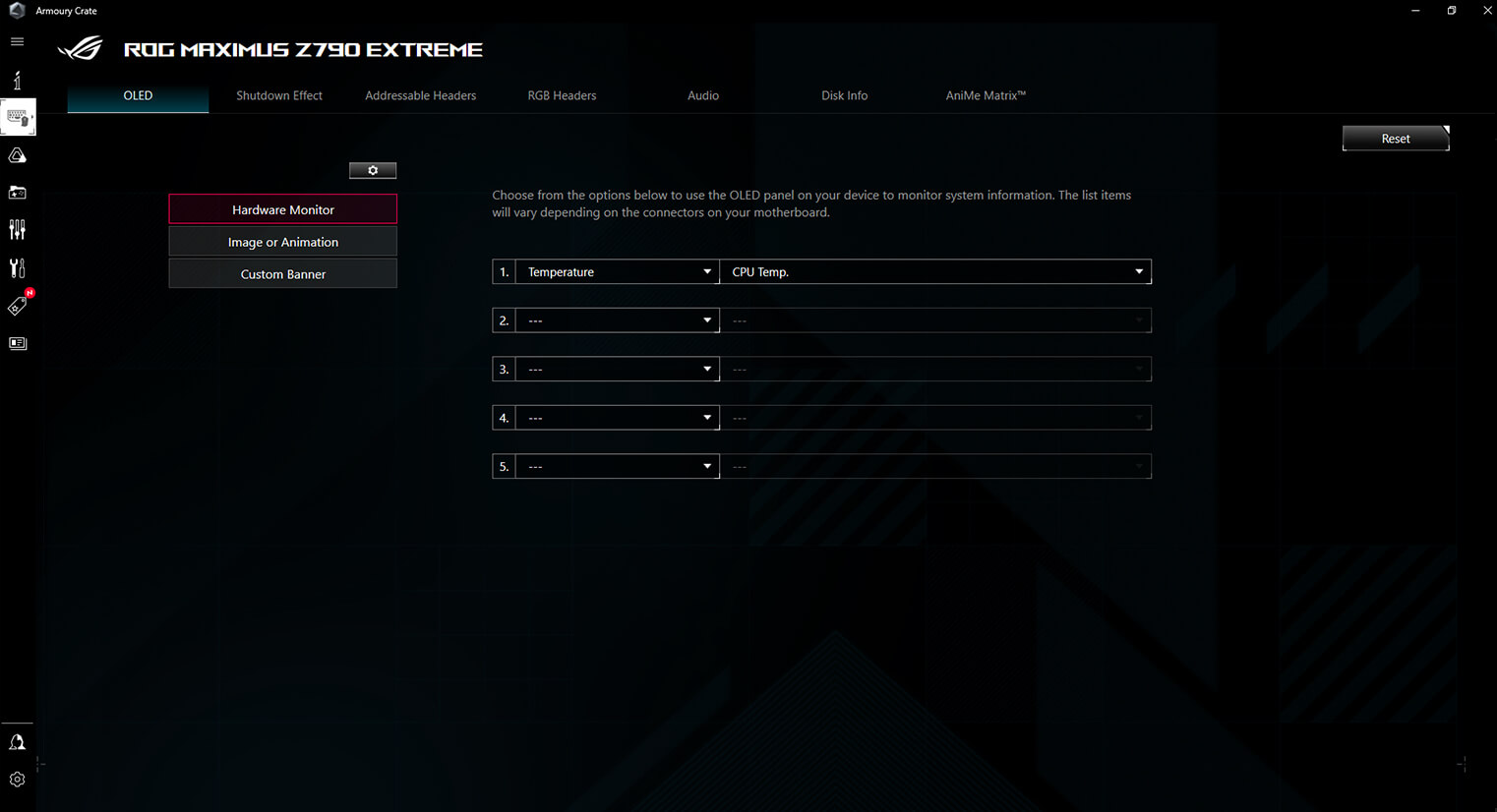
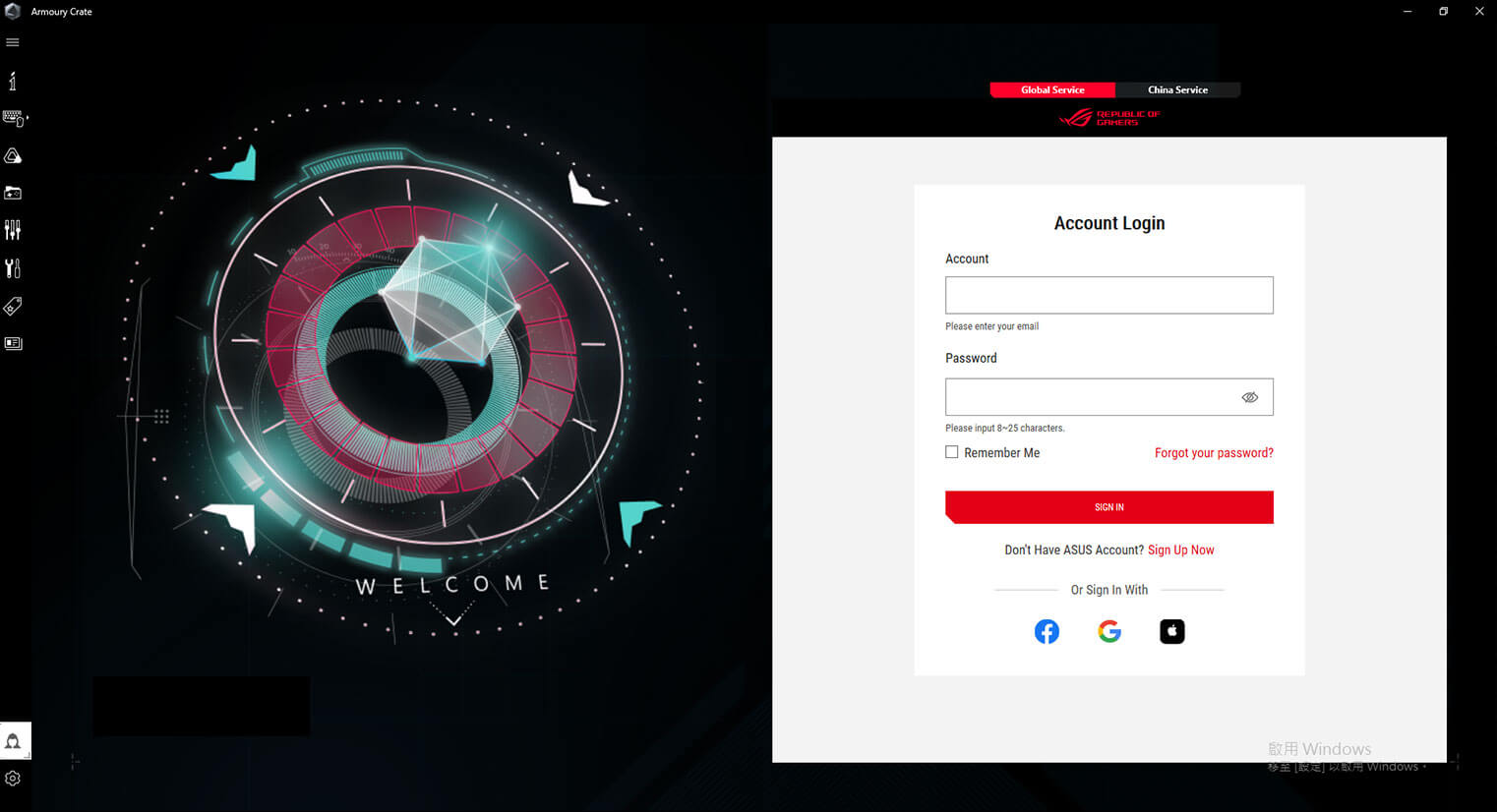
Armoury Crate is a software utility designed to give you centralized control of supported gaming products, making it easy to tune the look and feel of your system. From a single intuitive interface, Armoury Crate helps you customize RGB lighting and effects for compatible devices and synchronize them with Aura Sync to create a unified lighting scheme across your system. In addition, Armoury Crate’s Fan Xpert4 tool provides comprehensive control over fans, water pumps, and all-in-one (AIO) coolers.
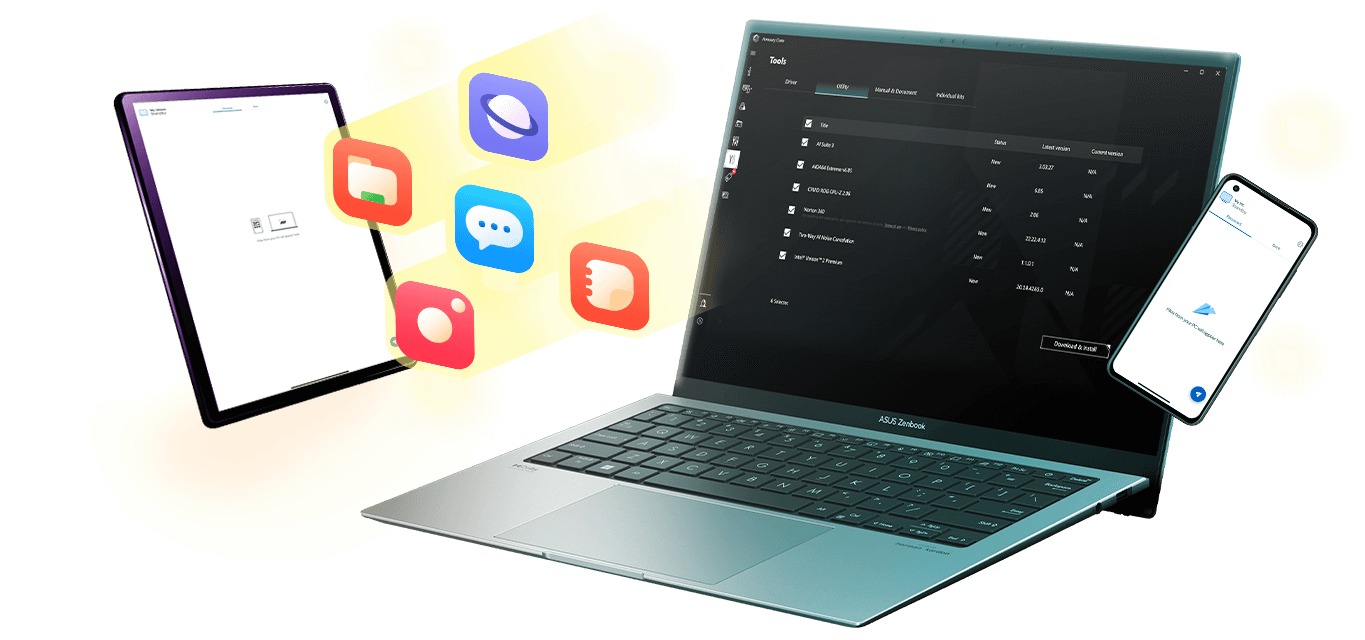
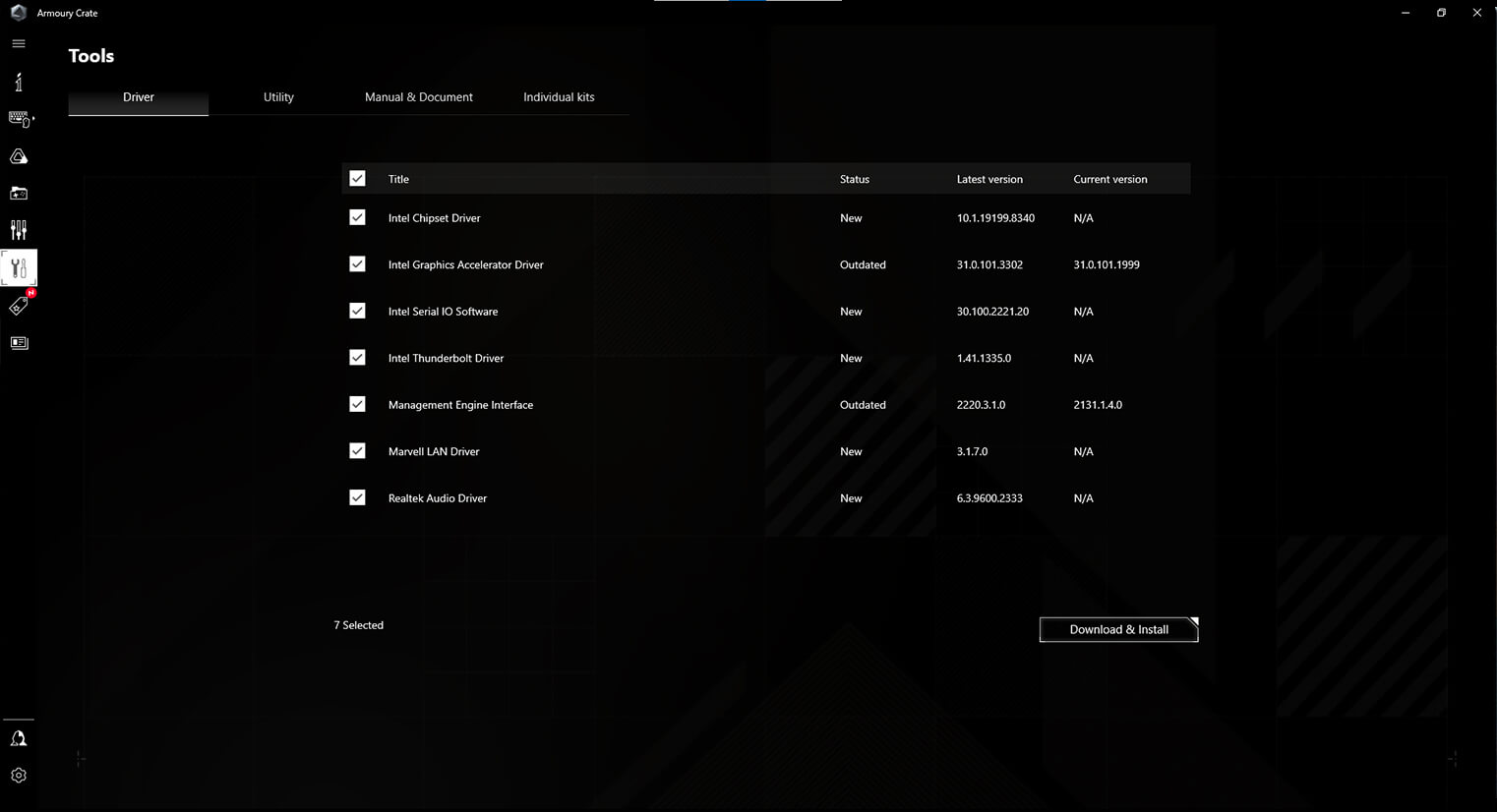
You can use Armoury Crate to download drivers, tools, and user manuals, and to register products. It also taps into a special news feed that connects you to the global ASUS gaming community.
*Windows 10 or 11 required for full Aura Sync functionality within Armoury Crate. For Windows 8 and earlier versions, standalone Aura Sync software is available for free download from the product support site.Download Link ›››
- AURA SYNC
- Devices
- Tools
- Fan Controls
- GAMEFIRST
- ASUS Account Management
AIDA64 EXTREME
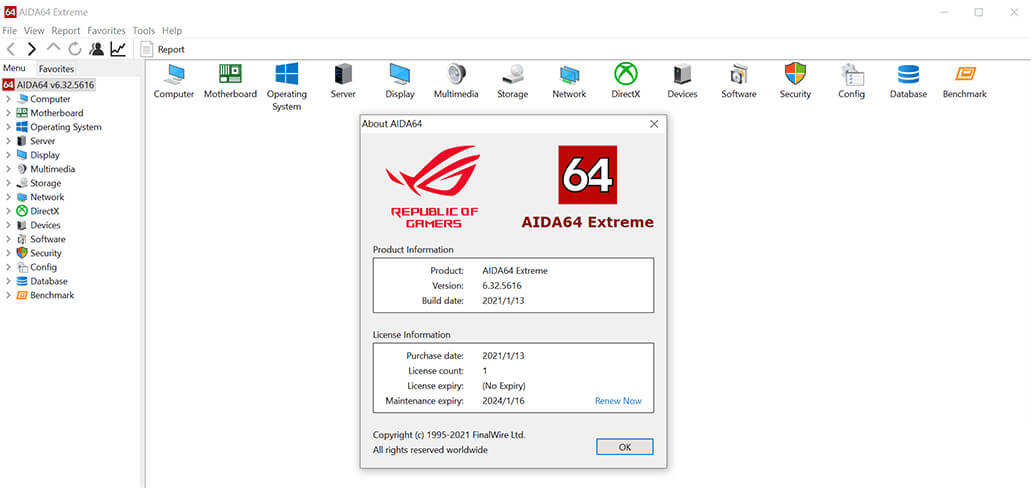
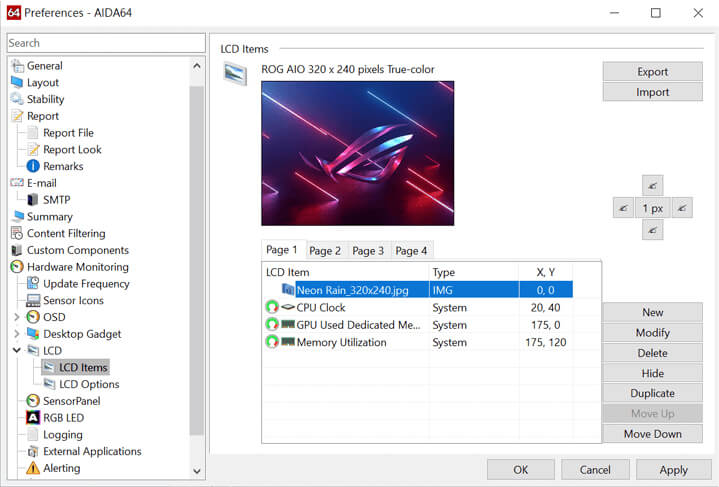
The ROG Maximus Z790 Apex Encore includes a one-year AIDA64 Extreme subscription, a tool that provides detailed information about hardware and software, as well as benchmarks to measure the performance of the entire system or individual components. AIDA64 Extreme includes a monitoring and diagnostics feature to detect and prevent hardware issues. All vital system sensors can be tracked in real time, allowing voltage readings, fan speeds, and temperature information to be displayed on the desktop or sent to dedicated displays or to the LCD panels of ROG AIO liquid coolers*.
*Support available for ROG Ryujin II and later models.
Learn More About AIDA64 >
- ROG x AIDA64 Extreme
- Hardware Monitor Display
Dare to Be Green
We at the Republic of Gamers are on a mission to create a sustainable future where all gamers can flourish on the planet we call home.
Every step counts, and as part of ROG’s commitment to creating a more sustainable future, ROG has begun to utilize post-consumer recycled (PCR) plastic and paper materials certified by the Forest Stewardship Council (FSC™) in the packaging of motherboard.