USER
Your Bag is empty.
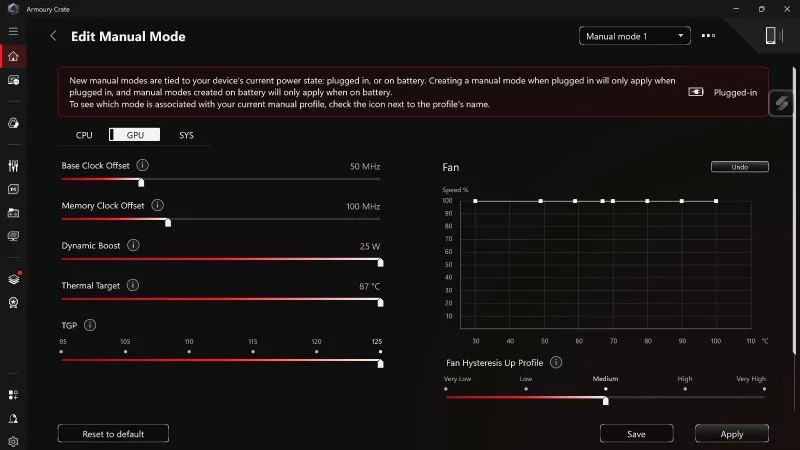
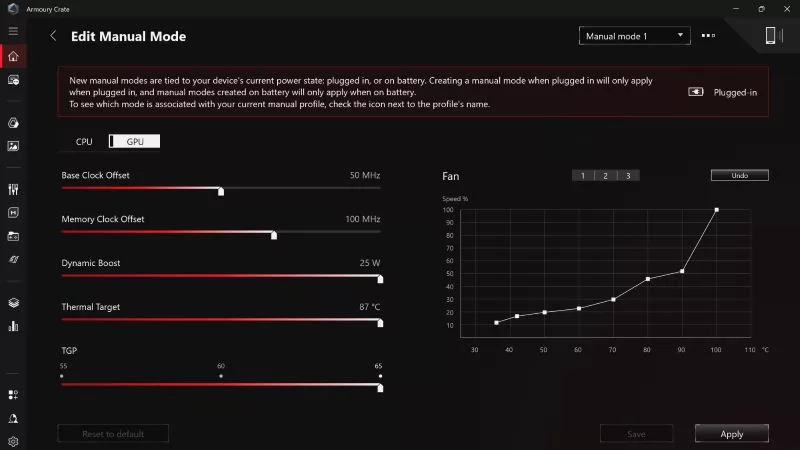
If you want to push your laptop GPU's Total Graphics Power (TGP) and CPU wattage to its maximum, Manual Mode in Armoury Crate will get you there.
All ROG gaming laptops are optimized to responsibly balance performance with noise output, ensuring comfortable gaming across the board. But if you want the absolute quietest device possible, you'll need to consider a variety of factors.
Adjust RGB lighting, tweak sensitivity, remap buttons, and more — all without ever installing a single piece of software.
ROG headsets, laptops, and software give you the technology you need to effortlessly dominate virtual work meetings and gaming voice chats.
Here's why millions choose the Republic of Gamers, ROG, as their defining gaming destination.
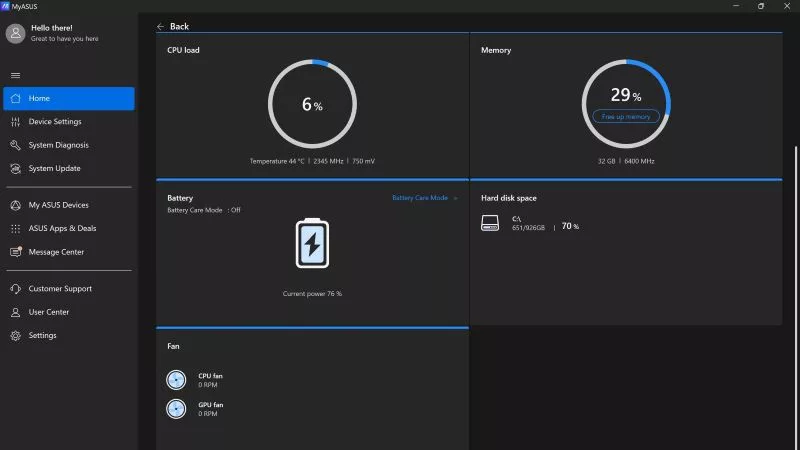
ASUS offers a suite of software tools, each tailored for a specific purpose, including Armoury Crate, MyASUS, GPU Tweak III, and others. Here’s a quick primer on what each of these apps does and how to make the most of them.
Here are the most important Armoury Crate settings to check before you dive into your favorite games on your ROG gaming laptop.
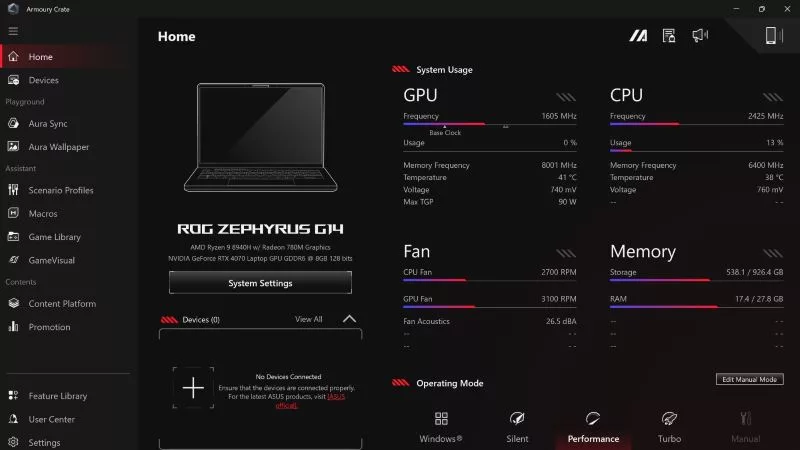
If you have an ROG machine — whether it’s a gaming desktop or a gaming laptop — you can control most of its functions from the bundled Armoury Crate software. On laptops, this includes tuning your GPU performance and overclocking your graphics chip. On desktops, you'll need GPU Tweak III as well.
If you just bought an ROG desktop PC or gaming laptop, you may be wondering what the preinstalled Armoury Crate software does. Here are its banner features.