Nutzer
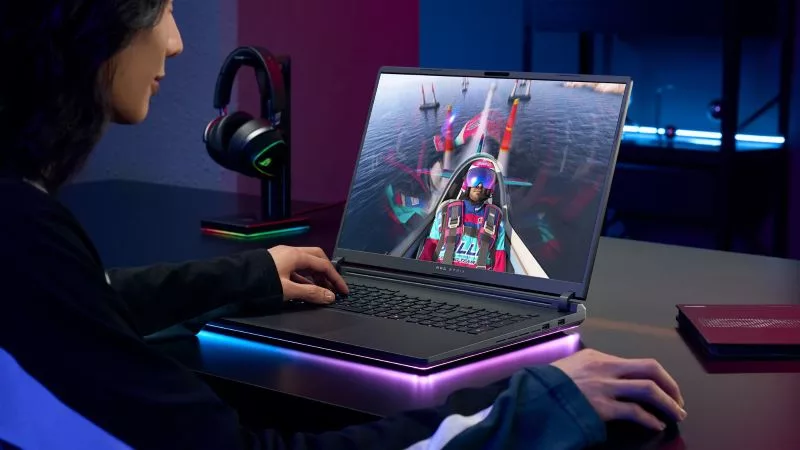
All ROG gaming laptops are optimized to responsibly balance performance with noise output, ensuring comfortable gaming across the board. But if you want the absolute quietest device possible, you'll need to consider a variety of factors.
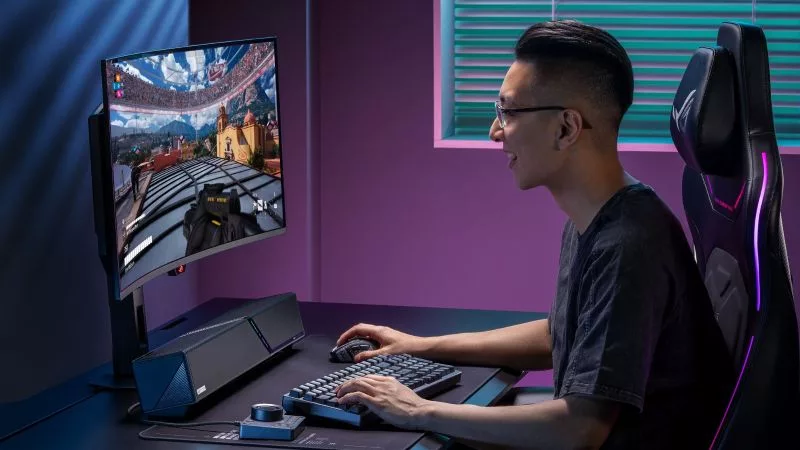
Whether you want room-filling audio or pristine sound for your ears only, ROG has the gear to satisfy your needs.
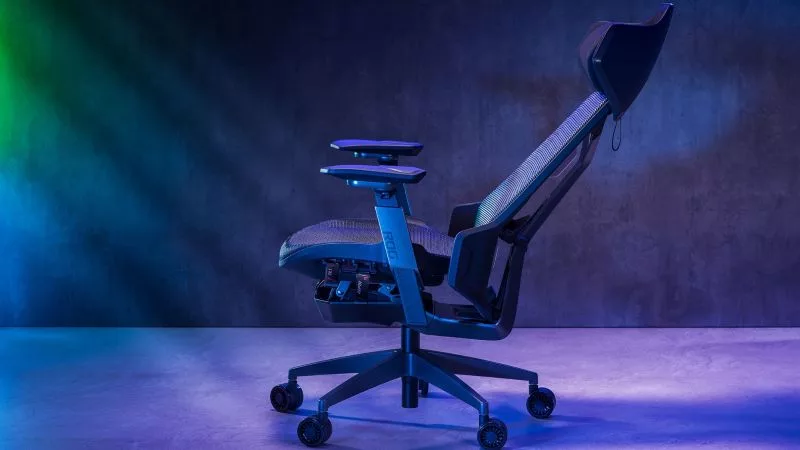
Our ROG Destrier and ROG Courser gaming chairs are both are designed around long, comfortable sessions, but they get you there in different ways.
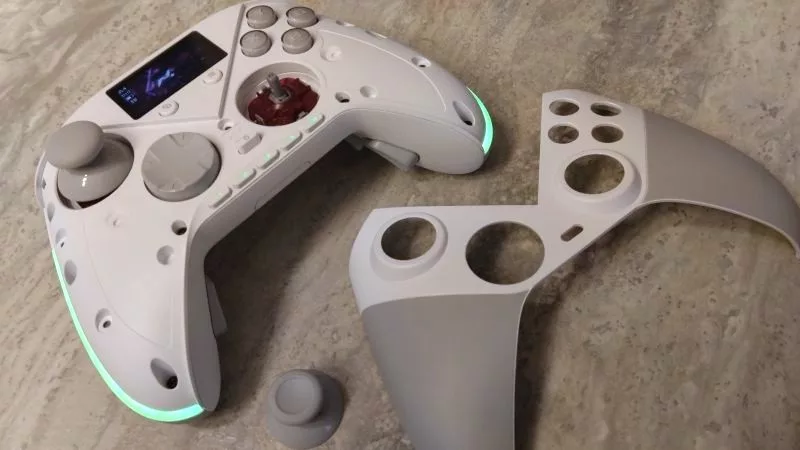
As our most customizable gamepad ever, the ROG Raikiri II Pro PC controller lets you tinker with its buttons, thumbsticks, built-in display, and more.
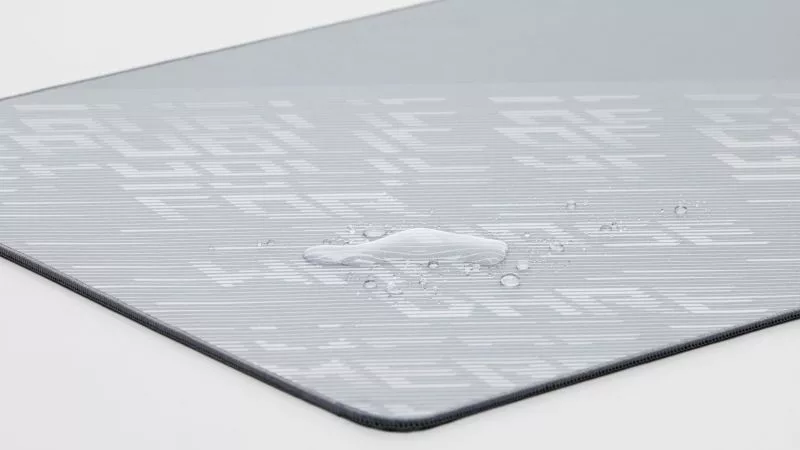
With a few simple steps, you can help preserve your mouse pad's performance and keep your desk mat looking as sharp as the rest of your setup.
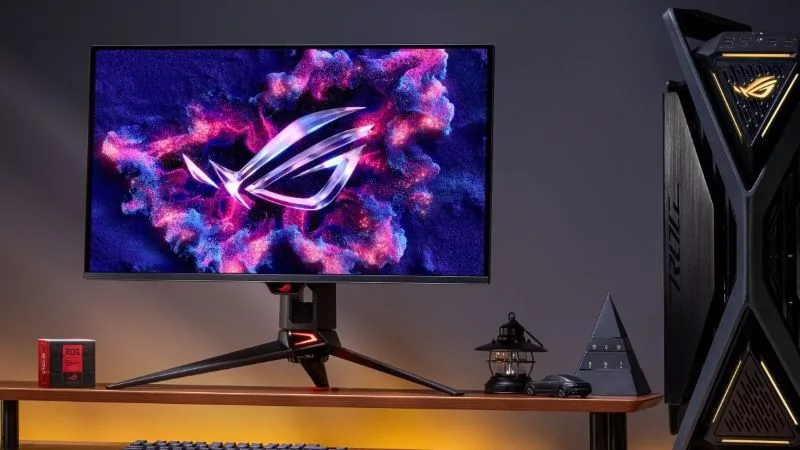
Keeping your OLED monitor looking pristine is surprisingly simple. You just need a microfiber cloth and the right technique.
Here’s how you can enable Xbox mode for Windows 11 PCs to score a more streamlined, controller-friendly experience.
Adjust RGB lighting, tweak sensitivity, remap buttons, and more — all without ever installing a single piece of software.
1% and 0.1% lows aim to measure and quantify in-game stuttering, and GPU Tweak III can now help you monitor them.