The complete list of GeForce GPU power specifications for 2022 ROG and TUF Gaming laptops
Since 2019, ROG has published the clock speeds and Total Graphics Power (TGP) of the GeForce GPUs in our laptops, and we at ROG are proud to continue this tradition of transparency in 2022. The team hopes that by providing TGP specifications across all of our new 2022 ROG and TUF Gaming laptops, you will be able to make an informed buying decision with your next machine.
Desktop PCs have plenty of thermal and power headroom to achieve top performance, but gaming laptops are more of an engineering challenge. High performance machines will need more size and weight, which requires a delicate balance. On the flipside, ultraportable laptops can game better than ever, but their compact form factor can only fit smaller fans and heatsinks. With world-class engineering, ROG and TUF Gaming are able to continue pushing performance to new heights while keeping noise and temperatures to a minimum.

That’s why we have four laptop families, offering the perfect balance for every user. Esports enthusiasts will find top-tier performance in our Strix family, while on-the-go gamers and content creators will prefer the Zephyrus family’s unique blend of power and portability. The Flow series provides unique flexibility, with ultraportable form factors compatible with our innovative XG Mobile external GPUs. And for value conscious gamers, TUF Gaming provides excellent bang for your buck.
Within these broad families, the same model can offer a wide range of GPU options, giving you additional flexibility and choice based on the kind of performance you need from your machine. Refer to the exhaustive list below to find the right combination of power and performance for your next gaming laptop.
| Model | Model Number |
Laptop GPU | Boost Clock |
ROG Boost OC |
TGP | Dynamic Boost |
Max GPU Power |
MUX Switch |
|---|---|---|---|---|---|---|---|---|
| ROG Zephyrus Duo 16 | GX650RX | GeForce RTX 3080 Ti | 1395MHz | 1445MHz | 140W | 10/25W | 150W (Turbo) 165W (Manual) |
Yes |
| GX650RS | GeForce RTX 3080 | 1545MHz | 1595MHz | 140W | 10/25W | 150W (Turbo) 165W (Manual) |
Yes | |
| GX650RW | GeForce RTX 3070 Ti | 1410MHz | 1460MHz | 125W |
25W | 150W | Yes | |
| GX650RM | GeForce RTX 3060 | 1702MHz | 1752MHz | 115W | 25W | 140W | Yes | |
| ROG Zephyrus M16 | GU603ZX | GeForce RTX 3080 Ti | 1125MHz | 1175MHz | 100W |
20W | 120W | Yes |
| GU603ZW | GeForce RTX 3070 Ti | 1035MHz | 1085MHz | 100W |
20W | 120W | Yes | |
| GU603ZM | GeForce RTX 3060 | 1425MHz | 1475MHz | 100W |
20W | 120W | Yes | |
| GU603ZE | GeForce RTX 3050 Ti | 1695MHz | 1745MHz | 80W | 20W | 100W | Yes | |
| ROG Zephyrus G15 | GA503RS | GeForce RTX 3080 | 1245MHz | 1295MHz | 100W |
20W | 120W | Yes |
| GA503RW | GeForce RTX 3070 Ti | 1035MHz | 1085MHz | 100W |
20W | 120W | Yes | |
| GA503RM | GeForce RTX 3060 | 1425MHz | 1475MHz | 100W |
20W | 120W | Yes | |
| ROG Flow Z13 | GZ301ZE | GeForce RTX 3050 Ti | 1035MHz | 1085MHz | 35W | 5W | 40W | Yes |
| GZ301ZC | GeForce RTX 3050 | 1057.5MHz | 1107.5MHz | 35W | 5W | 40W | Yes | |
| ROG Flow X13 | GV301RE | GeForce RTX 3050 Ti | 1035MHz | 1085MHz | 35W | 5W | 40W | Yes |
| GV301RC | GeForce RTX 3050 | 1057.5MHz | 1107.5MHz | 35W | 5W | 40W | Yes | |
| ROG Strix SCAR 15/17 | G533ZX G733ZX |
GeForce RTX 3080 Ti | 1395MHz | 1445MHz |
125W |
25W | 150W | Yes |
| G533ZS G733ZS |
GeForce RTX 3080 | 1545MHz | 1595MHz |
125W |
25W | 150W | Yes | |
| G533ZW G733ZW |
GeForce RTX 3070 Ti | 1410MHz | 1460MHz |
125W |
25W | 150W | Yes | |
| G533ZM G733ZM |
GeForce RTX 3060 | 1702MHz | 1752MHz |
115W | 25W | 140W | Yes | |
| ROG Strix G15/G17 | G513RS G713RS |
GeForce RTX 3080 | 1545MHz | 1595MHz | 125W | 25W | 150W | Yes |
| G513RW G713RW |
GeForce RTX 3070 Ti | 1410MHz | 1460MHz | 125W | 25W | 150W | Yes | |
| G513RM G713RM |
GeForce RTX 3060 | 1702MHz | 1752MHz | 115W | 25W | 140W | Yes | |
| G513RC G713RC |
GeForce RTX 3050 | 1500MHz | 1550MHz | 80W | 15W | 95W | Yes | |
| TUF DASH F15 | FX517ZR | GeForce RTX 3070 Ti | 1290MHz | 1340MHz | 80W | 25W | 105W | Yes |
| FX517ZM | GeForce RTX 3060 | 1402MHz | 1452MHz | 80W | 25W | 105W | Yes | |
| FX517ZE | GeForce RTX 3050 Ti | 1485MHz | 1535MHZ | 60W | 15W | 75W | Yes | |
| FX517ZC | GeForce RTX 3050 | 1500MHz | 1550MHz | 60W | 15W | 75W | Yes | |
| TUF Gaming F15/F17 | FX507ZR FX707ZR |
GeForce RTX 3070 | 1410MHz | 1460MHz | 115W | 25W | 140W | Yes |
| FX507ZM FX707ZM |
GeForce RTX 3060 | 1702MHz | 1752MHz | 115W | 25W | 140W | Yes | |
| FX507ZE FX707ZE |
GeForce RTX 3050 Ti | 1695MHz | 1745MHz | 80W | 15W | 95W | Yes | |
| FX507ZC FX707ZC |
GeForce RTX 3050 | 1740MHz | 1790MHz | 80W | 15W | 95W | Yes | |
| TUF Gaming A15/A17 | FA507RR FA707RR |
GeForce RTX 3070 | 1410MHz | 1460MHz | 115W | 25W | 140W | Yes |
| FA507RM FA707RM |
GeForce RTX 3060 | 1702MHz | 1752MHz | 115W | 25W | 140W | Yes | |
| FA507RE FA707RE |
GeForce RTX 3050 Ti | 1695MHz | 1745MHz | 80W | 15W | 95W | Yes | |
| FA507RC FA707RC |
GeForce RTX 3050 | 1740MHz | 1790MHz | 80W | 15W | 95W | Yes |
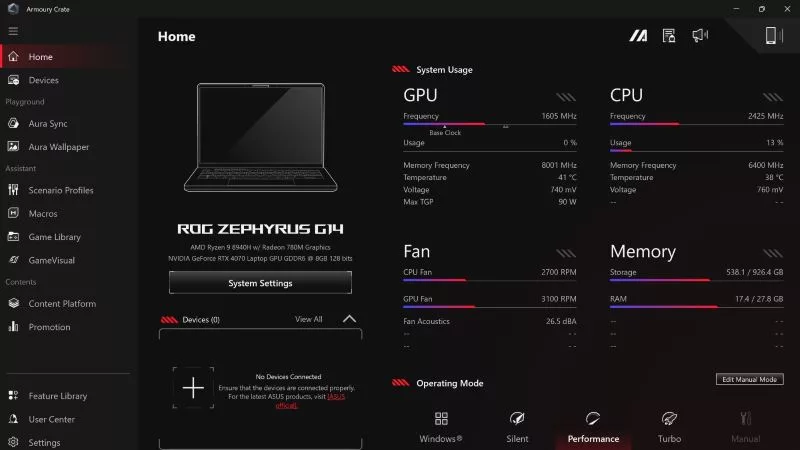
Note that certain models may not reach these advertised GPU power unless using Turbo mode in Armoury Crate. In addition, the NVIDIA Control Panel may not show the ROG Boost OC clock speeds noted above—just NVIDIA's stock boost clocks. Dedicated monitoring tools like GPU-Z and HWiNFO will correctly display ROG Boost OC clocks when applicable.
No matter what games or applications you need the machine for, we hope that this information helps you make a more informed purchasing decision. For questions about specific configurations, availability, and pricing in your region, please reach out to your local ROG representative.
Author
Popular Post

LATEST ARTICLES

Can I upgrade the GPU in my gaming laptop?
If your laptop isn't keeping up with the latest games anymore, you need a graphics upgrade. The ROG XG Mobile is the solution.
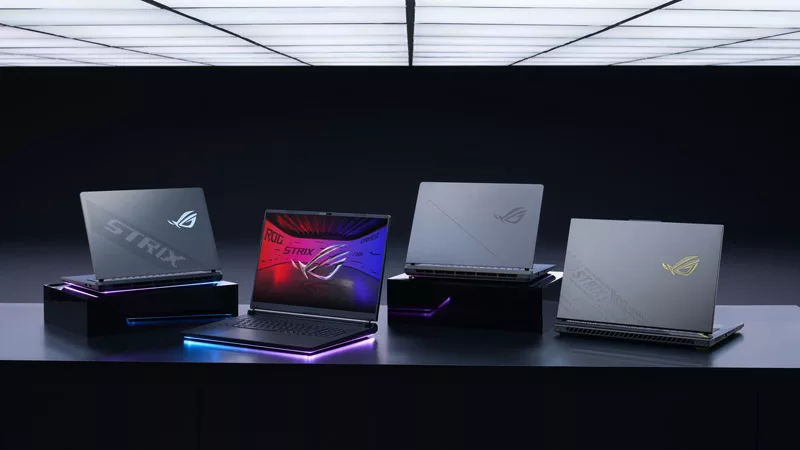
2025 ROG Strix gaming laptops elevate performance and upgradeability to new heights
Our new ROG Strix laptops feature cutting-edge silicon from NVIDIA, Intel, and AMD, ultra-efficient thermal solutions, and dazzling Nebula Displays with Mini LED and ACR technology.

Meet the 2025 ROG Flow Z13: Elevating Gaming Tablets to New Heights
The world’s most powerful gaming tablet is back and better than ever with a brand-new processor, revamped cooling, loads of ports, and much more.
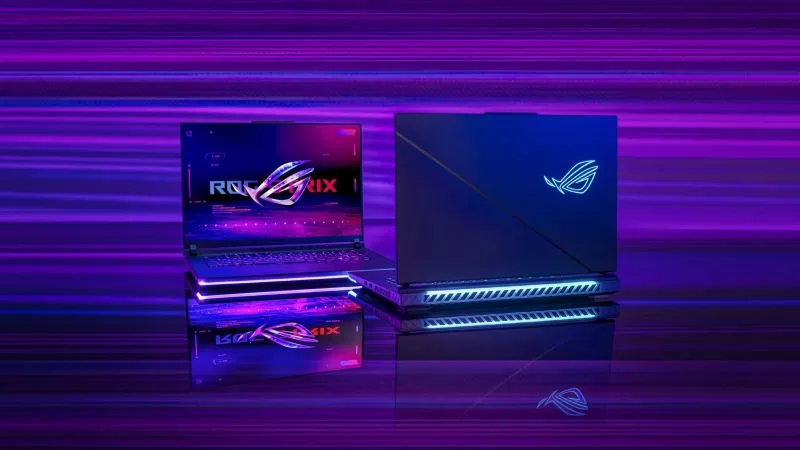
What's the best ROG laptop for gaming performance?
Hunting for the best ROG laptop? This guide will highlight the top choices, ensuring you pick the best ROG laptop that suits your gaming style.
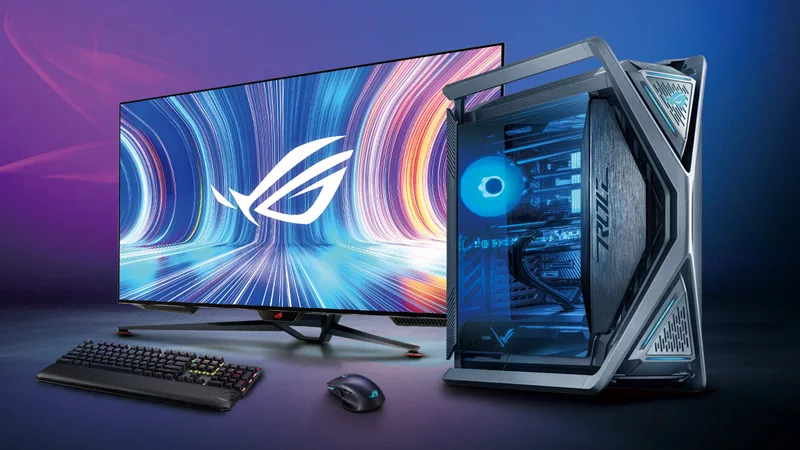
Gaming laptop vs desktop: Which kind of gaming PC is right for you?
Understand the key differences between gaming laptop vs desktop, such as portability and performance, and decide which is better for your gaming needs.
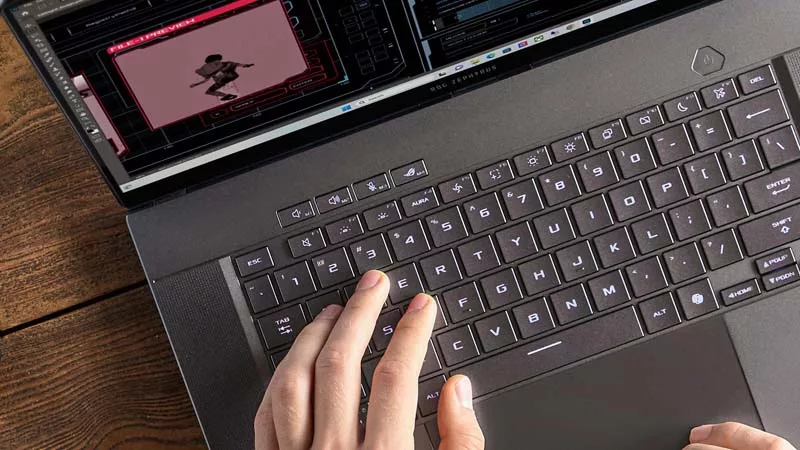
Gaming laptop vs regular laptop: Which one is the best for you?
Find out the difference between gaming laptops and regular laptops, including performance, features, and form factors, to help you make the right choice.