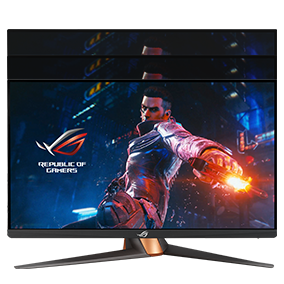
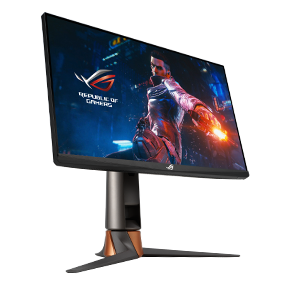
ROG SWIFT 360Hz PG259QN

Adobe 3 month free bundle

ROG SWIFT 360Hz PG259QN

ASUS ROG Swift 360Hz PG259QN eSports NVIDIA® G-SYNC® Gaming Monitor – 24.5 inch FHD (1920 x 1080), 360 Hz, Fast IPS, 1 ms (GTG), HDR, NVIDIA ULMB

  • 24.5-inch FHD (1920 x 1080) fast IPS gaming monitor with 360 Hz refresh rate designed for professional esports gamers
  • ASUS Fast IPS technology enables a 1 ms response time (GTG) for sharp gaming visuals with high frame rates.
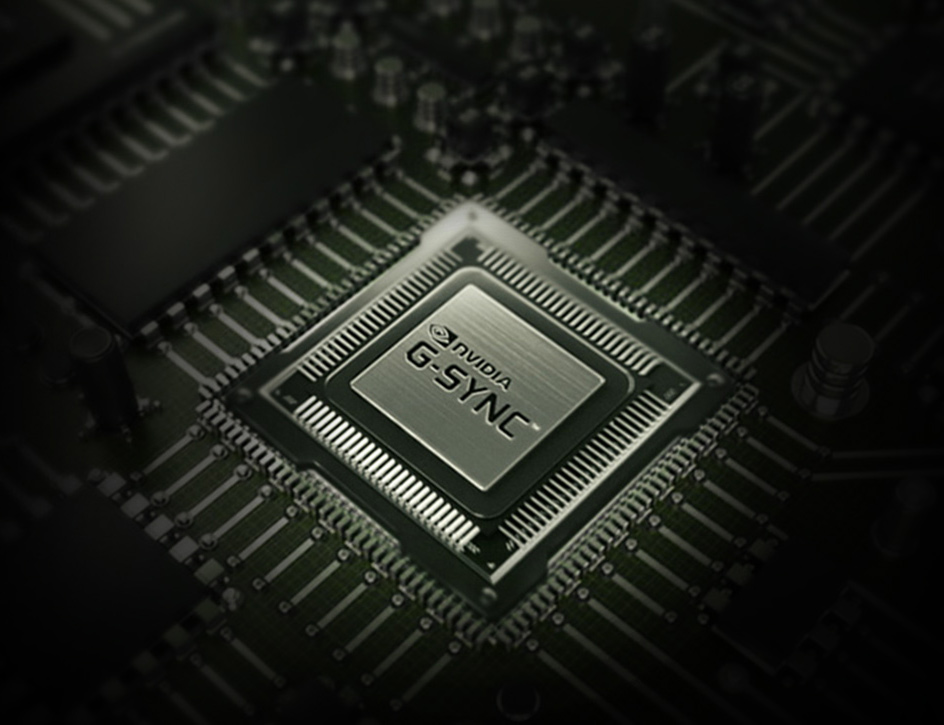
  • NVIDIA® G-SYNC® processor provides smooth, tear-free gaming at refresh rates up to 360 Hz
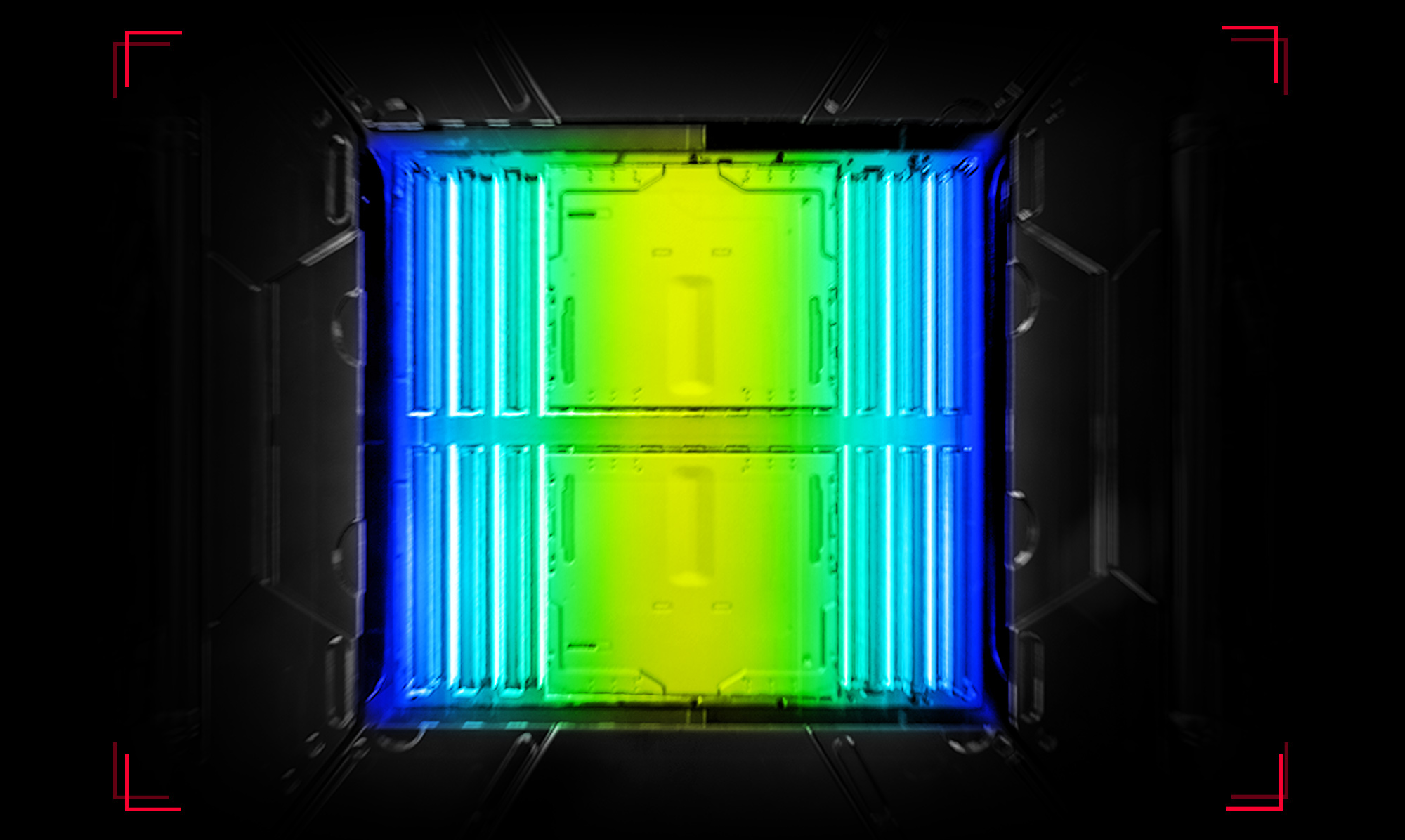
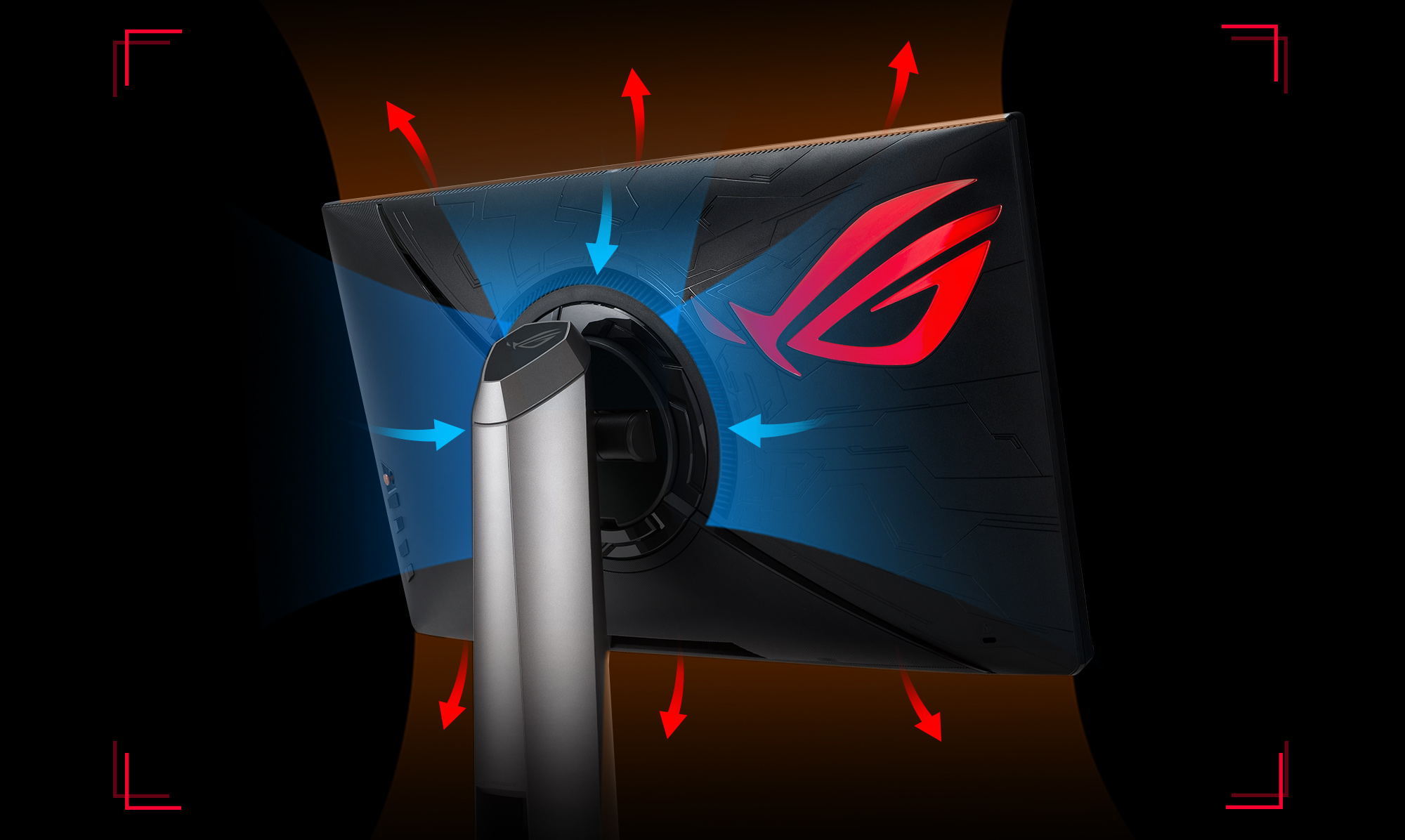
  • A Smart Cooling design with a custom heatsink and unique internal airflow ensure 12% cooler temperatures than normal displays during marathon gaming sessions
  • HDR10 compatible for color and brightness that exceed that of ordinary monitor

Awards

Video Reviews

I would definitely recommend this monitor to those people who are looking for an edge in competitive gaming.

The monitor that will revolutionize gaming !

The combination of IPS and 360 Hertz is of course really innovative

Best 1080p Gaming Monitors [April 2021]

NA

Maybe ramai yang tak tahu kewujudan feature NVIDIA®️ yang hebat ni,jadi ramai yang tak guna walaupun ianya percuma. Feature ini dipanggil sebagai NVIDIA®️ Reflex dan ianya percuma untuk semua pengguna Graphic Card NVIDIA®️. Saya terangkan dengan detail apakah itu NVIDIA®️ Reflex menggunakan NVIDIA®️ G-Sync®️ Monitor Asus ROG Swift PQ259QNR dan Mouse Asus ROG Chakram Core.

For enthusiasts. You can see all improvement if you come from 144Hz or lower

Worlds fastest monitor.

Try the World's Fastest "360Hz" Gaming Monitor: Review of ROG Swift PG259QN

360HZ TERLALU OVERKILL | Gaming monitor "dewa" dari ROG

Review Alat Perang Gamer Profesional: Monitor Swift PG259QNR dan 4 Gaming Gear ASUS ROG

We don't know if there is an upper Hz limit where we can feel the advantage in games, but Asus continues to increase it.

It was a great and fantastic monitor.

In general, ROG Swift PG259QN will put you ahead in the competitive gaming and esports community. Also, will undoubtedly be a favorite of some groups with its innovative structure and unrivaled refresh rate.

If you have a cool PC, if you have the money to buy such a monitor, if you are a professional or intend to become a pro-gamer, then such a monitor will come in handy.

360 Hz is something with a wow effect, when you sit down for the first time and even just move the mouse across the screen - it becomes obvious that this is not an ordinary monitor.

This is a premium product from the ROG brand, which should primarily be of interest to esports players and people who want the most out of their system.

The essence of fast game monitors, first of all, is to increase the smoothness of display, make the picture clearer and reduce the response time.

ASUS ROG Swift 360 PG259QN is, if not the best, then one of the best Full HD monitors in the world. Featuring delicate color reproduction, stylish looks and refresh rates that won't be a bottleneck for a couple of years. True, the price bites, but it's understandable.

Dream Gaming Monitor, ROG SWIFT 360Hz

Video review от HDTanel

Video review from the channel Edviss

Media Reviews

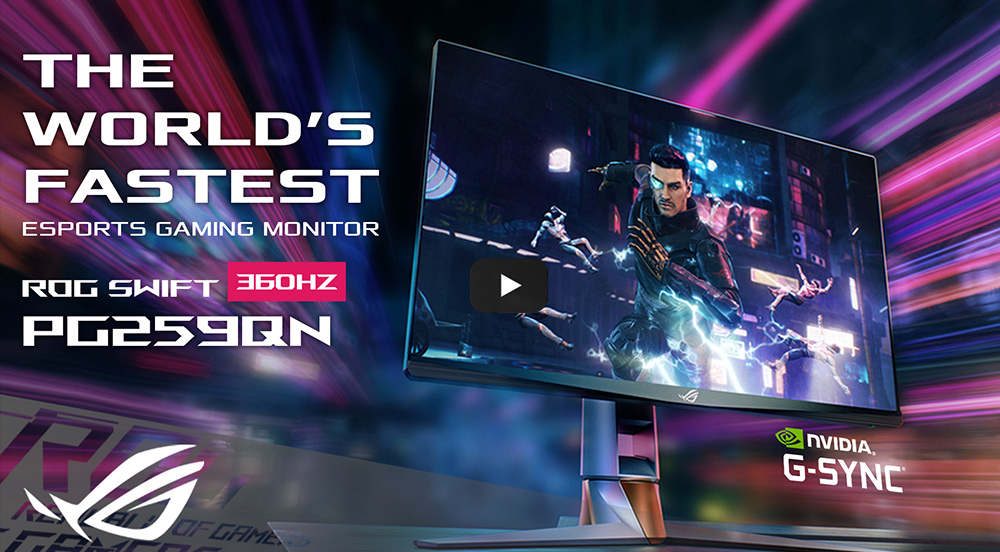
The World's Fastest EsportsGaming Monitor

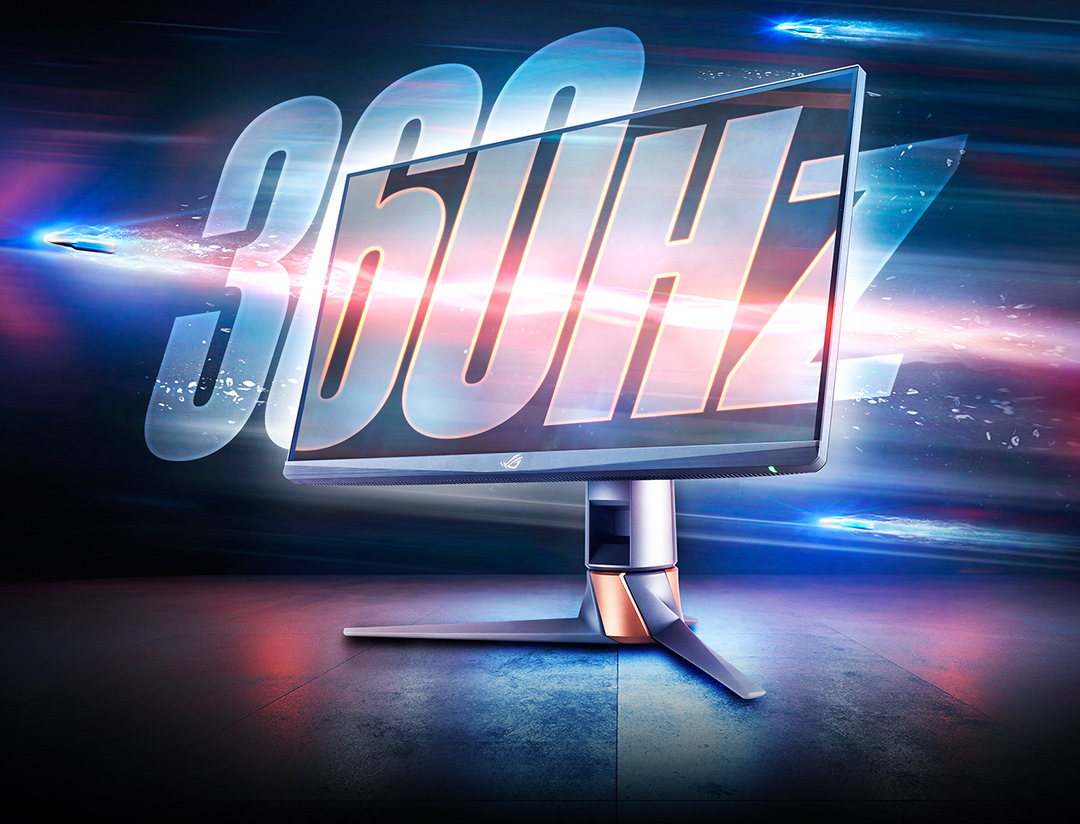
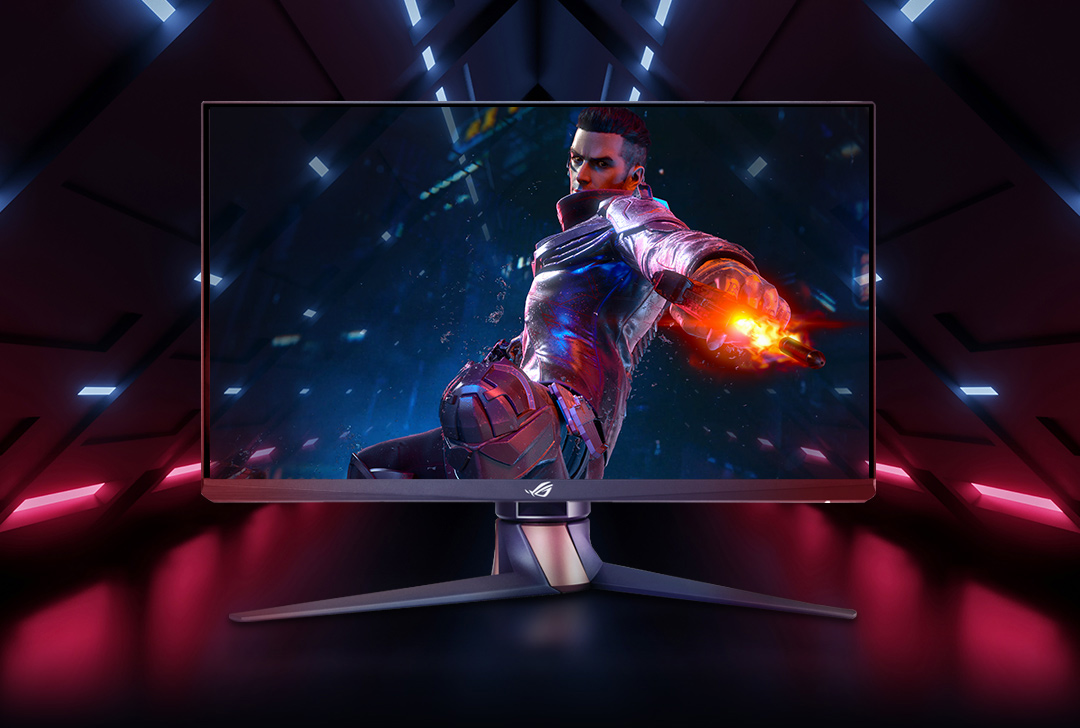
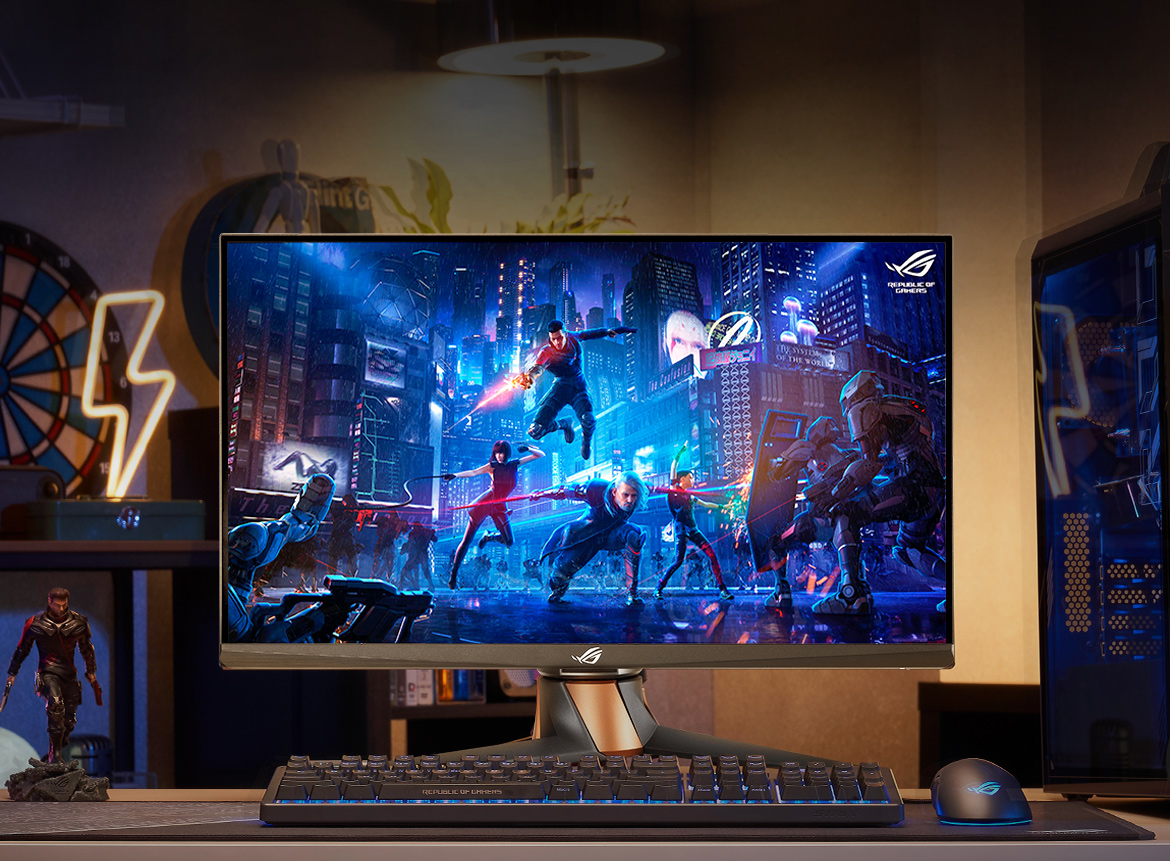
ROG Swift 360 Hz PG259QN is the perfect gaming monitor for esports and fast-paced action games. This FHD (1920 x 1080) display features a Fast IPS panel with up to a 360 Hz refresh rate, 1 ms gray-to-gray (GTG) response time and NVIDIA® G-SYNC® processor for silky-smooth gameplay and ultra-realistic visuals. And of course, it has that distinct ROG design that lets everyone know that this is no ordinary gaming monitor.

Test footage: Shoot with a 480 FPS camera, Playback shown in 2X slow motion
Source: Blur Busters UFO Motion Tests

IN THE BLINK OF AN EYE Blazingly-fast 360Hz Refresh Rate

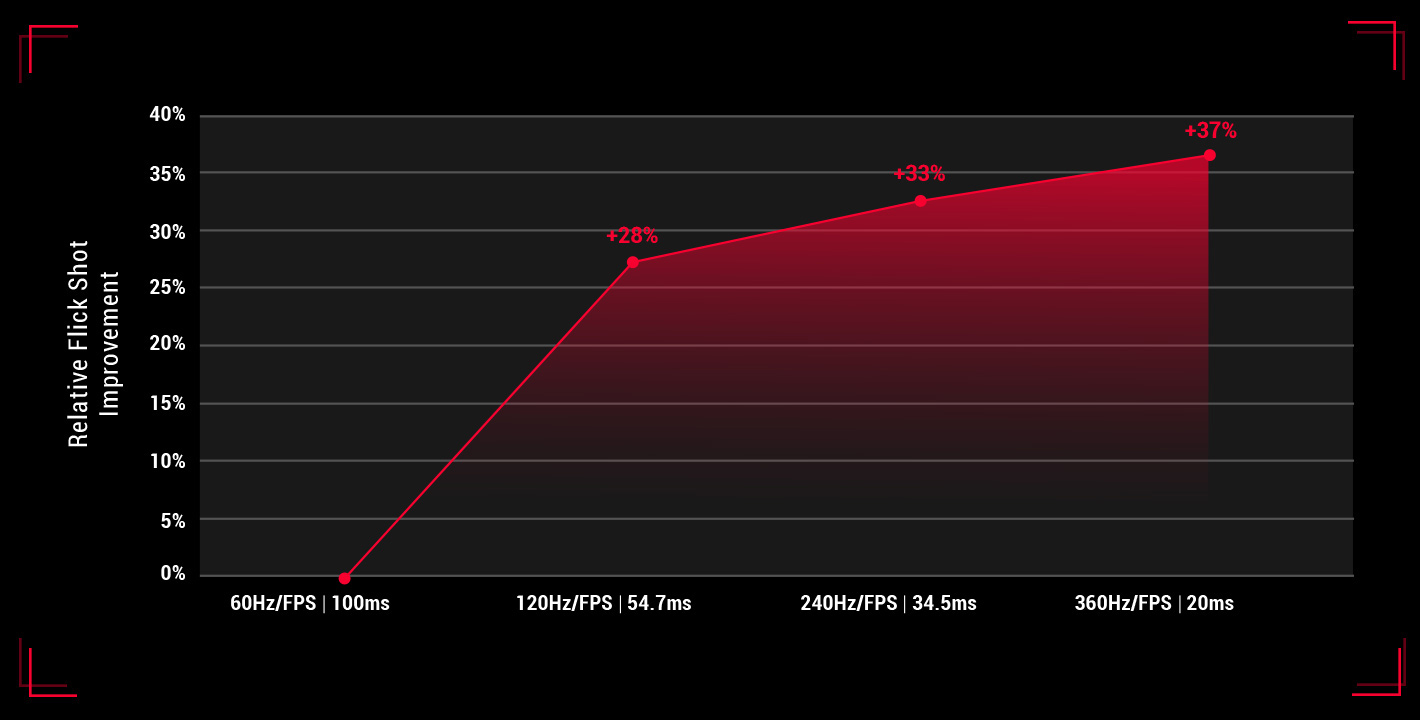
ROG Swift 360 Hz PG259QN is ideal for fast-paced esports titles like Counter-Strike: Global Offensive, Rainbow Six: Siege, Overwatch, and Fortnite. In a world where milliseconds count, the blazing-fast 360 Hz refresh rate is the difference between victory and defeat.

In the world of competitive sports, a 4% difference is a game changer. To put this into context, in the 2016 Summer Olympics, 1% determined the difference between silver and gold in both men's and women's 100m and 200m dashes.

ULTRA-RESPONSIVE PERFORMANCE -
NVIDIA G-SYNC Processor

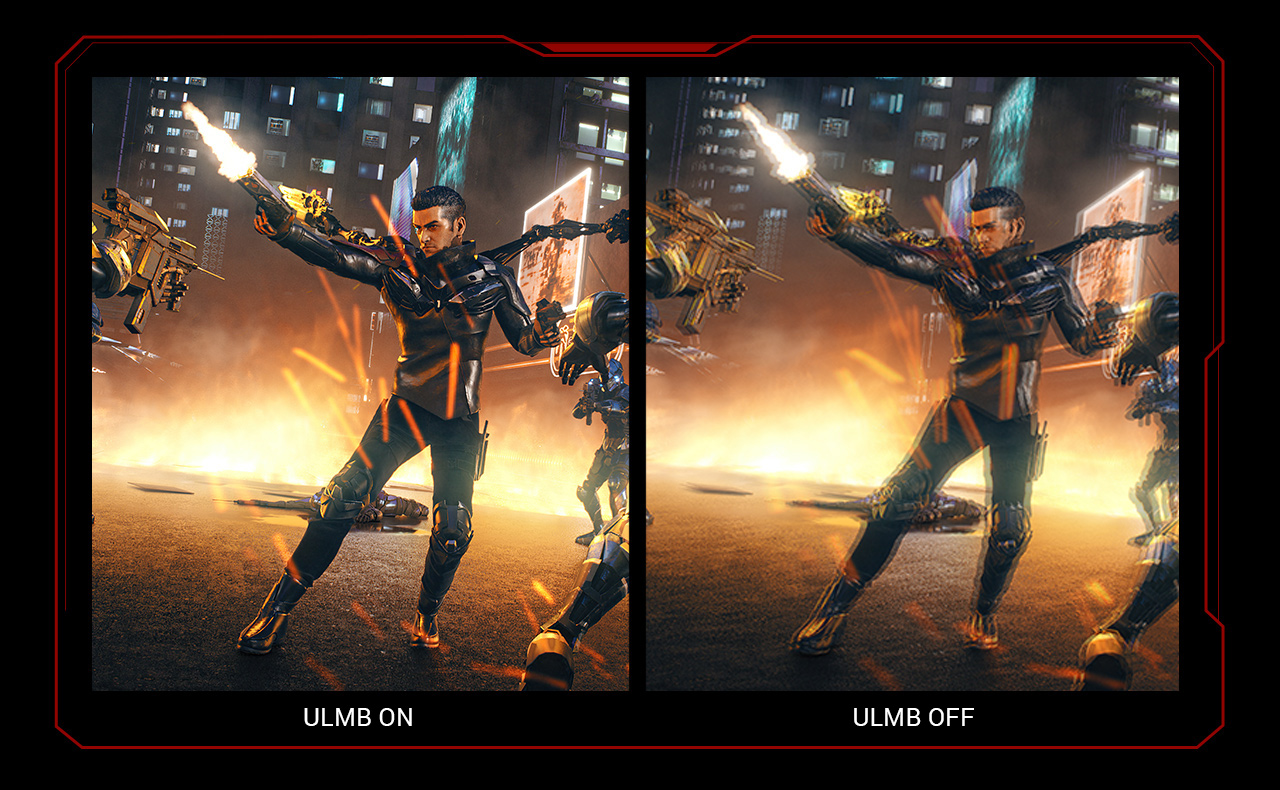
NVIDIA® G-SYNC® Processor gives you more of what you want in a gaming experience. Experience incredibly smooth, tear-free gameplay at refresh rates up to 360 Hz, ultra-low motion blur.

  • Response Time

  • Fast IPS

  • Contrast Ratio

FAST, RESPONSE & VIVID -

ASUS FAST IPS DISPLAY

ASUS Fast IPS panel technology allows liquid crystal elements in the display to turn on and off up to four times faster than conventional IPS panels, giving ROG Swift 360 Hz PG259QN a 1 ms GTG response time and little-to-no smearing or motion blur.

FOCUS ON WHAT'S THE MOST MATTER -
PRODUCT DESIGN

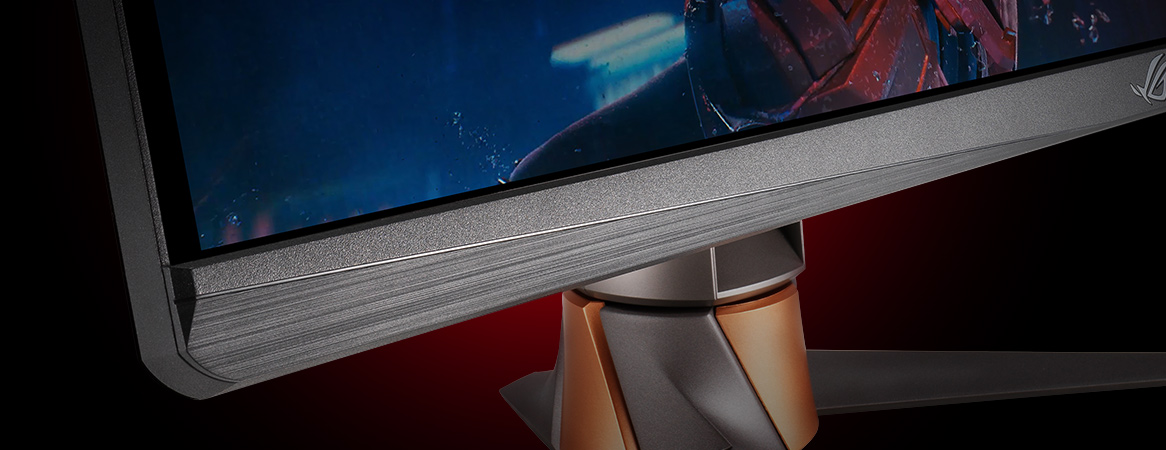
Anti-glare Bezel

A special non-reflective coating on the bottom bezel helps reduce onscreen reflections.

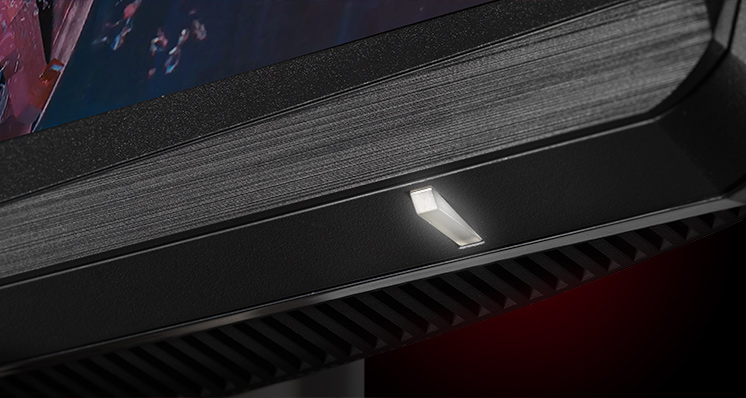
Repositioned indicator light

The indicator light has been moved to the underside of the bezel, so there are no distractions in your line of sight.

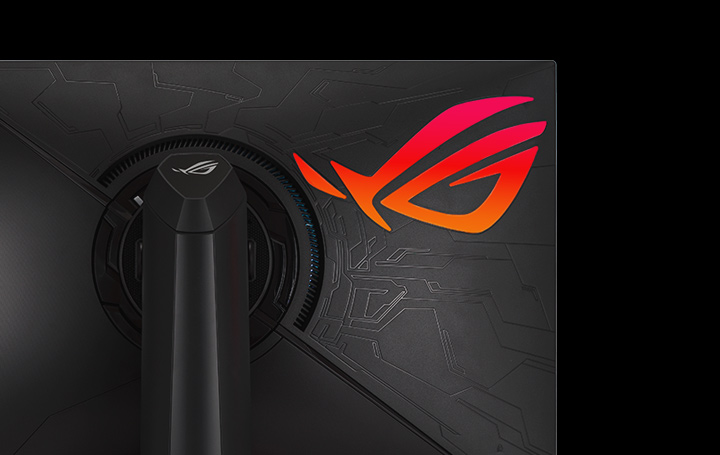
Asus Aura Sync Lightin

ROG Swift 360 Hz PG259QN features ambient lighting powered by ASUS Aura Sync, and it can be synchronized with other Aura-enabled components and peripherals.

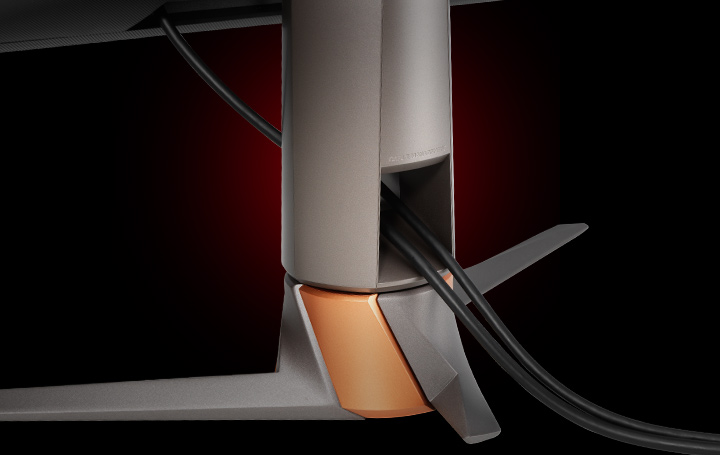
Smart Cable Management

Organize and hide your cables to keep your gaming area tidy.

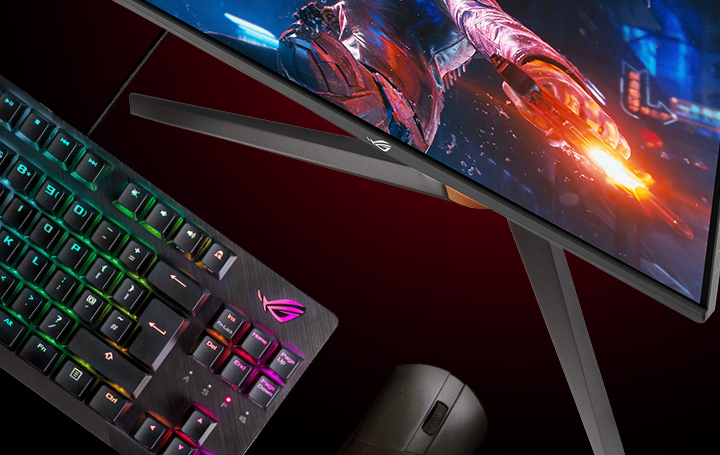
Space-saving Stand

The redesigned stand allows you to move your keyboard and mouse closer to the monitor, freeing up more space for your gaming setup.

INTELLIGENT COOLING SYSTEM FOR 12% LOWER TEMPERATURES

HIGH DYNAMIC RANGE (HDR)

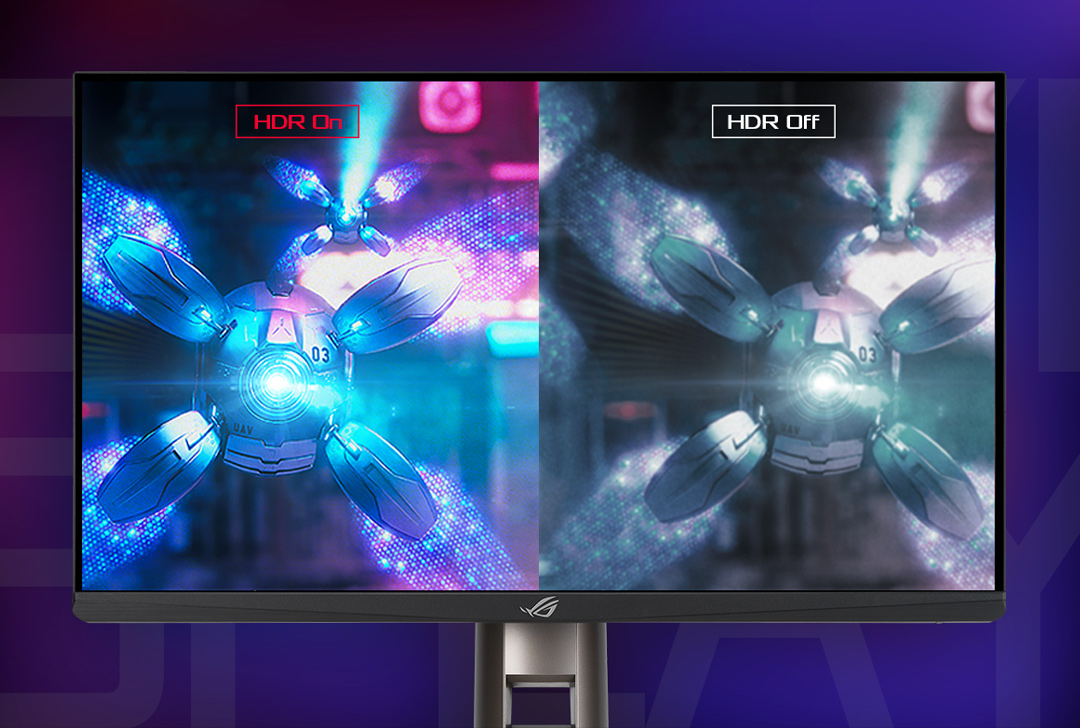
HDR technology delivers visuals with a wider color range and higher contrast than traditional monitors for more realistic visuals. ROG Swift 360 Hz PG259QN features HDR10 to give you color and brightness that exceed that of ordinary displays.

In−game enhancements

Reduces input lag, making it ideal for racing games when G-SYNC technology is on.

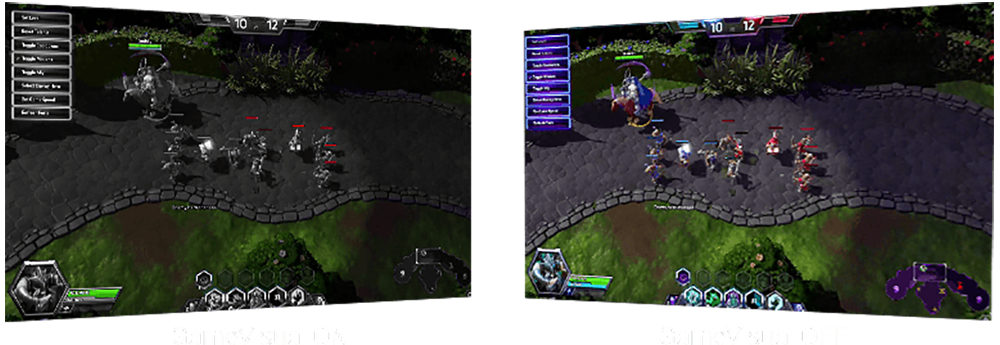
Enhances the color of opponent health/mana bars so you know when to strike.

Cools and saturates colors for more immersive movies.

Enhances color saturation and contrast sharpness to give you better, brighter colors and detailed visuals for real-time strategy (RTS) or RPG games.

High contrast brightens up darker areas and shadows onscreen to help gamers spot hidden enemies.

Perfect for surfing the web or editing photos.

Provide more contrast gradations makes grass greener and skies bluer so it's ideal for slide shows.


USABILITY

Height adjustment (0~120mm)

Swivel (+25°~-25°)

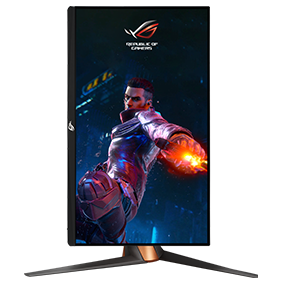
Pivot: 0°~90°(Clockwise)

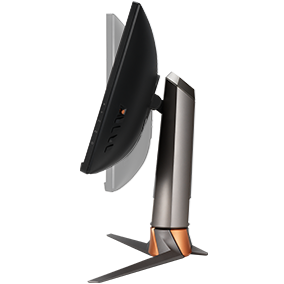
Tilt(+20° ~ -5°)

FAQ

  • The choice depends on your primary game genre.

    • For Competitive Players (FPS): Refresh Rate is the priority. High refresh rate monitors provide fast and smooth visuals for increased responsiveness and motion clariy. That all adds up to a measurable advantage in games like Valorant or Counter-Strike 2.
    • For Immersion Players (AAA): Resolution is key. 4K (3840 x 2160) is now the baseline for cinematic experiences, offering extreme detail for titles like Cyberpunk 2077 or the latest Unreal Engine 5 releases.
    • The "Sweet Spot": 1440p at 240Hz remains the most balanced configuration for most gamers, offering sharp visuals without requiring an ultra-high-end GPU.
  • Each panel serves a specific use case based on environment and performance needs:

    • OLED: OLED gaming monitors offer infinite contrast for perfect blacks and a near-instantaneous 0.03ms response time, giving you a premium visual experience in any type of game.
    • IPS: Most of today’s budget-friendly gaming monitors use IPS panels, but their advantages go far beyond affordability. IPS panels are known for exceptional color consistency and viewing angles, and they’re available with very high refresh rates.
    • Mini-LED: Mini-LED gaming monitors provide extreme peak brightness (1000+ nits) and localized dimming for vibrant highlights, making them a compelling pick for gamers chasing premium HDR experiences.
  • They represent different ways a screen handles light and color:

    • OLED: In an OLED panel, every pixel is its own light source. This allows for "True Black" because pixels can turn completely off. This panel type is the gold standard for speed and contrast.
    • IPS: An IPS panel uses liquid crystals aligned in rows to produce consistent color. This panel type is trusted for excellent color accuracy and wide viewing angles. These characteristics make it perfect if you’re sharing the screen or doing creative work alongside gaming.
    • VA: VA panels use crystals aligned vertically to block light more effectively. This allows VA panels to offer better native contrast than IPS types thanks to deeper blacks. However, these panels aren’t always preferred for fast-paced gaming due to a “dark smearing” effect.
  • The "best" size is determined by your viewing distance, resolution, and the type of games you play. The most competitive esports gamers tend to prefer smaller 24-inch or 25-inch monitors that allow them to keep the entire screen in the center of their field of vision. This makes sure that they don’t miss a thing on the minimap or in the periphery of their vision.

    Larger 32-inch monitors provide a cinematic experience that pairs well for lavish AAA spectacles, role-playing games, and immersive sims. They’re perfect for 4K and dual-mode setups where you want a large canvas for cinematic immersion. Ultrawide and super-ultrawide monitors extend horizontally to fill more of the periphery of your vision. They’re often preferred by racing sim enthusiasts, but also cater to multitaskers and gamers who prioritize immersion.

    The “sweet spot” for most gamers is a 27-inch monitor size. Big enough to feel immersive yet compact enough to keep all the action in the center of your field of view, 27-inch monitors offer a great experience in any game. Many gamers find that 1440p 27-inch monitors offer a compelling balance of detail and pixel density. Since most mainstream graphics cards can produce very high FPS at this resolution, it’s a great fit for most gamers’ setups, too.

  • Absolutely—if the hardware supports it. HDR (High Dynamic Range) expands the range between the brightest whites and darkest blacks, allowing for looming shadows and dazzling highlights that make every frame feel more true to life.

    • DisplayHDR 400: This is the entry point for the ratings system, and it indicates that a monitor provides a welcome boost in brightness, contrast, and color performance over comparable standard monitors.
    • DisplayHDR 600/1000: A monitor with one of these ratings delivers what many would call the "Real HDR" experience, requiring local dimming zones for high-contrast impact.
    • DisplayHDR True Black (400/500/600): This group of ratings is exclusive to OLED panels, giving gamers an easy tool for comparing the performance of different OLED gaming monitors. These ratings better account for the incredible depth of black levels on OLED panels rather than focusing on raw brightness.
  • ELMB (Extreme Low Motion Blur) is ASUS’s proprietary strobing technology that eliminates motion blur for "CRT-like" clarity. ELMB works at a fixed refresh rate (e.g., exactly 144Hz), and is best used with game settings that allow for a very stable FPS. ELMB Sync is the evolution of the technology. It allows ELMB strobing to work simultaneously with Variable Refresh Rate technologies like G-SYNC and FreeSync. This gives you the best of both worlds by eliminating screen tearing and minimizing motion blur, even as your frame rate fluctuates naturally over time.

  • "Overdrive" is a technique exclusive to LCD gaming monitors that pushes pixels to change colors faster to reduce motion blur. However, a fixed overdrive setting that looks great at 240 FPS might cause "overshoot" (disturbing halos around moving objects) if your frame rate drops to 60 FPS.

    Variable Overdrive is an advanced form of the technique that intelligently adjusts the overdrive level in real-time, ensuring that you get reduced blur without distracting visual artifacts, even as your frame rate fluctuates. Found in many ROG and TUF Gaming monitors from ASUS, Variable Overdrive gives you clear images with zero ghosting or overshoot.

  • Yes. Both PS5 and Xbox Series X/S support VRR via HDMI 2.1. This eliminates screen tearing and stuttering, making games feel smoother even if the frame rate isn't perfectly stable. All ASUS and ROG HDMI 2.1 monitors are fully compatible.

  • Dual-Mode is a revolutionary feature that allows a single monitor to switch between two distinct performance profiles—typically a high-resolution mode and a high-refresh-rate mode. It achieves this by combining four pixels into one (pixel binning) to prioritize speed, or using every individual pixel to prioritize detail.

    • The Benefit for Gamers: You get the best of both worlds. You can enjoy a cinematic, immersive experience in AAA titles (like Black Myth: Wukong or Cyberpunk 2077) and then instantly switch to a "pro-speed" mode for Competitive FPS (like Valorant or Apex Legends).

    This is a massive cost and space saver. Instead of buying two different monitors, one ROG Dual-Mode monitor handles every genre perfectly.

  • ROG OLED displays are factory-calibrated to achieve a high level of color accuracy. Color accuracy is typically measured by an average delta E value, with value less than two indicating that the human generally cannot distinguish the difference between the color on the screen and the reference color. Creative professionals are the most demanding users when it comes to color accuracy, but accurate monitors also give gamers the ability to experience games just as their developers intended.

  • For the highest possible performance in 2026, the specific version and bandwidth matter.

    • DisplayPort 2.1 is the current performance king. Look specifically for DP2.1a with UHBR20 support, which provides a massive 80Gbps bandwidth. This is the best fit for today’s high-end graphics cards, which support DisplayPort 2.1 output.


    • HDMI 2.1 ports are preferred for console gaming (PS5/Xbox) and for high-end gaming on a TV, but the connector type is capped at 48Gbps. For this reason, gamers tend to use DisplayPort 2.1a for PC gaming and HDMI 2.1 for consoles or secondary media devices.

  • As with many choices with your gaming monitor, this depends on your environment and usage. For most gamers today, we tend to recommend a budget OLED gaming monitor since even an affordable OLED offers cutting-edge visuals with premium motion clarity, true-to-life-colors, and the panel type’s signature inky blacks. If you’re looking to buy one monitor that you’ll love for years, OLED is the clear winner in most scenarios.

    That said, the older IPS technology still has a place on the desks of many gamers. If your monitor will see hours of use for productivity or coding tasks in a room with a high ambient light level, you might prefer an extra-bright IPS monitor, perhaps a model with a mini-LED backlight. IPS monitors are also available for very attainable prices, making them a common choice for budget PC gaming setups.

CUSTOMER REVIEWS

Recommended Products

ROG Swift Pro PG248QP

ROG Swift Pro PG248QP NVIDIA® G-SYNC® esports gaming monitor ― 24.1-inch FHD, 540 Hz overclocked (above 360Hz), Esports-TN panel, NVIDIA® Reflex Analyzer, ULMB 2, adjustable base, ESS codec, DisplayHDR™ 400

ROG Strix XG259QN

ROG Strix XG259QN eSports Gaming Monitor — 25 inch (24.5 inch viewable) FHD (1920 x 1080), 380 Hz (OC), Fast IPS, 1 ms GTG (0.3 ms minimum), HDR

ROG Swift 360Hz PG27AQN

ROG Swift 360Hz PG27AQN NVIDIA® G-SYNC® esports Gaming Monitor – 27‑inch QHD (2560 x 1440), NVIDIA® Reflex Analyzer, Ultrafast IPS, esports dual-mode, 1 ms (GTG), DisplayHDR™ 600

ROG Swift PG329Q-W

ASUS ROG Swift PG329Q-W Gaming Monitor – 32 inch QHD (2560x1440), Fast IPS, 175Hz*, 1ms (GTG), Extreme Low Motion Blur Sync, G-SYNC Compatible (under processing), DisplayHDR™ 600

ROG Strix XG259CM

ROG Strix XG259CM Gaming Monitor – 24.5 inch 1920x1080, 240Hz (Above 144Hz), 1ms (GTG), Fast IPS, Extreme Low Motion Blur Sync, USB Type-C, 120% sRGB, G-Sync compatible*, KVM support, tripod socket

Related Products

ROG Scabbard II XXL-KJP Mouse Pad

The ROG Scabbard II XXL-KJP is a large gaming mouse pad with a water-, oil-and dust-repellent surface and anti-fray, flat-stitched edges, plus a nonslip rubber base

ROG Scabbard II Arctic Gray XXL Mouse Pad

The ROG Scabbard II Arctic Gray XXL is a large gaming mouse pad with a water-, oil-and dust-repellent surface and anti-fray, flat-stitched edges, plus a nonslip rubber base

ROG Moonstone Ace L Mouse Pad

The ROG Moonstone Ace L is a large gaming mouse pad made of durable tempered glass, featuring an ultrasmooth surface optimized for fast, consistent mouse glides and an anti-slip silicone base.

ROG Hone Ace XXL Mouse Pad

The ROG Hone Ace XXL is an extra-large-sized gaming mouse pad with a base made out of an extra-soft, anti-slip rubber, and has a hybrid cloth surface designed for consistency and optimal control, while being water-, oil- and dust-repellent.

ROG Hone Ace Aim Lab Edition Mouse Pad

ROG Hone Ace Aim Lab Edition large-sized gaming mouse pad is designed to work with Aim Lab X ROG 360 task to help gamers improve their aim. The Hone Ace has a hybrid cloth surface for a smoother glide and better control, a water-, oil- and dust-repellent surface protective nano coating, and a soft nonslip rubber base.

ROG Scabbard II EVA Edition Mouse Pad

ROG Scabbard II EVA Edition gaming mouse pad with EVA-inspired design, protective nano coating for a water-, oil-and dust-repellent surface, with anti-fray, flat-stitched edges and a non-slip rubber base

ROG Scabbard II Mouse Pad

ROG Scabbard II extended gaming mouse pad with protective nano coating for a water-, oil-and dust-repellent surface, with anti-fray, flat-stitched edges and a non-slip rubber base

ROG Strix Scope NX Gaming Keyboard

ROG Strix Scope NX RGB wired mechanical gaming keyboard with ROG NX switches, aluminum frame, Aura Sync lighting and additional silver WASD for FPS games

Product has High-Definition Multimedia Interface

Disclaimer

  • The actual transfer speed of USB 3.0, 3.1, 3.2, and/or Type-C will vary depending on many factors including the processing speed of the host device, file attributes and other factors related to system configuration and your operating environment.
  • The terms HDMI, HDMI High-Definition Multimedia Interface, HDMI Trade dress and the HDMI Logos are trademarks or registered trademarks of HDMI Licensing Administrator, Inc.
  • Products certified by the Federal Communications Commission and Industry Canada will be distributed in the United States and Canada. Please visit the ASUS USA and ASUS Canada websites for information about locally available products.
  • All specifications are subject to change without notice. Please check with your supplier for exact offers. Products may not be available in all markets.
  • Specifications and features vary by model, and all images are illustrative. Please refer to specification pages for full details.
  • PCB color and bundled software versions are subject to change without notice.
  • Brand and product names mentioned are trademarks of their respective companies.
  • Unless otherwise stated, all performance claims are based on theoretical performance. Actual figures may vary in real-world situations.
  • The actual transfer speed of USB 3.0, 3.1, 3.2, and/or Type-C will vary depending on many factors including the processing speed of the host device, file attributes and other factors related to system configuration and your operating environment.