USER
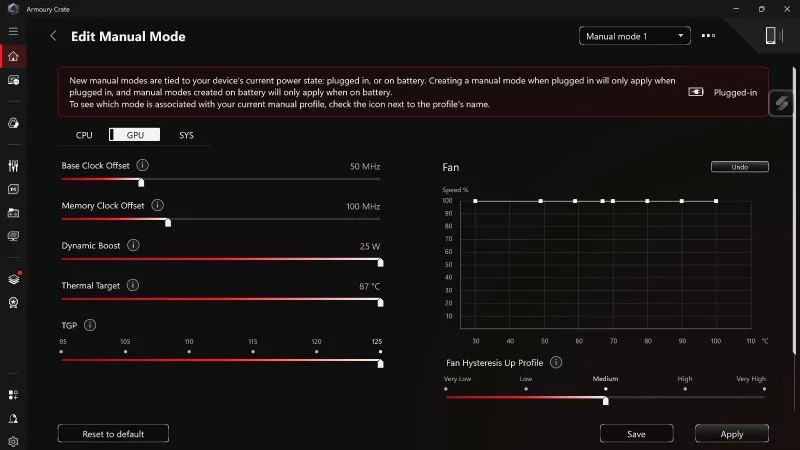
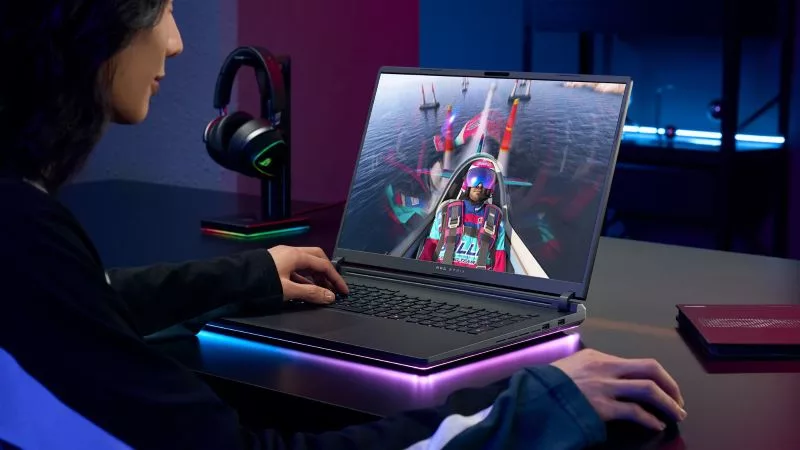
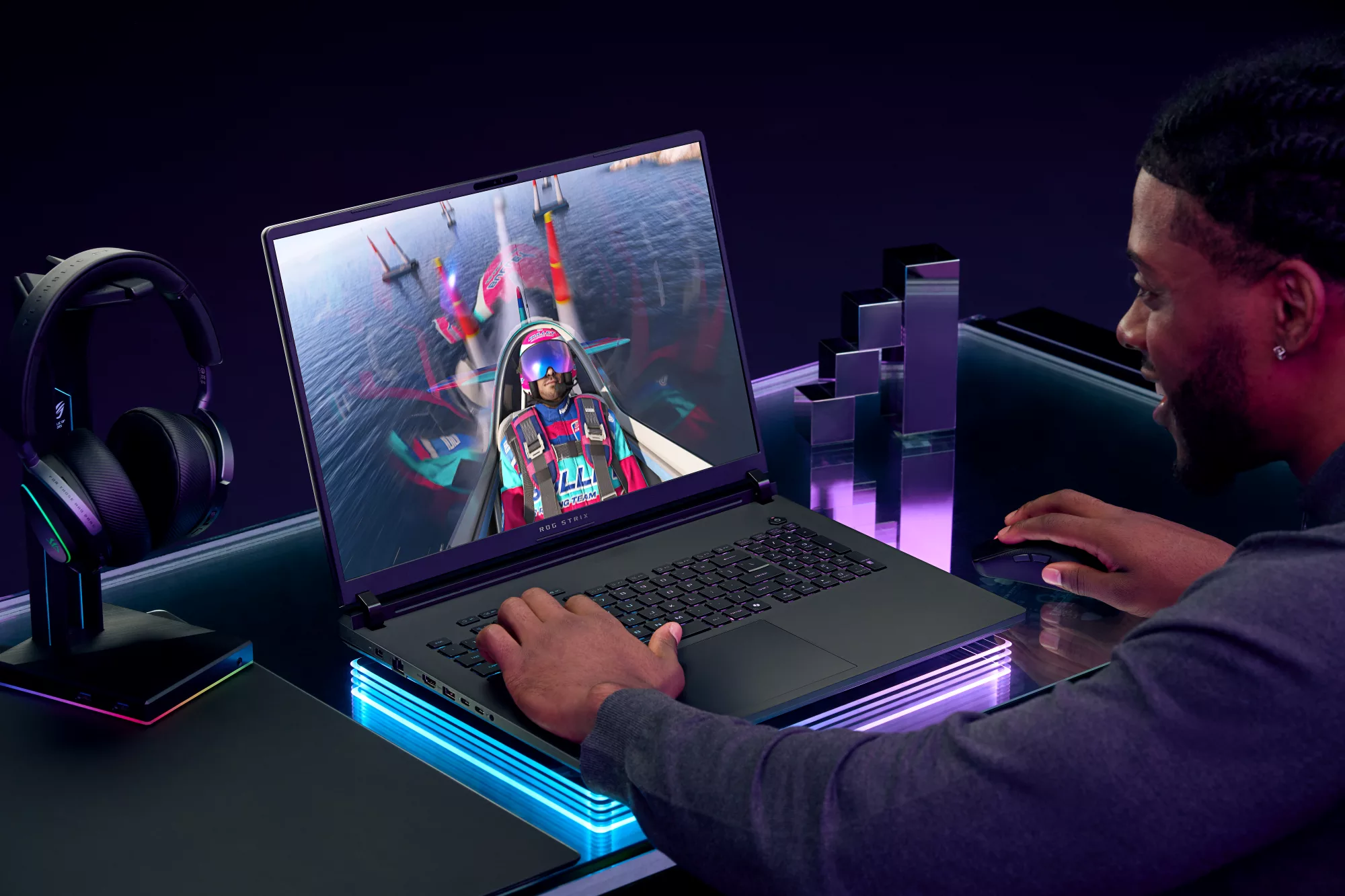
If you want to push your laptop GPU's Total Graphics Power (TGP) and CPU wattage to its maximum, Manual Mode in Armoury Crate will get you there.
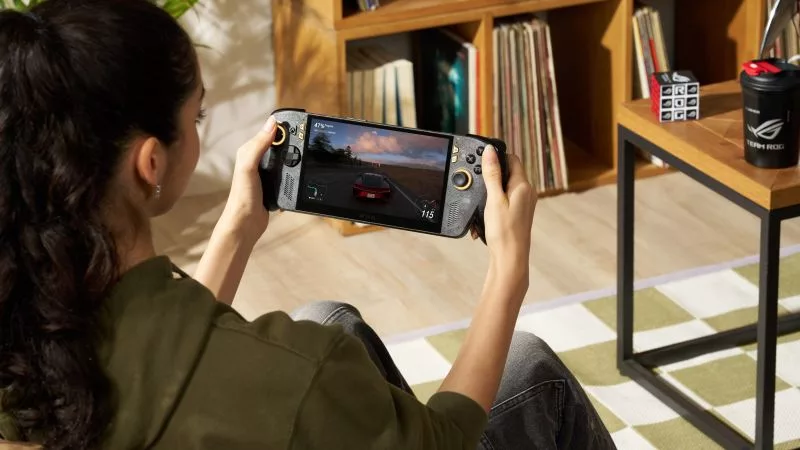
Wondering how to set up HDR on your ROG Xbox Ally X20? Here's how to get the best picture from its OLED display, plus Auto HDR and OLED Care tips.
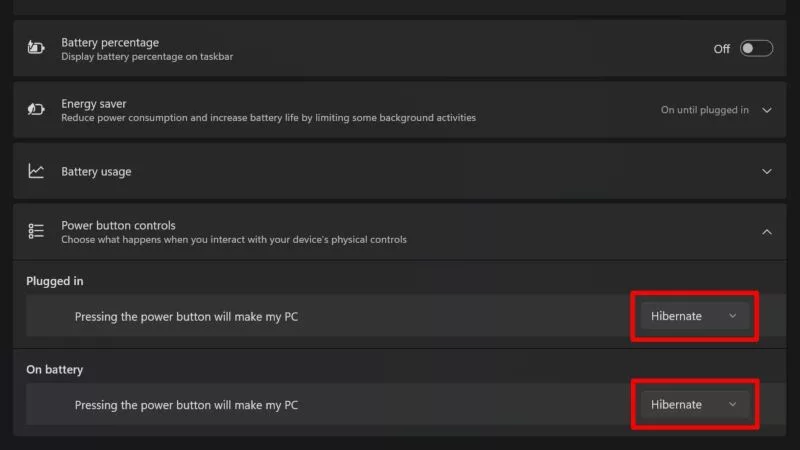
By default, your ROG XBOX Ally will go to sleep when you press the power button. But you can also put it into full hibernation — here's how.
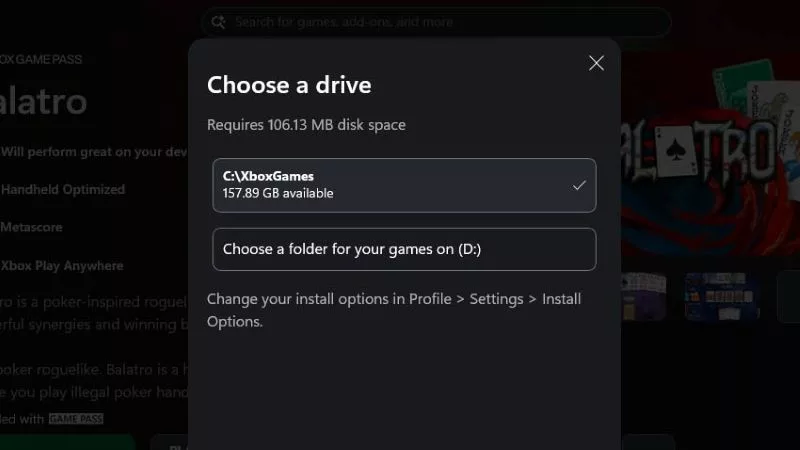
If you have a vast collection and like to hop around from game to game, you can expand the ROG Ally's storage with a microSD card. Here’s how.
All ROG gaming laptops are optimized to responsibly balance performance with noise output, ensuring comfortable gaming across the board. But if you want the absolute quietest device possible, you'll need to consider a variety of factors.
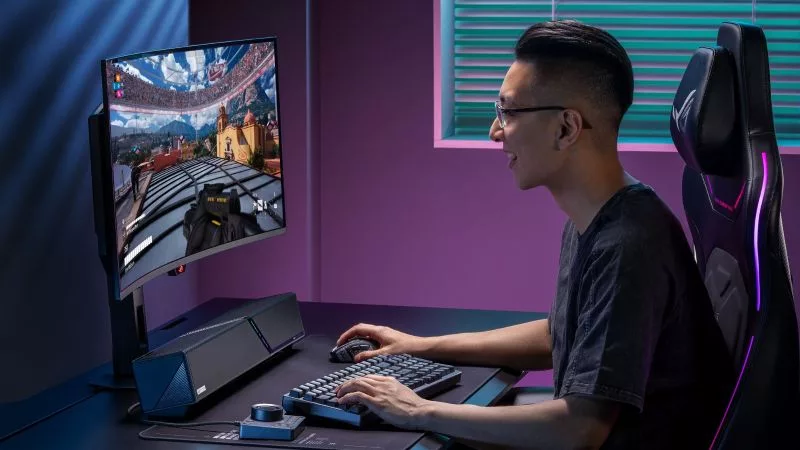
Whether you want room-filling audio or pristine sound for your ears only, ROG has the gear to satisfy your needs.
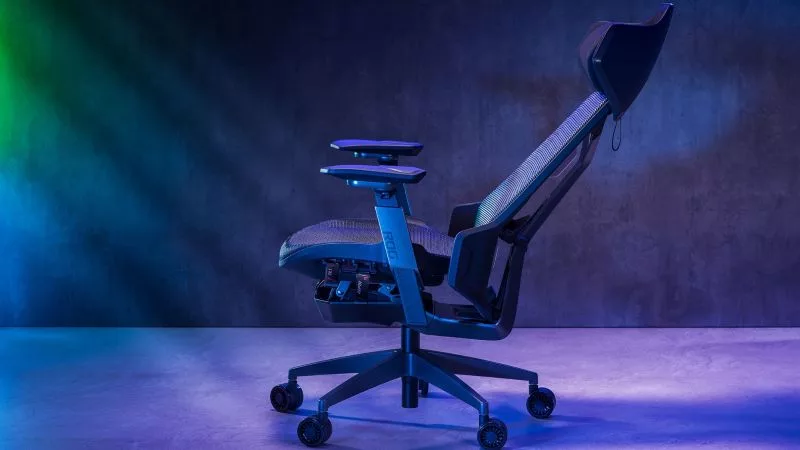
Our ROG Destrier and ROG Courser gaming chairs are both are designed around long, comfortable sessions, but they get you there in different ways.
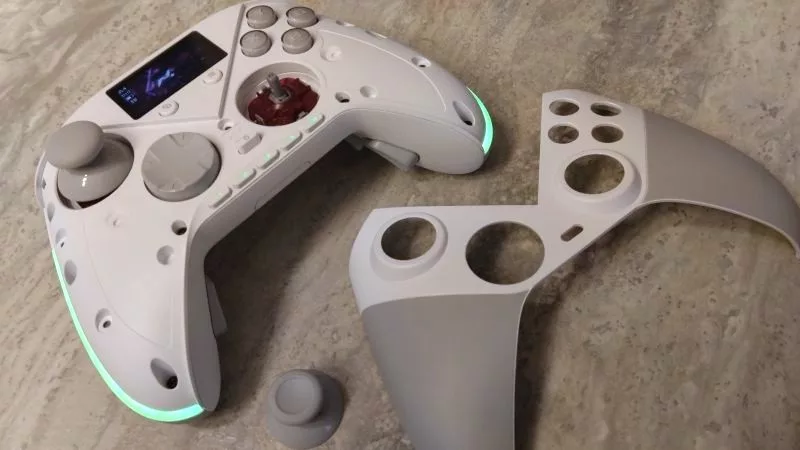
As our most customizable gamepad ever, the ROG Raikiri II Pro PC controller lets you tinker with its buttons, thumbsticks, built-in display, and more.
Optimize your gaming laptop for smooth streaming with this step-by-step guide covering OBS settings, hardware encoding, network stability, cooling, and more.