USER
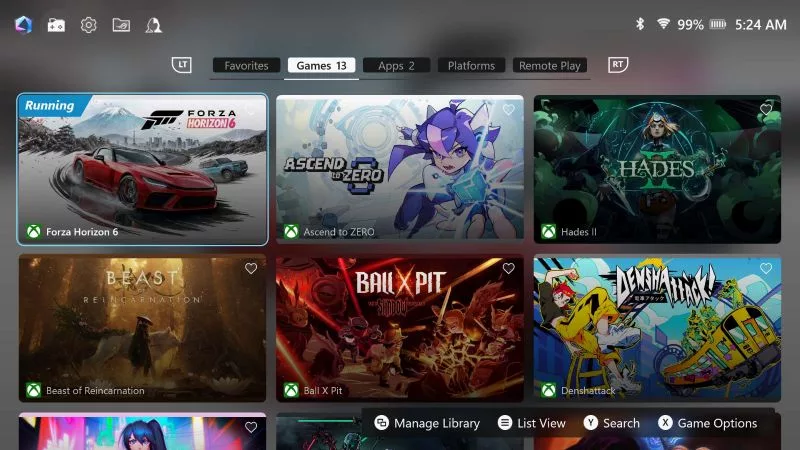
The new Armoury Crate SE version 3 adds enhanced button remapping, 65W Travel Mode, and Remote Play (beta) to your ROG XBOX Ally. See what’s new.
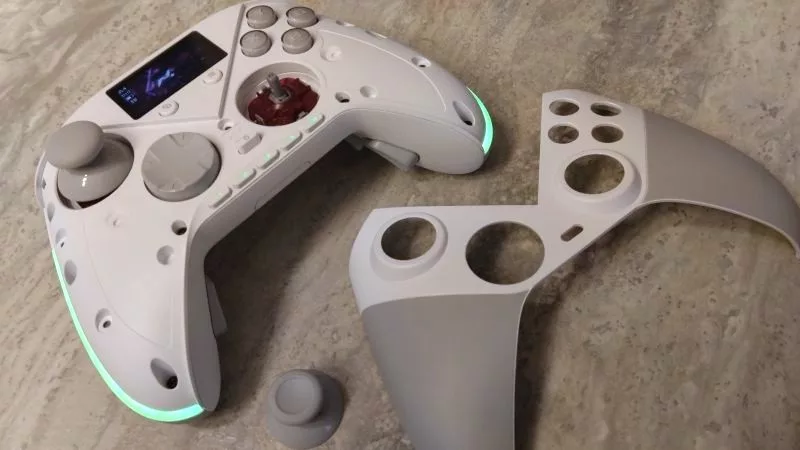
As our most customizable gamepad ever, the ROG Raikiri II Pro PC controller lets you tinker with its buttons, thumbsticks, built-in display, and more.
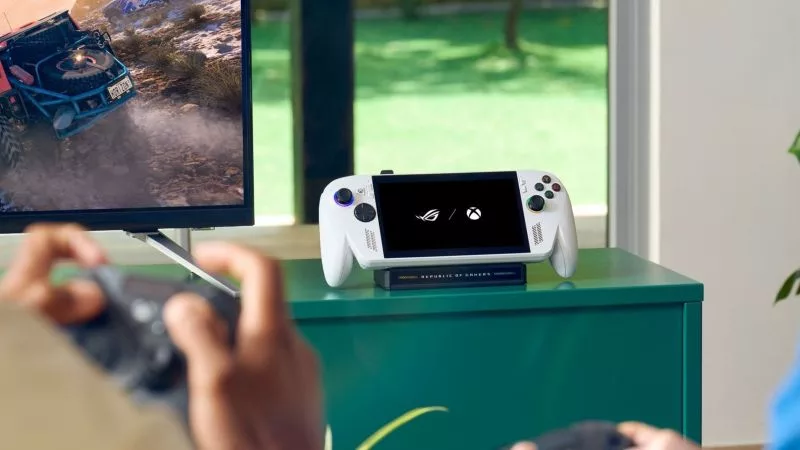
Say hello to a new batch of Ally updates, which make it easier than ever to dock your handheld to a TV or monitor.
Adjust RGB lighting, tweak sensitivity, remap buttons, and more — all without ever installing a single piece of software.
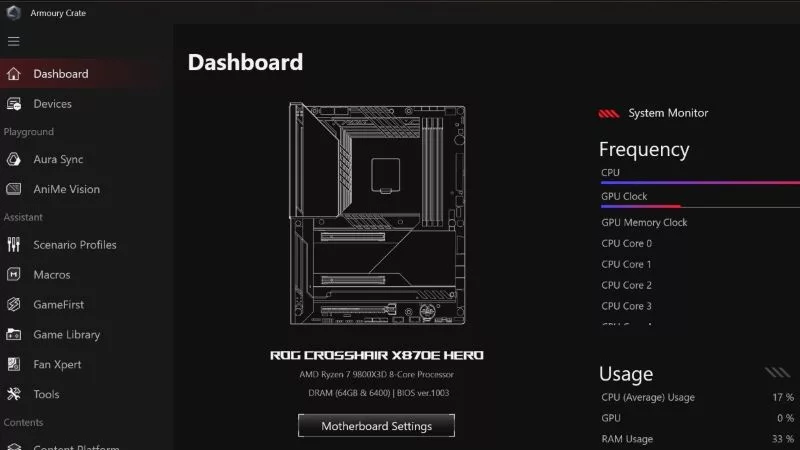
Our Armoury Crate app is better than ever with a fresh redesign. Thanks to your feedback, version 6 is the most user-friendly, optimized iteration yet and is ready to enhance your gaming PC experience.
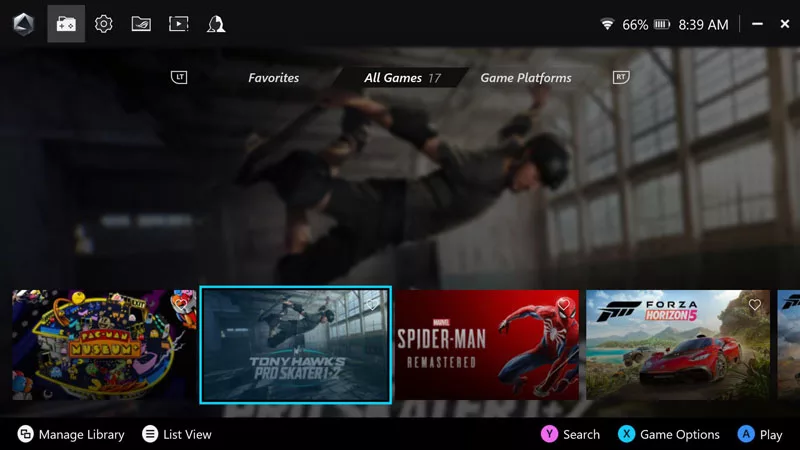
Customize your ROG Ally with Armoury Crate SE: change the look of your library, add custom game art, and edit the Command Center for the best gaming experience.
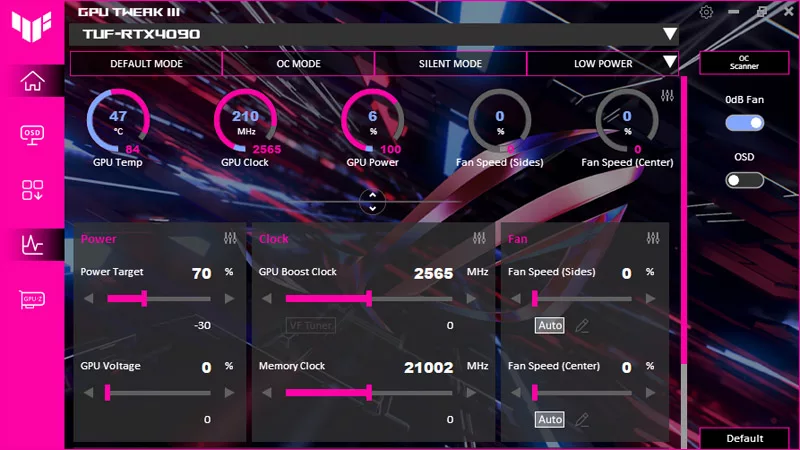
Our guide shows you how to customize the GPU Tweak III interface, performance metrics, and colors for a personalized experience.