Accessibility links
  • Skip to content
  • Accessibility Help
  • Skip to Menu
  • ASUS Footer
  • USER

    • My ROG Elite Rewards
    • Settings
  1. Support
ASUS home logo

Articles

Topics:#feature

// feature

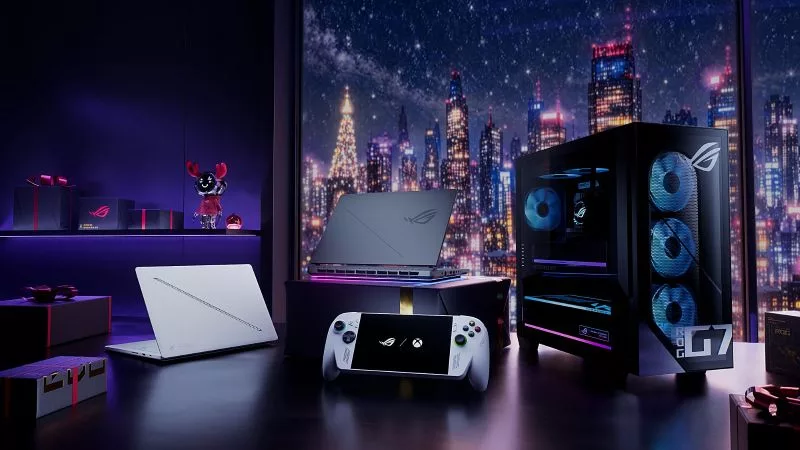
The ROG holiday gift guide: here’s what to get the gamer in your life this holiday season

If the gamer in your life has a wish list is full of hardware terms you've never heard of, don't worry — we’ve got the gear that’ll make them happy.

// feature

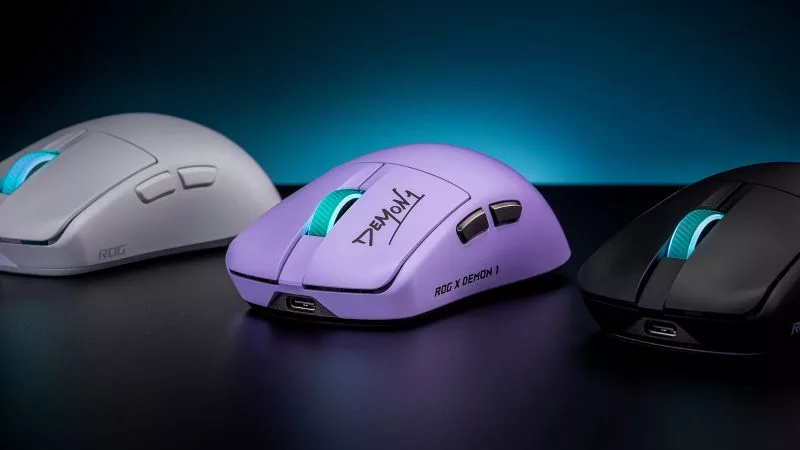
The ROG Harpe II Ace Mini gaming mouse puts the power of a pro at your fingertips

Shaped by sports science research and the guidance of esports pro Demon1, the ROG Harpe II Ace Mini takes competitive play to the next level.

// feature

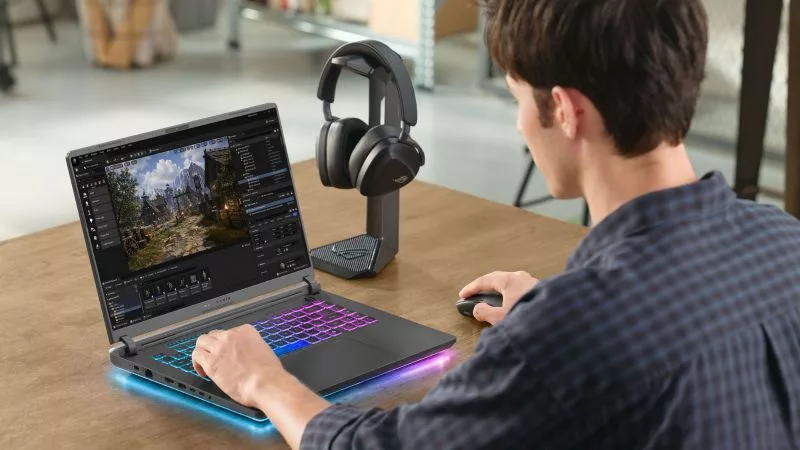
Best ROG gaming laptops by budget: entry, mid-range & flagship picks

With so many ROG gaming laptop choices, it's easy to find a machine that fits your budget and best serves the way you play.

// feature

Call of Duty: Modern Warfare 4 is a thrill ride like no other on the ROG XBOX Ally X20

Few AAA titles push cinematic handheld gaming to its limits like Call of Duty: Modern Warfare 4 on the ROG XBOX Ally X20.

// feature

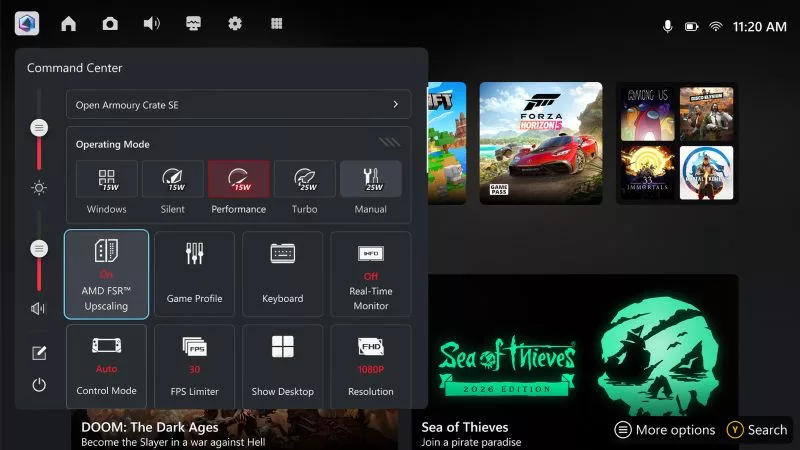
AMD FSR™ Upscaling 4.1 is coming to the ROG XBOX Ally X and X20 in preview

Enjoy better performance and enhanced image quality on the ROG XBOX Ally X with FSR™ Upscaling 4.1, coming in preview on October 23rd.

// feature

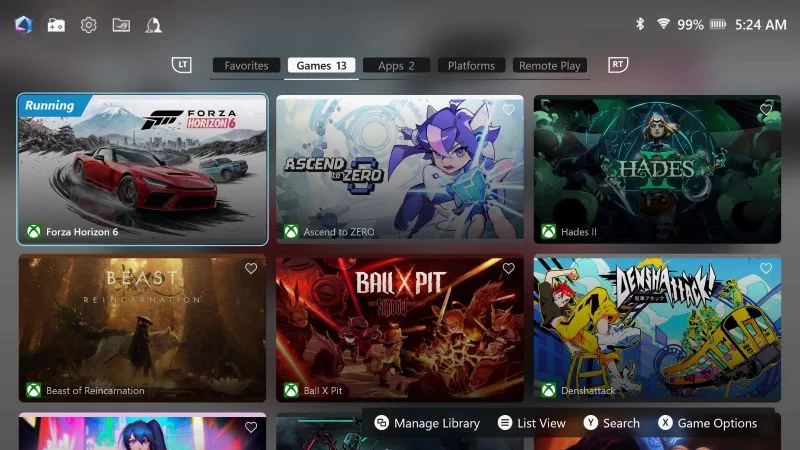
Your ROG Ally just got better: Armoury Crate SE gets more button customization, Travel Mode, and Remote Play

The new Armoury Crate SE version 3 adds enhanced button remapping, 65W Travel Mode, and Remote Play (beta) to your ROG XBOX Ally. See what’s new.

// feature

How to configure your ROG XBOX Ally X20's OLED display for the best HDR picture quality

Wondering how to set up HDR on your ROG Xbox Ally X20? Here's how to get the best picture from its OLED display, plus Auto HDR and OLED Care tips.

// feature

The best HDR games to try on your ROG XBOX Ally X20’s OLED screen

Want to see what the new OLED display on your ROG XBOX Ally X20 can really do? Try these incredible HDR games.

// feature

SCI vs. SCE: What anti-reflection display metrics mean for you

A rundown of what to look for with ROG's new anti-reflection metrics.
    1. > Gaming Feature
Enter email address
Sign up

Please enter a valid email address.

  • About ROG
  • Home
  • NEWSROOM
  • facebook
  • twitter
  • Privacy Policy
  • Terms of Use Notice

©ASUSTeK Computer Inc. All rights reserved.