Matrix R9 280X Unboxing
Here's what you get in the box of a new MATRIX R9 280X. It's pumped full of ROG goodies!  It comes in a nice, big ROG-designed box!
  If you hadn't read this article, you can have a nose at the back to see what you're getting.
  Inside the box there's:

- a Diablo III mousepad
- Speed Setup guide and driver disk (always get the very latest drivers from AMD.com though!)
- ROG case badge (hard, metal one!)
- CrossFireX bridge (the R9 280X will CrossFire with HD 7970 series cards too)
- DVI to HDMI adapter
- VGA Hotwire connectors to wire up to ROG 'Extreme' motherboards
- Replacement VRM heatsink for watercoolers and LN2 overclockers
 Everything is split between two layers - the extra goodies on top and the card packed in mounds of foam below.
  Here's a close-up of that VRM heatsink. Underneath has sticky thermal pads. If you're just plugging straight into your motherboard using the DirectCU II cooler, you won't need it, so don't worry.
  The card is packed deep in foam to keep it happy during transport.
  Don't forget to take off the protective plastic from the back!
  Here's the MATRIX! That's still a backlit LED logo, which actively reacts to GPU load. It looks great through a case window.
  Four Display Ports and two DVI outputs. There's etching on the panel to detail which are DVI-I and DVI-D, and which DVI port can be converted to d-sub (VGA) if necessary.
  How the DirectCU II cooler looks from the side - you can see the copper pipes popping out from the core heatsink. Around it is a metal bracket to brace the PCB and collectively cool the GDDR5 and VRMs.
  Two 8-pin PCIe connectors power it: both are required. Below you can see the ROG additions: 100% fan speed button (in red), hardware voltage bumping and safe mode buttons to get it back to default, should you ever utter "Oops".
  Here's the Mod Zone. If you're super serious about heavy overclocking, short those bridges to unlock all the beans, but beware, such hardware mods void the warranty. On the left are voltage check points and the right connector is for the vCore VGA Hotwire.
  More VGA Hotwire connectors just over on the other side.
Author
Popular Posts
How to adjust your laptop's P-Cores and E-Cores for better performance and battery life

How to Cleanly Uninstall and Reinstall Armoury Crate
How to configure your PC's RGB lighting with Aura Sync
Introducing the ROG Astral GeForce RTX 5090 and 5080: a new frontier of gaming graphics
How to upgrade the SSD and reinstall Windows on your ROG Ally or Ally X
LATEST ARTICLES
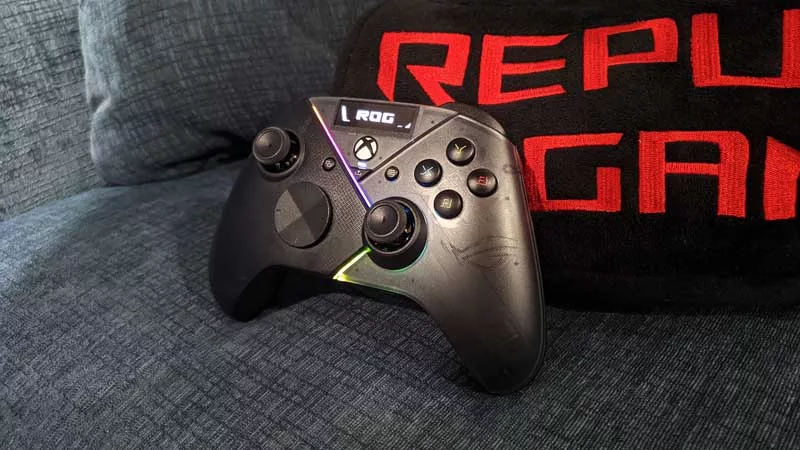
Hands-on: The ROG Raikiri Pro took my couch gaming to the next level
I've been a diehard PC gamer all my life, but I often play on the couch. The ROG Raikiri Pro has improved my living room PC gaming immeasurably thanks to a few useful features and loads of customizability.
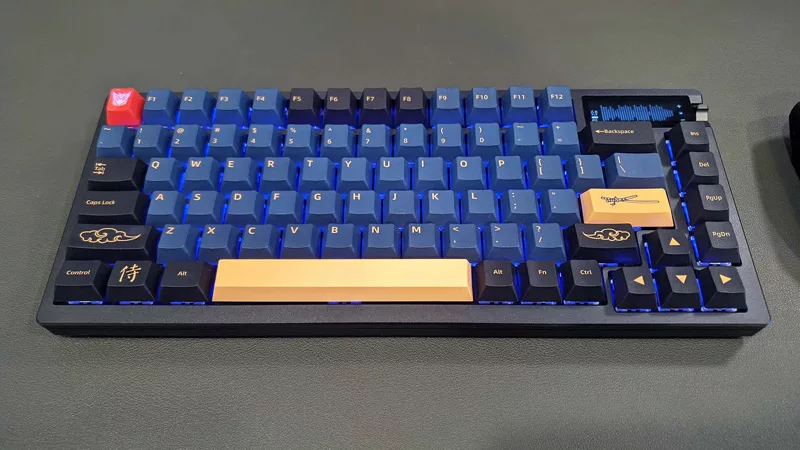
Hands-on: The ROG Azoth became the canvas for the keyboard of my dreams
Ever since I bought my first mechanical keyboard, I’ve been on a mission to mod and upgrade, mod and upgrade. But I think the ROG Azoth may actually be my endgame.
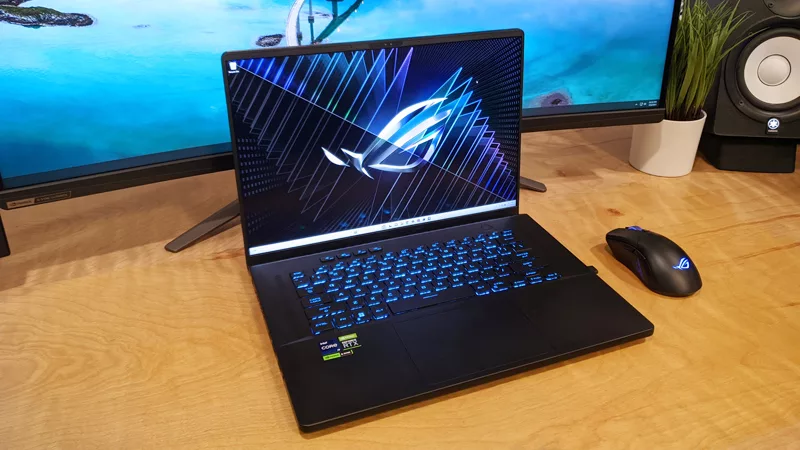
The Zephyrus M16 blends outstanding HDR gaming performance with undeniable luxury
The new ROG Zephyrus M16, with its Nebula HDR display, is like bringing a high-end home theater gaming setup with you wherever you go.
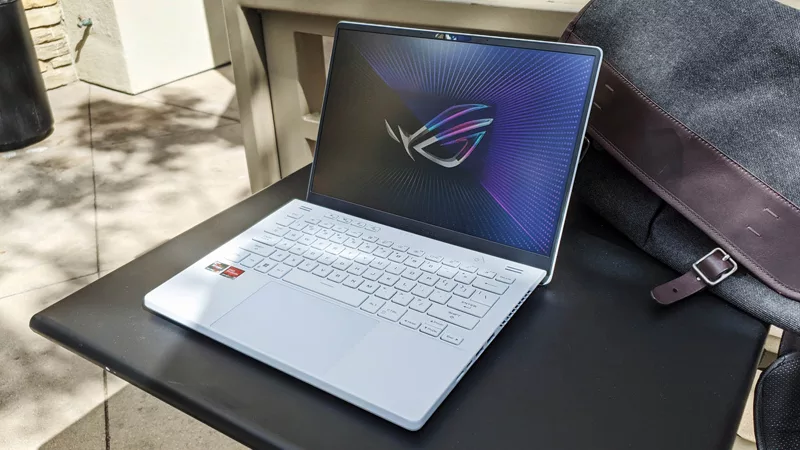
Radeon graphics and a stellar new display reinvigorate 2022 ROG Zephyrus G14
For a long time, I had to choose between underpowered ultraportable laptop and large laptops capable of gaming. But the ROG Zephyrus G14 puts admirable gaming chops into an ultra portable machine that travels anywhere.
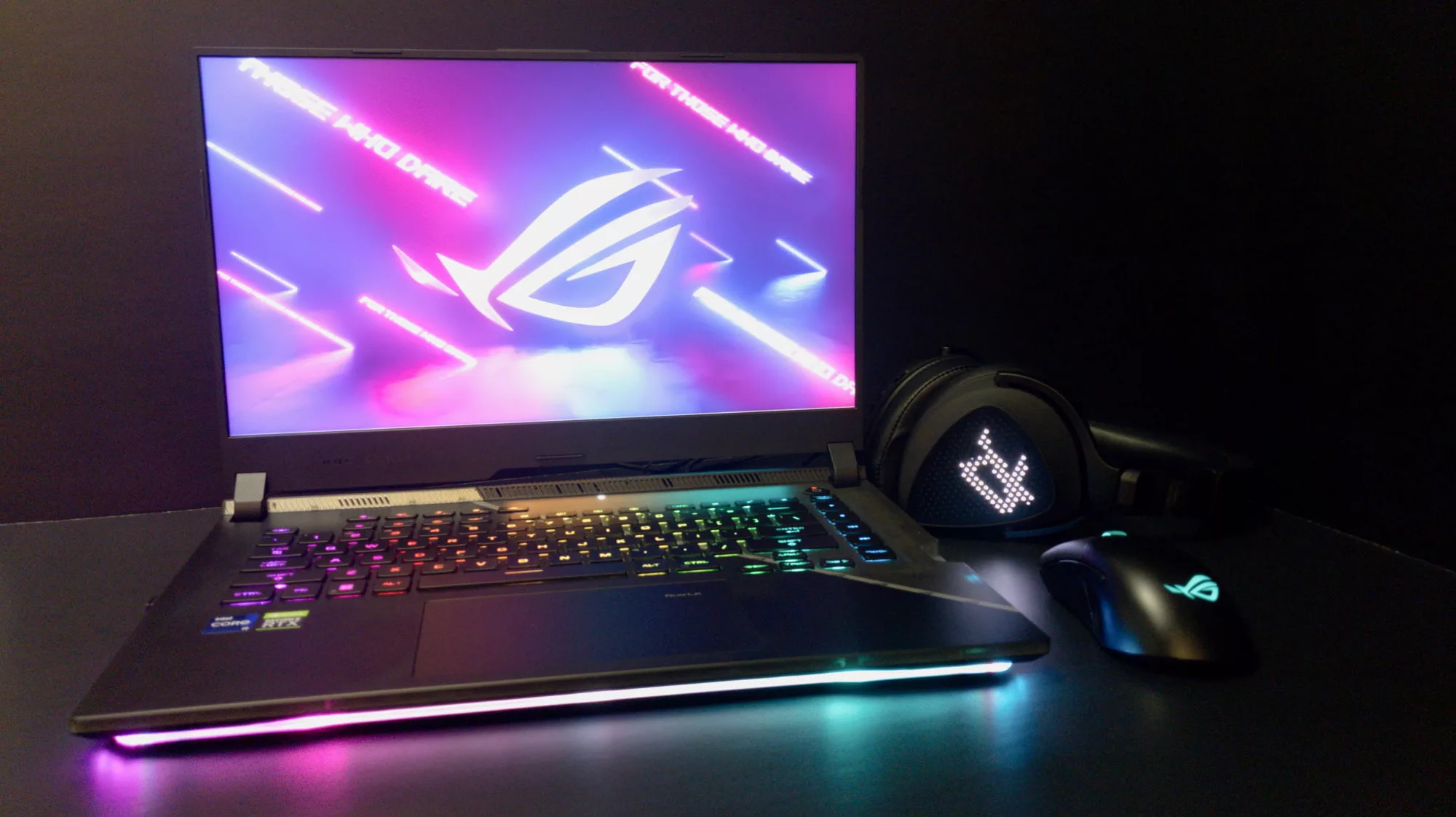
Ready to rumble out of the box: Hands-on with the ROG Strix SCAR 15
Living on the move or in a smaller space isn't a roadblock to high-end gaming. The ROG Strix SCAR makes portable powerful.
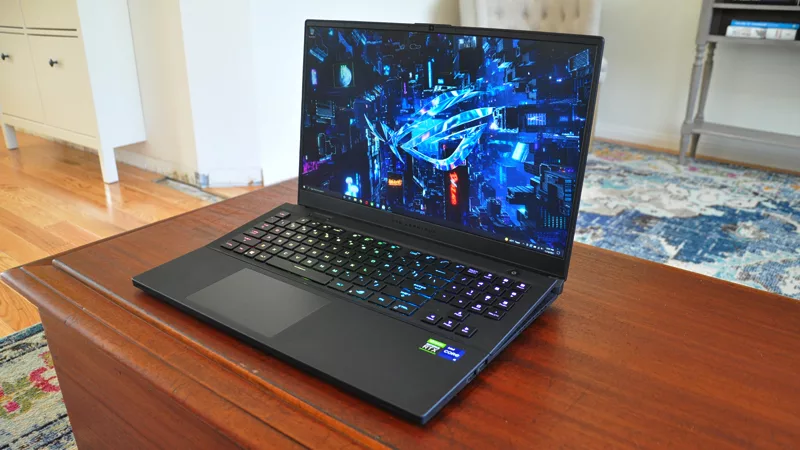
The ROG Zephyrus S17 is an outstanding mixture of power and portability
The S17 has it all: top-tier hardware in a slim package with all the bells and whistles.