Chino's Memory Setup Guide for Maximus VI Motherboards
Chino's memory setup guide is perfect for new users to the Maximus VI motherboard series (in his example, it's the new Hero). With all its features the ROG BIOS can be a little overwhelming, so Chino lays it straight on how to read the DIMM settings and input them into the BIOS correctly. From here, you can then explore our more advanced tweaking guides in the ROG guides section. Read the full guide in our forums: https://rog.asus.com/forum/showthread.php?39185-Memory-Setup-Guide-For-Maximus-VI-Motherboards 
Author
Popular Posts
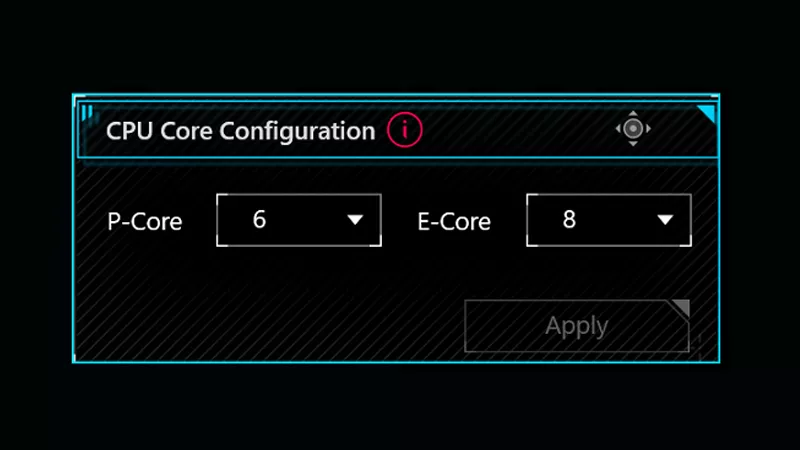
How to adjust your laptop's P-Cores and E-Cores for better performance and battery life
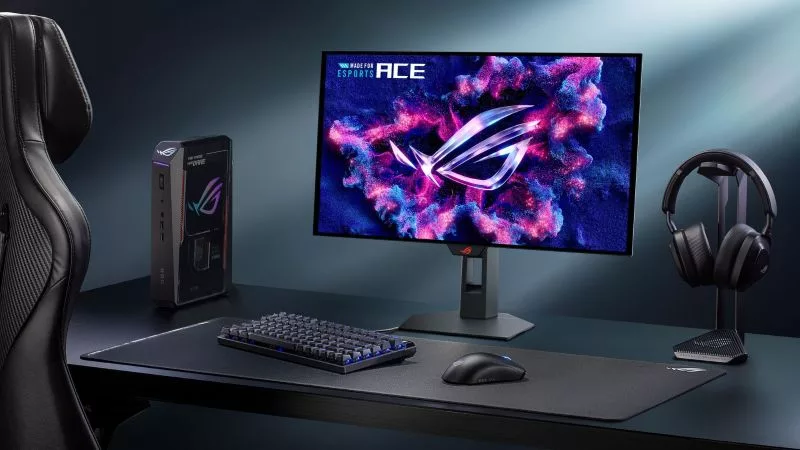
The ROG Strix OLED XG259QWPG Ace is a tournament-ready OLED designed for esports pros
How to Cleanly Uninstall and Reinstall Armoury Crate
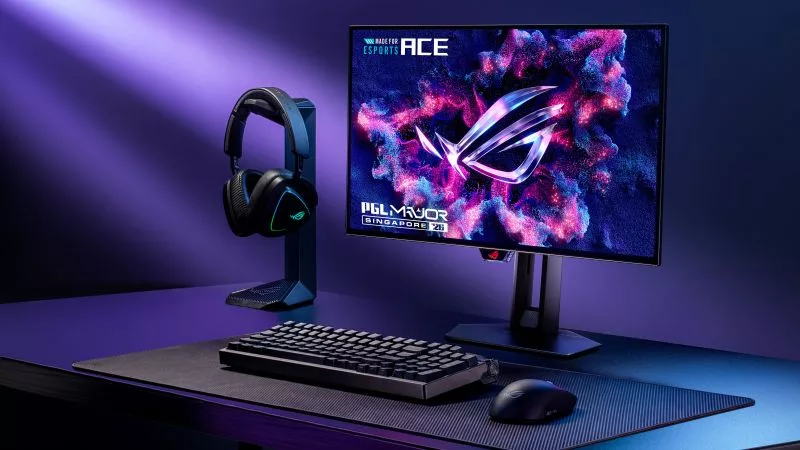
New 24.5-inch ROG monitors bring OLED panel tech to the esports arena

The ROG XREAL R1 gaming glasses let you game anywhere on a 171-inch 240Hz virtual screen
LATEST ARTICLES
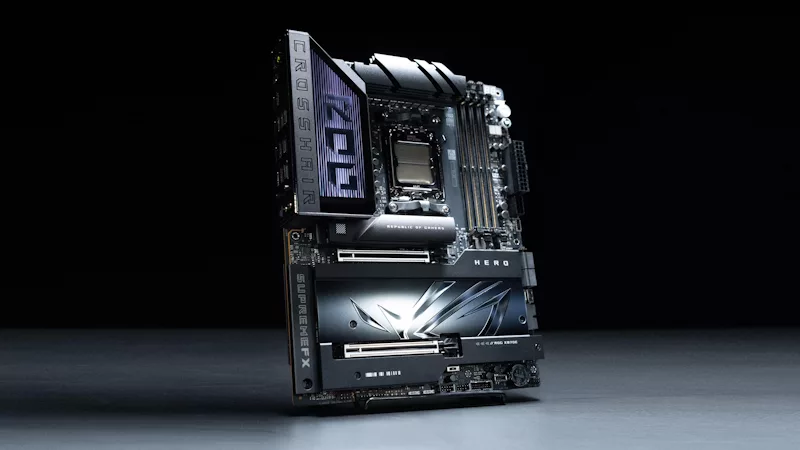
ROG Strix vs Extreme vs Apex vs Hero: What's the difference between ROG gaming motherboards?
When we launch a new generation of motherboards, we don’t just design one model and expect it to meet everyone’s needs. We give you a broad range of options from our ROG Maximus, Crosshair, and Strix lineups so that you can find the board for your next build.
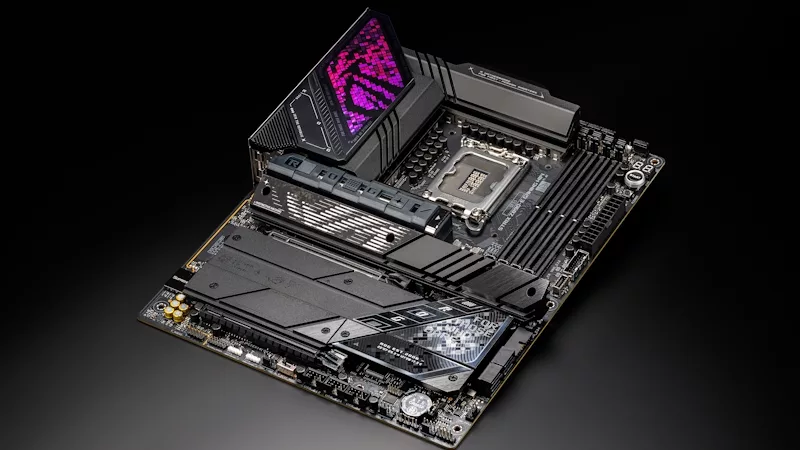
Install up to seven M.2 SSDs on one motherboard with new ROG M.2 PowerBoost tech
Here's how ROG M.2 PowerBoost allows you to install more M.2 drives in one system while enjoying more stable performance.
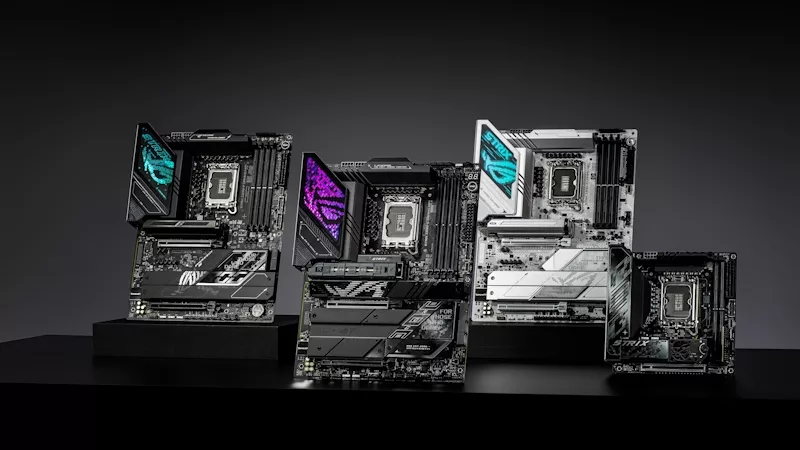
ROG Z890 motherboard guide: meet the new contenders for your next gaming rig
New ROG Maximus and ROG Strix Z890 motherboards stand ready for your Intel Core Ultra (Series 2) CPU.