PC Mod: Phantom Noir - Using Sabertooth P67
While we don't normally put Sabertooth stuff on ROG (this is that 10% we mentioned before), when we do, we'll always make sure it'll be something you guys want to see!
PC mods are a real labor of love that takes serious effort to plan and construct, and if you love your mods neat and minimalist - 23RO_UK and his NZXT Phantom definitely has the answer!
At its heart is the ASUS Sabertooth P67, using the Thermal Armour to fluidly mix it into a stealthy watercooled black and white themed case design. Check out the finished result below (and more on page 4):

We've copied some of the worklog pictures and eye candy here, but for the full run-down and background, checkout the bit-tech project log. In the meantime, if you also spot any ROG mods or are doing one yourself - drop us a note in our case modding forum! The best ones will be featured on our front page (with makers permission, of course).
Phantom Noir Project Log
From the top: one NZXT Phantom:

Now stripped of its sides and plastics:
[gallery include="" size="medium" link="file" template="file-gallery"]
The first watercooling parts include the two radiators and a Koolance pump-reservoir combo:

The Phobya radiators with Bitspower barbs and?polished plates on top:
[gallery include="" size="medium" link="file" template="file-gallery"]
How all three go into the front of the case: that's pretty much a perfect fit!

[gallery include="" size="medium" link="file" template="file-gallery"]
Measuring out the foam to isolate the mounting bracket from the case. This reduces the transferred vibration from the pump.

Final measurements before cutting the base to mount everything. Remember the golden rule: measure twice so you only need to cut once!
[gallery include="" size="medium" link="file" template="file-gallery"]
How about this for something different - an internal facing fan controller. Let's see how that turns out..

Next the CPU pipes get plugged in with shutoff valves mid-way up.

With clips mounted on the motherboard tray, this keeps the dark tubing neat.
[gallery include="" size="medium" link="file" template="file-gallery"]

Component fitting to check the space, then onto cable tidying:
[gallery include="" size="medium" link="file" template="file-gallery"]

That's better! Did you notice the internally mounted bay covers and fan controller?


Stealthing the side panel of the 5.25in bays and PSU:
[gallery include="" size="medium" link="file" template="file-gallery"]
The finished result:

[gallery include="" size="medium" link="file" template="file-gallery"]
And in the dark, it looks even better thanks to the white LED fans:

[gallery include="" size="medium" link="file" template="file-gallery"]
Thanks 23RO_UK for your awesome mod!?
Let us know your thoughts in the forums.
Author
Popular Posts
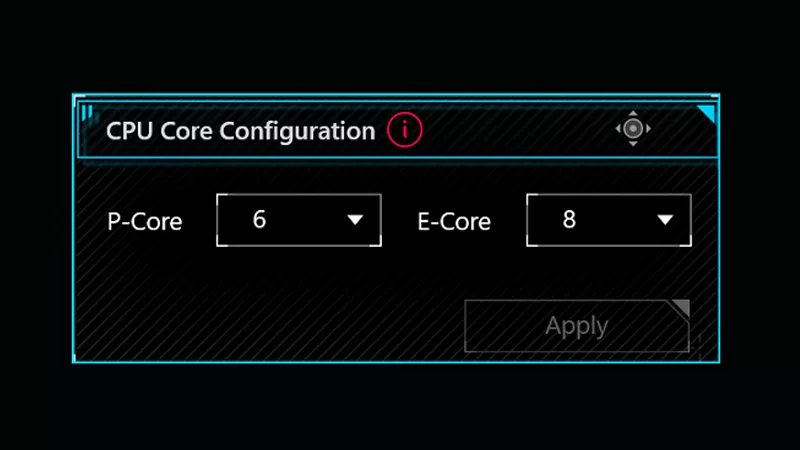
How to adjust your laptop's P-Cores and E-Cores for better performance and battery life

The ROG XREAL R1 gaming glasses let you game anywhere on a 171-inch 240Hz virtual screen

How to Cleanly Uninstall and Reinstall Armoury Crate

The ROG Strix OLED XG259QWPG Ace is a tournament-ready OLED designed for esports pros
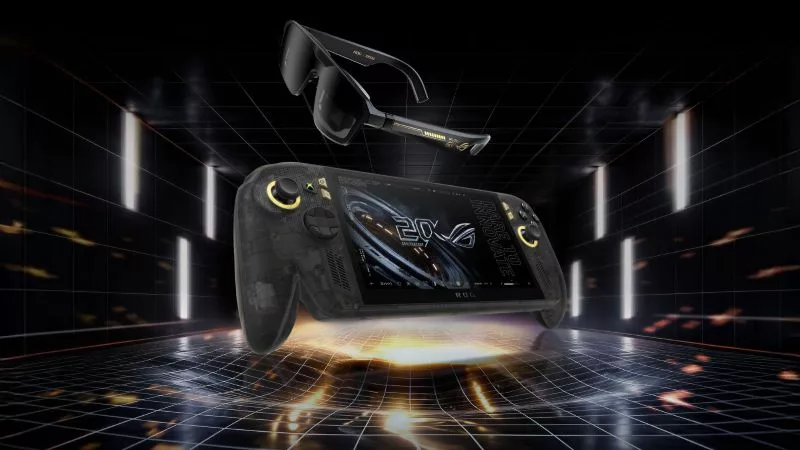
Brighter, bolder, better: The ROG XBOX Ally X20 bundles a larger OLED display with AR gaming glasses
LATEST ARTICLES
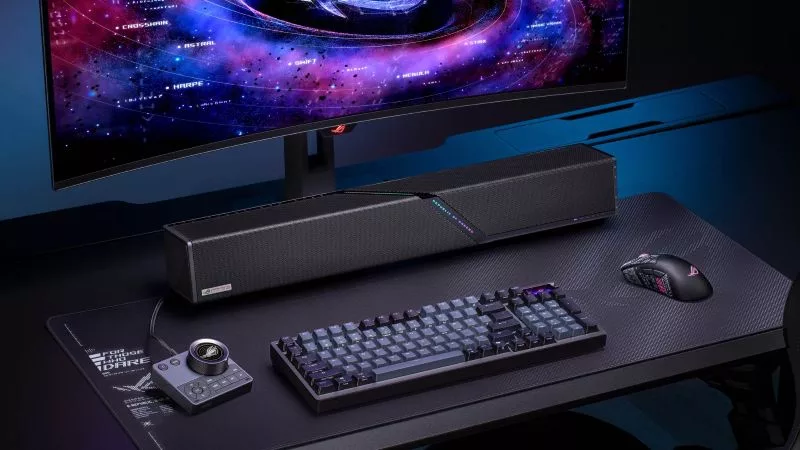
The ROG Gjallar Gaming Soundbar delivers the immersive sound your games deserve
The ROG Gjallar Gaming Soundbar delivers bold, room-filling audio from a sleek, compact design that fits naturally beneath your monitor or TV.

ROG powers the pros as the official PC sponsor of the LCK Finals Hong Kong
At ROG, we’re all about gamers competing at the highest level. That’s why we’re proud to be the official PC sponsor of the LCK Finals Hong Kong.

Get Resident Evil Requiem when you buy an RTX 50 Series graphics card, laptop, or desktop from ASUS and ROG
Unlock the latest chapter of the Resident Evil saga when you snag a GeForce RTX 50 Series graphics card, ROG laptop, or ROG prebuilt desktop.