Accessibility links
  • Skip to content
  • Accessibility Help
  • Skip to Menu
  • ASUS Footer
  • USER

    • My ROG Elite Rewards
    • Settings
  1. Product
  2. Innovation
  3. Download
  4. COMMUNITY
  5. What's HOT
  6. Support
ASUS home logo

Articles

Topics:#gpu-tweak-iii

What are 1% Lows? How to monitor (and fix) stutters in your PC games
// gpu-tweak-iii

What are 1% Lows? How to monitor (and fix) stutters in your PC games

1% and 0.1% lows aim to measure and quantify in-game stuttering, and GPU Tweak III can now help you monitor them.

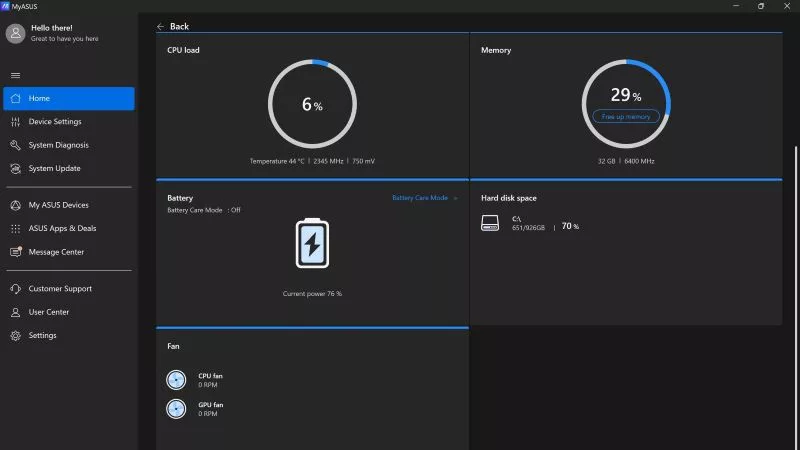
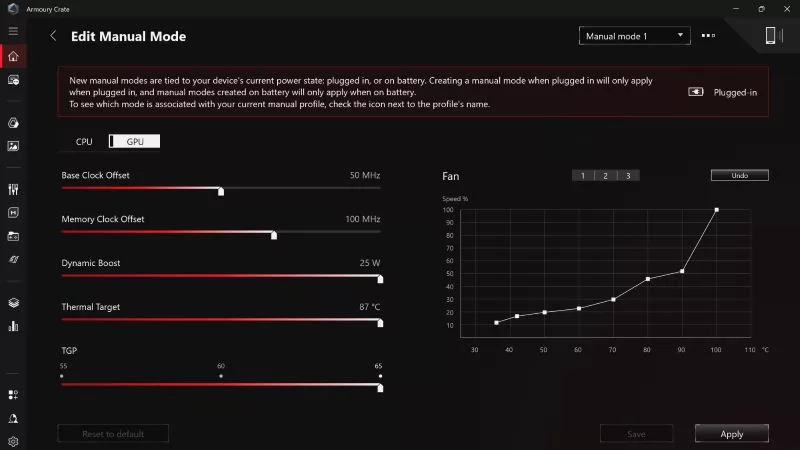
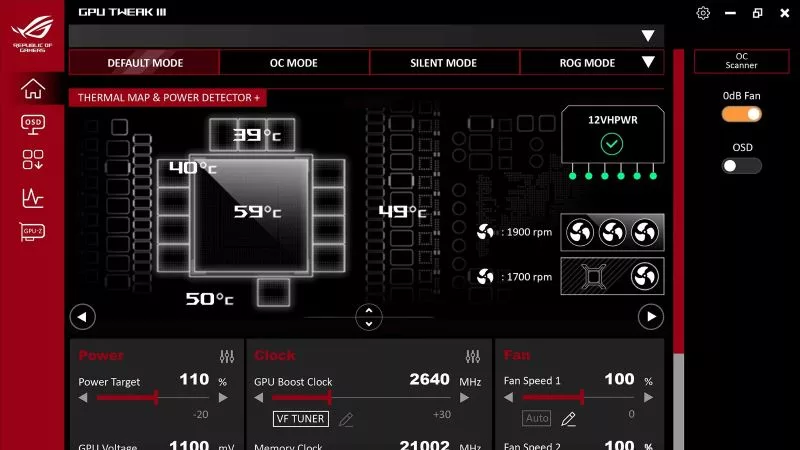
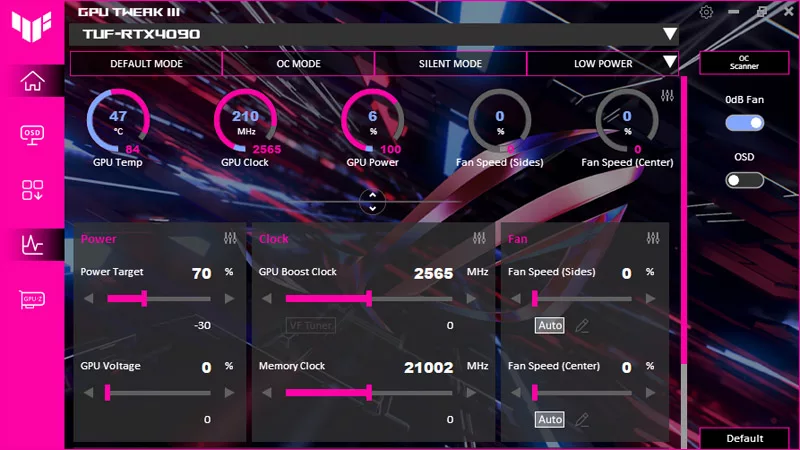
Armoury Crate vs MyASUS vs GPU Tweak III: What's the difference between ASUS software?
// gpu-tweak-iii

Armoury Crate vs MyASUS vs GPU Tweak III: What's the difference between ASUS software?

ASUS offers a suite of software tools, each tailored for a specific purpose, including Armoury Crate, MyASUS, GPU Tweak III, and others. Here’s a quick primer on what each of these apps does and how to make the most of them.

Can I overclock my GPU with Armoury Crate?
// gpu-tweak-iii

Can I overclock my GPU with Armoury Crate?

If you have an ROG machine — whether it’s a gaming desktop or a gaming laptop — you can control most of its functions from the bundled Armoury Crate software. On laptops, this includes tuning your GPU performance and overclocking your graphics chip. On desktops, you'll need GPU Tweak III as well.

How GPU Tweak's Power Detector+ alerts you to abnormal current on your ROG Astral graphics card
// gpu-tweak-iii

How GPU Tweak's Power Detector+ alerts you to abnormal current on your ROG Astral graphics card

Our new Power Detector+ feature on our ROG Astral graphics cards lets you know exactly what’s going on with your card at all times.

How to customize the GPU Tweak III interface
// gpu-tweak-iii

How to customize the GPU Tweak III interface

Our guide shows you how to customize the GPU Tweak III interface, performance metrics, and colors for a personalized experience.

How to monitor performance, temperatures, and more with GPU Tweak III
// gpu-tweak-iii

How to monitor performance, temperatures, and more with GPU Tweak III

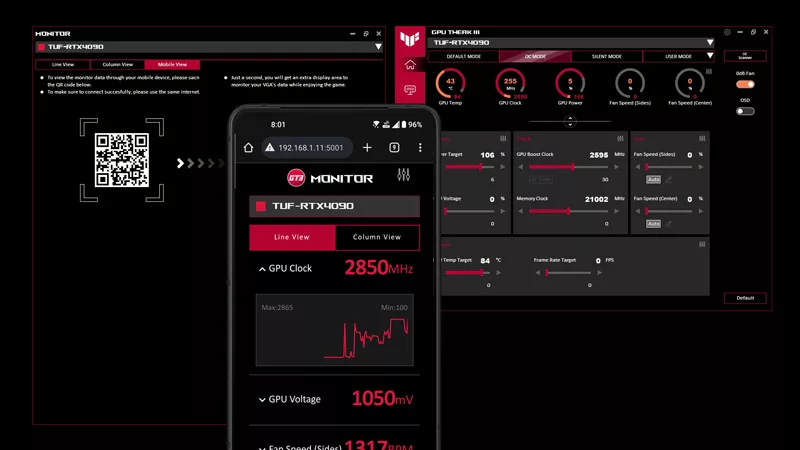
ASUS GPU Tweak III features advanced GPU monitoring functions, a customizable OSD for real-time stats, and a mobile monitor for tracking on a second screen.

How to Adjust Your Graphics Card’s Fan Speed in GPU Tweak III
// gpu-tweak-iii

How to Adjust Your Graphics Card’s Fan Speed in GPU Tweak III

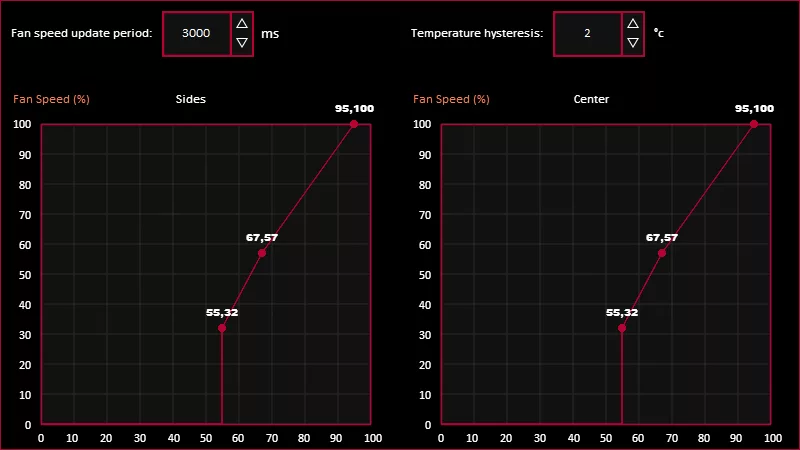
Control your GPU’s fan speeds more effectively with ASUS GPU Tweak III. Achieve the perfect balance of cooling and acoustics with our guide on GPU fan control.

How to undervolt your graphics card with GPU Tweak III for lower temperatures
// gpu-tweak-iii

How to undervolt your graphics card with GPU Tweak III for lower temperatures

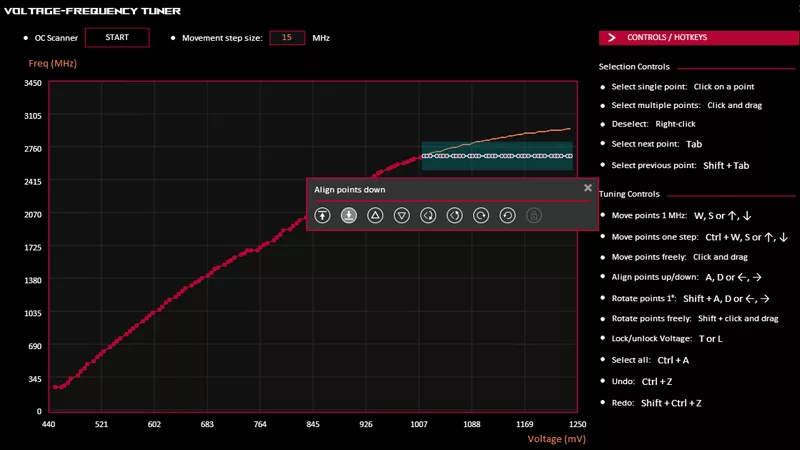
Learn how to undervolt your GPU for decreased power usage, lower temps, and reduced noise. Make your graphics card more efficient with our complete guide.

How to overclock your graphics card with GPU Tweak III
// gpu-tweak-iii

How to overclock your graphics card with GPU Tweak III

Learn how to overclock your graphics card safely using ASUS GPU Tweak III. Here are the essential steps, tools, and tips you need for maximum performance.

    • Gaming GPU Tweak III

Enter email address
Sign up

Please enter a valid email address.

  • About ROG
  • Home
  • NEWSROOM
  • facebook
  • twitter
  • Privacy Policy
  • Terms of Use Notice

©ASUSTeK Computer Inc. All rights reserved.