How To Adjust Cache Voltage To Boost Cache Bus Frequency
Rampage V Extreme and ASUS X99 series owners looking to boost performance can try tweaking the cache bus frequency, while extreme overclocking users can even exclusively boost the voltage to reach the absolute limits. The cache bus frequency is the internal interconnect that loops together CPU cores, L3 cache, PCI-Express and the memory controller together, so a speed up to this subsystem and everything that needs to talk to each other, gets the message across that much quicker! This can directly be measured in apps that read raw memory bandwidth, like AIDA64, as shown below.

Simply reach into the Rampage BIOS and look here:


Here's Hiwa's effort to hit 5+GHz, maxing out memory bandwidth. Image courtesy of Ocaholic.


This is available right now on all Rampage V Extreme and ASUS X99 series motherboards - so try it out and let us know your results!
Author
Popular Posts
How to adjust your laptop's P-Cores and E-Cores for better performance and battery life

The ROG Strix OLED XG259QWPG Ace is a tournament-ready OLED designed for esports pros

How to Cleanly Uninstall and Reinstall Armoury Crate

The ROG XREAL R1 gaming glasses let you game anywhere on a 171-inch 240Hz virtual screen

New 24.5-inch ROG monitors bring OLED panel tech to the esports arena
LATEST ARTICLES
See the mammoth ROG Dominus build that takes Intel's 28-core Xeon W-3175X to the Extreme
The ROG Dominus Extreme pushes the boundaries of PC performance in our awesome CES 2019 build.
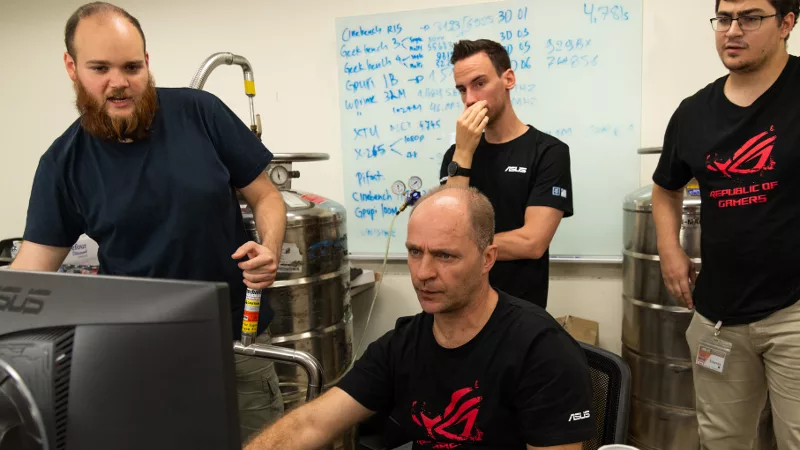
Breaking world records with the ROG Maximus XI Gene and the Intel Core i9-9900K
Tasked with pushing performance on the Z390 platform as far as possible, we invited the best overclockers to ROG HQ for a week of extreme overclocking.
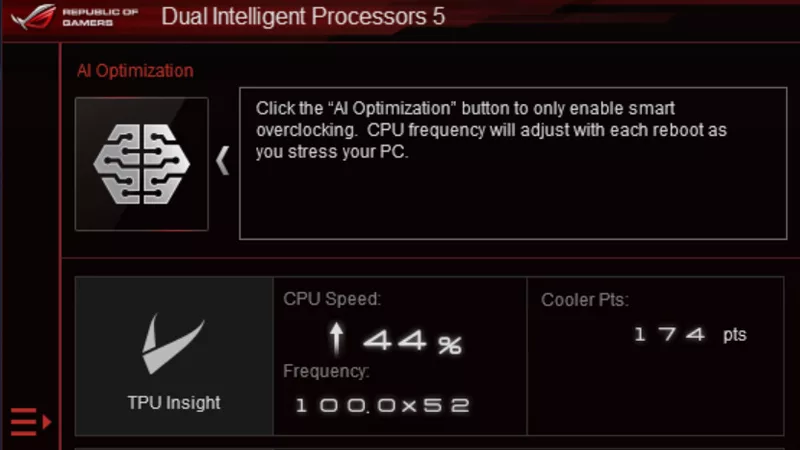
How to overclock your system using AI Overclocking
AI Overclocking one-click tuning makes its debut on Z390 motherboards and we have a quick how-to guide to get you started.