ASUS ThunderboltEX II: What You Need To Know
ASUS has just announced its new ThunderboltEX II PCI-Express card will be available in early 2014, with its Z87-Pro motherboard already certified. If you're curious to add a Thunderbolt 2 to your motherboard, here's the breakdown about the new 'EX II.
The Intel Thunderbolt 2 Specification
For those unfamiliar with Intel Thunderbolt 2, have a read on its specification.
- 20Gbps bi-directional bandwidth versus USB 3's current 5Gbps
- DisplayPort 1.2 capable with 4K video throughput (simultaneous to data)
- Daisy-chain up to 6 devices
What does the ThunderboltEX II offer?
The ThunderboltEX II offers an easy way to upgrade several ASUS motherboards to offer the new, faster Thunderbolt 2 connection to external devices, without having to upgrade to a whole new motherboard.
How much is it?
The price will be announced by each region independently, at launch.
What is in the retail package?
- 1x ASUS ThunderboltEX II PCI-Express card
- 1x DisplayPort pass-through cable
- 1x TB_HEADER cable
- 1x miniDP to DP adapter (for loop cable)
- User manual
- Driver disc
[gallery include="" size="medium" link="file" template="file-gallery" columns="2"]
What motherboards are compatible with the ThunderboltEX II?
- MAXIMUS VI EXTREME
- SABERTOOTH Z87
- Z87-PRO
- Z87-PRO(V EDITION)
- Z87-PLUS
- Z87-PLUS(VivoMouse EDITION)
- Z87-A
- Z87-A(NFC EXPRESS EDITION)
How does the card work?
- Next month check the list, and make sure your motherboard is compatible!
- Update your BIOS to the latest available version that includes ThunderboltEX II enhancements
- Plug-in the ThunderboltEX II card into the bottom PCI-Express 2.0 4x slot
- Connect the TB_HEADER cable between ThunderboltEX II and motherboard header
- If you are using an Apple Thunderbolt display, connect the DisplayPort from motherboard to ThunderboltEX II card, before connecting a Thunderbolt cable to the display. (Any other monitor will wire-up directly via a standard connection such as HDMI or DisplayPort, so ignore this part)
- Install the ThunderboltEX II drivers from disc or ASUS website product page
- Power on and connect to your Thunderbolt device
Why can't every motherboard use it?
The requirement for Thunderbolt 2 is as follows:
- A PCI-Express 2.0 4x port connected to the PCH
- A TB_HEADER pin-out
- An onboard DisplayPort
- Validation by Intel to ensure performance and compatibility
- An updated BIOS that adds ThunderboltEX II enhancements
Is Thunderbolt 2 compatible with my Thunderbolt 1 device?
Yes, it's fully backward compatible with existing Thunderbolt devices.
Author
Popular Posts
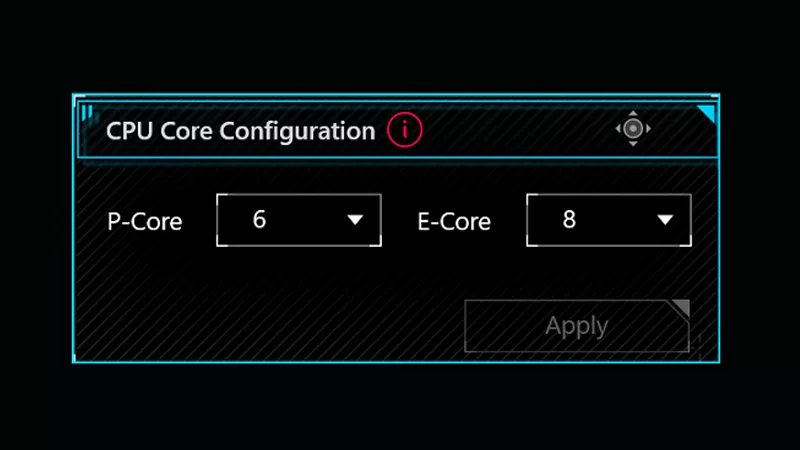
How to adjust your laptop's P-Cores and E-Cores for better performance and battery life
How to Cleanly Uninstall and Reinstall Armoury Crate
How to configure your PC's RGB lighting with Aura Sync
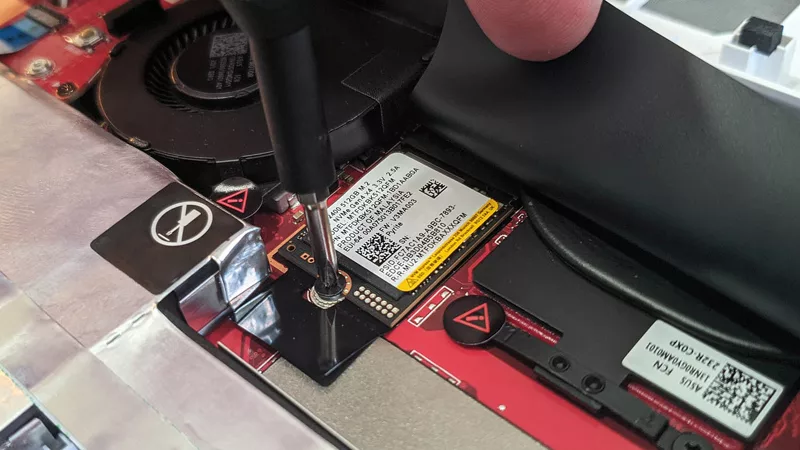
How to upgrade the SSD and reinstall Windows on your ROG Ally or Ally X
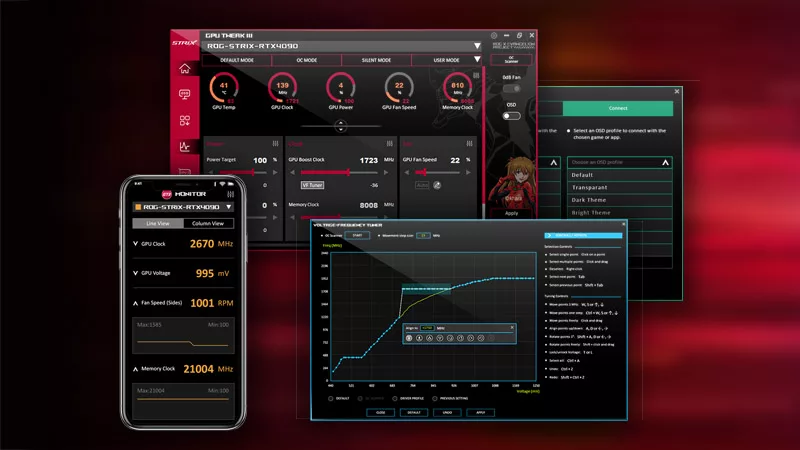
ASUS GPU Tweak III: The ultimate tool for advanced GPU tuning
LATEST ARTICLES
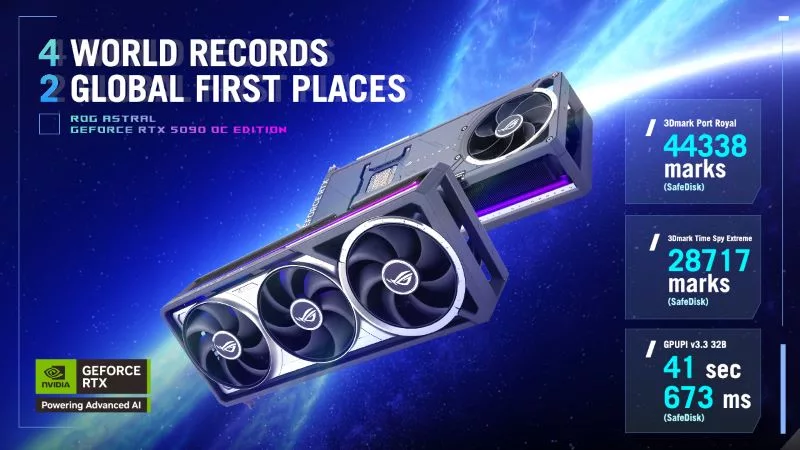
The ROG Astral GeForce RTX 5090 OC smashes 6 new overclocking records
The ROG Astral GeForce RTX 5090 OC takes what you love about ROG graphics cards and ups the ante to provide you more power than ever before. But don’t take our word for it — look at the records it’s smashing.
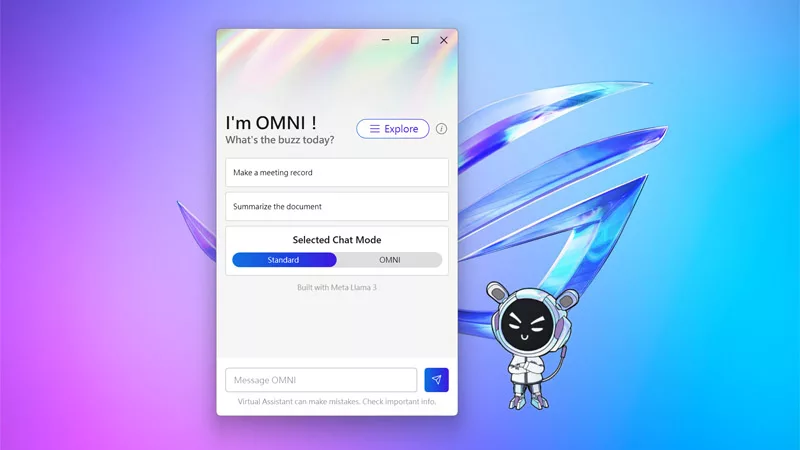
The ROG Virtual Assistant gets an AI upgrade with new features
OMNI is getting a big upgrade. Our ROG Virtual Assistant now packs AI-powered features designed to boost your productivity and user experience.
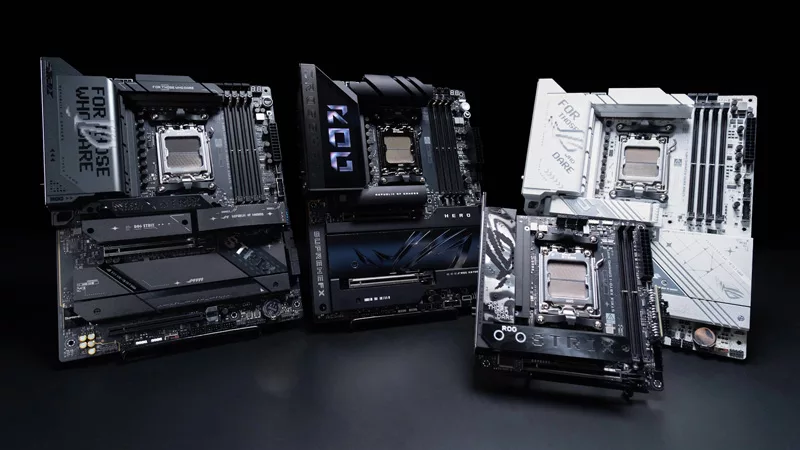
Get ahead of the game with the latest ROG gaming tech from Gamescom 2024
From new X870 motherboards to OLED displays and plenty of mice and keyboards, here’s everything ROG announced at Gamescom 2024.

Buy a GPU and get a free Steam code for Like a Dragon: Infinite Wealth
Purchase select GPUs from ASUS, ROG, or TUF Gaming and dive into an epic adventure with a free Steam code for Like a Dragon: Infinite Wealth!
All the AI tasks your PC is capable of with an NVIDIA GeForce RTX GPU
Your PC is already capable of so many advanced AI tasks, from image and video upscaling, DLSS frame generation, and creative tools from NVIDIA.
ASUS GPU Tweak III: The ultimate tool for advanced GPU tuning
Maximize your GPU's power with GPU Tweak III, ASUS's premier overclocking software — now with more exclusive features.