Guide: Building RAID With UEFI
If you've previously followed our UEFI boot/install guide, here's a BIOS guide to the next step: building a RAID array with UEFI.
1. Under the Advanced menu, configure the SATA to [RAID Mode].

2. Under the Boot/CSM section, set [Boot from Storage Device] from [Legacy OpROM First] to [UEFI Driver First], then press the “F10” key to save and exit.

3. Upon the next POST, re-enter the BIOS again, then you will see the following differences in BIOS options:
- For X79 series (Rampage IV), you will find the [Intel(R) Rapid Storage Technology] menu under the Advanced menu, which did not show up before.

- For Z77 series (Maximus V), just press the right key from the [Tool] tab and you will reveal additional UEFI options:

• Now make the desired changes. You can create either create RAID volumes:


• Or delete them:

• Or check the drive status:

After everything is done, press F10 to save and exit, then install 64-bit UEFI Windows onto your RAID array as we described previously.
Enjoy!
Author
Popular Posts
How to adjust your laptop's P-Cores and E-Cores for better performance and battery life

The ROG Strix OLED XG259QWPG Ace is a tournament-ready OLED designed for esports pros

The ROG XREAL R1 gaming glasses let you game anywhere on a 171-inch 240Hz virtual screen
How to Cleanly Uninstall and Reinstall Armoury Crate
New 24.5-inch ROG monitors bring OLED panel tech to the esports arena
LATEST ARTICLES
ROG Strix vs Extreme vs Apex vs Hero: What's the difference between ROG gaming motherboards?
When we launch a new generation of motherboards, we don’t just design one model and expect it to meet everyone’s needs. We give you a broad range of options from our ROG Maximus, Crosshair, and Strix lineups so that you can find the board for your next build.
Install up to seven M.2 SSDs on one motherboard with new ROG M.2 PowerBoost tech
Here's how ROG M.2 PowerBoost allows you to install more M.2 drives in one system while enjoying more stable performance.
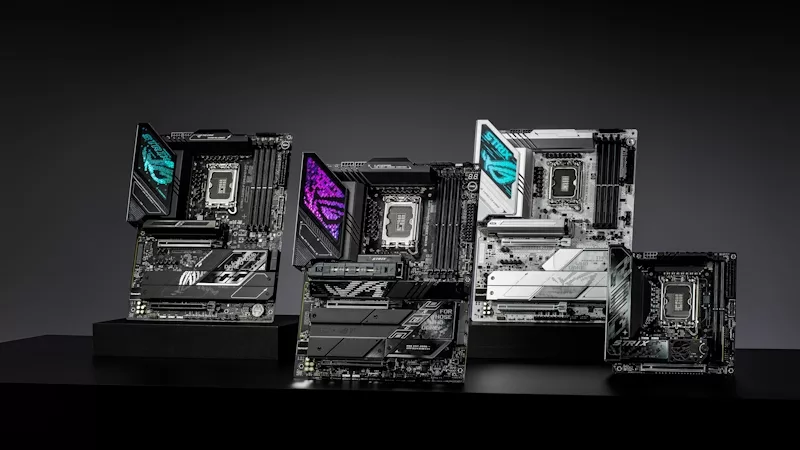
ROG Z890 motherboard guide: meet the new contenders for your next gaming rig
New ROG Maximus and ROG Strix Z890 motherboards stand ready for your Intel Core Ultra (Series 2) CPU.