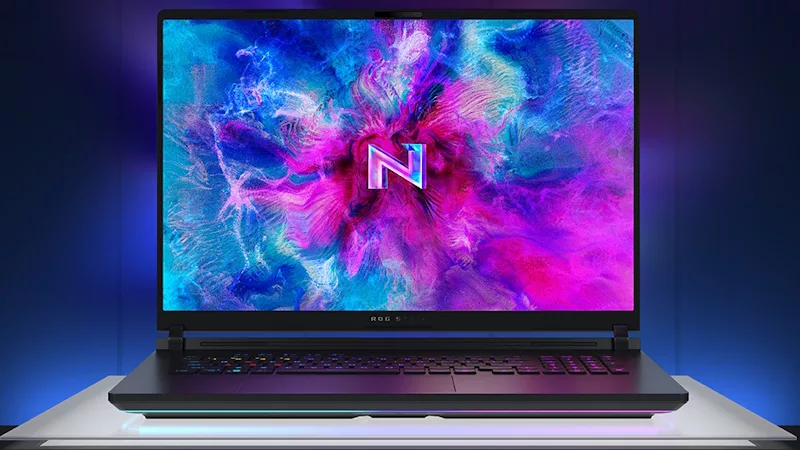
GPU Tweak Streaming: Exclusive Beta for ROGers
ROG users are invited to join the new beta GPU Tweak Streaming software. The software is still in development so we'd enjoy hearing your feedback in the GPU Tweak forum.
The software allows your friends and fans can watch you play by streaming your gameplay via popular services like Twitch.tv. The setup install process is simple: 1) Install Adobe Flash Media Encoder 2) Install GPU Tweak Streaming! Streaming Requires a minimum CPU of an Intel Core i5 or equivalent, which should be fine for our ROG crowd! However please note the minimum internet upload bandwidth to stream video:
- 4Mbps or higher for 720P
- 6Mbps or higher for 1080P
- 2Mbps or higher for 480P
- 1Mbps or higher for 360P
Author
Popular Posts
How to adjust your laptop's P-Cores and E-Cores for better performance and battery life
The ROG Strix OLED XG259QWPG Ace is a tournament-ready OLED designed for esports pros
How to Cleanly Uninstall and Reinstall Armoury Crate
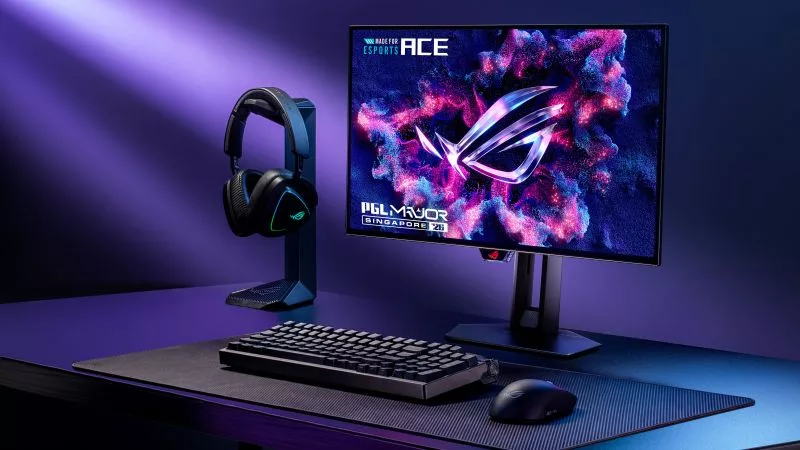
New 24.5-inch ROG monitors bring OLED panel tech to the esports arena
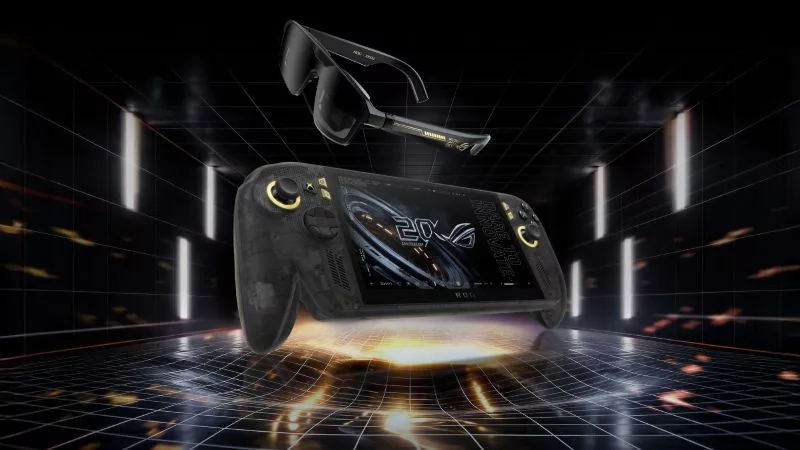
Brighter, bolder, better: The ROG XBOX Ally X20 bundles a larger OLED display with AR gaming glasses
LATEST ARTICLES
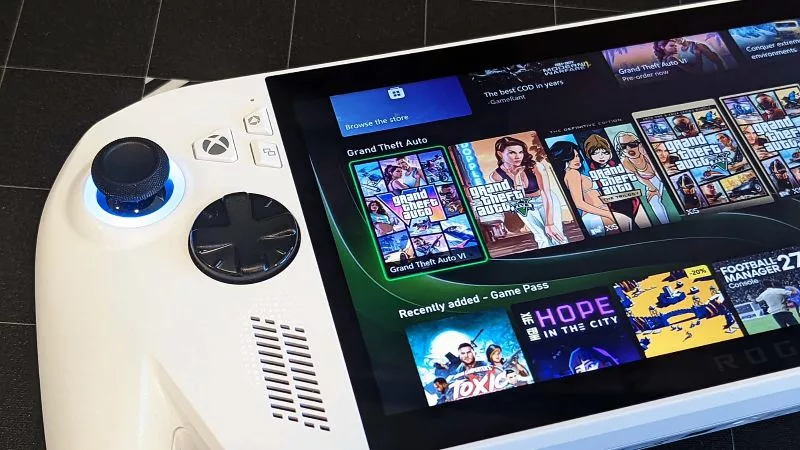
How to play GTA 6 on your ROG Ally with XBOX Remote Play
GTA 6 isn’t on PC yet, but you can play it on your ROG Ally or ROG XBOX Ally today with XBOX Remote Play. Here's how to set it up, step by step.

Call of Duty: Modern Warfare 4 is a thrill ride like no other on the ROG XBOX Ally X20
Few AAA titles push cinematic handheld gaming to its limits like Call of Duty: Modern Warfare 4 on the ROG XBOX Ally X20.

The best HDR games to try on your ROG XBOX Ally X20’s OLED screen
Want to see what the new OLED display on your ROG XBOX Ally X20 can really do? Try these incredible HDR games.