ROG CAT7 Cable

ROG CAT7 Cable

ASUS ROG Cat7 Ethernet Cable – Gaming LAN network cable high speed network up to 600MHz & 10GB Transfer Rates, Nylon Braided, Gold Plated

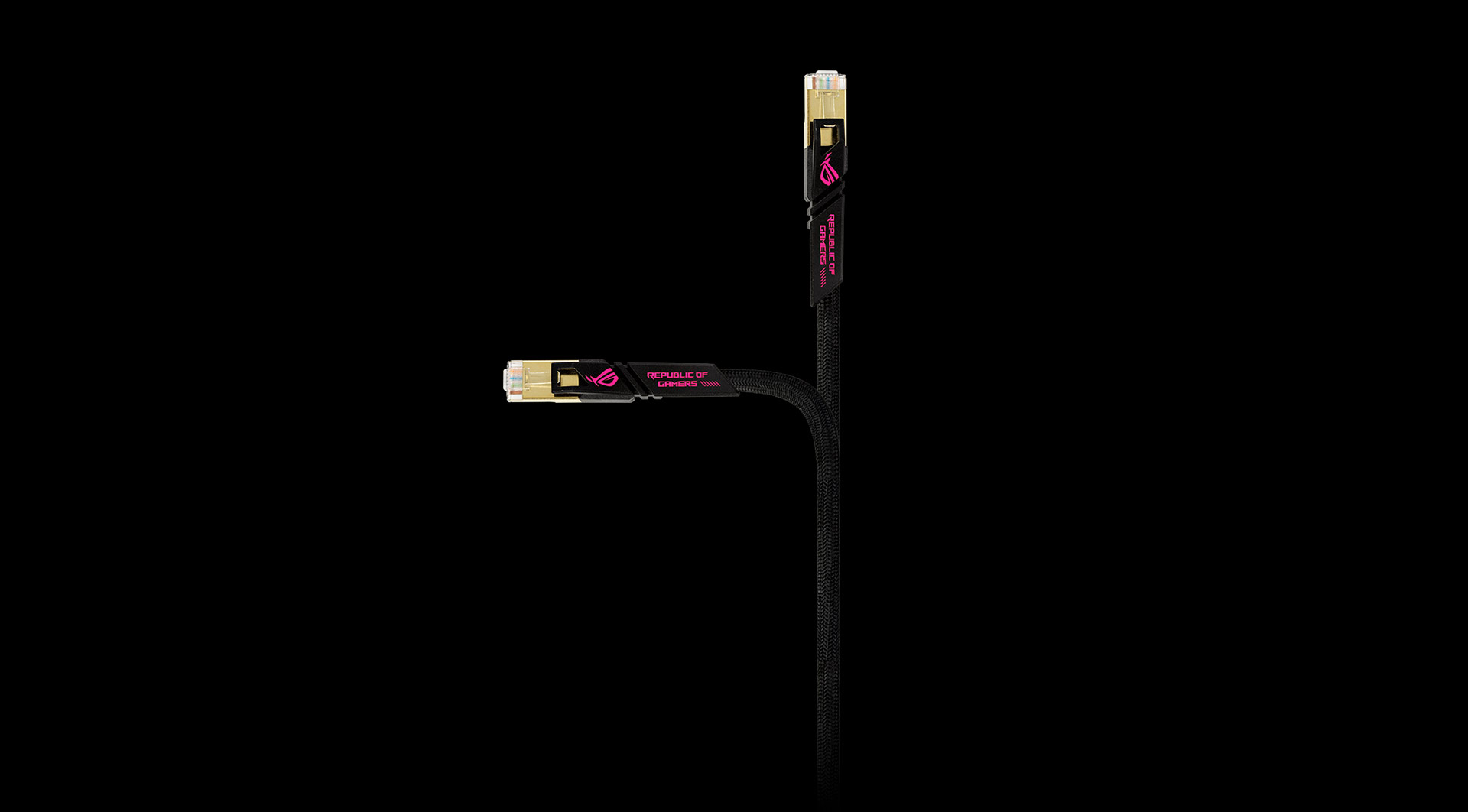
  • FULFILL EXTREME ROG FAMILY: embedded eye-catching ROG design—nylon braided double protection, matching the high performance image of ROG CAT7 Cable
  • ULTIMATE SPEED&UNIVERAL APPLICATED: support bandwidth up to 600MHz & transmitting data at speeds of up to 10Gbps, connect to LAN/WAN segments and networking gear at maximum speeds.
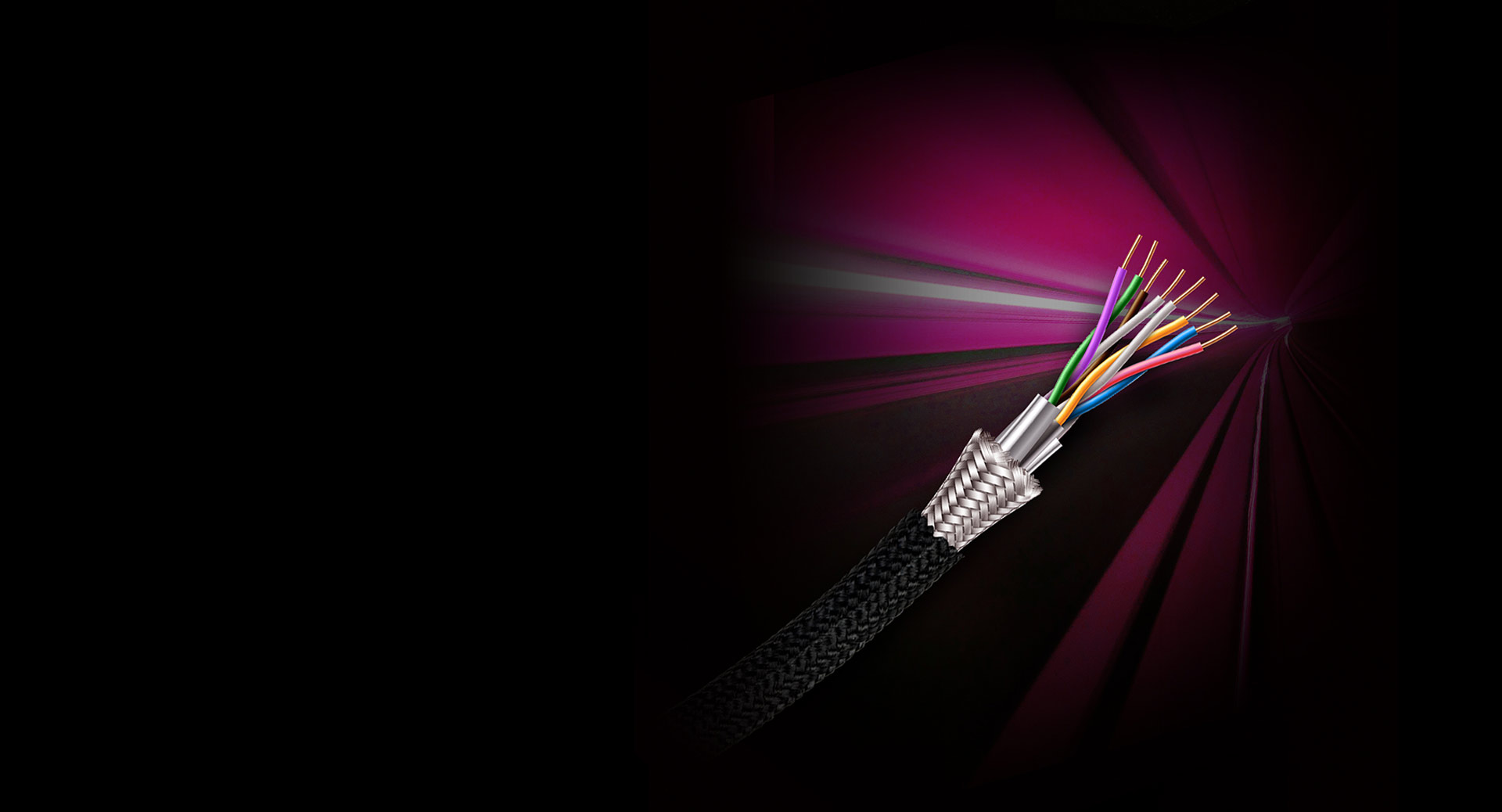
  • SHIELDED FROM INTERFERENCE: Made of 4 shielded twisted pair (STP) of copper wires with two RJ45 connectors on each end. Compared to the Cat 6 network Ethernet cable, the additional shielding and improved quality in twisting of the wires provides better protection from crosstalk, noise, and interference that can degrade the signal quality
Full Compatibility

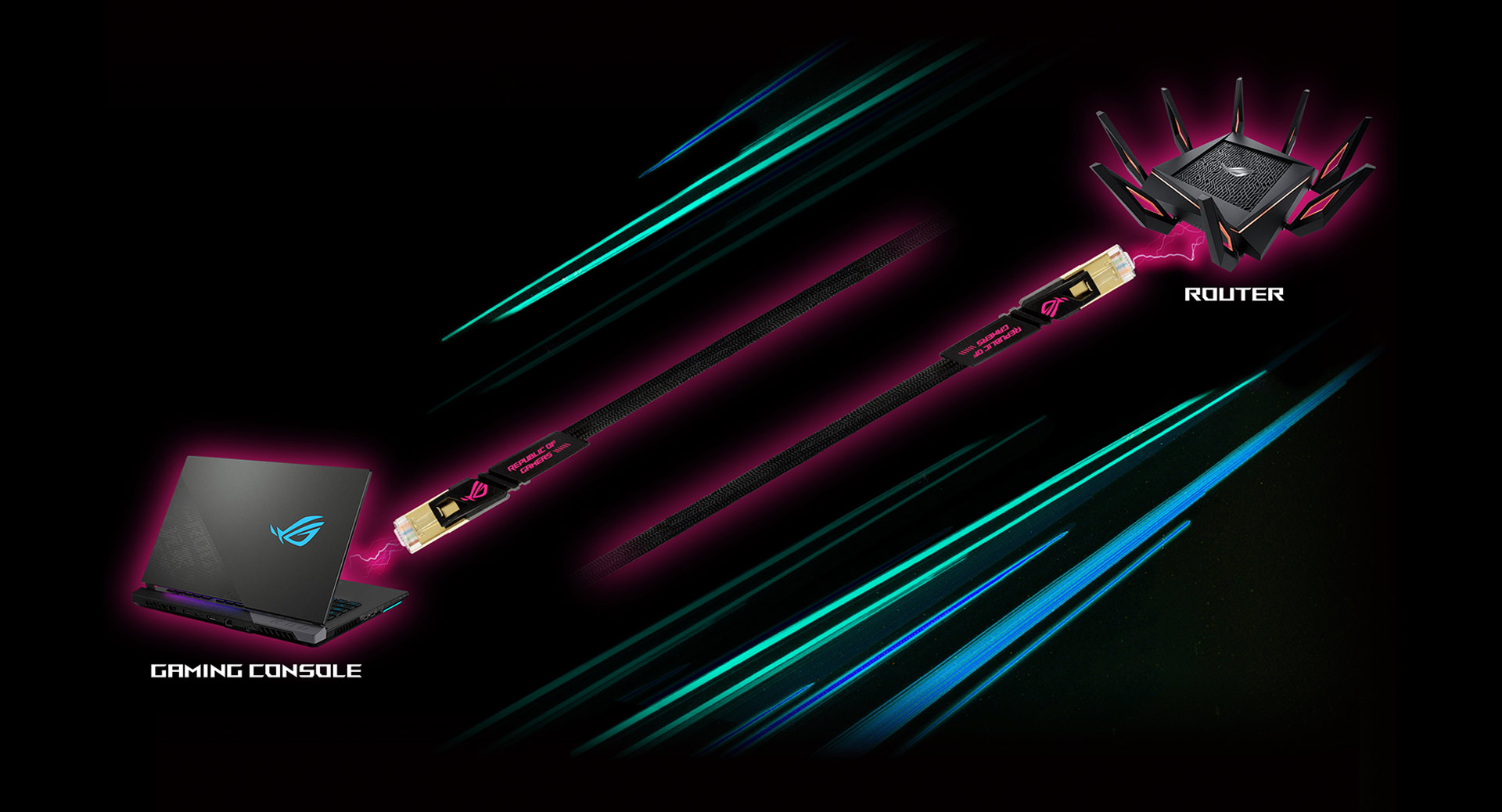
With its up to 600 MHz bandwidth, the ROG Cat7 Cable is the perfect partner for your networking gear. It supports data speeds from 1 to 10 Gbps, so it can easily handle huge volumes of network data.

Buff your Gaming Experience

Connect to the internet with the ROG Cat7 Cable for low-latency online gaming, and unleash your gaming network's full potential!

Solid Quality for Top Performance

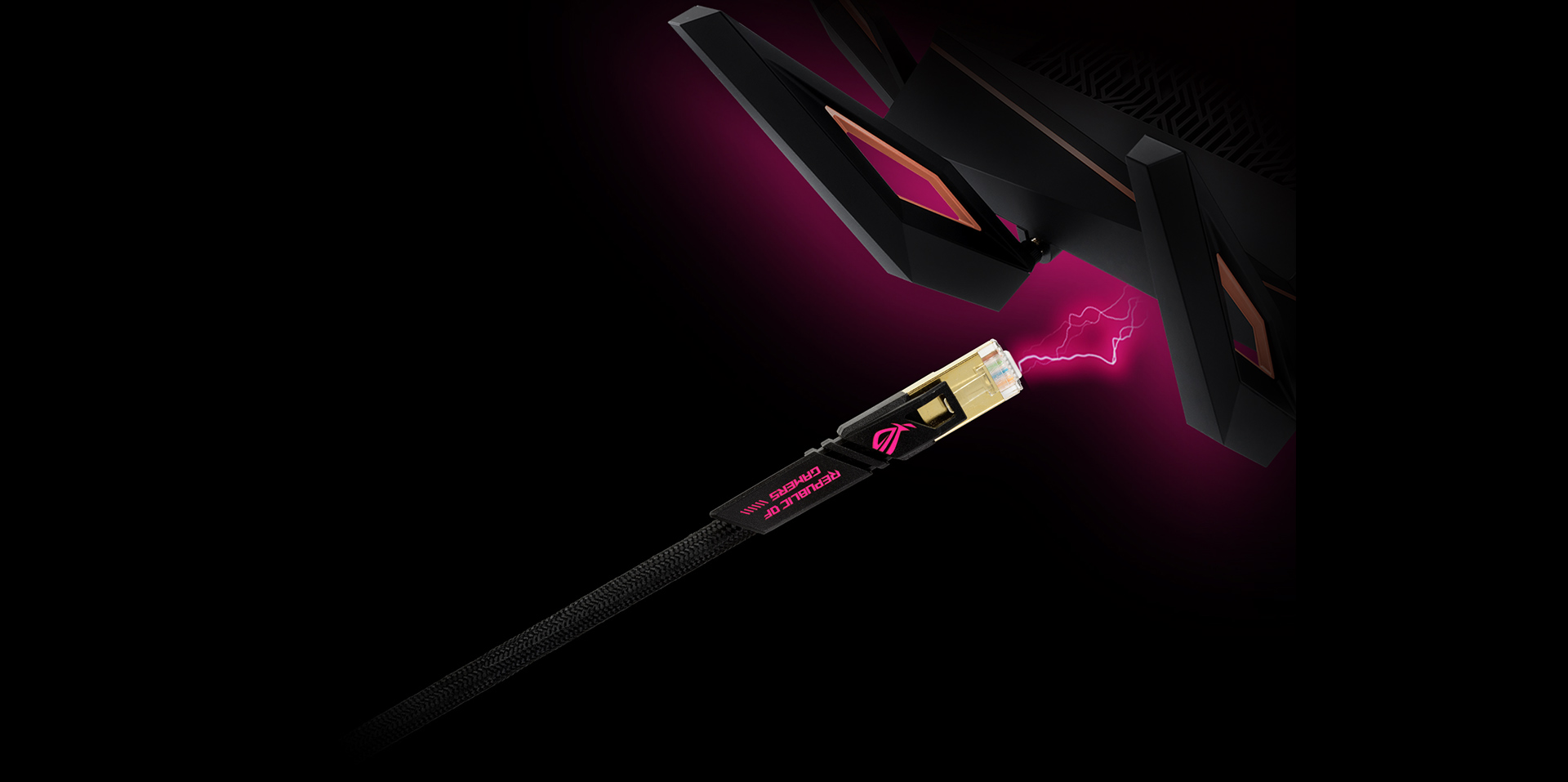
For reduced signal interference and extraordinary resistance to kinking, the ROG Cat7 Cable has extra aluminum-foil wrapping around the copper twisted-pair wires, along with external nylon-braided shielding. Plated connectors at each end also offer protection against oxidation.

CUSTOMER REVIEWS

Recommended Products

ROG Rapture GT-BE19000AI

ASUS ROG Rapture GT-BE19000AI Tri-band Gaming Router, WiFi 7, 802.11be, up to 3,500 sq. ft. & 200+ devices, Triple Level Security, Support AiMesh Whole Home Mesh WiFi, Dual 10G ports, AI WAN detection, Energy Saving Mode, AI Game Boost, Gaming Network, Guest Network Pro

ROG USB-BE92

BE6500 Tri-band WiFi 7 USB adapter, 6GHz band, support 4096-QAM, Multi-link operation (MLO), Compatible with Type A and C, WPA3 network security

ROG Rapture GT-BE19000

GT-BE19000 Tri-band WiFi 7 (802.11be) Gaming Router, 320MHz bandwidth & 4096-QAM, MLO, Dual 10G ports, AI WAN detection, Triple-level Game Acceleration, Gaming Network, AURA RGB, AiMesh support, subscription-free network security and comprehensive VPN features, Guest Network Pro

ROG Rapture GT-BE98

GT-BE98 Quad-band WiFi 7 (802.11be) Gaming Router, support new 320MHz bandwidth & 4096-QAM, dual 10G ports, backup WAN, Triple-level Game Acceleration, Mobile Game Mode, AURA RGB, AiMesh support, subscription-free network security and comprehensive VPN features

Related Products

ROG GR70 MiniPC

ROG GR70 unleashes extreme power with up to AMD Ryzen™ 9 9955HX3D and NVIDIA® GeForce RTX™ 5070 Laptop GPU. Compact at just 3L, it delivers relentless gaming performance with Wi-Fi 7, customizable ARGB lighting, and effortless upgrades.

ROG NUC (2025)

Gaming Redefined: Power Meets Precision

ROG G1000 Edition 20 (2026) GM1000

  • Up to NVIDIA® GeForce RTX™ 5080 ROG Desktop GPU
  • Up to Windows 11 Pro
  • Up to AMD Ryzen™ 9 9950X3D2 Processor 4.3GHz
  • Up to 2TB M.2 2280 NVMe™ PCIe® 4.0 SSD x 2

ROG NUC 16 Edition 20

  • Windows®11 Home
  • Up to NVIDIA® GeForce RTX™ 5090 Laptop GPU (24GB GDDR7)
  • Intel® Core™ Ultra 9 290HX Plus (ARL-HX Refresh)
  • Up to Dual-channel DDR5-6400-CSODIMM, 128GB Max
  • Up to 2TB PCIe® NVMe™ M.2 SSD storage (1× PCIe® Gen 5 + 1× PCIe® Gen 4 M.2 slots)

ROG Zephyrus G14 (2026) GA403

  • NVIDIA® GeForce RTX™ 5060 Laptop GPU
  • Up to Windows 11 Pro
  • AMD XDNA™ NPU up to 50TOPS
  • AMD Ryzen™ AI 9 465 Processor
  • Up to 14-inch, 3K (2880 x 1800) OLED 16:10 aspect ratio, OLED, Refresh Rate:120Hz, ROG Nebula Display
  • Up to 32GB LPDDR5X 7500 on board
  • Up to 2TB PCIe® 4.0 NVMe™ M.2 SSD

ROG NUC 16 (NUC16JNK)

  • Windows®11 64 Bit
  • Up to NVIDIA® GeForce RTX™ 5080 Laptop GPU (16GB GDDR7)
  • Up to Intel® Core™ Ultra 9 processor 290HX Plus
  • Up to Dual-channel DDR5-6400-CSODIMM, 128GB Max
  • 2TB PCIe® 4.0 NVMe™ M.2 SSD​ (1× PCIe® Gen 5 + 1× PCIe® Gen 4 M.2 slots

ROG Flow Z13 (2025) GZ302

  • Up to Windows 11 Pro
  • Up to AMD Ryzen™ AI MAX+ 395 Processor
  • Up to 13.4-inch, 2.5K (2560 x 1600, WQXGA) 16:10 aspect ratio, Refresh Rate:180Hz, ROG Nebula Display
  • Up to 128GB LPDDR5X on board
  • Up to 1TB PCIe® 4.0 NVMe™ M.2 SSD (2230)

ROG G700 (2025) G700

  • Up to NVIDIA® GeForce RTX™ 5090 ROG Desktop GPU
  • Up to Windows 11 Pro
  • Up to Intel® Core™ Ultra 9 Processor 285K
  • Up to 2TB M.2 2280 NVMe™ PCIe® 4.0 SSD

Disclaimer

  • Actual data throughput and WiFi coverage will vary from network conditions and environmental factors, including the volume of network traffic, building material and construction, and network overhead, result in lower actual data throughput and wireless coverage.
  • Quoted network speeds and bandwidth based on current IEEE 802.11ac & 802.11ax specifications. Actual performance may be affected by network and service provider factors, interface type, and other conditions. Connected devices must be same standard for best results.
  • Products certified by the Federal Communications Commission and Industry Canada will be distributed in the United States and Canada. Please visit the ASUS USA and ASUS Canada websites for information about locally available products.
  • All specifications are subject to change without notice. Please check with your supplier for exact offers. Products may not be available in all markets.
  • Specifications and features vary by model, and all images are illustrative. Please refer to specification pages for full details.
  • PCB color and bundled software versions are subject to change without notice.
  • Brand and product names mentioned are trademarks of their respective companies.
  • Unless otherwise stated, all performance claims are based on theoretical performance. Actual figures may vary in real-world situations.
  • The actual transfer speed of USB 3.0, 3.1, 3.2, and/or Type-C will vary depending on many factors including the processing speed of the host device, file attributes and other factors related to system configuration and your operating environment.