The lowest price from 30 days before the promotion:
- Features
- Tech Specs
- Awards
- Gallery
- Where to Buy
- Support
- Ace Esports Collection
ROG Swift 360Hz PG27AQN
ROG Swift 360Hz PG27AQN NVIDIA® G-SYNC® esports Gaming Monitor – 27‑inch QHD (2560 x 1440), NVIDIA® Reflex Analyzer, Ultrafast IPS, esports dual-mode, 1 ms (GTG), DisplayHDR™ 600
- 27-inch QHD (2560 x 1440) Ultrafast IPS gaming monitor with 360 Hz refresh rate, designed for professional gamers
- NVIDIA® G-SYNC® processor provides smooth, tear-free gaming at up to 360 Hz
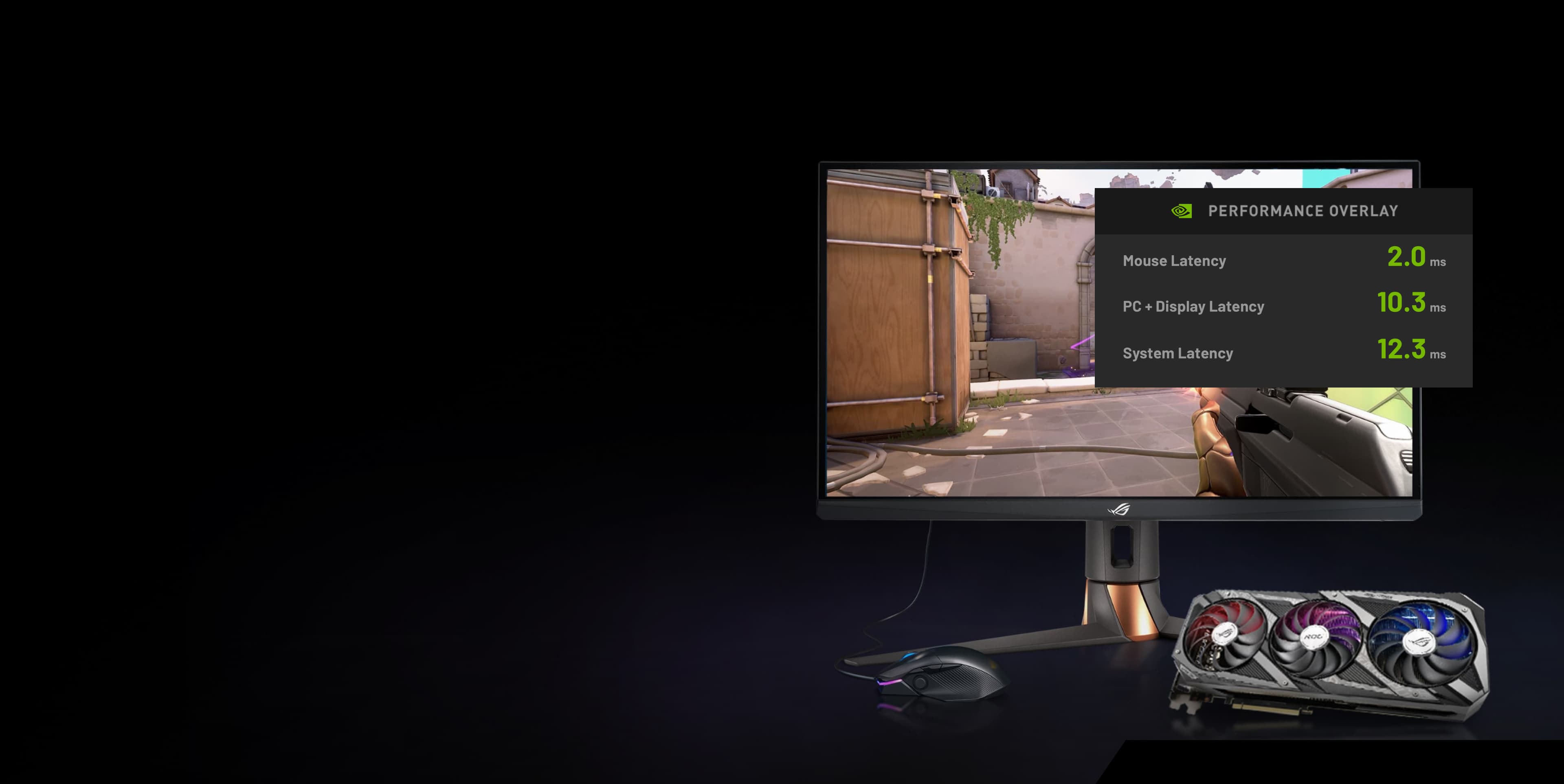
- NVIDIA® Reflex Analyzer offers an accurate measurement of system latency
- ASUS Ultrafast IPS technology enables the fastest response time of all 1440p monitors
- Esports dual-mode enables the monitor to resize visuals to the familiar 25-inch diagonal at 1080p or 2368 x 1332

Video Reviews
Asus ROG PG27AQN Review - The 1st 360Hz 1440p Gaming Monitor!
A free monitor upgrade! NVIDIA ULMB 2 tested on the Asus ROG swift PG27AQN
ASUS ROG PG27AQN Review
Media Reviews




1440p
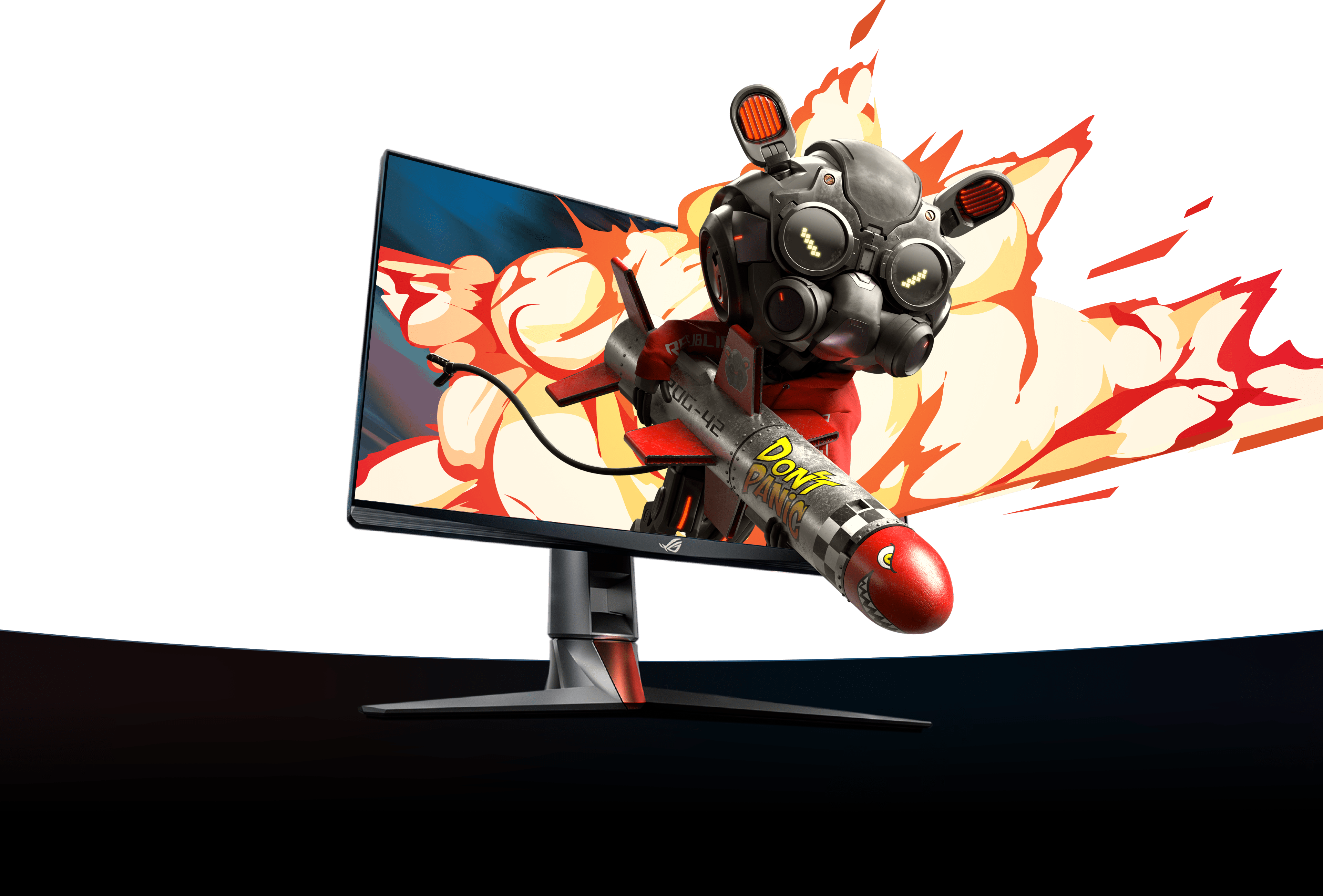

World’s Fastest 1440p Esports Gaming Monitor





The ROG Swift 360Hz PG27AQN is the perfect esports gaming monitor for fast-paced FPS games like VALORANT, Fortnite, Apex Legends, and CS: GO. This QHD (2560 x 1440) display features Ultrafast IPS panel technology that supports up to 360Hz visuals and an NVIDIA® G-SYNC® processor for silky-smooth gameplay with unparalleled realism.
Features
The New Esports Standard
The Fastest Response Time Of All 1440p Monitors
NVIDIA G-SYNC

NVIDIA® Reflex Analyzer

Esports Dual-Mode




play video




3% Better Aim
27inch QHD display
NVIDIA® researchers found that when taking shots at small targets, using a 1440p 27-inch display can improve aim by up to 3% compared to playing on a traditional 1080p 25-inch display. For competitive gamers, that 3% could mean the difference between victory and defeat.
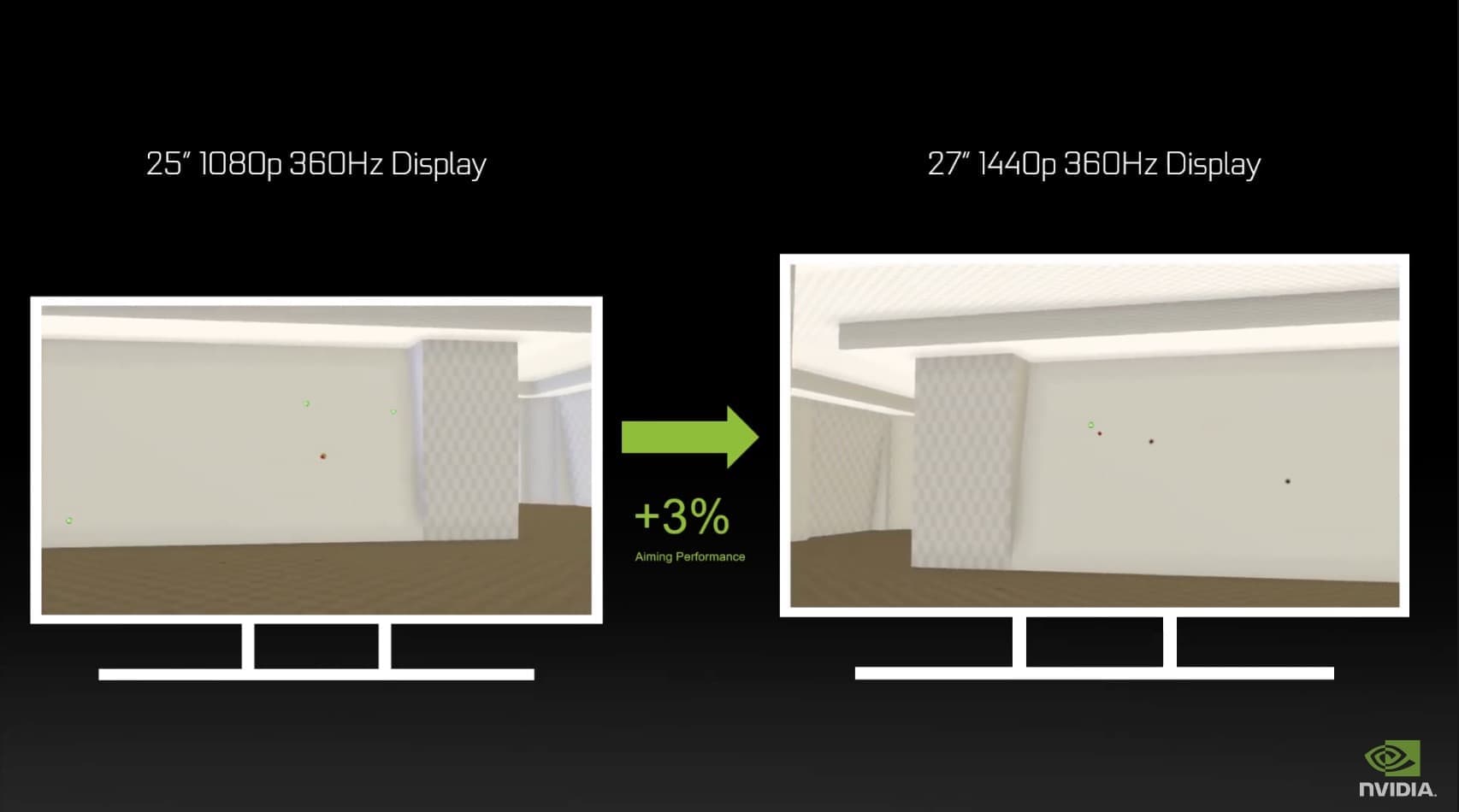
up to 3%
The Pinnacle of Smoothness at 1440p
Blistering 360 hz Refresh Rate
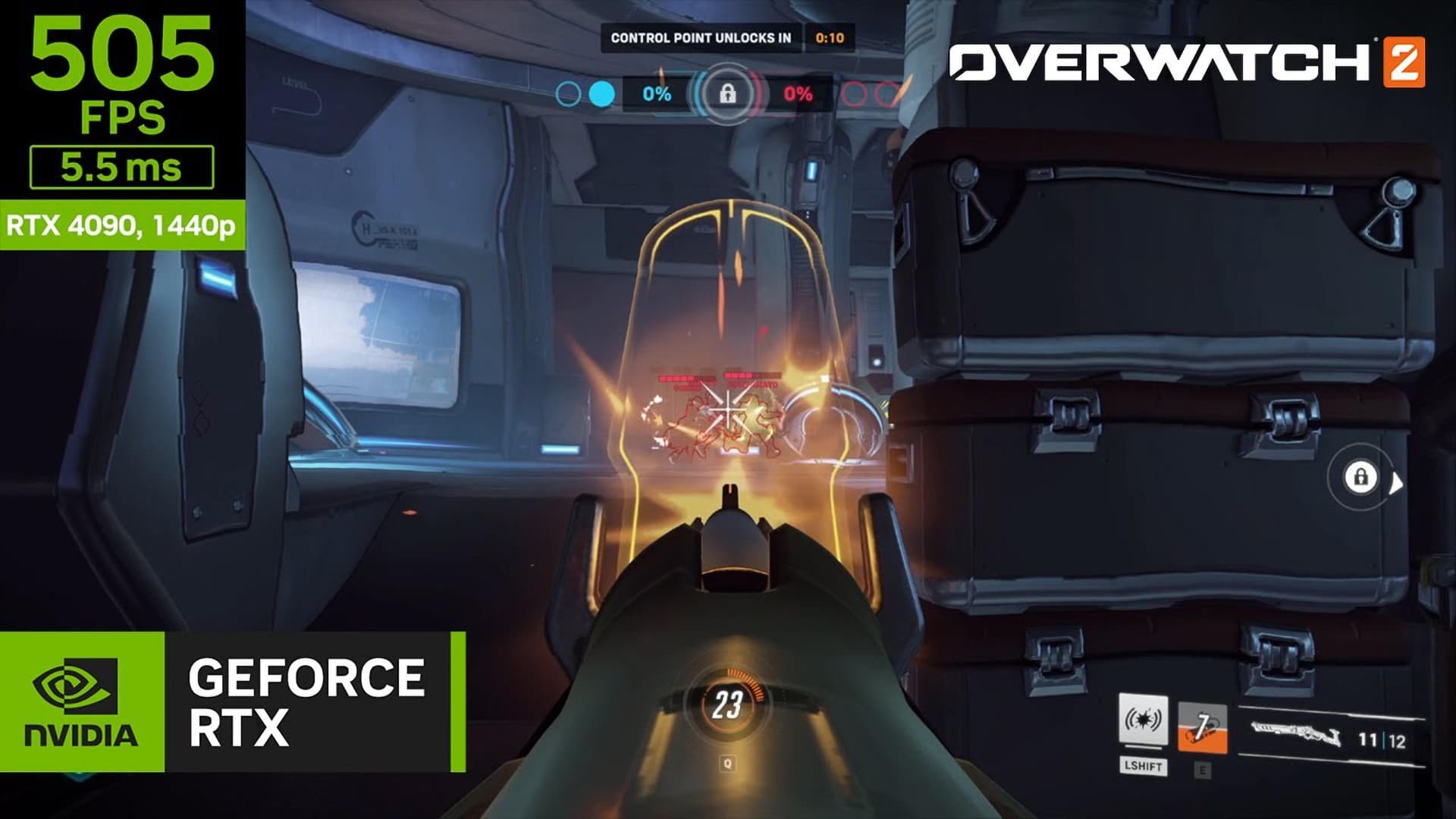
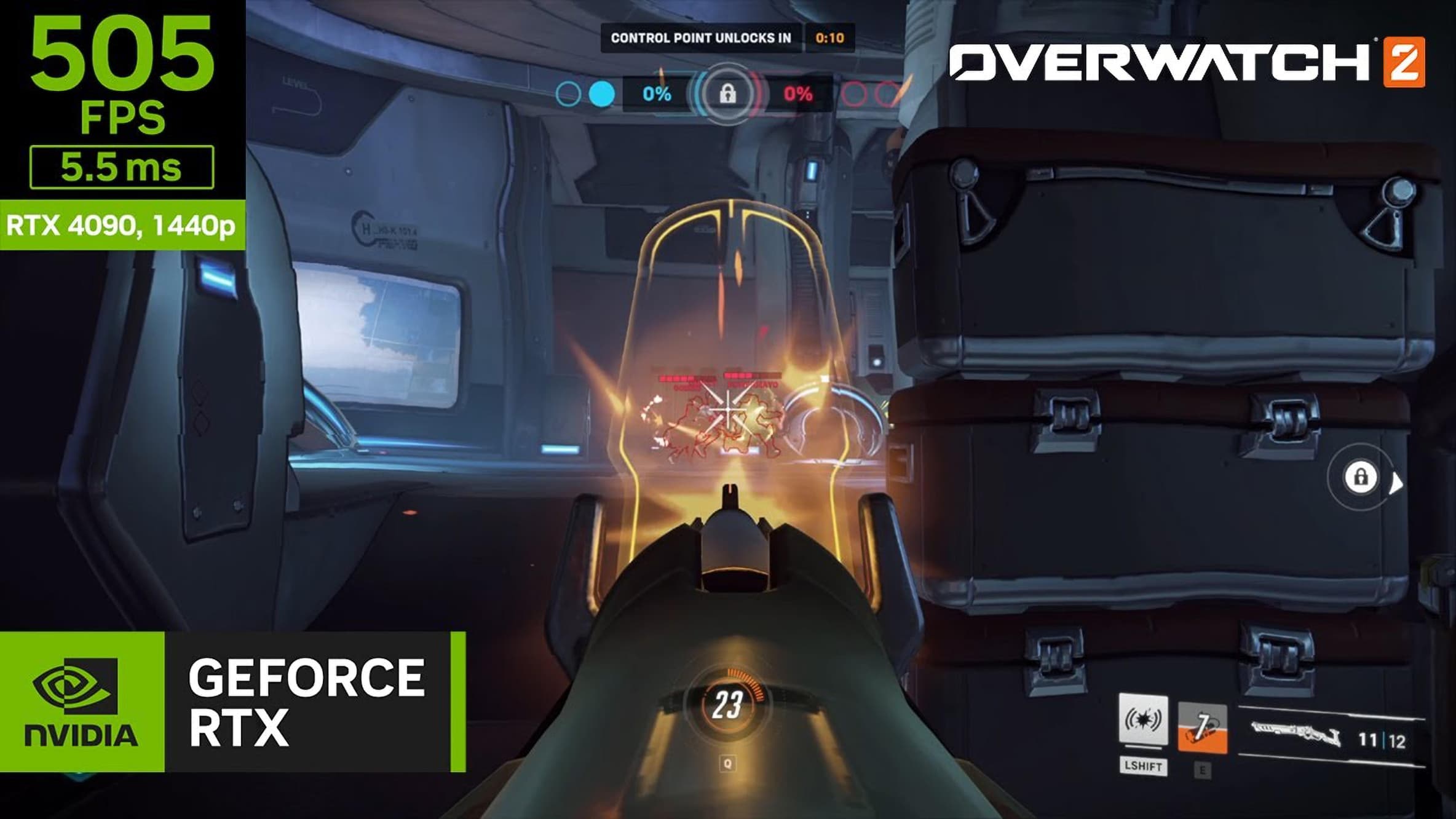
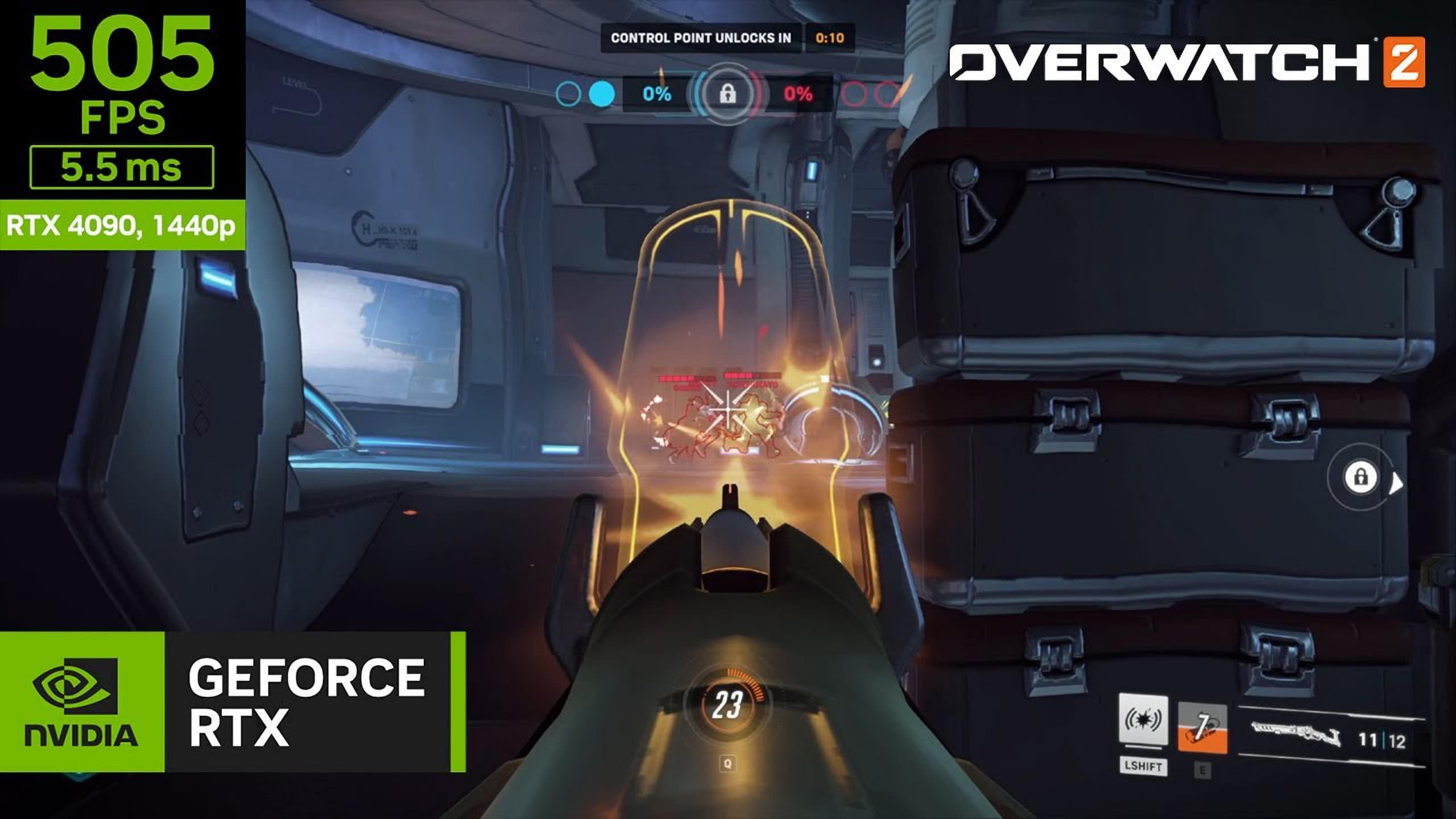
Competitive games like VALORANT, Apex Legends, Overwatch, and Rainbow Six Siege demand maximum frame rates and the lowest system latency. In games where milliseconds count, the PG27AQN’s blazing-fast 360Hz refresh rate stands between a headshot or a miss.
Relative Flick Shot Improvement
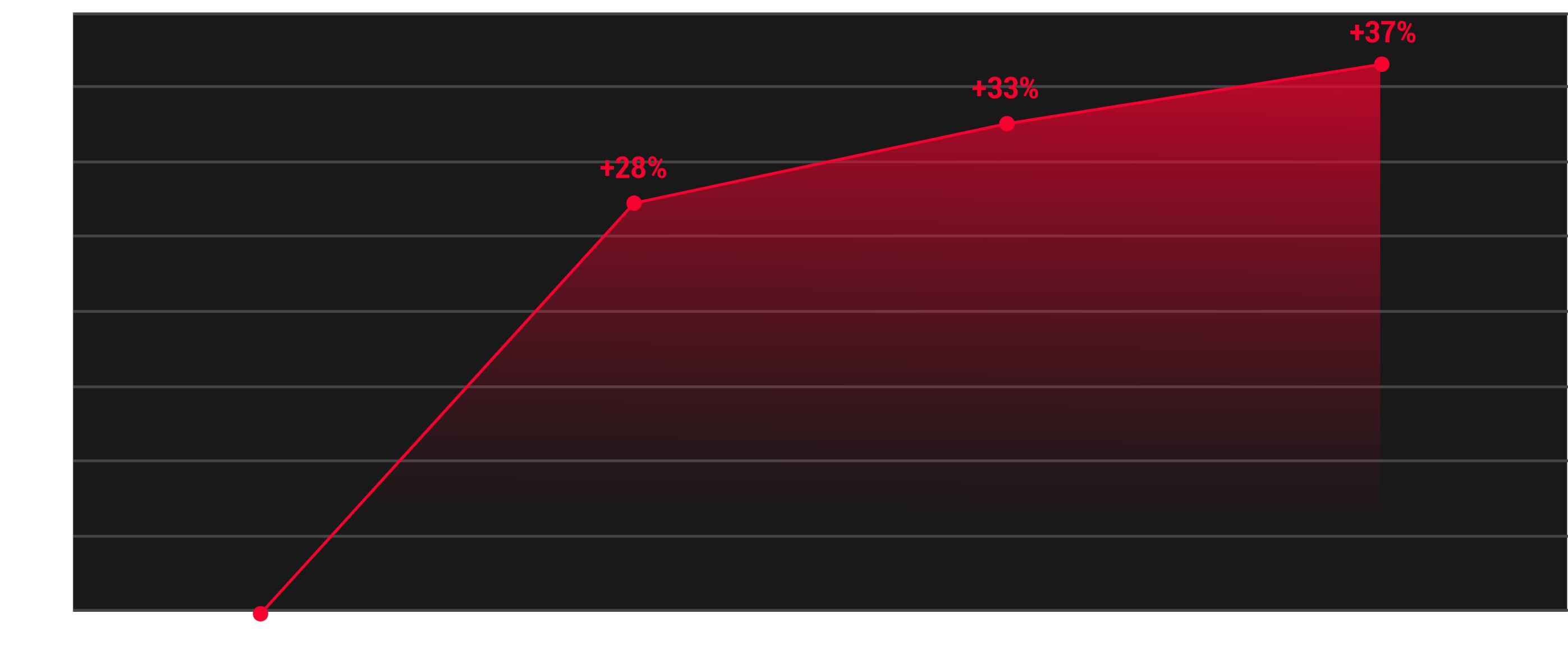
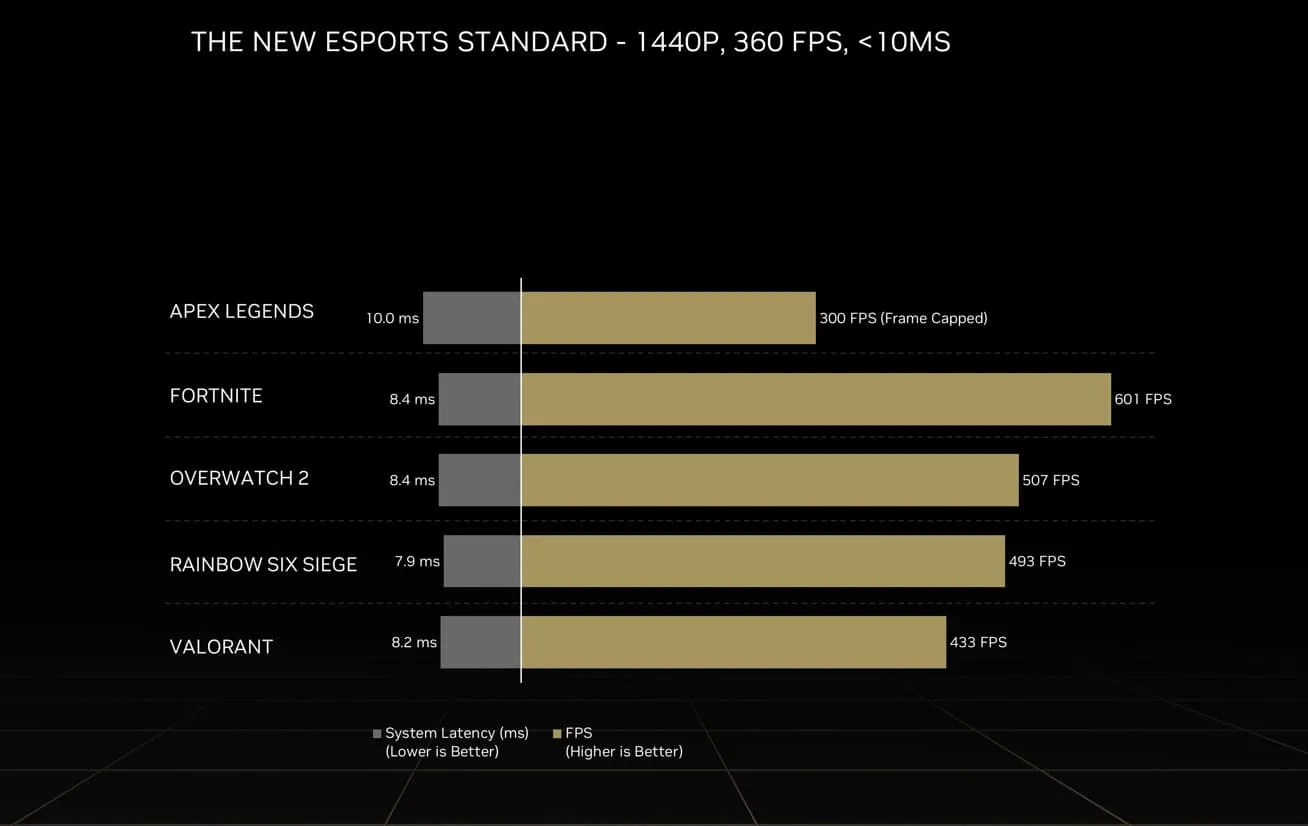
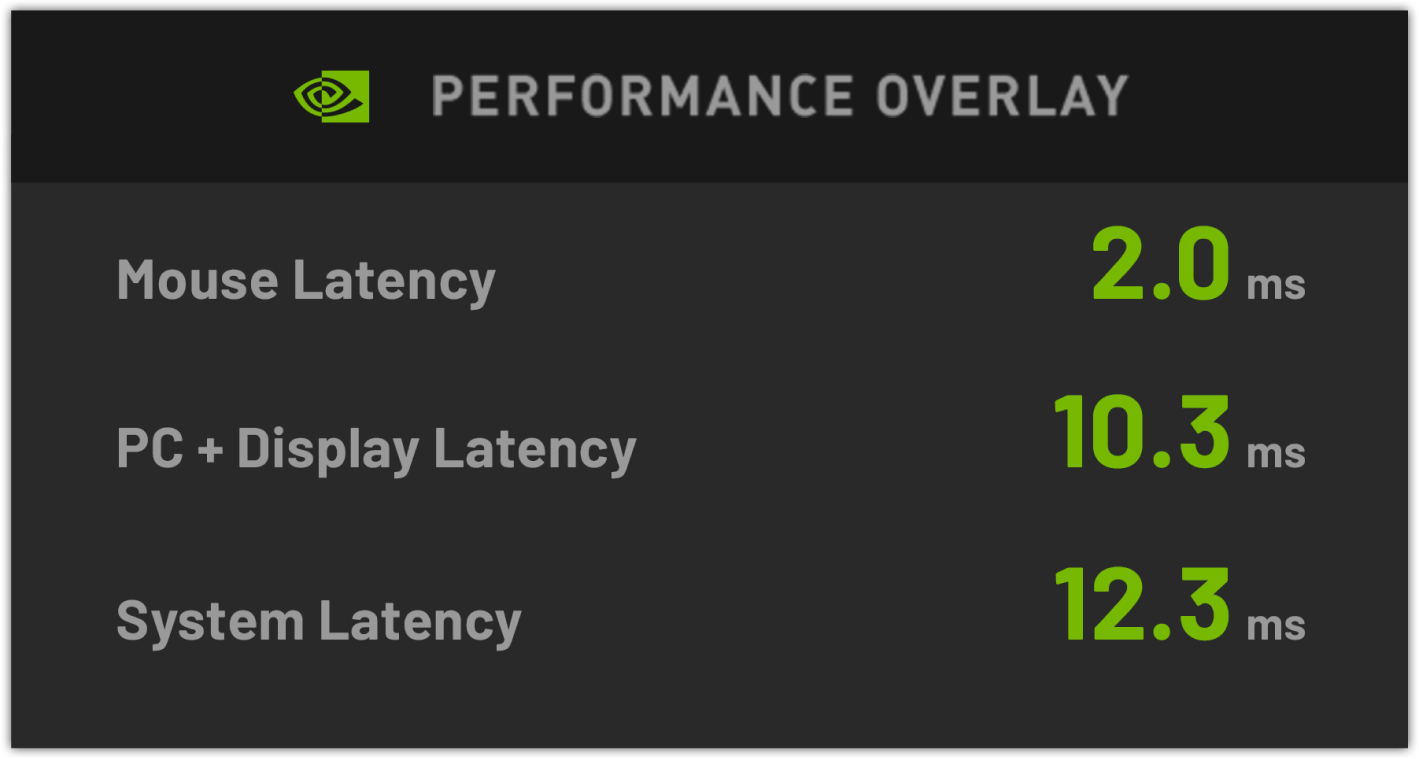
The launch of GeForce RTX 40 Series graphics cards, delivers 1440p 360Hz performance in leading esports games. Additionally, PG27AQN with NVIDIA Reflex helps keep latency low and responsiveness high across a wider range of frame rates, with as low as 10ms of system latency.

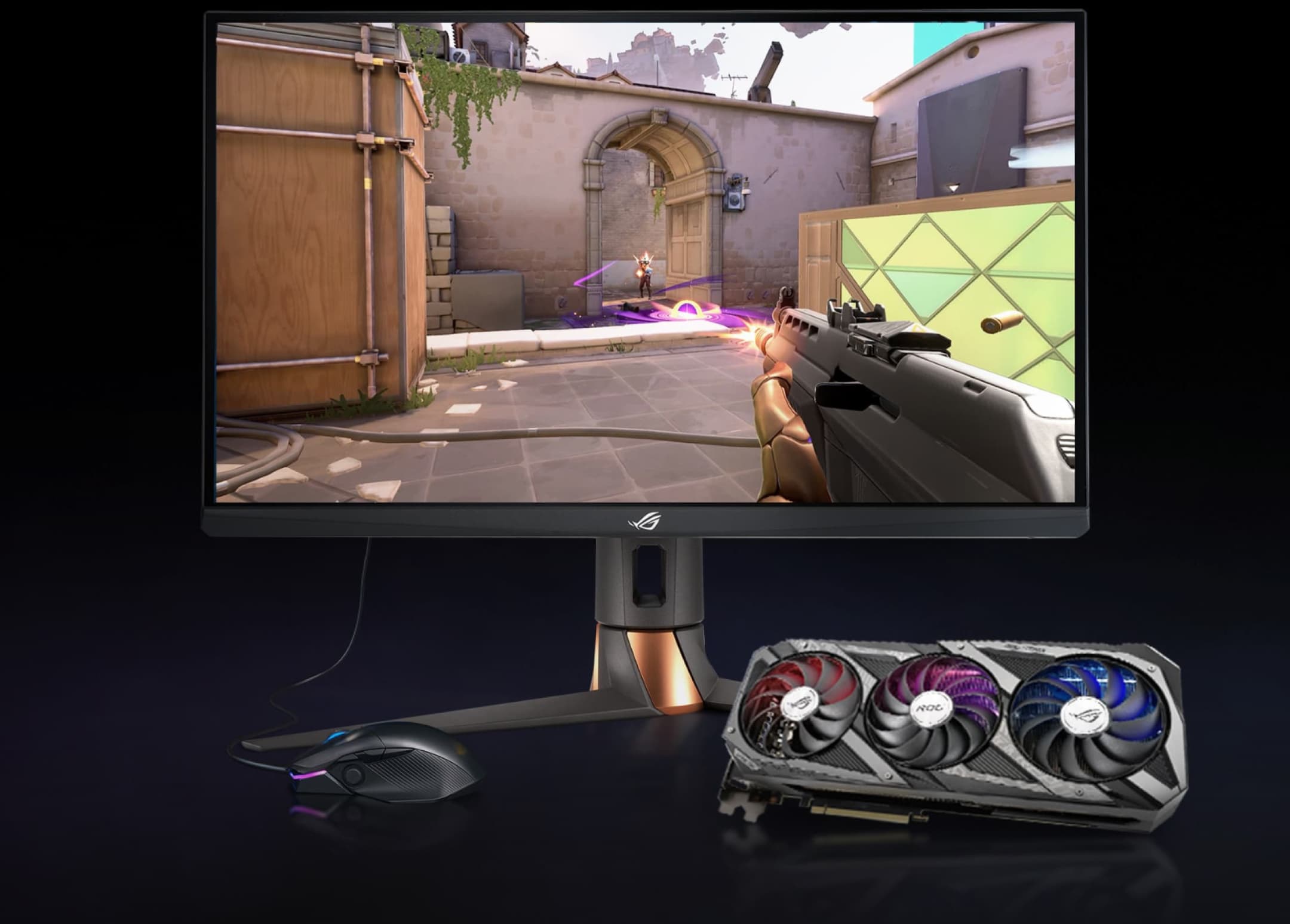
Competitive games like VALORANT demand maximum frame rates and the lowest system latency. Get the competitive edge you need at sub-25 milliseconds (ms) with NVIDIA Reflex and ROG Swift 360Hz PG27AQN powered by NVIDIA G-SYNC. Best responsiveness. Unbeatable performance. Frames Win Games.

Competitive games like Apex Legends demand maximum frame rates and the lowest system latency. Get the competitive edge you need at sub-25 milliseconds (ms) with NVIDIA Reflex and ROG Swift 360Hz PG27AQN powered by NVIDIA G-Sync. Best responsiveness. Unbeatable performance. Frames Win Games.

Competitive games like Overwatch demand maximum frame rates and the lowest system latency. Get the competitive edge you need in Overwatch by playing with ROG Swift 360Hz PG27AQN, the lowest system latency and best responsiveness of NVIDIA Reflex. Frames WinGames.

Competitive games like Rainbow Six Siege demand maximum frame rates and the lowest system latency. Get the competitive edge you need by playing with ROG Swift 360Hz PG27AQN, the lowest system latency and best responsiveness of NVIDIA Reflex. Frames Win Games.
The Fastest Response Time Of All 1440p Monitors
Ultrafast IPS Technology
Three key features define the Ultrafast IPS technology that gives the PG27AQN the fastest response time of any ROG monitor ever made. It’s built to crush motion blur and give gamers unprecedented clarity ― even in the fast-moving battlefields of today’s esports competitions.
New Liquid Crystal
A new kind of liquid crystal offers higher birefringence and lower viscosity, allowing the liquid crystals to twist quickly and make space for light to pass through.
Optimized Orientation
The flow pattern of the new liquid crystals has been optimized for efficiency. Previously, the crystals were lined up parallel to the polarizer surface. The new arrangement allows the liquid crystals to turn faster for a faster response time.
Dual-Layer Voltage Driver
Conventional displays use a single-layer voltage driver to twist the liquid crystals from the upper left to the bottom-right corner. The PG27AQN features a new dual-layer voltage driver design, so the liquid crystals twist from the upper-left and bottom-right corners simultaneously for a smoother, more consistent image.

Ultra-Responsive Performance
NVIDIA G-SYNC
The NVIDIA® G-SYNC® processor gives you more of what you want in a gaming experience. Experience incredibly smooth, tear-free gameplay at refresh rates of up to 360Hz, plus ultra-low motion blur.
Victory Measured in Milliseconds
Measure System Responsiveness with NVIDIA Reflex
Competitive PC gaming is all about responsiveness. The built-in NVIDIA Reflex Analyzer captures end-to-end system latency and delivers a precise measure of your PC's performance. Step confidently into battle knowing your gaming rig is delivering peak performance.
25ʺ Visuals at 1080p
Esports Dual Mode
Play at a more familiar 25ʺ diagonal size at 1080p, or enable Esports Dual Mode in the settings to play at an even sharper 2368 x 1332 resolution.


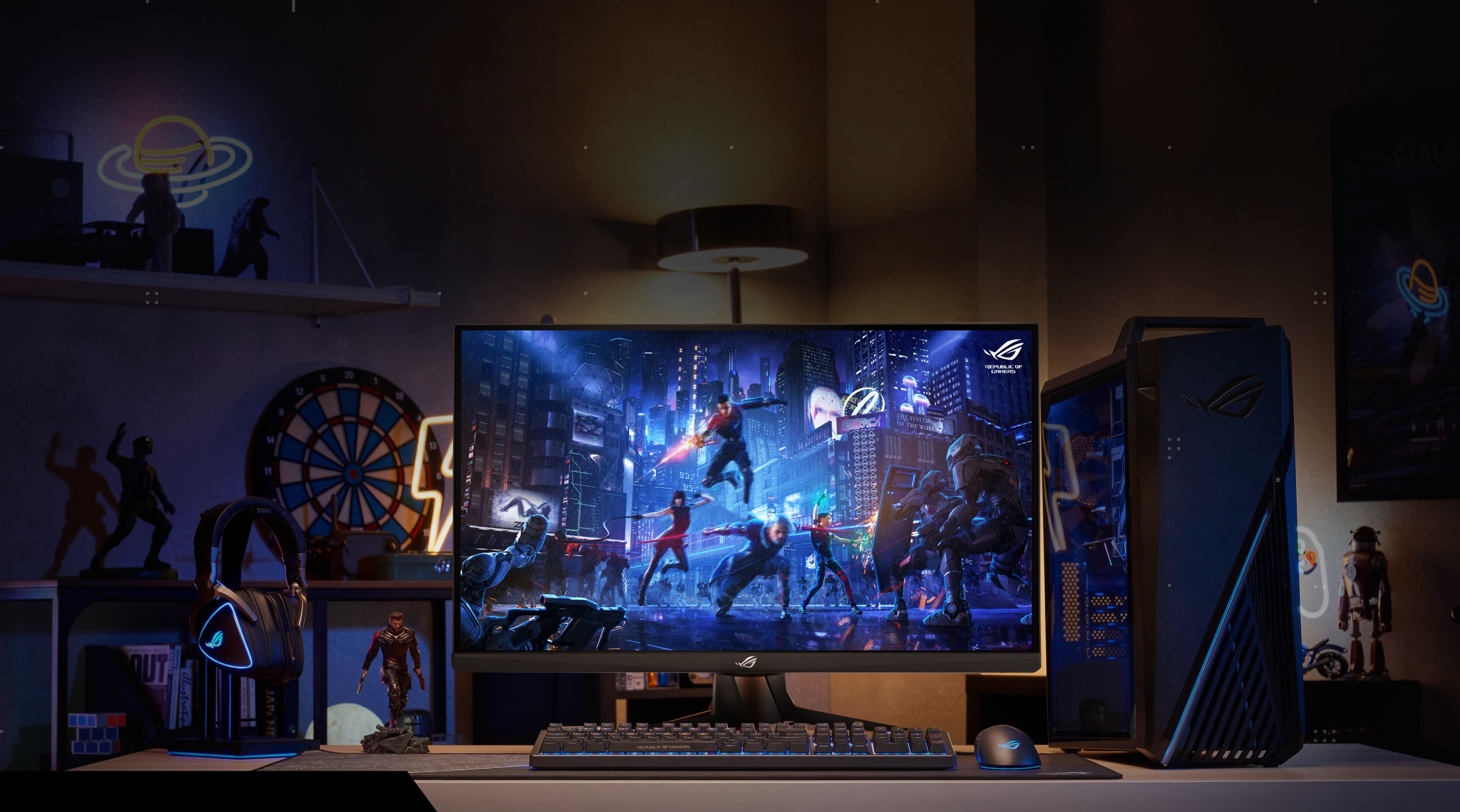
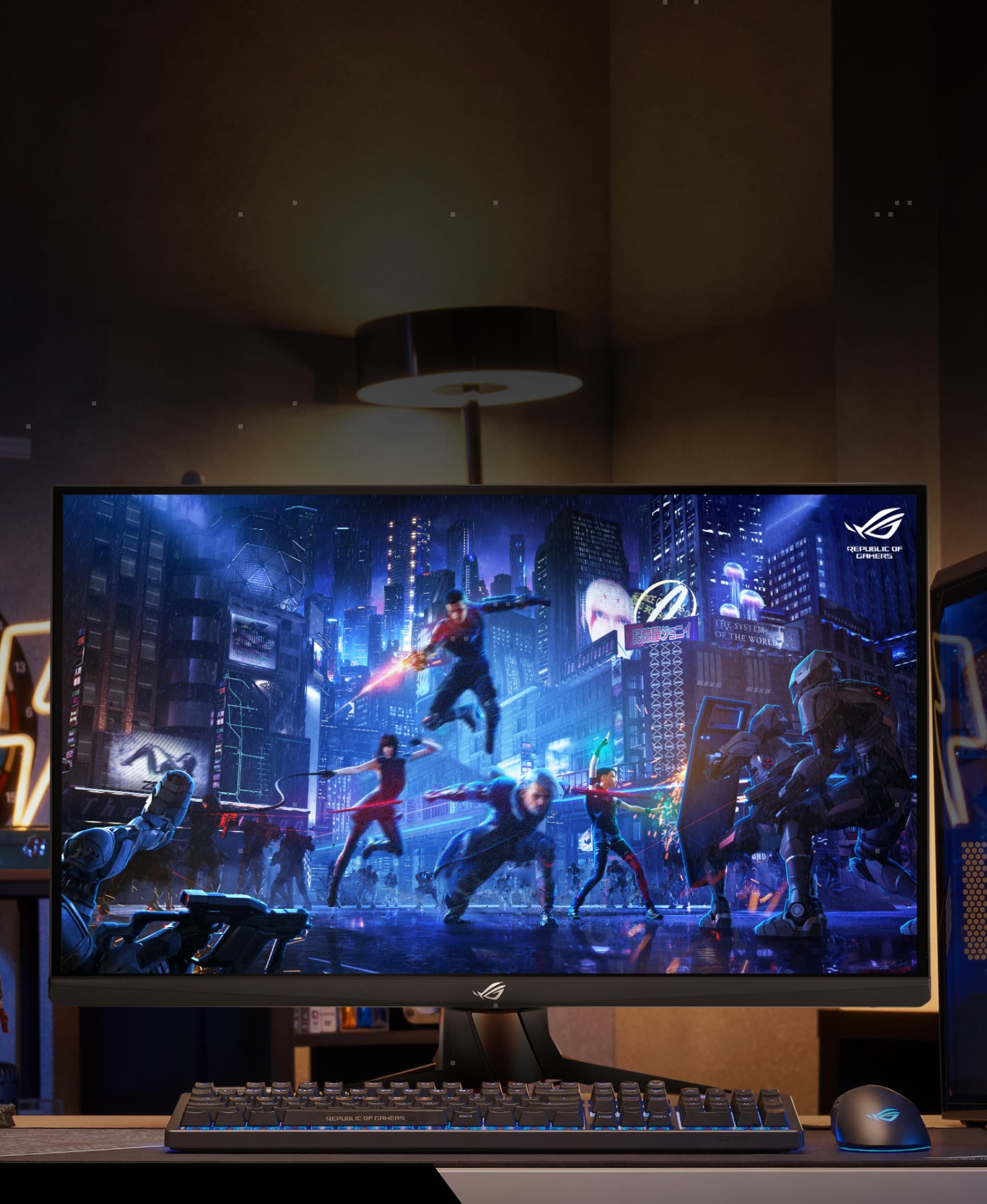
Focusing on What Matters Most
Product Design
Anti-glare Bezel
A special non-reflective coating on the bottom bezel helps reduce onscreen reflections.
Indicator Light
A new indicator light on the underside of the bezel removes distractions from your line of sight.
ASUS Aura Sync
Ambient ASUS Aura Sync lighting can be synchronized with other Aura-enabled components and peripherals.
Smart Cable Management
Organize and hide your cables to keep your gaming area tidy.
Space-Saving Stand
The stand allows you to move your keyboard and mouse closer to the monitor, freeing up more space for your gaming setup.



High Dynamic Range (HDR) With DisplayHDR™ 600
HDR technology supports a range of luminance to deliver a wider color range and higher contrast than traditional monitors. The brightest whites and the darkest blacks bring out details like never before. Also, it can get a peak brightness of 600 nits to meet the requirement for DisplayHDR™ 600 certification.
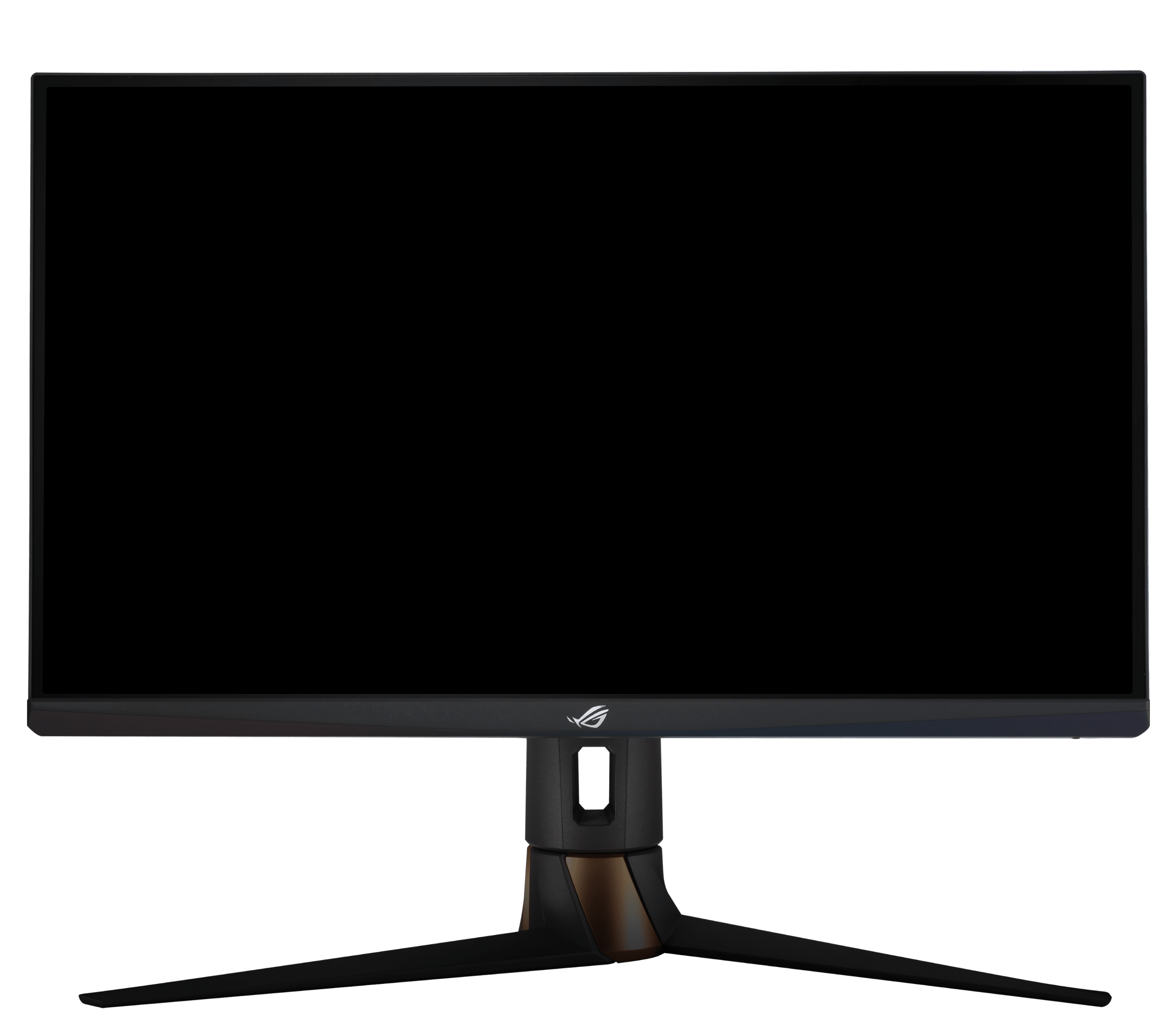


In−Game Enhancements
GamePlus
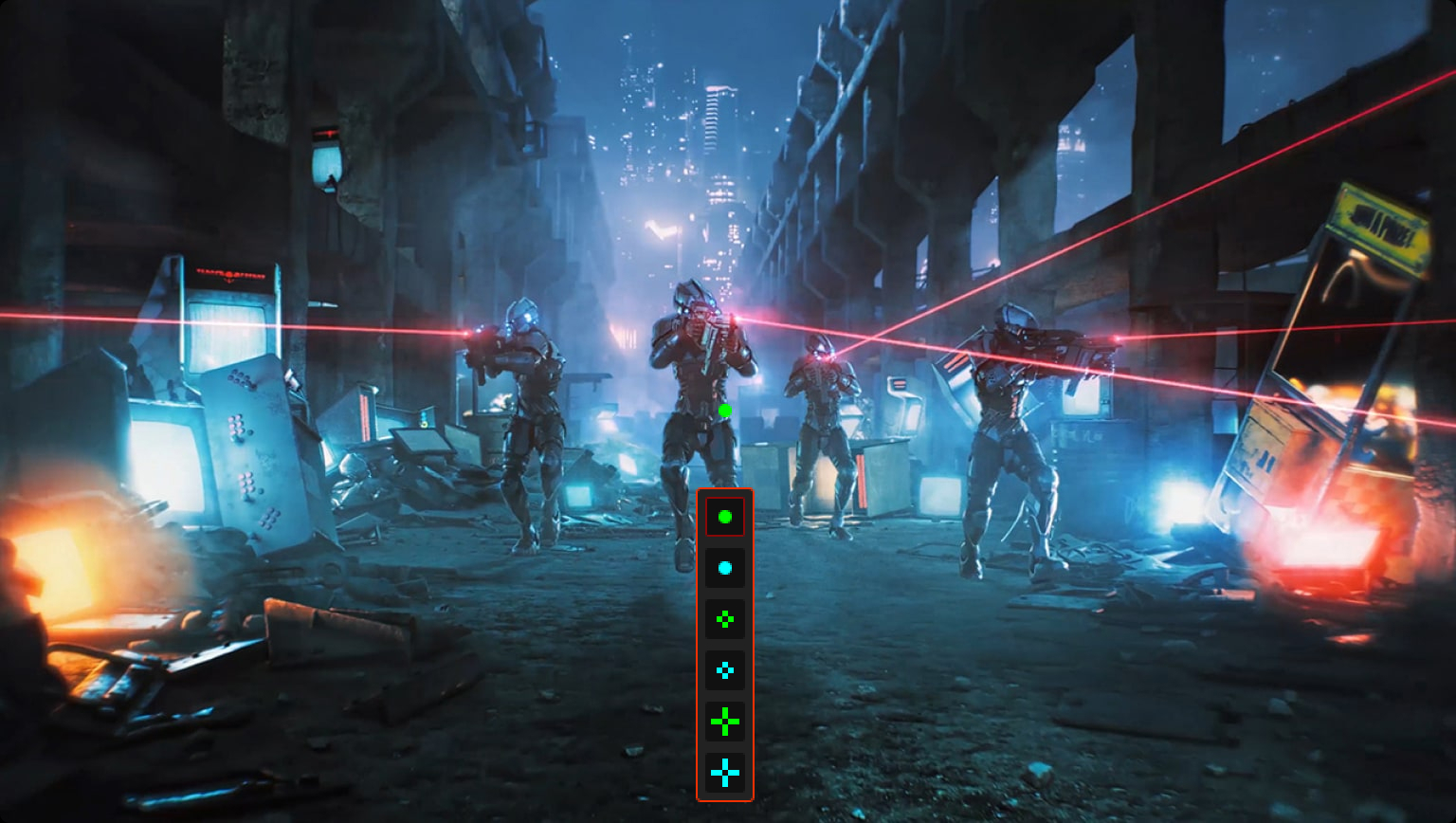
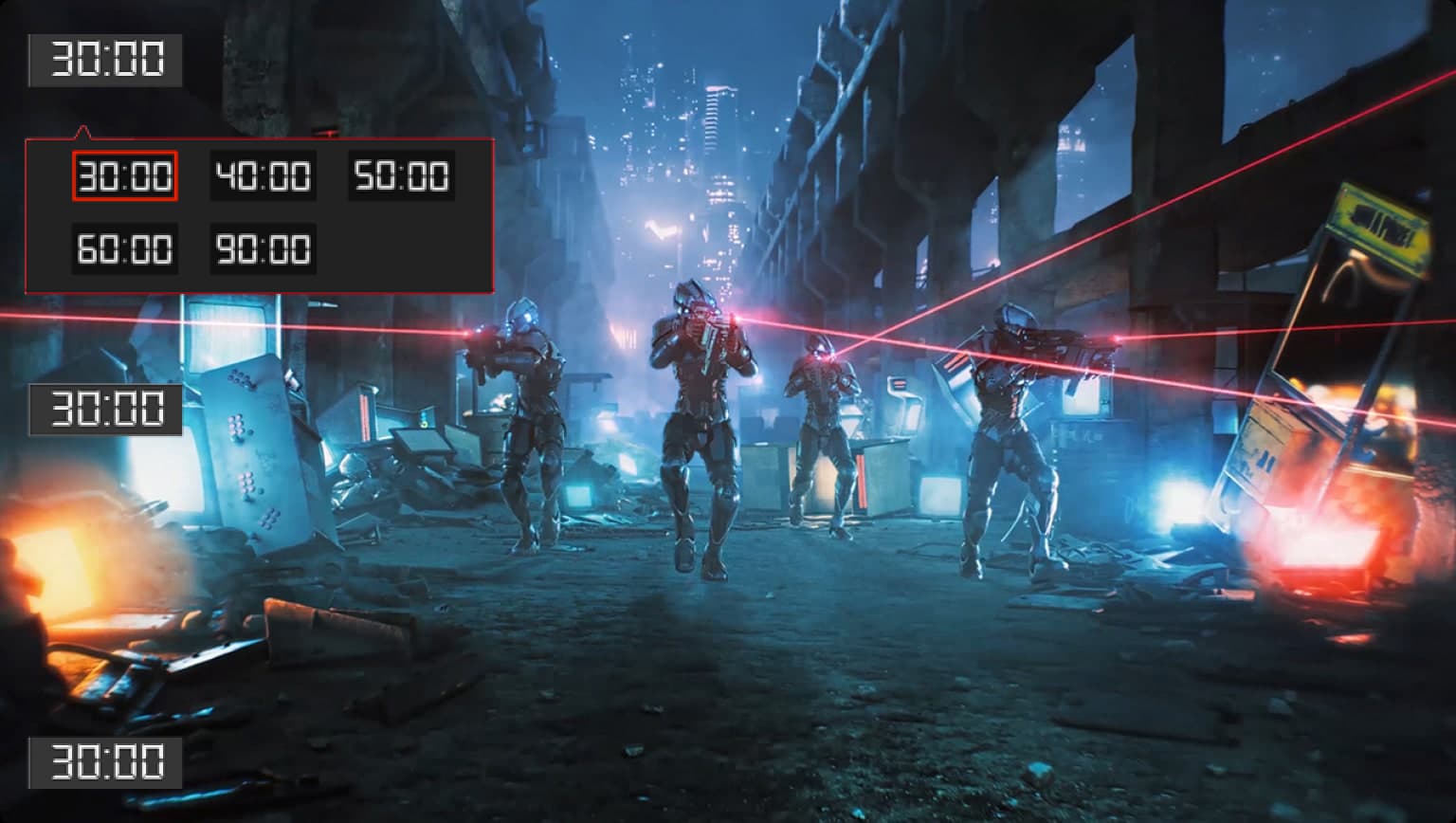
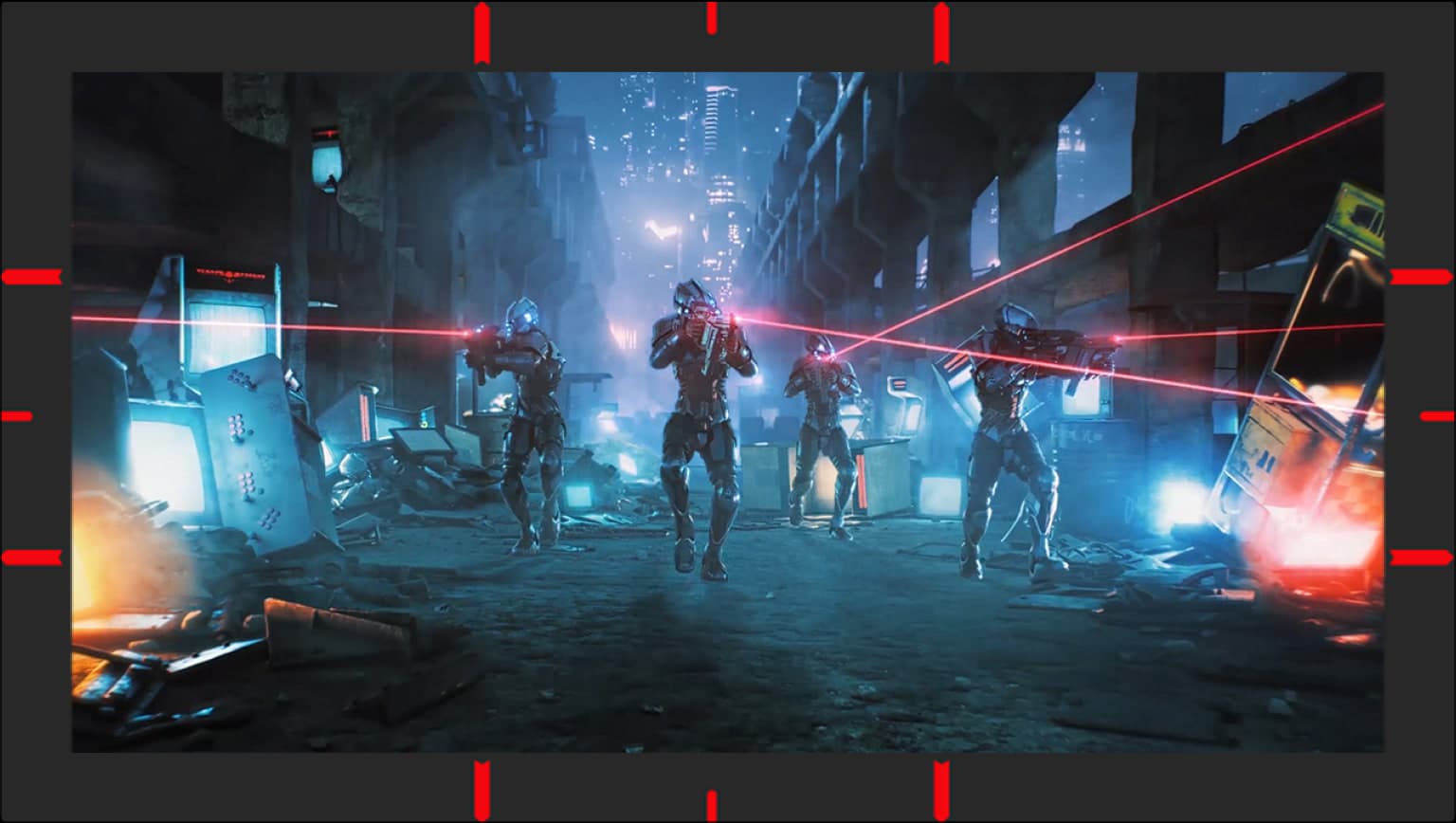
The exclusive GamePlus hotkey offers in-game enhancements that help you get more out of your game. Developed with input from pro gamers, the PG27AQN includes features that allow players to practice and improve their gaming skills.
Stopwatch

Crosshair
Timer
FPS Counter

Display Alignment
GameVisual
ASUS GameVisual technology has seven pre-set display modes to allow users to optimize visuals for different types of content. This unique feature can be easily accessed through a hotkey or via the on-screen display settings menu.

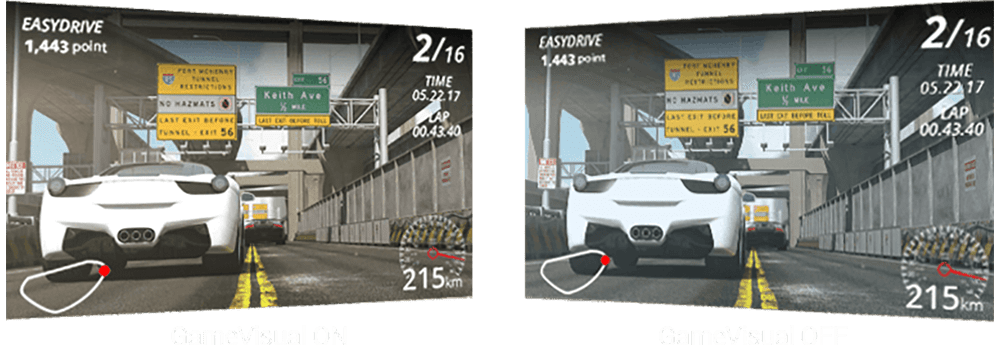
Reduces input lag, making it ideal for racing games when G-SYNC technology is on.
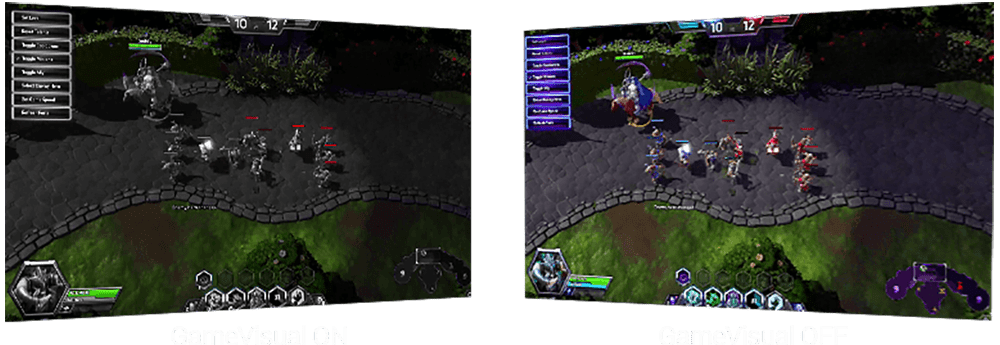
Enhances the color of opponent health/mana bars so you know when to strike.

Cools and saturates colors for more immersive movies.

Enhances color saturation and contrast sharpness to give you better, brighter colors and detailed visuals for real-time strategy (RTS) or RPG games.

High contrast brightens up darker areas and shadows onscreen to help gamers spot hidden enemies.

Perfect for surfing the web or editing photos.

Provide more contrast gradations makes grass greener and skies bluer so it's ideal for slide shows.
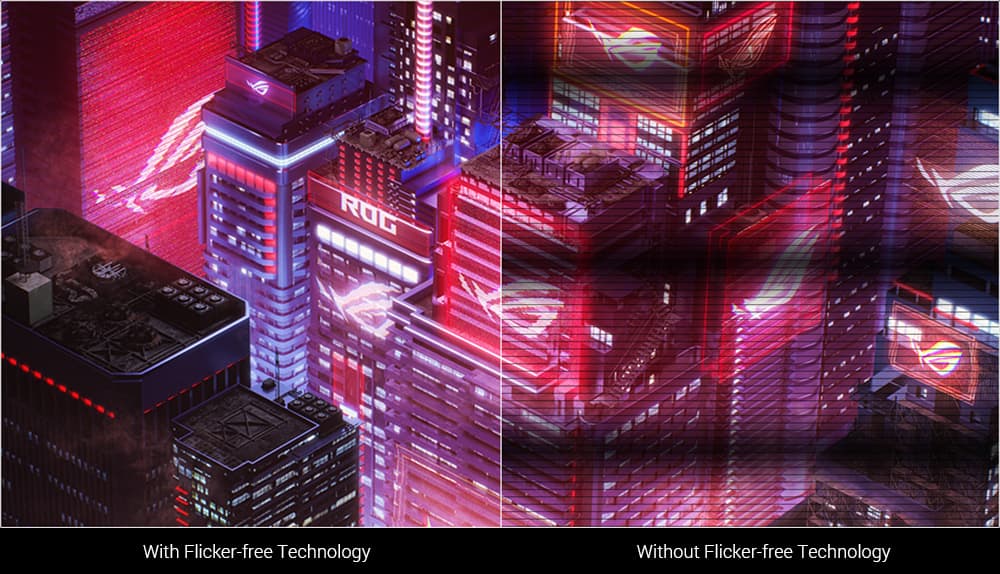
Flicker-Free Technology
Flicker-Free technology reduces flicker to minimize eyestrain, ensuring comfort during long gaming sessions.
Flicker-Free technology
Ultra-Low Blue Light Technology
ASUS Ultra-Low Blue Light technology reduces the amount of potentially harmful blue light emitted by the display. Four different filter settings are available to control the amount of blue light reduction.

Usability
Rich Connectivity
Extensive connectivity options including DisplayPort™ 1.4 and HDMI® 2.0 support a wide array of multimedia devices.
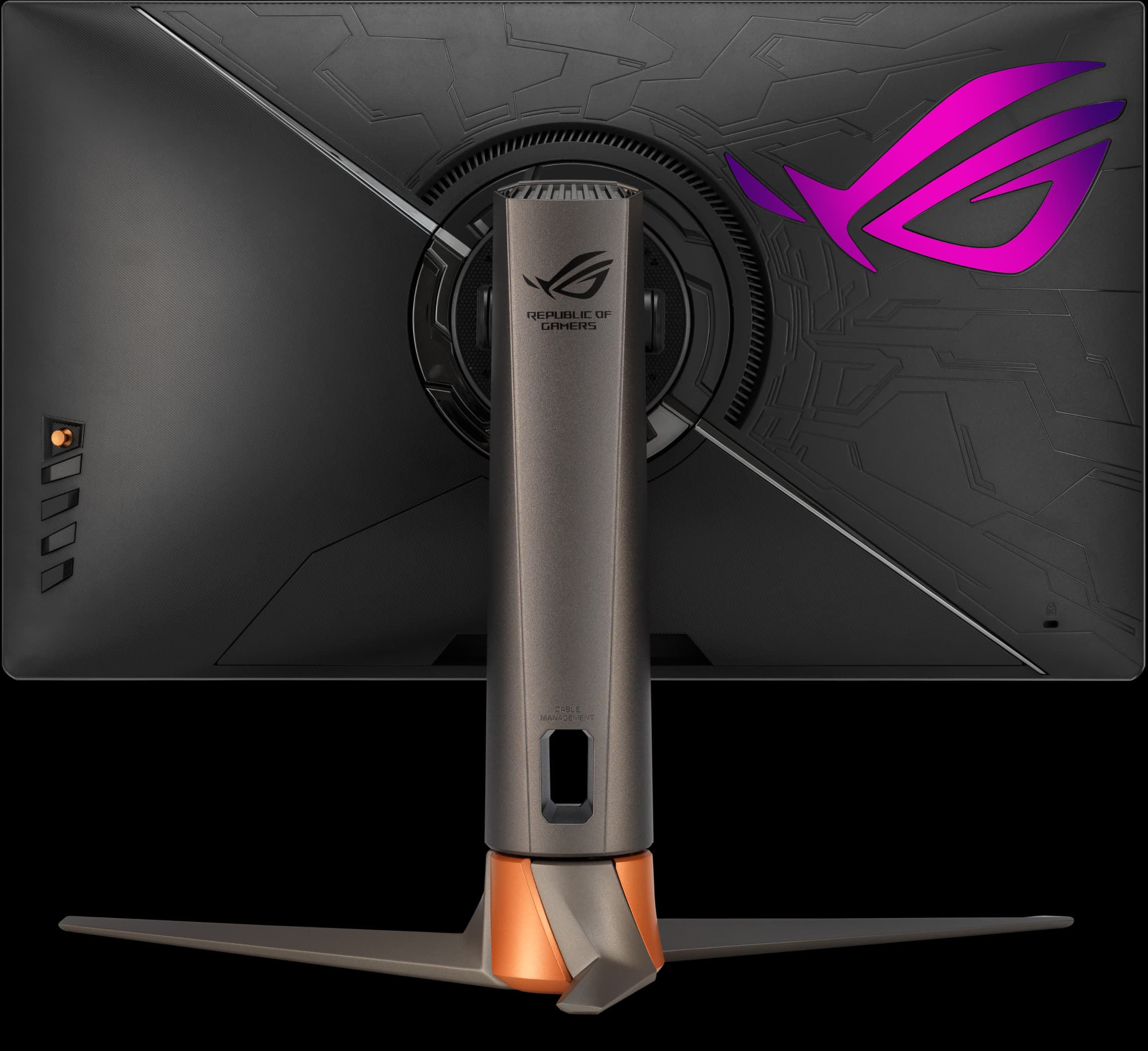

3.5 mm earphone jack

HDMI (v2.0) x3

DisplayPort v1.4

USB 3.2 (1U2D)
Ergonomic Design
A specially designed stand offers tilt, swivel, pivot, and height adjustments so you can easily find your ideal viewing position. The display is also VESA-compatible for wall mounting.
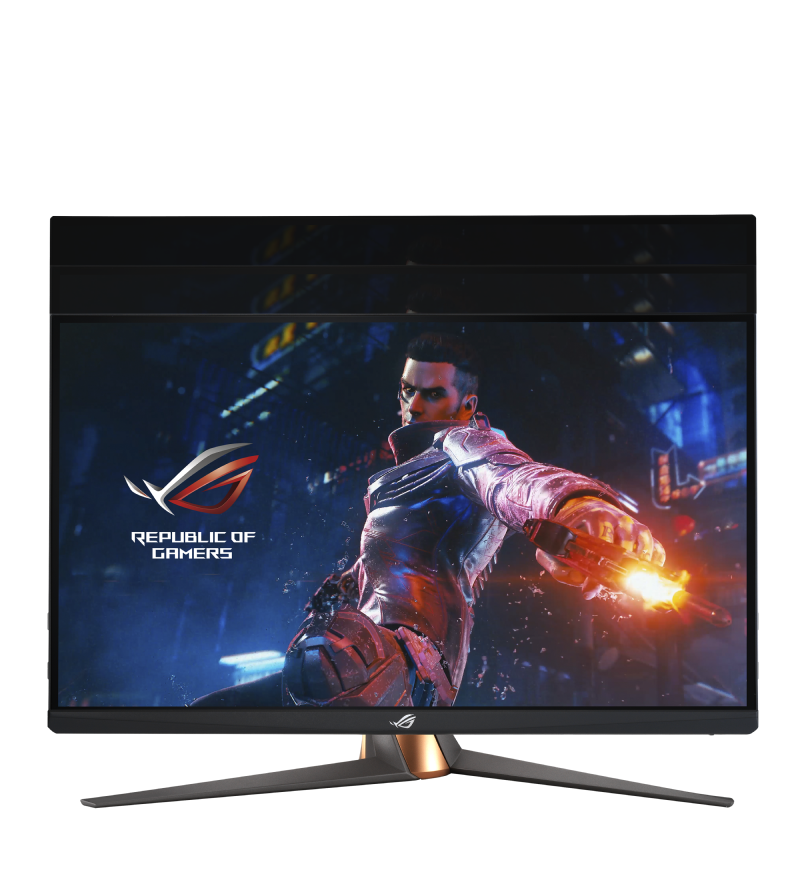
Height adjustment
0~100mm
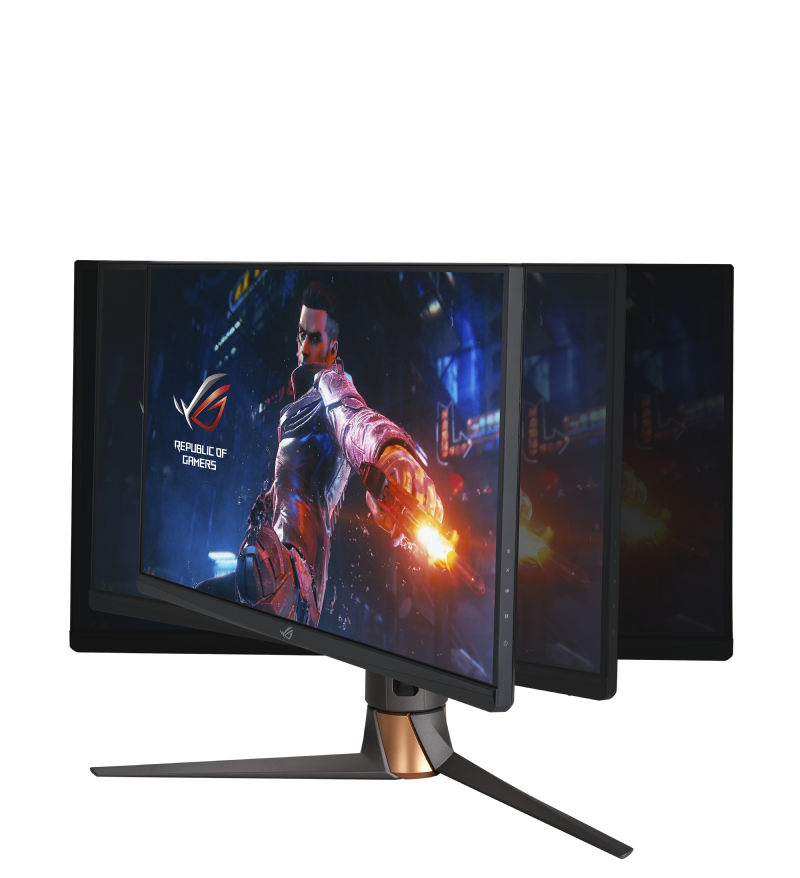
Swivel
+25°~ -25°
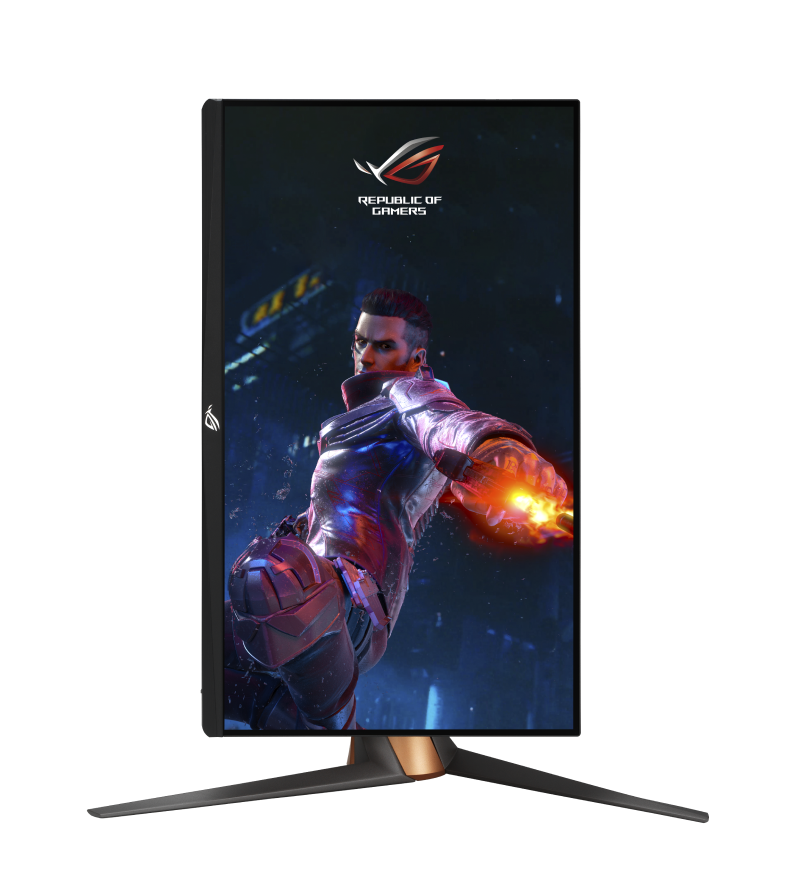
Pivot
0°~90°(Clockwise)
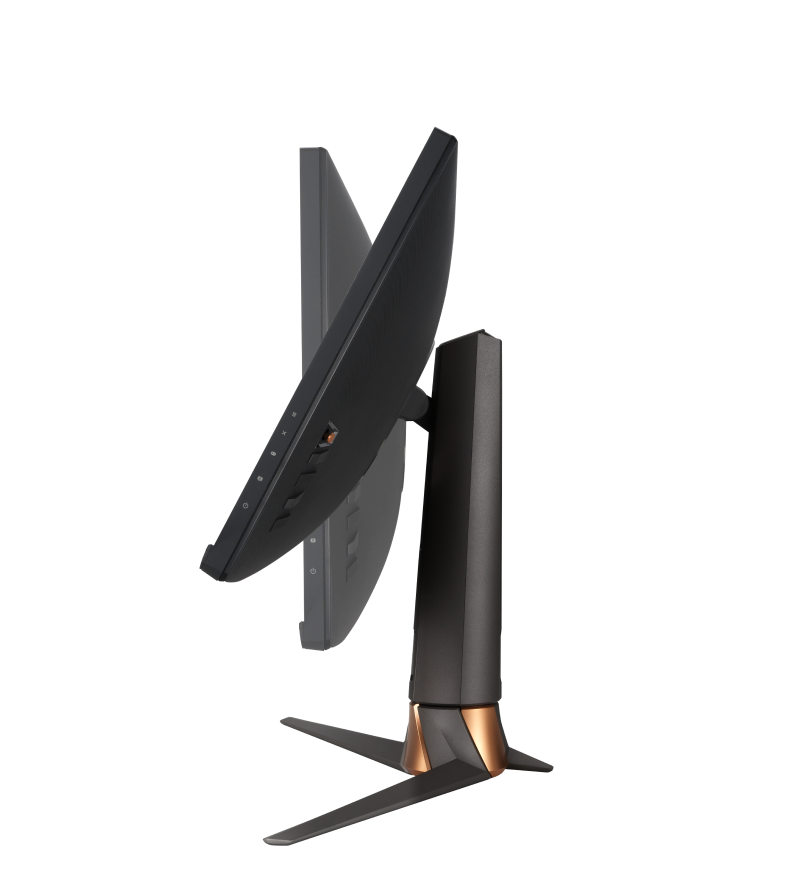
Tilt
+20°~ -5°
CUSTOMER REVIEWS
Recommended Products
ROG Strix XG27AQ-W
ROG Strix XG27AQ-W IPS Gaming Monitor – 27 inch WQHD (2560 x 1440), Fast IPS, Overclockable 170Hz (Above 144Hz), 1ms (GTG), ELMB SYNC, G-SYNC Compatible, DisplayHDR™ 400
ROG Strix XG27AQV
ROG Strix XG27AQV Gaming Monitor — 27”, WQHD (2560 x 1440), Fast IPS, 170 Hz (OC), 1 ms GTG, Curve display, FreeSync Premium, Variable Overdrive, DisplayHDR 400
ROG Strix XG27AQMR
ROG Strix XG27AQMR Gaming Monitor — 27 inch 2K QHD (2560x1440), Fast IPS, 300 Hz (above 144Hz), 1 ms GTG, G-Sync compatible, Variable Overdrive, ELMB Sync, DisplayHDR 600
ROG Strix XG27ACS
ROG Strix XG27ACS USB Type-C Gaming Monitor – 27-inch 2560x1440, 180Hz (Above 144Hz), 1ms (GTG), Fast IPS, Extreme Low Motion Blur Sync, USB Type-C, G-Sync compatible, DisplayWidget Center, tripod socket, HDR
ROG Strix XG27ACS-W
ROG Strix XG27ACS-W USB Type-C Gaming Monitor – 27-inch 2560x1440, 180Hz (Above 144Hz), 1ms (GTG), Fast IPS, Extreme Low Motion Blur Sync, USB Type-C, G-Sync compatible, DisplayWidget Center, tripod socket, HDR
Related Products
ROG STRIX XF 120
Whisper-quiet, 4-pin PWM fan for PC cases, radiators or CPU cooling
ROG Eye S
Full HD 60 fps webcam with AI-powered, noise-canceling mics for superior live-streaming audio and a compact and foldable design that’s easy to carry and attach instantly to any laptop
ROG Cetra True Wireless
ROG Cetra True Wireless gaming headphones with low-latency wireless connection, ANC, up to 27-hour battery with wireless-charging case, IPX4 water resistance and support for EQ/virtual 7.1 via Armoury Crate
ROG Strix SQ7 Gen4 SSD 1TB
1 TB M.2 PCIe® Gen 4 NVMe® , internal solid state drive with DRAM buffering and large SLC cache, up to 7000 MB/s maximum file transfer speed, compatible with PC and PlayStation® ™5, TCG Opal and AES 256-bit encryption, plus NTI Backup Now EZ software
ROG XG Mobile (2023)
ROG XG Mobile, GC33, NVIDIA GeForce RTX 4090 Laptop GPU, external GPU, PCIe Gen 4.0x8, 330W integrated adapter, USB-Type A 3.2 Gen2, USB-Type C 3.2 Gen2, HDMI 2.1, DP 1.4, RJ-45 Jack(2.5G), DC input jack,
ROG Raikiri
The ROG Raikiri PC controller features two rear buttons, left and right triggers with short and full range of motion plus dead zone customization, built-in ESS DAC for supreme audio, joystick sensitivity and response curve customization. The ROG Raikiri is ideal for gaming on PC, laptop or the next gen Xbox console.
ROG Raikiri Pro
The ROG Raikiri Pro PC Controller features a built-in OLED display, tri-mode connectivity, four rear buttons, selectable step triggers, an ESS DAC, plus adjustable joystick sensitivity and response curves. The ROG Raikiri Pro is ideal for PC gaming and next-gen Xbox consoles.

Disclaimer
- The terms HDMI, HDMI High-Definition Multimedia Interface, HDMI Trade dress and the HDMI Logos are trademarks or registered trademarks of HDMI Licensing Administrator, Inc.
- Products certified by the Federal Communications Commission and Industry Canada will be distributed in the United States and Canada. Please visit the ASUS USA and ASUS Canada websites for information about locally available products.
- For pricing information, ASUS is only entitled to set a recommendation resale price. All resellers are free to set their own price as they wish.
- Price may not include extra fee, including tax、shipping、handling、recycling fee.