Videos: How To Use GPU Tweak
GPU Tweak is ROG's new graphics monitoring, tweaking, overclocking, recording and general do-all software developed by ASUS VGA and ROG teams. It's free and you can use it for any graphics card (officially from GTX 500/HD 6000 series onwards, but older cards are compatible) although ASUS and ROG cards have a few unique features reserved for themselves. You can download the official release version, 2.0.3.0, here.
You've also probably noticed the above main banner on our site to a page that takes you through all the features, and if you're a forum member you'll have seen our dedicated GPU Tweak forum where you can discuss the software as well.
JJ from ASUS North America and myself have also made some videos detailing and explaining GPU Tweak, so check them out below and let us know your thoughts in the forums!
[video]http://www.youtube.com/watch?v=Jcfbsy1SKTM[/video]
[video]http://www.youtube.com/watch?v=oM4Bbwb3v_U[/video]
Author
Popular Posts
How to adjust your laptop's P-Cores and E-Cores for better performance and battery life

The ROG Strix OLED XG259QWPG Ace is a tournament-ready OLED designed for esports pros
How to Cleanly Uninstall and Reinstall Armoury Crate

The ROG XREAL R1 gaming glasses let you game anywhere on a 171-inch 240Hz virtual screen
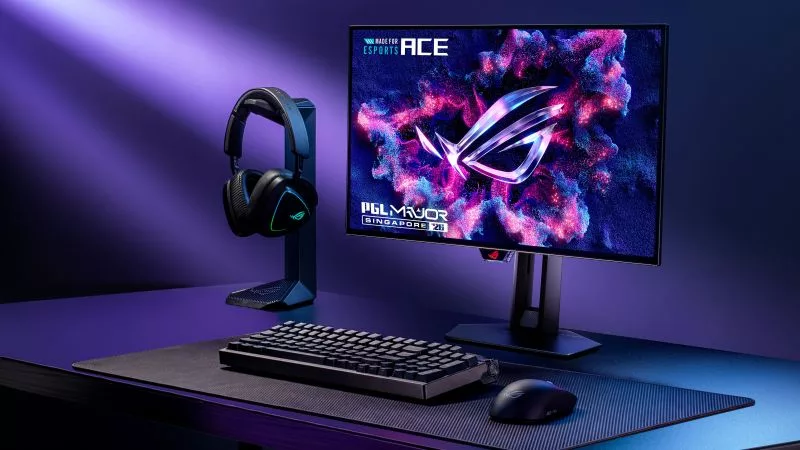
New 24.5-inch ROG monitors bring OLED panel tech to the esports arena
LATEST ARTICLES
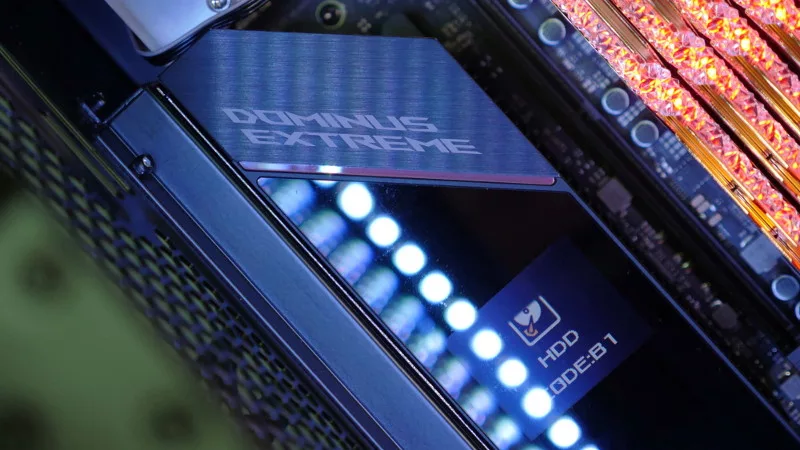
See the mammoth ROG Dominus build that takes Intel's 28-core Xeon W-3175X to the Extreme
The ROG Dominus Extreme pushes the boundaries of PC performance in our awesome CES 2019 build.
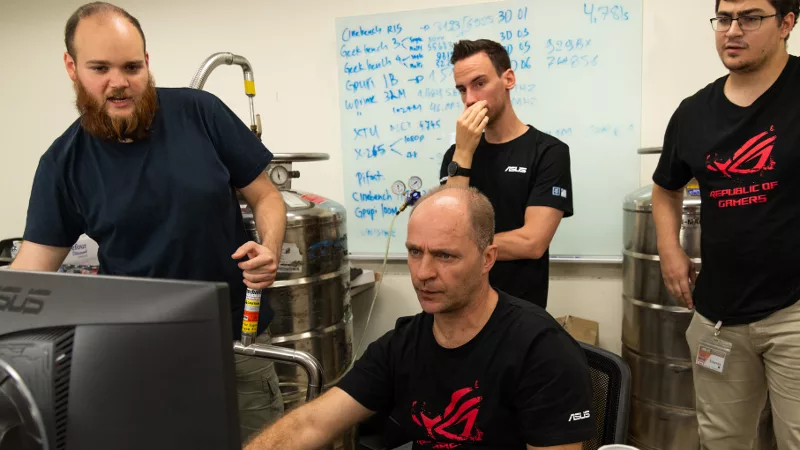
Breaking world records with the ROG Maximus XI Gene and the Intel Core i9-9900K
Tasked with pushing performance on the Z390 platform as far as possible, we invited the best overclockers to ROG HQ for a week of extreme overclocking.
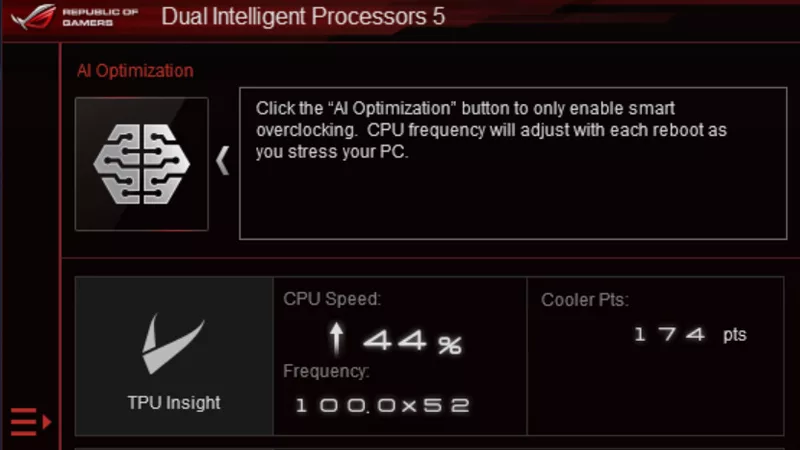
How to overclock your system using AI Overclocking
AI Overclocking one-click tuning makes its debut on Z390 motherboards and we have a quick how-to guide to get you started.