The complete list of GeForce GPU power specifications for 2024 ROG and TUF Gaming laptops
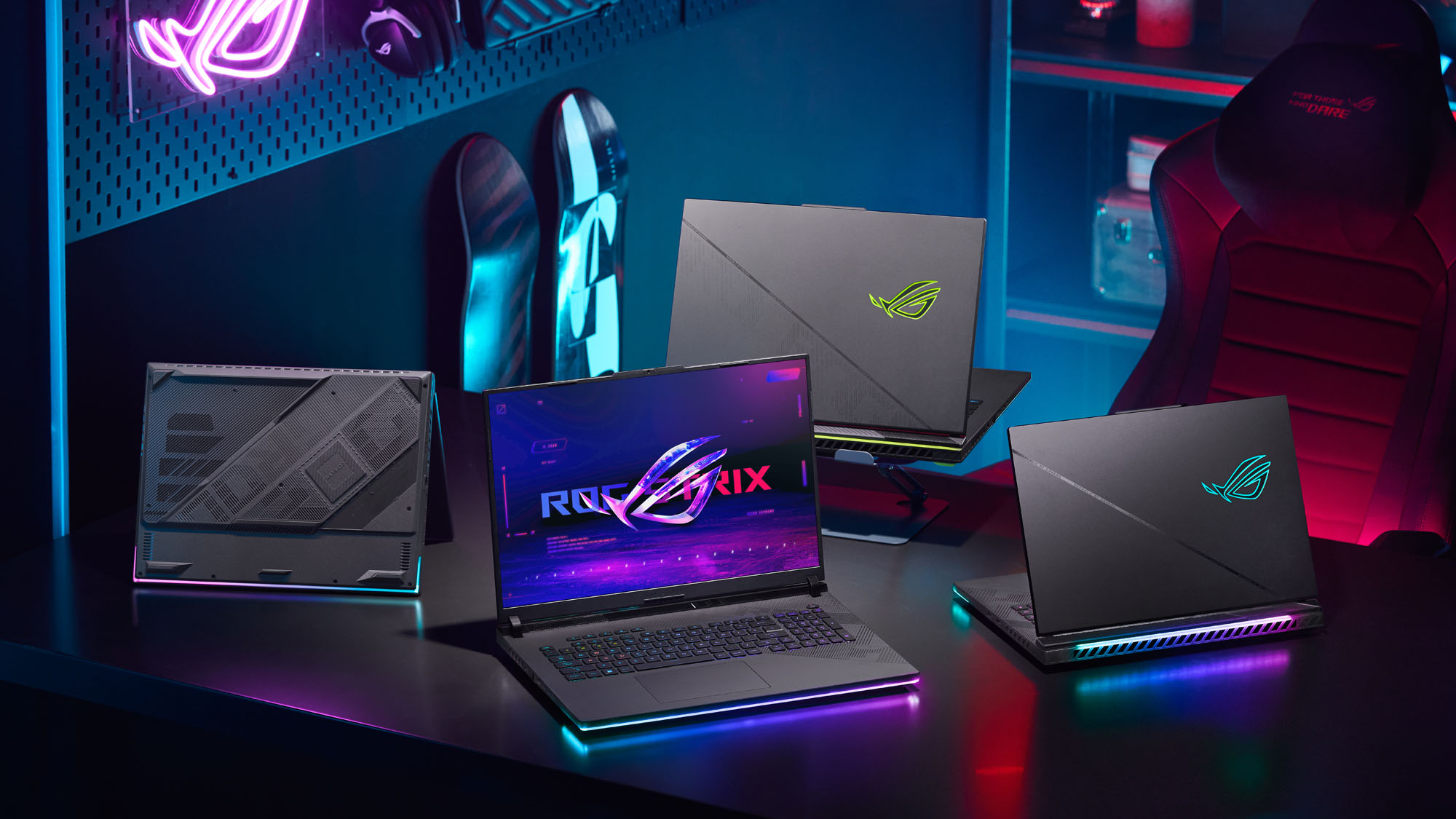
Engineering the perfect gaming laptop is a delicate dance, balancing the machine's total footprint with powerful components. More powerful CPUs and GPUs require more powerful cooling, like the unique fan, vapor chamber, and heatsink designs in our ROG Intelligent Cooling ecosystem. As we balance all these factors, we also tune the graphics power to perfectly match the machine in question—and Since 2019, ROG has published the clock speeds and Total Graphics Power (TGP) values of the GeForce GPUs in our laptops, allowing you to make a more informed buying decision.
In 2024, we released brand-new Zephyrus G14 and Zephyrus G16 machines, redesigned from the ground up with a new ultra-thin precision-milled chassis, as well as refreshed Strix SCAR and Strix G laptops using Intel 14th-gen CPUs and TUF Gaming laptops with new 16:10 displays. If you're wondering about the Zephyrus M16, Zephyrus Duo, ROG Flow X13, or ROG Flow Z13, we're carrying our 2023 models over into 2024, so you can find those GPU specifications on our 2023 list as they will use the same hardware. You can read more about all of our laptops families here, to better decide which one is for you.
Refer to the table below for the GPU, clock speeds, and TGP for each of our GeForce-powered 2024 gaming laptops.
| Model | Model Number | Laptop GPU | Boost Clock | ROG Boost OC | TGP | Dynamic Boost | Max GPU Power | MUX Switch |
|---|---|---|---|---|---|---|---|---|
| ROG Zephyrus G14 | GA403UI | GeForce RTX 4070 | 1605MHz | 1655MHz | 65W | 25W | 90W | NVIDIA Advanced Optimus |
| GA403UV | GeForce RTX 4060 | 1890MHz | 1940MHz | 65W | 25W | 90W | NVIDIA Advanced Optimus | |
| GA403UU | GeForce RTX 4050 | 2055MHz | 2105MHz | 65W | 25W | 90W | NVIDIA Advanced Optimus | |
| ROG Zephyrus G16 | GU605MY | GeForce RTX 4090 | 2040MHz | 2090MHz | 95W | 20W | 115W | NVIDIA Advanced Optimus |
| GU605MZ | GeForce RTX 4080 | 2280MHz | 2330MHz | 95W | 20W | 115W | NVIDIA Advanced Optimus | |
| GU605MI | GeForce RTX 4070 | 2055MHz | 2105MHz | 85W | 20W | 105W | NVIDIA Advanced Optimus | |
| GU605MV | GeForce RTX 4060 | 2295MHz | 2345MHz | 85W | 15W | 100W | NVIDIA Advanced Optimus | |
| GU605MU | GeForce RTX 4050 | 2370MHz | 2420MHz | 85W | 15W | 100W | NVIDIA Advanced Optimus | |
| ROG Strix SCAR 16/18 | G634JYR G834JYR |
GeForce RTX 4090 | 2040MHz | 2090MHz | 150W | 25W | 175W | NVIDIA Advanced Optimus |
| G634JZR G834JZR |
GeForce RTX 4080 | 2280MHz | 2330MHz | 150W | 25W | 175W | NVIDIA Advanced Optimus | |
| ROG Strix G16/G18 | G614JZR G814JZR |
GeForce RTX 4080 | 2280MHz | 2330MHz | 150W | 25W | 175W | NVIDIA Advanced Optimus |
| G614JIR G814JIR |
GeForce RTX 4070 | 2175MHz | 2225MHz | 115W | 25W | 140W | NVIDIA Advanced Optimus | |
| G614JVR G814JVR |
GeForce RTX 4060 | 2370MHz | 2420MHz | 115W | 25W | 140W | NVIDIA Advanced Optimus | |
| TUF Gaming F16 | FX607JI FX607JIR |
GeForce RTX 4070 | 2175MHz | 2225MHz | 115W | 25W | 140W | NVIDIA Advanced Optimus |
| FX607JV FX607JVR |
GeForce RTX 4060 | 2370MHz | 2420MHz | 105W | 25W | 130W | NVIDIA Advanced Optimus | |
| FX607JU | GeForce RTX 4050 | 2370MHz | 2420MHz | 105W | 25W | 130W | NVIDIA Advanced Optimus | |
| TUF Gaming A16 | FA607PI | GeForce RTX 4070 | 2175MHz | 2225MHz | 115W | 25W | 140W | NVIDIA Advanced Optimus |
| FA607PV | GeForce RTX 4060 | 2370MHz | 2420MHz | 115W | 25W | 140W | NVIDIA Advanced Optimus | |
| TUF Gaming A15 | FA507UI | GeForce RTX 4070 | 2175MHz | 2225MHz | 115W | 25W | 140W | NVIDIA Advanced Optimus |
| FA507UV | GeForce RTX 4060 | 2370MHz | 2420MHz | 115W | 25W | 140W | NVIDIA Advanced Optimus | |
| FA507UU | GeForce RTX 4050 | 2370MHz | 2420MHz | 115W | 25W | 140W | NVIDIA Advanced Optimus | |
| FA506NC | GeForce RTX 3050 | 1500MHz | 1550MHz | 60W | 15W | 75W | No | |
| FA506NF | GeForce RTX 2050 | 1575MHz | 1635MHz | 55W | 15W | 70W | No | |
| TUF Gaming A17 | FA706NF | GeForce RTX 2050 | 1575MHz | 1635MHz | 55W | 15W | 70W | No |
Note that you may need to enable Turbo or Manual mode in Armoury Crate in order to see these max wattages on certain models. You can read more about Armoury Crate's Manual mode here. In addition, the NVIDIA Control Panel may show NVIDIA's stock boost clocks instead of the ROG Boost OC clocks — this is normal, and the ROG Boost OC is still active. You can read more about ROG Boost OC clocks and how to check them here.
We hope that this information helps you make a more informed decision when purchasing your next gaming laptop. For questions about specific configurations, availability, and pricing in your region, please contact your local ASUS representative.
Author
Popular Post
Introducing the ROG Astral GeForce RTX 5090 and 5080: a new frontier of gaming graphics
The complete list of GeForce GPU power specifications for 2024 ROG and TUF Gaming laptops

ROG and Opera join forces for a special edition of Opera GX, the browser for gamers
ROG goes all-in on ATX 3.0: get your free 16-pin cable today
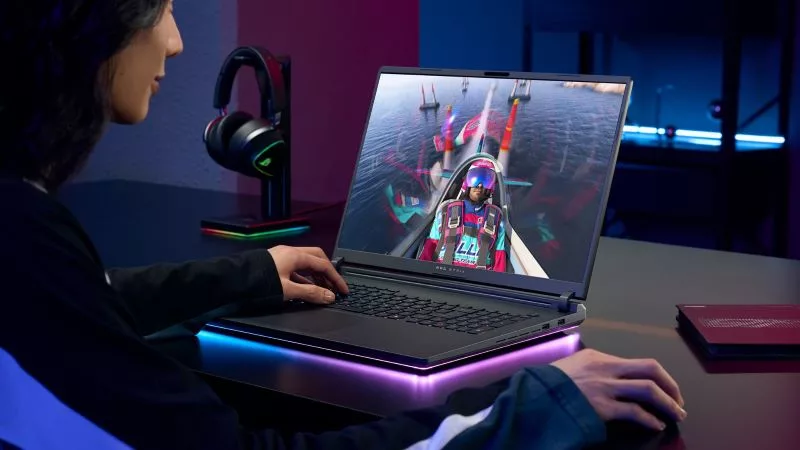
How to choose a gaming laptop: The ultimate 2025 buying guide
LATEST ARTICLES
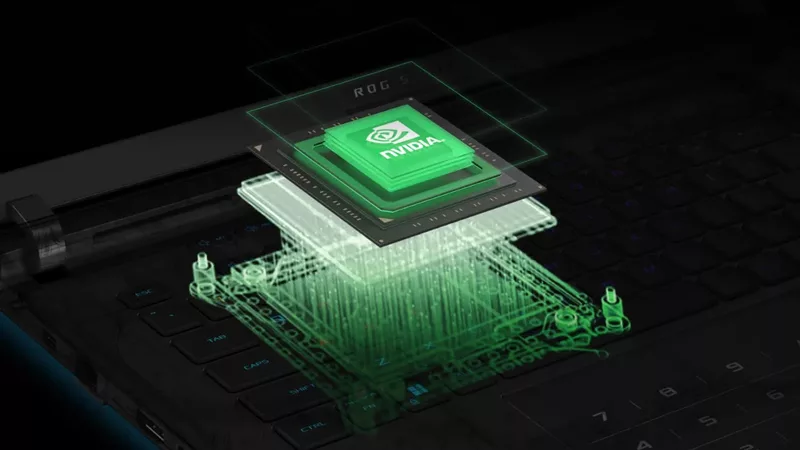
Can I upgrade the GPU in my gaming laptop?
If your laptop isn't keeping up with the latest games anymore, you need a graphics upgrade. The ROG XG Mobile is the solution.
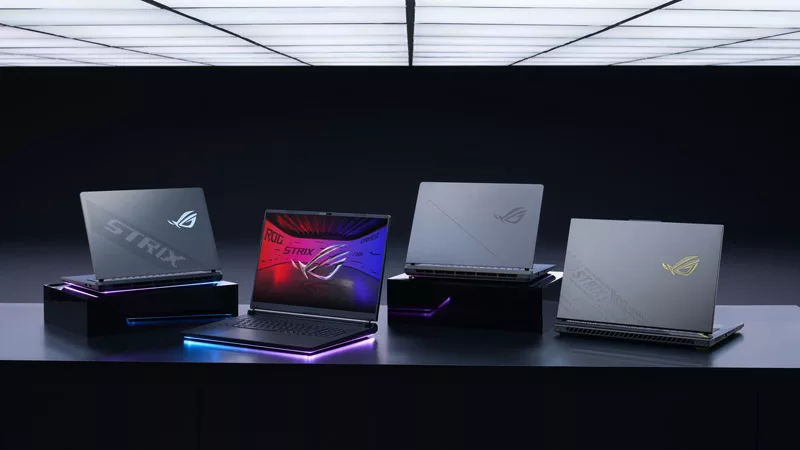
2025 ROG Strix gaming laptops elevate performance and upgradeability to new heights
Our new ROG Strix laptops feature cutting-edge silicon from NVIDIA, Intel, and AMD, ultra-efficient thermal solutions, and dazzling Nebula Displays with Mini LED and ACR technology.
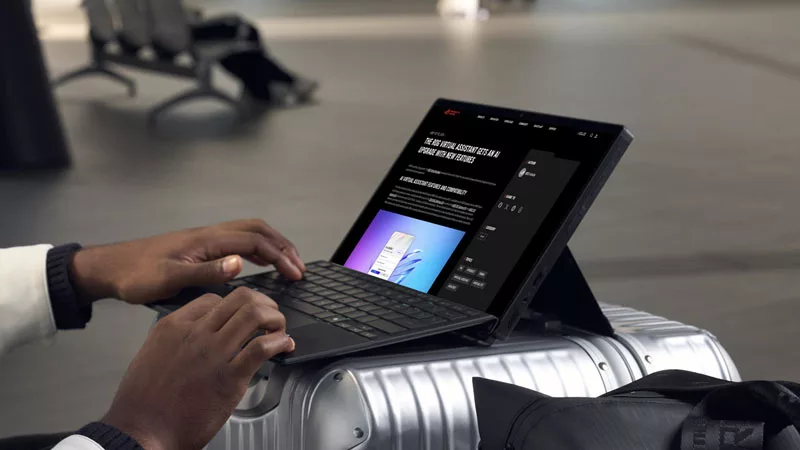
Meet the 2025 ROG Flow Z13: Elevating Gaming Tablets to New Heights
The world’s most powerful gaming tablet is back and better than ever with a brand-new processor, revamped cooling, loads of ports, and much more.
What's the best ROG laptop for gaming performance?
Hunting for the best ROG laptop? This guide will highlight the top choices, ensuring you pick the best ROG laptop that suits your gaming style.
Gaming laptop vs desktop: Which kind of gaming PC is right for you?
Understand the key differences between gaming laptop vs desktop, such as portability and performance, and decide which is better for your gaming needs.
Gaming laptop vs regular laptop: Which one is the best for you?
Find out the difference between gaming laptops and regular laptops, including performance, features, and form factors, to help you make the right choice.